Anyone Desktop Vpn (by ANyONe Protocol) · Launch Video Breakdown: Hook, Pacing & Motion Design
Anyone Desktop VPN is in community release for macOS, Windows, and Linux, with per-app exits and custom paths.
Scene-by-scene timeline & spoken transcript
The Hook
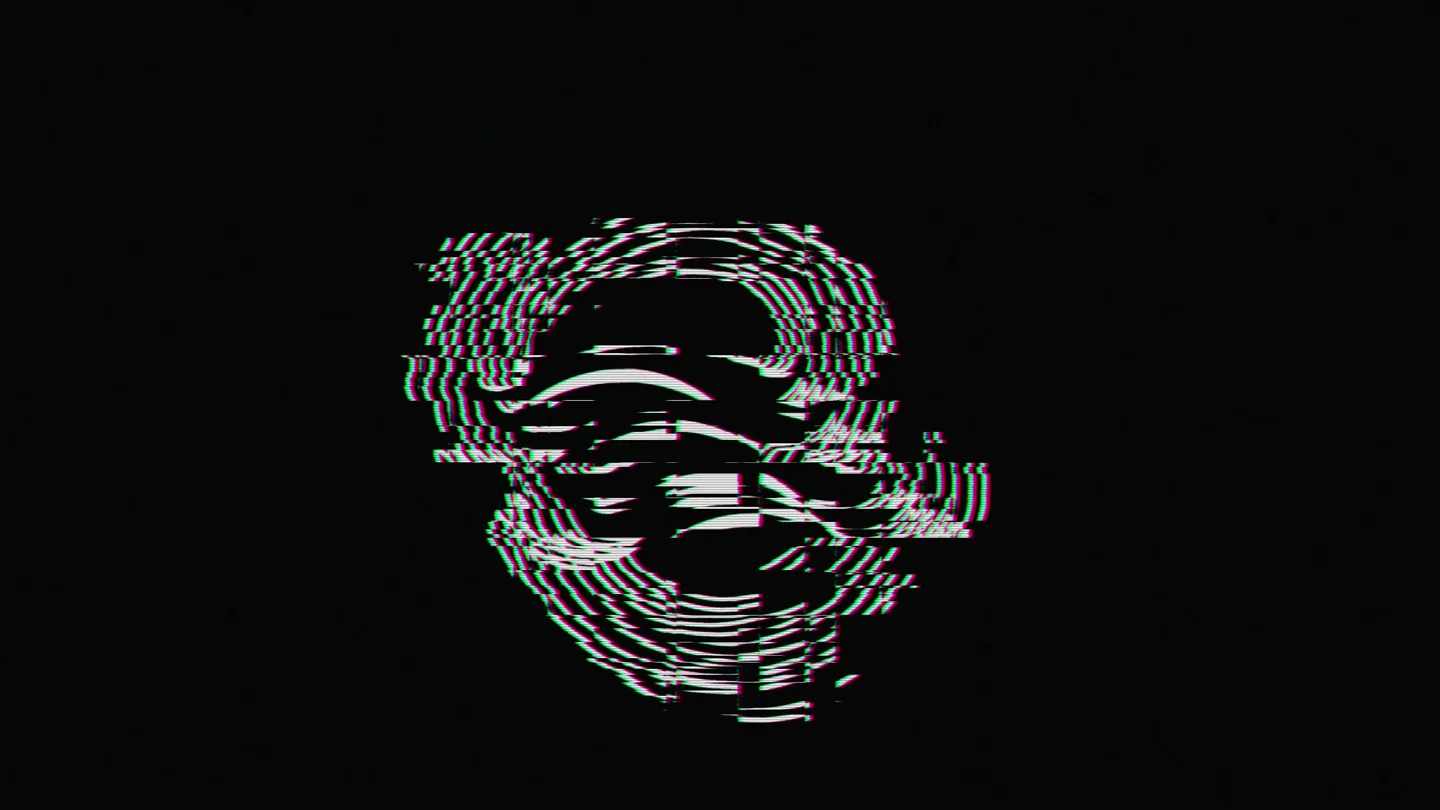
Glitchy Logo Reveal
“(No spoken dialogue — High-energy audio transition/riser, followed by a subtle sub-bass drop/impact at 0:01. Pizzicato synths create a rhythmic, arpeggiated pattern with deep sub-bass.)”
- On screen
- (No on-screen text)
- Camera
- Static, centered framing on the logo.
- Motion
- The ANyONe logo appears with a strong RGB split and digital glitch effect, rapidly transitioning between states of distortion and clarity.
Product Reveal
Product Name & Platform Compatibility
“(No spoken dialogue — A prominent riser builds from 0:04 to 0:05, culminating in a significant sub-bass drop/impact at 0:05. The atmospheric, suspenseful music continues.)”
- On screen
- ANyONe desktop vpn (Apple logo) (Windows logo) (Linux logo)
- Camera
- Static, centered framing on the text and icons.
- Motion
- Text and platform icons animate in with a similar glitch and RGB split effect, appearing and disappearing rapidly before settling into a clear state. The elements are horizontally centered.
Call to Action
Availability Announcement
“(No spoken dialogue — A final, more sustained riser begins at 0:10 and builds to a climax around 0:11, with a final sub-bass impact at 0:11.)”
- On screen
- now live
- Camera
- Static, centered framing on the text.
- Motion
- The 'now live' text appears with a sharp, clean reveal, momentarily free of glitch effects, emphasizing the finality of the announcement.
Call to Action
Glitchy Outro
“(No spoken dialogue — The atmospheric electronic score continues with pizzicato synths and deep sub-bass, maintaining a suspenseful tone.)”
- On screen
- now live
- Camera
- Static, centered framing on the text and then the logo.
- Motion
- The 'now live' text and then the ANyONe logo rapidly glitch and distort, dissolving into abstract digital noise, creating a dynamic and memorable exit.
Motion design primitives
Synthesizable in Remotion · key components of the glitch-tech-launch template.
RGBGlitchReveal
Elements (logo, text, icons) appear and disappear with a rapid, flickering digital glitch effect, characterized by distinct red, green, and blue color channels splitting and shifting. This creates a sense of digital instability and modern tech.
+ Code construction recipe
Utilize Remotion's <AbsoluteFill> and <Sequence> components. Apply CSS filters like `filter: hue-rotate(angle) saturate(value);` and `transform: translate(x, y);` to duplicate layers of the element, offsetting them slightly for RGB split. Combine with `opacity` and `transform: scale()` animations, driven by `interpolate` with `easeOutCubic` for rapid appearance/disappearance. Implement a custom WebGL shader for the pixelation and scanline effects, or use SVG filters for simpler glitch patterns.
DigitalNoiseDissolve
Text and logos break apart into horizontal and vertical pixelated blocks and lines, rapidly scattering and fading into black. This effect signifies a digital breakdown or transition.
+ Code construction recipe
Employ Remotion's Canvas API or a custom WebGL component. Render the text/logo onto a canvas, then manipulate pixel data. For the dissolve, iterate through pixel blocks, applying random `x` and `y` offsets and `opacity` reductions over time. Use `spring` for a slightly organic, yet chaotic, scattering motion. Alternatively, use SVG masks with animated noise patterns or multiple `clip-path` animations to achieve a similar blocky disintegration.
SubBassImpactSync
Visual elements (like the logo or text) react to prominent sub-bass drops in the audio, often with a subtle scale pulse, a momentary increase in glitch intensity, or a quick flash.
+ Code construction recipe
Integrate Remotion's `useCurrentFrame` and `useVideoConfig` with `Audio.get<Waveform/FrequencyData>()` to detect audio peaks. On detected sub-bass impacts, trigger a short `spring` animation for `transform: scale()` (e.g., 1 to 1.05 and back) on the relevant visual element. Simultaneously, briefly increase the intensity of the `RGBGlitchReveal` effect by adjusting its parameters (e.g., larger `translate` offsets for RGB channels, higher `opacity` for noise layers).
Style DNA & aesthetic system
Visual aesthetic
Typography
Motion
Special effects
Pacing & rhythm
Conceptual story rhythm
- 1
Intriguing Glitch Intro
Purpose. To immediately capture attention and establish a high-tech, slightly mysterious brand identity.
Execution. The ANyONe logo appears with intense, rapid RGB glitching and distortion against a black screen, synchronized with a high-energy audio riser and sub-bass drop.
- 2
Product & Platform Reveal
Purpose. To clearly state the product name and its broad compatibility, building anticipation for its features.
Execution. The product name 'ANyONe desktop vpn' and platform icons (Apple, Windows, Linux) glitch into view, settling into a clean, outlined state, reinforcing accessibility.
- 3
Call to Action Clarity
Purpose. To deliver a clear, concise call to action, signaling immediate availability.
Execution. The text 'now live' appears cleanly and prominently, momentarily free of distortion, providing a moment of visual calm before the final chaotic outro.
- 4
Dynamic Glitch Outro
Purpose. To leave a lasting impression of cutting-edge technology and reinforce the brand's digital aesthetic.
Execution. The 'now live' text and then the ANyONe logo rapidly dissolve into a flurry of digital noise and glitch effects, fading to black.