
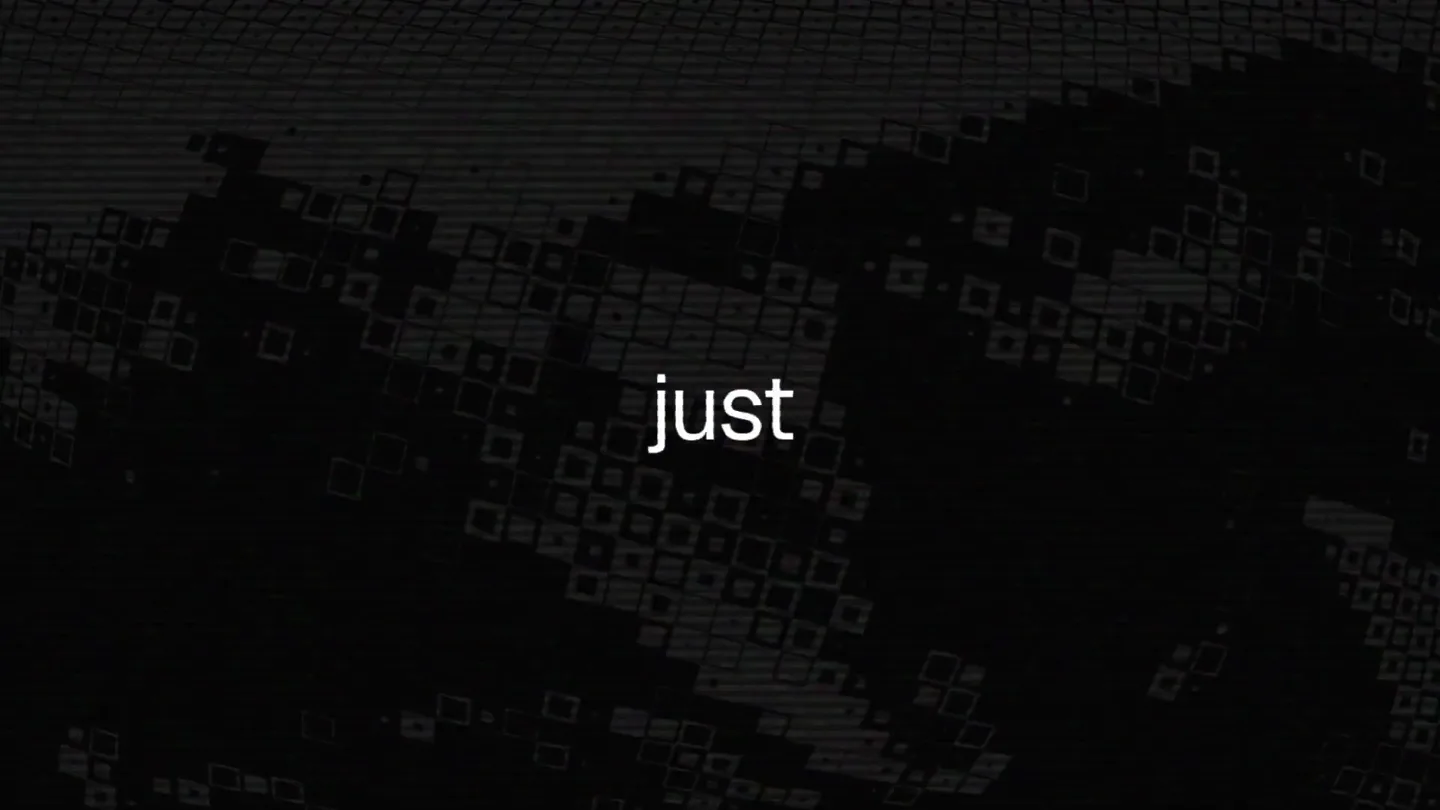
ASCII Magic · Launch Video Breakdown: Hook, Pacing & Motion Design
ASCII Magic v2 is a restructured interface with 100+ styles and shaders, unique animations for each effect, and 171 AI generative presets.
Scene-by-scene timeline & spoken transcript
The Hook
Dynamic ASCII Art Showcase
“(No spoken dialogue — Driving electronic score with synth pads and arpeggiated melodies, building energy with risers and sweeps.)”
- On screen
- (No on-screen text)
- Camera
- Rapid cuts between various ASCII art transformations, close-ups on pixelated details, and wide shots of the UI.
- Motion
- Fast-paced montage, glitch effects, character-based rendering, and dynamic camera movements (pans, zooms, rotations).
Feature Teaser
Interactive Control & Style Variety
“(No spoken dialogue — Electronic score maintains tempo, punctuated by impactful sub-bass drops and high-energy transitions.)”
- On screen
- more interactive, Choose from a Massive set of Backgrounds
- Camera
- Focus on UI elements, demonstrating interactive controls and a gallery of diverse styles. Camera subtly tracks cursor movements.
- Motion
- UI animation, cursor interaction highlights, rapid content cycling, and text reveals with glitch/scanline effects.
Product Reveal
Generative Styles & Node-Based Workflow
“(No spoken dialogue — Score intensifies with more complex synth layers and rhythmic elements, leading to a build-up.)”
- On screen
- 75+ Generative Sty, STYLE, Characters, ASCII Studio, Dither, Block, Dots, Frosted Glass, Motion Blur, OUTPUT
- Camera
- Close-ups on UI menus, demonstrating style selection and a conceptual node-based workflow. Camera subtly shifts perspective.
- Motion
- Menu navigation animation, data flow visualization, and dynamic text/UI element transitions.
Call to Action
ASCII Magic V2 Launch
“(No spoken dialogue — Climactic sound design with a final powerful sub-bass drop and a sustained synth chord.)”
- On screen
- V2
- Camera
- Full-screen reveal of 'V2' with a strong visual effect, followed by a clean black screen.
- Motion
- Full-screen text reveal with heavy glitch and scanline effects, followed by a clean fade to black.
Call to Action
Website Call to Action
“(No spoken dialogue — The electronic score fades out with a lingering synth pad, leaving a sense of completion.)”
- On screen
- ascii-magic.com
- Camera
- Static shot of the website URL on a black background.
- Motion
- Simple text display with subtle scanline effect.
Motion design primitives
Synthesizable in Remotion · key components of the glitch-wave-launch template.
CharacterGridMorph
An image or video is dynamically rendered using a grid of ASCII characters, which then morph and animate based on underlying content changes or style selections. Characters can change size, color, and density.
+ Code construction recipe
Implement a Remotion <Canvas> component. Use a shader (e.g., GLSL) to sample the source video/image and map pixel data to a grid of text characters. Animate character properties (font-size, color, opacity) using `interpolate` and `spring` based on time or user input. Apply SVG filters for dither and scanline effects.
GlitchScanlineTransition
A rapid, high-energy transition effect featuring horizontal scanlines, chromatic aberration, RGB splits, and momentary pixelation or static. Often used to punctuate scene changes or text reveals.
+ Code construction recipe
Utilize Remotion's <Sequence> and <AbsoluteFill> components. Apply CSS filters for `hue-rotate`, `saturate`, `contrast`, and `blur`. Animate `transform: skewX` and `transform: translateX` for horizontal distortion. Overlay SVG filters for scanlines and chromatic aberration. Use `interpolate` with `easeOutCubic` for quick, impactful transitions.
InteractiveUIHighlight
UI elements (buttons, sliders, dropdowns) are highlighted and animated to simulate user interaction, often accompanied by a glowing cursor or selection box. Content within the UI dynamically updates.
+ Code construction recipe
Create UI components using React. Animate `opacity`, `scale`, and `box-shadow` properties on hover/click events using Remotion's `spring` function for a responsive feel. Simulate cursor movement with `interpolate` on `transform: translateX/Y`. Use `useCurrentFrame` to synchronize UI updates with the video timeline.
Style DNA & aesthetic system
Visual aesthetic
Typography
Motion
Special effects
Pacing & rhythm
Conceptual story rhythm
- 1
Visual Intrigue & Immersion
Purpose. Immediately captivate the audience with the product's core visual output, showcasing its unique artistic capabilities.
Execution. Rapid-fire montage of diverse ASCII art transformations, demonstrating the breadth of styles and effects without explicit explanation.
- 2
Feature Exploration & Interaction
Purpose. Introduce key functionalities and the interactive nature of the tool, highlighting ease of use and creative control.
Execution. UI walkthroughs with simulated cursor interactions, showcasing style selection, background options, and parameter adjustments.
- 3
Technological Depth & Innovation
Purpose. Hint at the underlying power and flexibility of the system, emphasizing advanced features like generative styles and a modular workflow.
Execution. Brief glimpses of a node-based interface and a gallery of generative presets, suggesting complexity and depth.
- 4
Product Announcement & Call to Action
Purpose. Clearly state the product's version and direct viewers to where they can learn more or purchase.
Execution. A bold, full-screen reveal of 'V2' with intense visual effects, followed by a clean display of the website URL.
Remix in Animatiq Studio
Master remix prompt · agent-ready
Sample remix
Objective
Launch a new AI-powered sound design tool, 'Audio Alchemy Pro'.How the recipe adapts
The visual aesthetic will shift from character-based rendering to dynamic visualizations of sound, such as evolving waveforms, spectral graphs, and abstract sonic patterns, all rendered with a glitchy, scanline-heavy, retro-digital feel. UI elements will demonstrate real-time audio effect application and parameter adjustments, maintaining the fast-paced, interactive feel. Text will use a monospace font with neon glows and chromatic aberration, appearing with quick, impactful glitch transitions. The overall pacing and high cut rate will be retained, synchronized with a driving electronic audio track.Remix blueprint · glitch-wave-launch
Scene durations (5 scenes, 59s)
Key Remotion components
Related Creative Tools Product Launches
Explore all Creative Tools launches →
A vibe design partner with an AI-native canvas for turning ideas into UI.

We heard you wanted to use Codex rate limit resets on your own time. Starting today, we’re rolling out the ability to save rate limit resets to use later. We’re starting Go, Plus, Pro, and Business
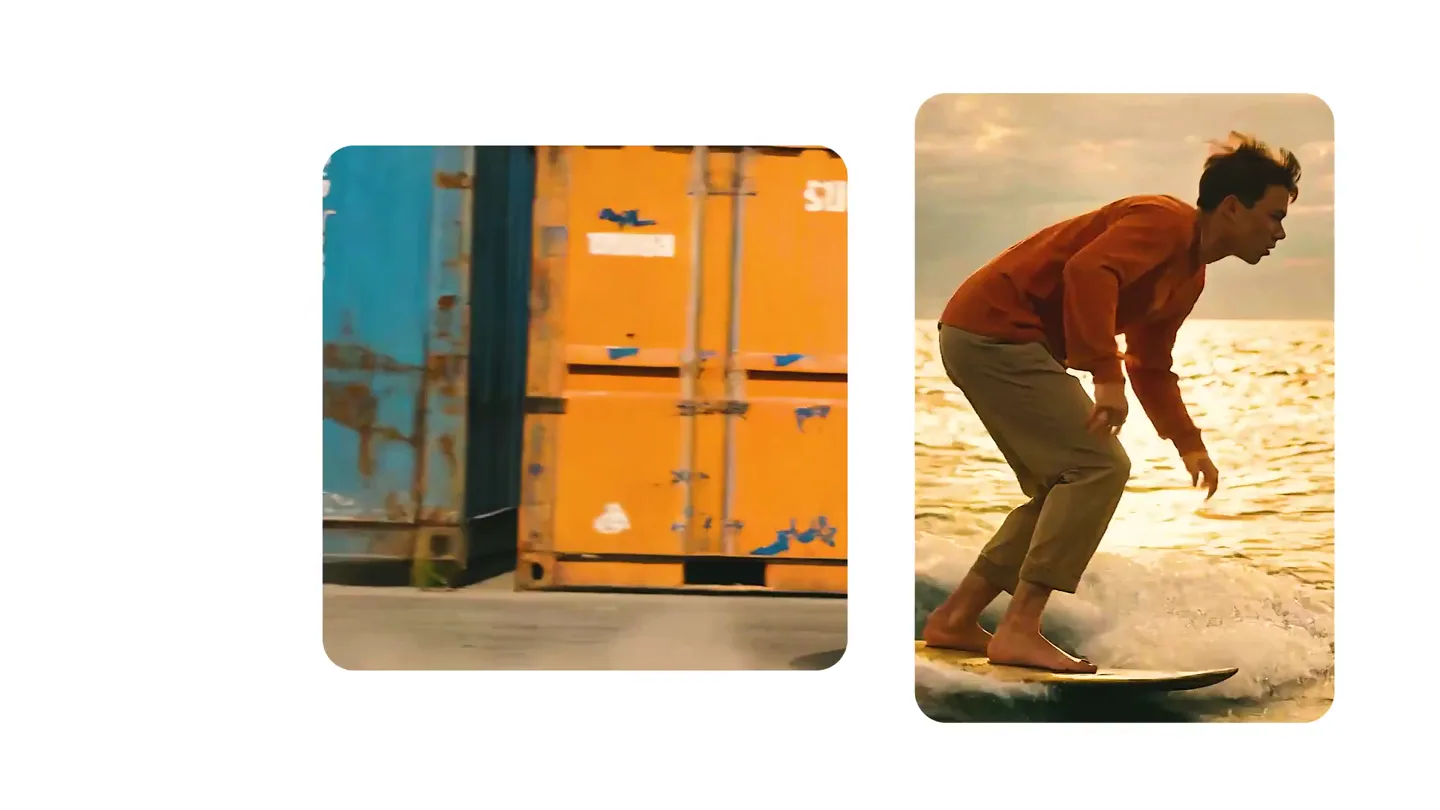
We just launched something the VFX community has been waiting for. OpenArt VFX lets you apply real visual effects to footage you already have. It lets you mask any region of your video and replace it with AI-generated content that matches the scene's lighting and physics. https://t.co/dnQjrZCWC4