
Cohere North 2: Enterprise AI Upgrade · Launch Video Breakdown: Hook, Pacing & Motion Design
Introducing North 2. Enterprises have been compromising on agentic AI for years: platforms that aren't scalable, models that aren't sovereign, control without enterprise-grade security. Th
Scene-by-scene timeline & spoken transcript
The Hook
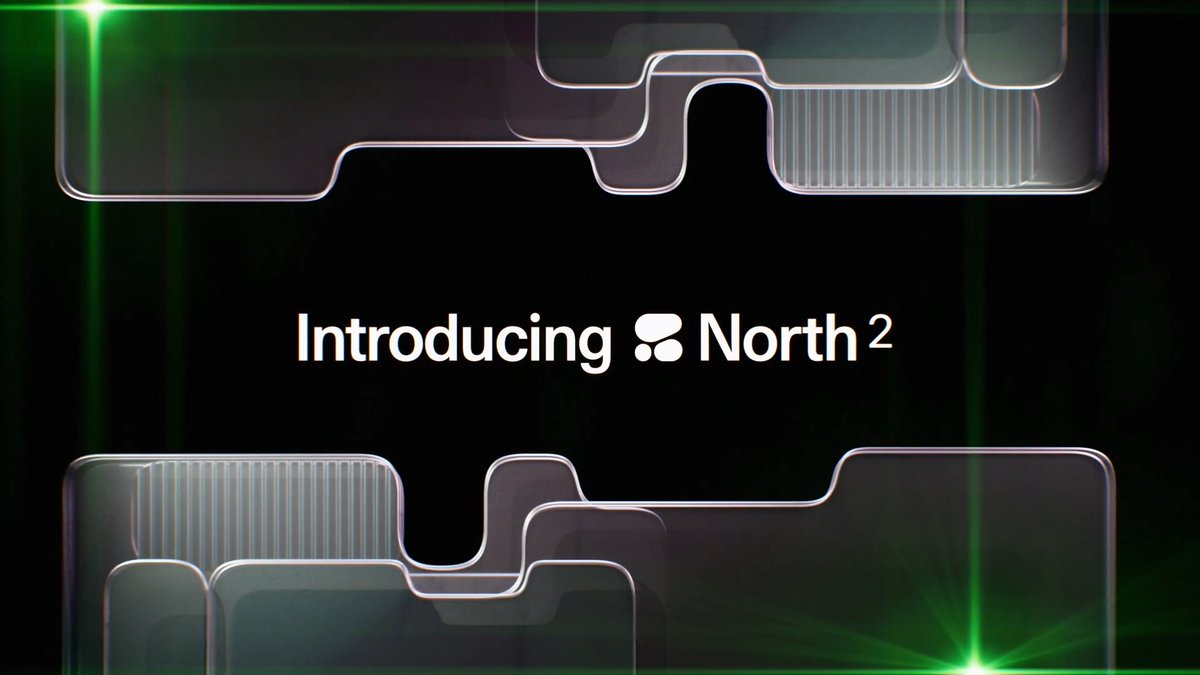
Introducing North 2: Enterprise AI Upgrade
“(No spoken dialogue — Electronic ambient synth pad with subtle arpeggiated melodies and deep sub-bass lines, building tension towards a high-energy transition.)”
- On screen
- Introducing North 2 Empowering enterpri Put your company's intelligence to work.
- Camera
- Static camera with subtle zoom and pan movements over abstract, translucent UI elements. Transitions between text overlays and product UI.
- Motion
- Text reveals with subtle glitch effects, layered translucent UI elements with depth, and quick cuts to product demonstration.
Product Reveal
Agentic AI in Action: Building Dashboards
“(No spoken dialogue — Chillwave elements with gentle percussion and a high-energy audio transition at 0:28, leading into a more dynamic musical phrase.)”
- On screen
- Finance Agent Ask or create anything Build a corporate credit risk dashboard to intake, validate, and analyze our customers' credit data. Thought briefly Here's a corporate credit risk dashboard app linked to your data. Corporate Credit Risk Dashboard Application
- Camera
- Close-up on product UI, simulating user interaction with typing and command execution. Subtle camera drift to maintain focus.
- Motion
- Typing animation, UI element reveals, simulated application generation, and smooth transitions between UI states.
Feature Teaser
Learning, Automation, and Security
“(No spoken dialogue — Sustained synth pads with subtle sweeps and impacts, building to another high-energy audio transition at 0:49 and 1:11.)”
- On screen
- North is built to learn, building skills, retaining memory, and leveraging existing knowledge. exec-overview-skill Reorganize the dashboard's content. I updated the dashboard's content and prepared it for exec review. Ask anything or type @ to reference files Create intelligent automatio Ris Fin Commercial Credit Risk Assessment Schedule this automation for Fridays at 9AM Monitor usage down to the agent and user level Enterprise-grade security with built-in guardrails.
- Camera
- Alternating between abstract UI backgrounds and detailed product UI demonstrations. Panning across data visualizations.
- Motion
- Text overlays with subtle glow, dynamic UI interactions, data visualization animations, and quick cuts to emphasize feature breadth.
Call to Action
Analytics and Enterprise-Grade Security
“(No spoken dialogue — The audio track resolves into a more relaxed chillwave melody with a sustained synth pad, providing a sense of completion.)”
- On screen
- Analytics Range: Last 30 days View by: Day Generated a few seconds ago Automation adoption Week ending July 19 Active automations 33 Automation token spend July 14 Input tokens 76M Output tokens 23M Input tokens Output tokens Enterprise-grade security with built-in guardrails. North AI for Empowerment
- Camera
- Smooth camera movements over data dashboards, highlighting key metrics. Final shot is a static reveal of the product logo and tagline.
- Motion
- Animated charts and graphs, subtle UI element reveals, and a clean, impactful logo reveal with a final tagline.
Motion design primitives
Synthesizable in Remotion · key components of the futuristic-enterprise-ai-launch template.
TranslucentLayerReveal
Abstract, rounded rectangular shapes with translucent properties and subtle inner glows animate into view, layering over each other to create depth and visual interest.
+ Code construction recipe
Utilize Remotion's `AbsoluteFill` for background, `spring` for position and opacity, and `SVG` filters for `blur` and `drop-shadow` to create the translucent, glowing effect. Animate `transform` properties for movement.
DynamicTypewriterGlow
Text appears character by character with a subtle, ephemeral glow that follows the typing cursor, emphasizing the generative AI aspect.
+ Code construction recipe
Implement `interpolate` for character opacity and position, combined with a `linear-gradient` or `radial-gradient` for the glow effect that animates along the text path. Use `spring` for the final text position.
InteractiveUIDrilldown
Product UI elements, such as chat bubbles, input fields, and generated dashboards, animate in with a sense of responsiveness and user interaction, often accompanied by subtle scaling and fading.
+ Code construction recipe
Employ `spring` for `scale` and `opacity` on UI components. Use `sequence` to orchestrate the timing of multiple UI elements appearing and interacting. Consider `canvas` for more complex data visualization animations.
Style DNA & aesthetic system
Visual aesthetic
Typography
Motion
Special effects
Pacing & rhythm
Conceptual story rhythm
- 1
The Vision
Purpose. Introduce the product and its core promise of empowering enterprises with AI.
Execution. Abstract, glowing UI elements with bold text overlays, setting a futuristic and high-tech tone.
- 2
The Demonstration
Purpose. Showcase the product's capabilities through direct UI interaction and agentic actions.
Execution. Simulated typing, dynamic UI reveals, and generated content within the product interface.
- 3
The Impact
Purpose. Highlight key benefits like learning, automation, and security.
Execution. Alternating between abstract visual metaphors and specific UI examples demonstrating features.
- 4
The Assurance
Purpose. Reinforce trust through analytics and enterprise-grade features, concluding with branding.
Execution. Animated data visualizations and a clean, confident logo reveal.





