Conrad · Launch Video Breakdown: Hook, Pacing & Motion Design
A work-in-progress motion study from Conrad, posted at about 20% done.
Scene-by-scene timeline & spoken transcript
The Hook
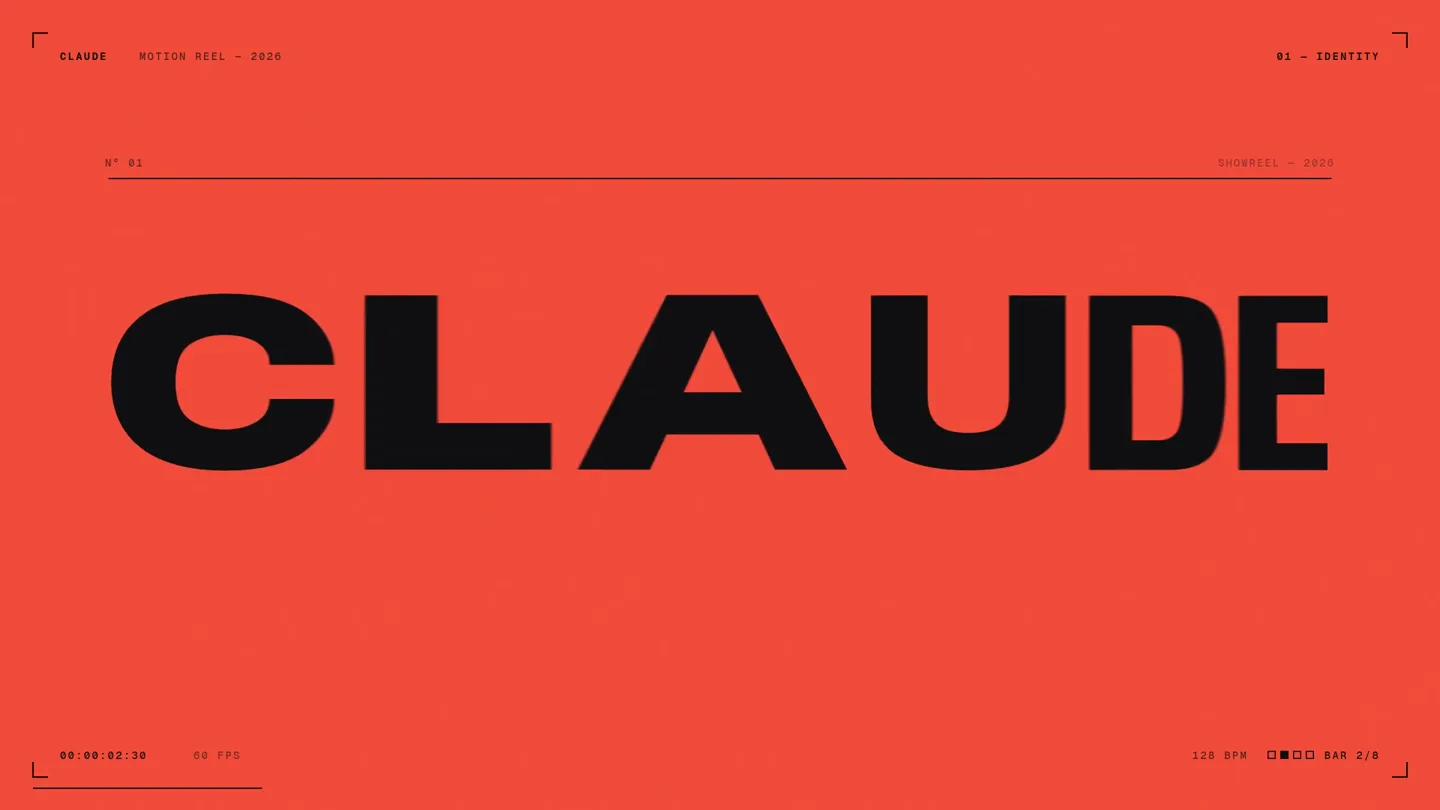
Brand Identity Reveal
“(No spoken dialogue — Silent video with a subtle, rhythmic beat at 110 BPM.)”
- On screen
- Helium UI Update
- Camera
- Static, centered shot of the logo and text.
- Motion
- Quick cuts, scale animation, and color inversion for brand introduction.
Product Reveal
Abstract UI Transition
“(No spoken dialogue — Silent video with a subtle, rhythmic beat at 110 BPM.)”
- On screen
- (No on-screen text)
- Camera
- Static, centered shot of the shrinking logo, then a subtle zoom out to reveal a blurred background.
- Motion
- Scale down, fade out, and a soft, generative background animation with a subtle glow.
Feature Teaser
Browser UI Introduction
“(No spoken dialogue — Silent video with a subtle, rhythmic beat at 110 BPM.)”
- On screen
- Search DuckDuckGo or type a URL, Add shortcut, New Tab
- Camera
- Slow zoom out revealing a full browser window, then a subtle vertical pan.
- Motion
- Smooth camera zoom, UI element reveal with subtle opacity and scale transitions.
Feature Teaser
Focused UI Interaction
“(No spoken dialogue — Silent video with a subtle, rhythmic beat at 110 BPM.)”
- On screen
- Search..., New Tab
- Camera
- Close-up on the browser's search bar and tab interface, with a slight horizontal pan.
- Motion
- Camera pan, subtle UI element highlighting and interaction cues.
Motion design primitives
Synthesizable in Remotion · key components of the conrad-helium-ui-update-remix template.
BrandIdentityReveal
A logo and text appear with a quick scale-up and color inversion, followed by a rapid cut to a different background color.
+ Code construction recipe
Use `interpolate` for scale and opacity, `spring` for a snappy bounce, and `Sequence` for rapid scene changes. Implement `AbsoluteFill` for background color changes.
GenerativeHorizonWarp
A small icon shrinks and fades into a soft, glowing, and subtly animated background with horizontal light streaks.
+ Code construction recipe
Utilize `Shader` components for the background gradient and light streaks. Animate `opacity` and `scale` for the icon. Consider `canvas` for more complex generative effects.
BrowserWindowReveal
A full browser window smoothly zooms out into view, revealing its UI elements with subtle animations, followed by focused pans.
+ Code construction recipe
Employ `spring` for the initial zoom-out of the browser frame. Animate individual UI elements (search bar, tabs) with `interpolate` for opacity and `translateX`/`translateY` for subtle entrance animations. Use `AbsoluteFill` for the background.
Style DNA & aesthetic system
Visual aesthetic
Typography
Motion
Special effects
Pacing & rhythm
Conceptual story rhythm
- 1
Brand Flash
Purpose. Immediately capture attention and establish brand identity with a strong visual statement.
Execution. Rapid sequence of logo reveals, color inversions, and text animations.
- 2
Abstract Transition
Purpose. Bridge the brand introduction to the product interface, creating a sense of depth and sophistication.
Execution. Logo shrinking into a generative, glowing background with subtle light movements.
- 3
Product Interface Unveil
Purpose. Introduce the core product (browser UI) in a clean, engaging manner, highlighting its aesthetic.
Execution. Smooth zoom-out revealing a full browser window, with UI elements fading into place.
- 4
Feature Focus
Purpose. Draw attention to key interactive areas and functionalities within the product.
Execution. Camera pans and zooms to specific UI elements like the search bar and tabs.