Cosmos · Launch Video Breakdown: Hook, Pacing & Motion Design
Shop your taste on Cosmos. Now available on iPad, with Android rebuilt, Canvas Mode, and 10 languages.
Scene-by-scene timeline & spoken transcript
The Hook
Personalized Discovery & Brand Immersion
“(No spoken dialogue — Energetic electronic beat with a driving kick drum and sub-bass, punctuated by synth percussive elements.)”
- On screen
- You had a summer. Summer You can now 1,344,944 list of brands BUCK MASON
- Camera
- Static text on screen, followed by a dynamic zoom into a smartphone screen, then a quick pan across a retail interior, and a 3D rotation of an iPad.
- Motion
- Fast cuts, text reveals with subtle scaling, UI demonstration with screen-in-screen effects, 3D device mockups with rotational animation.
Product Reveal
Multi-Platform Experience & Canvas Mode
“(No spoken dialogue — The rhythmic pulse continues with added high-energy audio risers and sub-bass impacts for transitions.)”
- On screen
- It's been Your infinite Canvas Add Share More
- Camera
- Close-up on iPad UI, then a quick cut to an Android phone UI, followed by a dynamic zoom into a specific UI element (Canvas button).
- Motion
- Rapid scene changes, UI element highlighting, text reveals with color changes and scaling, seamless transitions between device mockups.
Feature Teaser
Global Reach & Rebuilt Android
“(No spoken dialogue — The electronic track maintains its energy, with percussive synth elements driving the rhythm and impactful sound design for key moments.)”
- On screen
- 10 languages Android rebuilt Shop your taste on Cosmos. Now available on iPad, with Android rebuilt, Canvas Mode, and 10 languages.
- Camera
- Text-centric scenes with subtle background animations, followed by a full-screen product shot of the Cosmos app on an iPad, then a split-screen showcasing Android and iPad.
- Motion
- Text animation with character-by-character reveals, split-screen compositions, device mockups with UI overlays, and a final full-screen product display.
Call to Action
Cosmos: Shop Your Taste
“(No spoken dialogue — The audio track builds to a final impactful sub-bass drop, concluding with a sustained synth pad and a final percussive hit.)”
- On screen
- Check COSMOS.SO
- Camera
- Dynamic text reveal, followed by a quick cut to a brand logo animation, then a final full-screen display of the website URL.
- Motion
- Text wipe animations, abstract graphic transitions, logo reveal with expanding elements, and a clear call to action with website display.
Motion design primitives
Synthesizable in Remotion · key components of the dynamic-finance-app-launch template.
TextWipeReveal
Text characters or words appear sequentially with a horizontal wipe effect, often accompanied by a subtle scale or fade-in. This creates a dynamic and engaging text reveal.
+ Code construction recipe
Use `interpolate` for `opacity` and `translateX` or `clipPath` based on character index and current frame. Apply `spring` for a smooth, slightly bouncy finish to the reveal.
DeviceUIZoom
A device mockup (phone/tablet) is presented, and the camera dynamically zooms into a specific UI element or scrolls through content, highlighting key features.
+ Code construction recipe
Render a 3D device model. Animate camera `position` and `focalLength` using `interpolate` with `easeOutCubic` for smooth zooms. Overlay UI elements as `AbsoluteFill` components within the device screen, animating their `translateY` for scrolling.
AbstractPatternSplit
An abstract, organic pattern animates across the screen, often splitting or revealing content behind it, serving as a high-energy transition.
+ Code construction recipe
Utilize `Shader` components for generative patterns (e.g., Perlin noise, cellular automata) or `SVG` paths with animated `strokeDashoffset` and `fill` properties. Animate `clipPath` or `maskImage` to reveal content through the pattern.
Style DNA & aesthetic system
Visual aesthetic
Typography
Motion
Special effects
Pacing & rhythm
Conceptual story rhythm
- 1
Engage & Intrigue
Purpose. Hook the audience with relatable concepts and hint at a solution or new experience.
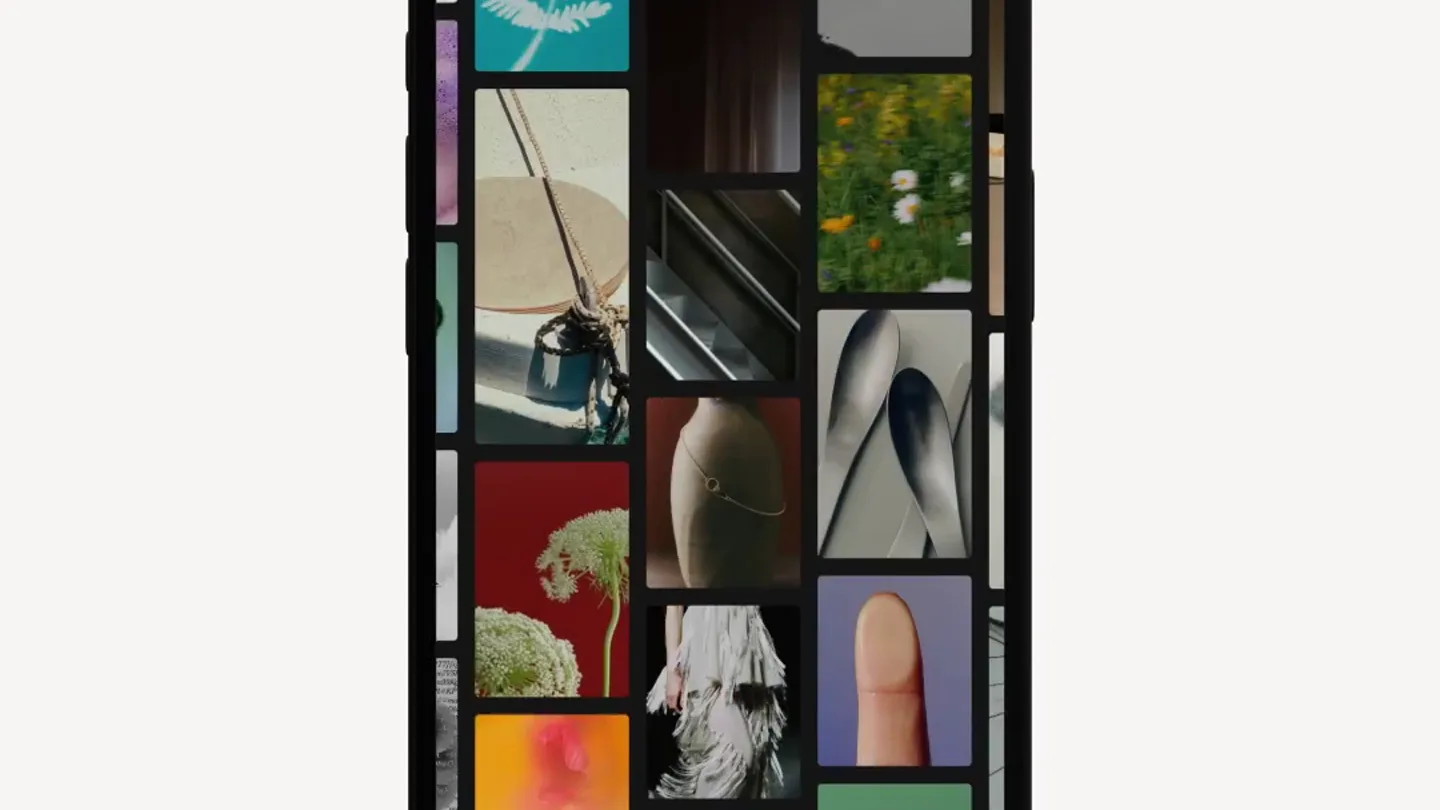
Execution. Short, impactful text phrases on a clean background, followed by quick glimpses of the product UI and aspirational lifestyle imagery.
- 2
Showcase Core Value
Purpose. Demonstrate the primary benefits and features of the product.
Execution. Dynamic UI walkthroughs on various devices, highlighting key functionalities like personalized feeds, brand discovery, and unique modes (e.g., Canvas).
- 3
Expand & Differentiate
Purpose. Detail new features, platform availability, and unique selling points.
Execution. Text overlays announcing new features (iPad, Android rebuilt, 10 languages) integrated with split-screen comparisons and full-screen product shots.
- 4
Call to Action
Purpose. Direct the audience to take the next step.
Execution. Clear, concise call-to-action text and the product's website URL, often accompanied by a logo reveal and a final impactful sound design element.