

Scene-by-scene timeline & spoken transcript
The Hook
Cua-Motion Title Sequence
“(No spoken dialogue — Silent video with subtle ambient visual effects, implying a digital workspace or cosmic void.)”
- On screen
- cua-motion cargo add cua-motion npm i @trycua/motion
- Camera
- Static wide shot, focusing on the center. Keycaps are scattered in the background, slightly out of focus, suggesting depth.
- Motion
- Animated cursor trails (light blue arrows) converge and form the "cua-motion" title. The "motion" part is revealed letter by letter with an elegant script-like font. Installation commands appear subtly below. The cursors move with a "comet_swoop" style.
Product Reveal
Introducing planMove & Comet Swoop
“(No spoken dialogue — Silent video, visual focus on code and cursor interaction.)”
- On screen
- Cua import { planMove } from "@trycua/motion"; const trajectory = planMove( { style: "comet_swoop", timing: "fitts" }, { from, to, target }, ); Comet swoop
- Camera
- Static wide shot. A code editor panel slides in from the left, occupying about 40% of the screen. Keycaps remain in the background.
- Motion
- Code typing animation reveals the `planMove` function and its initial "comet_swoop" style parameter. A corresponding cursor animation demonstrates the "Comet swoop" style on the right, moving between floating keycaps.
Feature Teaser
Exploring Diverse Cursor Styles
“(No spoken dialogue — Silent video, showcasing various cursor motion styles.)”
- On screen
- Cua import { planMove } from "@trycua/motion"; const trajectory = planMove( { style: "signature_arc", timing: "fitts" }, { from, to, target }, ); Signature arc { style: "spring_settle", timing: "fitts" }, Spring settle { style: "magnetic", timing: "fitts" }, Magnetic
- Camera
- Static wide shot, maintaining the code editor and background keycaps.
- Motion
- The `style` parameter in the code editor rapidly changes, triggering new cursor animations ("Signature arc", "Spring settle", "Magnetic") on the right. Each style name appears and fades out below its demonstration, creating a quick feature carousel.
Call to Action
Open Source & Installation
“(No spoken dialogue — Silent video, concluding with installation instructions and product summary.)”
- On screen
- Cua Cua Motion: open source $ npm i @trycua/motion $ cargo add cua-motion Six agent cursor motions, and an API to design your own.
- Camera
- Static wide shot. The code editor panel slides out. Main title text appears centrally, followed by installation commands and a summary tagline. Keycaps remain in the background.
- Motion
- Text reveals, subtle cursor interaction on the installation commands, and a final summary statement. The overall motion is clean and direct, reinforcing the open-source nature and utility.
Motion design primitives
Synthesizable in Remotion · key components of the cua-motion-tech-launch template.
CursorTrajectoryAnimator
A light blue arrow-shaped cursor moves across the screen, leaving a fading trail of smaller arrows or glowing particles. It follows a defined path (e.g., arc, swoop, direct line) and can "settle" with a subtle spring-like bounce or "magnetically" snap to a target.
+ Code construction recipe
Use `interpolate` for path definition (Bezier curves for arcs, linear for direct). Implement `spring` for the "settle" and "magnetic" effects, controlling damping and stiffness. SVG filters for glow and trail effects. The trail can be an array of `Animated.View` components with decreasing opacity and scale, or a canvas-based particle system.
CodeTypingReveal
Text appears character by character within a code editor-like block. The cursor blinks at the end of the typed line. When a line is complete, it can either stay or be replaced by a new line of code, simulating a live coding session.
+ Code construction recipe
Utilize `Sequence` and `spring` or `interpolate` for character-by-character reveal. A blinking cursor can be achieved with `loop` and `opacity` animation. Text content can be dynamically updated based on the current `frame` or `current_time` using `useCurrentFrame` and `useVideoConfig`.
DynamicTextOverlay
Main titles and descriptive text animate into view, often with a subtle scale-up or fade-in effect. Some text elements might have a distinct font style (e.g., script for "motion") and animate independently or sequentially.
+ Code construction recipe
Employ `spring` for bouncy scale-in or `interpolate` for smooth fade-in/slide-in. Use `Sequence` to orchestrate multiple text elements appearing in order. Different font families can be loaded and applied to specific text components.
KeycapBackgroundParallax
Scattered 3D keycaps float subtly in the background, slightly out of focus. They exhibit very slow, almost imperceptible rotation and drift, adding depth without distracting from the foreground action.
+ Code construction recipe
Render 3D models (or pre-rendered images) of keycaps. Apply `interpolate` for slow, continuous rotation and translation on multiple axes. Use `filter: blur()` or `opacity` to simulate depth of field. Ensure `z-index` layering for proper visual depth.
Style DNA & aesthetic system
Visual aesthetic
Typography
Motion
Special effects
Pacing & rhythm
Conceptual story rhythm
- 1
The Enigmatic Introduction
Purpose. To pique curiosity and introduce the brand name "Cua-Motion" through an abstract, visually engaging animation.
Execution. Floating keycaps in a dark void, with glowing cursor trails converging to form the product name, hinting at the product's core functionality.
- 2
The Developer's Canvas
Purpose. To transition from abstract concept to practical application, showing how developers interact with the library.
Execution. A clean code editor appears, demonstrating the `planMove` function and its parameters, establishing the technical foundation.
- 3
The Motion Palette
Purpose. To showcase the diverse and customizable cursor animation styles offered by the library.
Execution. As code parameters change, distinct cursor animations (Comet swoop, Signature arc, Spring settle, Magnetic) are visually demonstrated in real-time, highlighting the library's versatility.
- 4
The Open Invitation
Purpose. To summarize the product's value proposition and provide clear calls to action for adoption.
Execution. The code editor recedes, revealing a concise summary ("Cua Motion: open source") and direct installation commands, inviting developers to engage.
Remix in Animatiq Studio
Master remix prompt · agent-ready
Sample remix
Objective
Launching "Animatiq Elements," an open-source library for interactive UI components.How the recipe adapts
The CursorTrajectoryAnimator primitive adapts to UIComponentInteractionAnimator, showcasing how a user's mouse interacts with a MagneticButton component, demonstrating its pull effect. The CodeTypingReveal primitive remains, but the code snippets will show import { MagneticButton } from '@animatiq/elements'; and its usage. The DynamicTextOverlay will feature "Animatiq Elements" in a similar font treatment, and the KeycapBackgroundParallax will be replaced by AbstractUIElementParallax, with blurred, floating representations of various UI components (buttons, sliders, cards) in the background.Remix blueprint · cua-motion-tech-launch
Scene durations (4 scenes, 22.1s)
Key Remotion components
Related Design Product Launches
Explore all Design launches →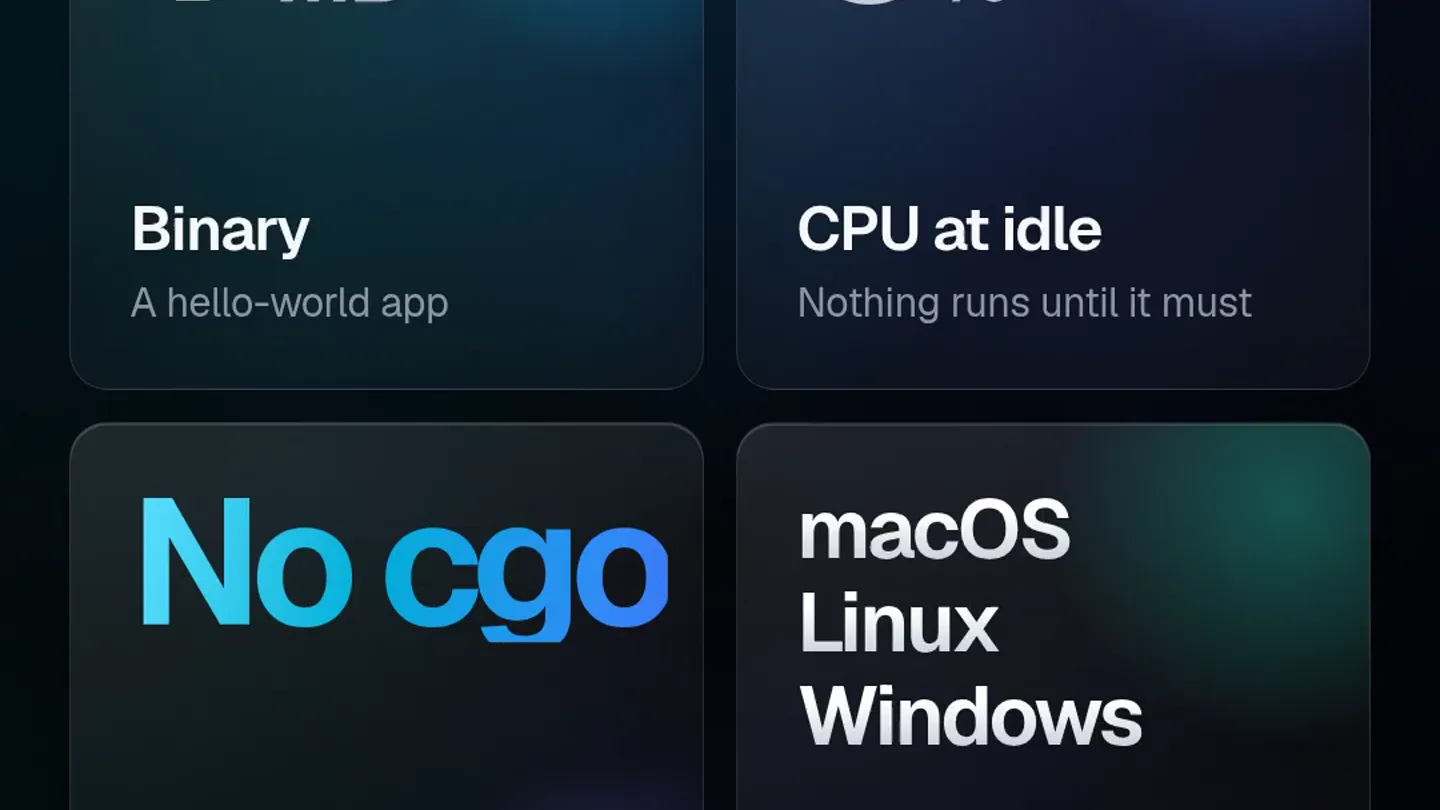
A pure Go framework for building desktop apps in webview or native UI.
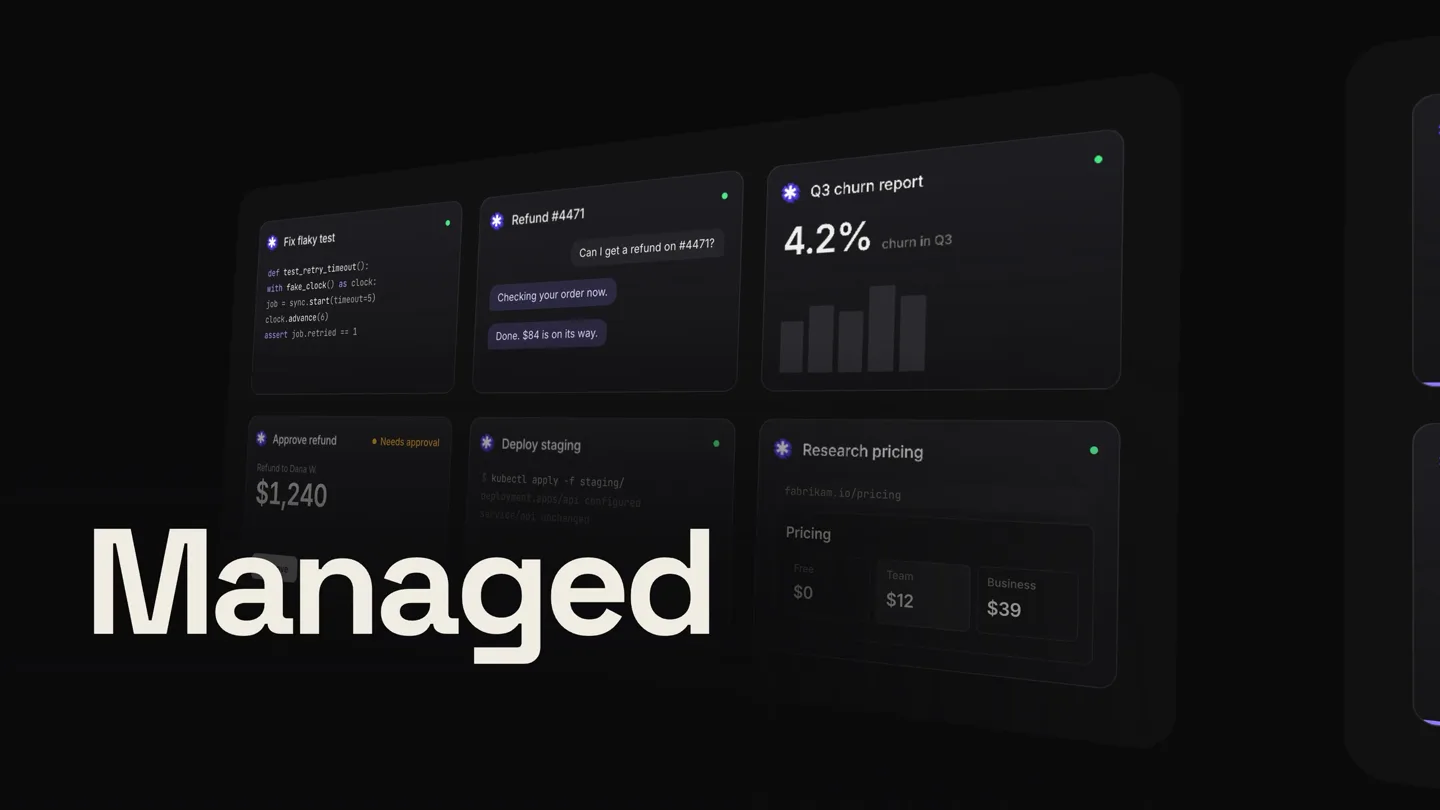
Agent Foundation (a13n) is an open-source, self-hosted foundation for agents with memory, sandboxes, computer use, and durable execution.
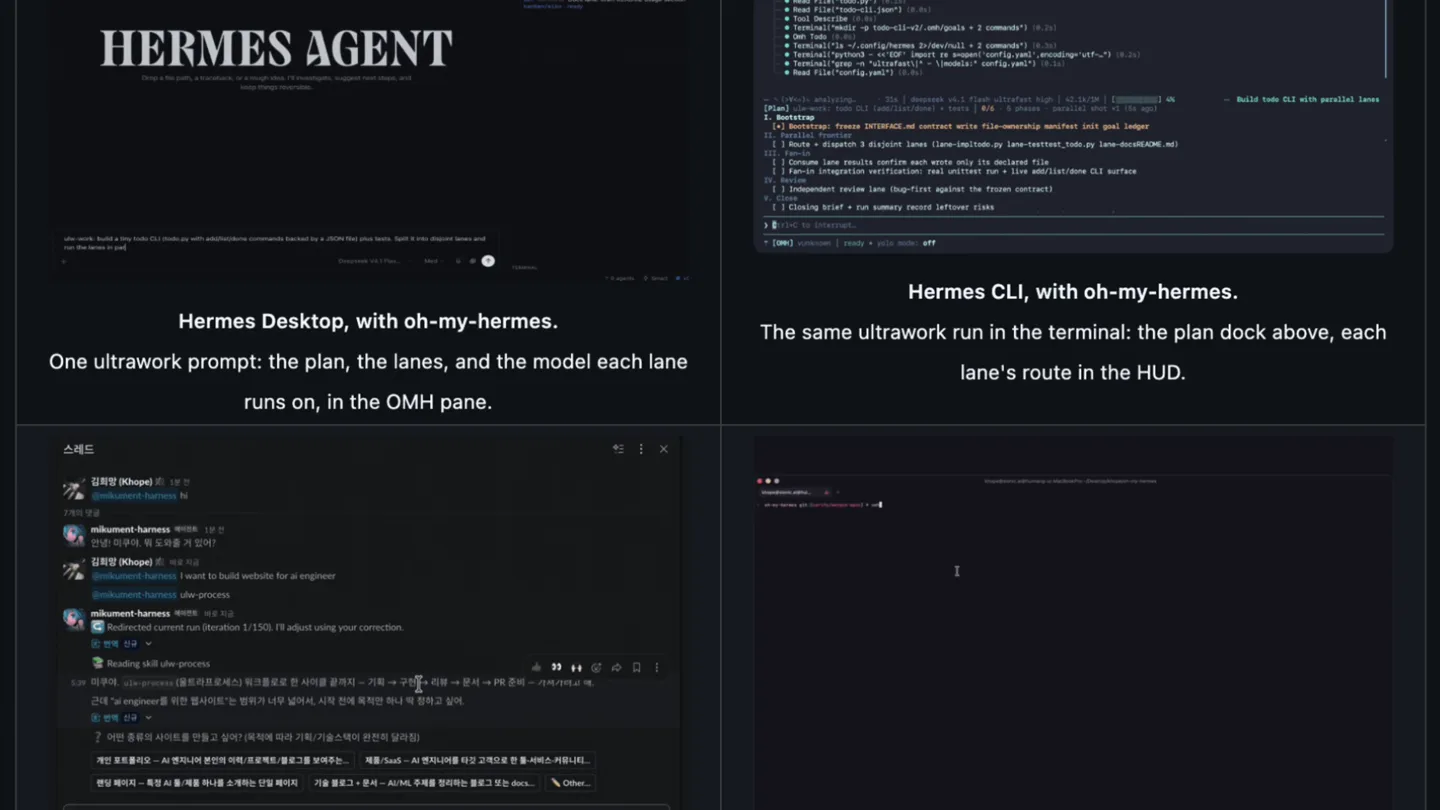
An open-source intelligence plugin for Hermes Agent, with over 110 engineering skills.