MyGo · Launch Video Breakdown: Hook, Pacing & Motion Design
A pure Go framework for building desktop apps in webview or native UI.
Scene-by-scene timeline & spoken transcript
The Hook
MyGo Introduction & Core Value Proposition
“(No spoken dialogue — Ambient visual with subtle UI sound effects implied by motion.)”
- On screen
- Introducing MyGo Desktop apps in pure Go.
- Camera
- Static, centered framing with elements appearing and fading in place.
- Motion
- Soft fades, subtle scaling, and color shifts for text emphasis. Gaussian blur transitions.
Feature Teaser
Webview Integration & Typed Calls
“(No spoken dialogue — Ambient visual with subtle UI sound effects implied by motion.)”
- On screen
- Any web frontend. Typed calls into Go. main.go func (Greeter) Greet(name string) string { return "Hello, " + name } src/main.ts await Greeter.greet("Ada") greet(name: string): Promise<string> Greet returns a a greeting. Hello Hello, Ada
- Camera
- Static, with UI elements sliding in from the bottom and expanding.
- Motion
- Slide-in animations, expanding code blocks, and a simulated UI window appearing with a blur effect.
Feature Teaser
Native UI & GPU Rendering
“(No spoken dialogue — Ambient visual with subtle UI sound effects implied by motion.)”
- On screen
- Or Go native. No webview at all. Native UI, in Go alone. Drawn on the GPU. Counter 0 Increment ui.Text(c, fmt.Sprint(s.n)) ui.PrimaryButton(c, "Increment") 1 3
- Camera
- Static, with text and UI elements appearing and interacting.
- Motion
- Text reveals, UI window appearing, and a simulated mouse click interaction with a counter incrementing.
Call to Action
Toolkit, Performance & Cross-Platform
“(No spoken dialogue — Ambient visual with subtle UI sound effects implied by motion.)”
- On screen
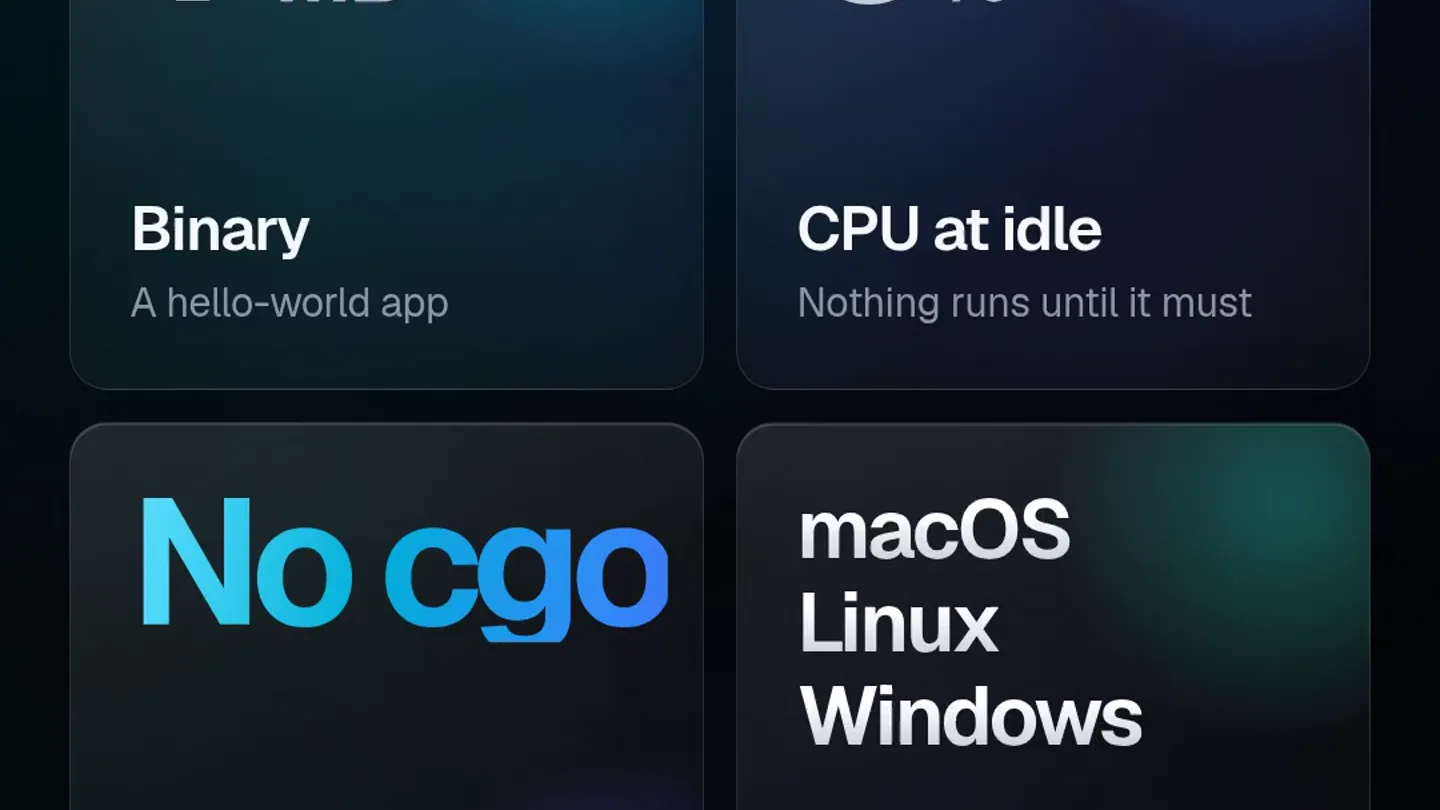
- A UI toolkit, in Go. Widgets, text, lists, SVG. Overview Counter 42 Files Drop files here Text Form Name Ada Lovelace Email ada@example.com About you Multiple lines, with undo, selection and input methods. Controls Overview List Text Drawing Overlays Buttons Cancel Save Tabs and panes Files Search History List Row 0 Row 1 Row 2 Row 3 Row 4 Row 5 Row 6 Row 7 Row 8 Row 9 Row 10 Row 11 Row 12 6MB Binary A hello-world app 0% CPU at idle Nothing runs until it must No cgo Pure Go Build for every OS, anywhere macOS Linux Windows One codebase 7MB MyGo Desktop apps in pure Go. $ bunx mygo-cli init my-app github.com/egoist/mygo
- Camera
- Dynamic camera pan and zoom across multiple UI windows, then static for the final call to action.
- Motion
- Smooth camera pan and zoom, subtle text reveals, and a final static screen with a command line prompt.
Motion design primitives
Synthesizable in Remotion · key components of the mygo-developer-tool-launch template.
SoftRevealText
Text elements appear with a gentle fade-in and slight scale-up, often accompanied by a subtle blur transition or color shift for emphasis.
+ Code construction recipe
Utilize `interpolate` for `opacity` and `scale` values, with an `easeOutCubic` or `spring` curve. Apply a `blur` filter that interpolates from a higher value to zero.
CodeBlockSlideUp
Code editor windows or UI elements slide up from the bottom of the screen, expanding into view with a smooth, slightly elastic motion.
+ Code construction recipe
Implement `spring` for `translateY` and `scale` properties. Use `Sequence` to orchestrate multiple code blocks appearing sequentially or in a staggered fashion.
InteractiveUIPop
Simulated UI windows or tooltips appear with a quick pop-in effect, often with a slight bounce, and can include interactive elements like a cursor click.
+ Code construction recipe
Combine `spring` for `scale` and `opacity` for the pop-in. For cursor interaction, animate an SVG cursor path and use `AbsoluteFill` for the UI window.
Style DNA & aesthetic system
Visual aesthetic
Typography
Motion
Special effects
Pacing & rhythm
Conceptual story rhythm
- 1
The Reveal
Purpose. Introduce the product and its core promise.
Execution. MyGo logo and tagline appear with soft, glowing animations on a dark, gradient background.
- 2
Problem/Solution Showcase (Webview)
Purpose. Demonstrate how MyGo bridges web frontends with Go backend logic.
Execution. Code editor windows slide in, showing Go and TypeScript code interacting, culminating in a webview UI example.
- 3
Problem/Solution Showcase (Native UI)
Purpose. Highlight MyGo's native UI capabilities and GPU rendering.
Execution. Text emphasizing 'Go native' appears, followed by a native UI counter application with a simulated click interaction.
- 4
Feature & Call to Action
Purpose. Summarize key benefits and provide a clear next step.
Execution. A dynamic pan across multiple UI toolkit examples, followed by a grid of performance metrics and OS compatibility, ending with the MyGo logo and CLI command.




