Eden Launch (by Y Combinator) · Launch Video Breakdown: Hook, Pacing & Motion Design
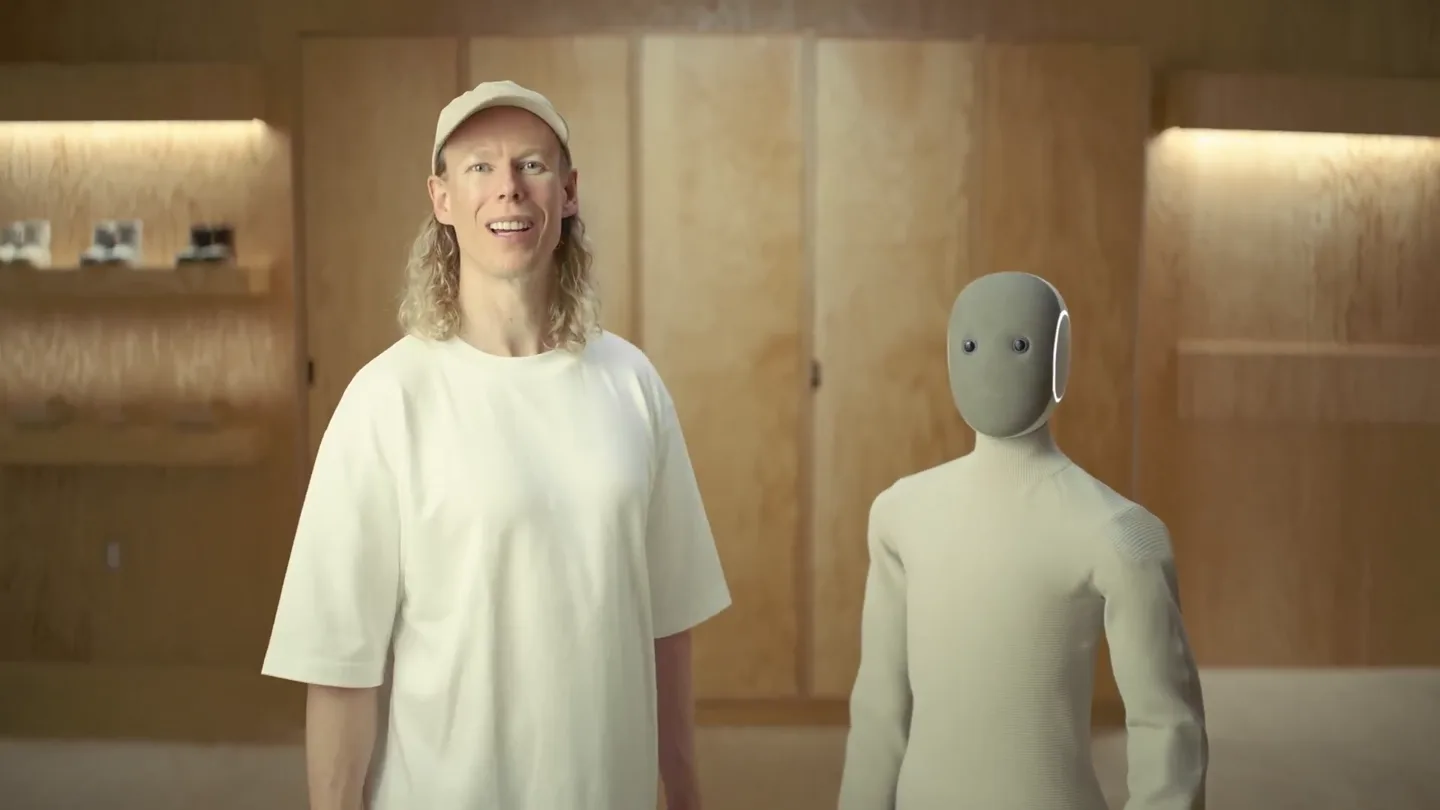
Eden (@thefinalcompany) is building autonomous robotic services. Today they are launching Eden I, their industrial semi-humanoid robot you can hire by the hour. Congratulations on the launch @cybermetheus and @joeyhumphreys4! https://www.ycombinator.com/launches/QXU-eden-autonomous-services-for-humanity
Scene-by-scene timeline & spoken transcript
The Hook
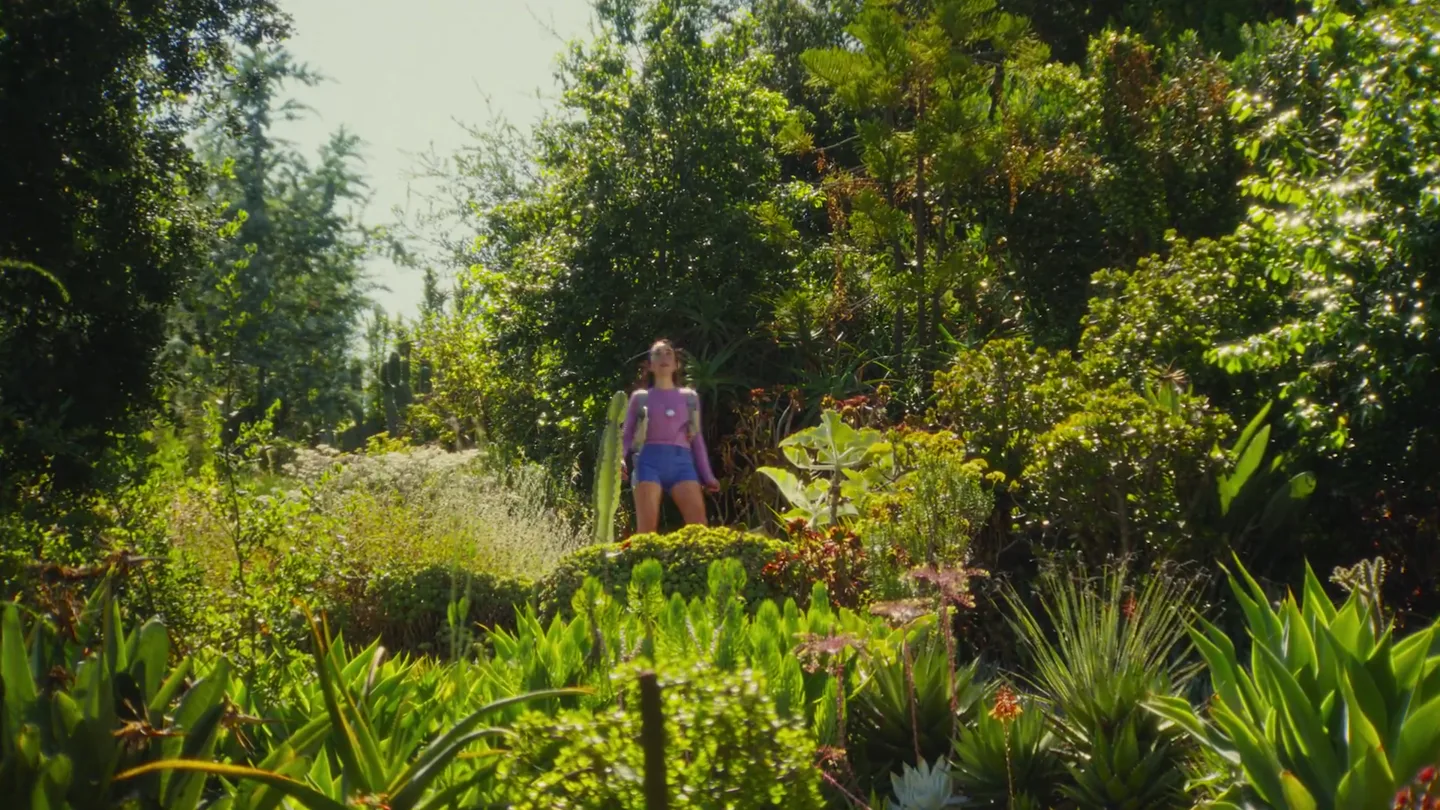
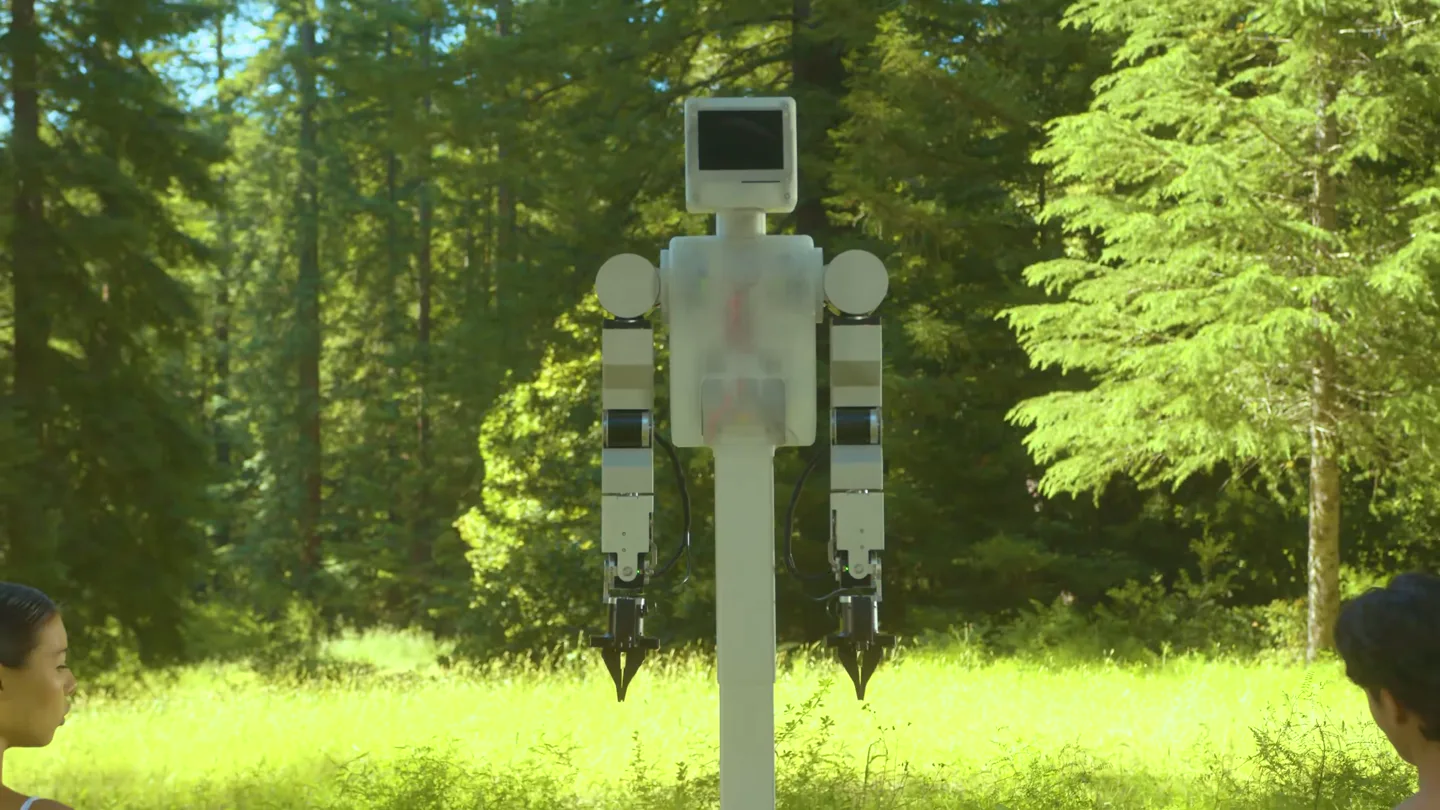
Pastoral Introduction & Robotic Presence
“(No spoken dialogue — Ambient nature sounds: birds chirping, wind.)”
- On screen
- (No on-screen text)
- Camera
- Static wide shot, eye-level perspective, framing two humans and a robot in a natural setting.
- Motion
- Subtle human movement, static robot, establishing shot.
Product Reveal
Industrial Application & First Task
“Eden won't wake up.”
- On screen
- (No on-screen text)
- Camera
- Static medium shot, eye-level, focusing on the robot performing a task in a sterile, industrial environment.
- Motion
- Robot arm articulation, object manipulation, human entering/exiting frame.
Product Reveal
Brand Tagline & Logo Reveal
“(No spoken dialogue — Tense, atmospheric electronic score with sub-bass drop/impact.)”
- On screen
- Autonomous services for humanity. Eden
- Camera
- Static shot, centered text and logo.
- Motion
- Text fade-in, logo reveal with subtle pixelated animation.
Feature Teaser
Dynamic Task Demonstrations
“Pack this order for me.”
- On screen
- (No on-screen text)
- Camera
- Dynamic cuts, close-ups, medium shots, and tracking shots showcasing the robot performing various tasks.
- Motion
- Fast-paced editing, precise robot movements, object interaction, visual effects like digital overlays and data streams.
Call to Action
Final Brand Statement & Call to Action
“(No spoken dialogue — Significant sub-bass drop/impact, concluding electronic score.)”
- On screen
- Eden Autonomous services for humanity. YC.COM/LAUNCHES/QXU-EDEN
- Camera
- Static shot, centered text and logo.
- Motion
- Text fade-in, logo reveal, call to action display.
Motion design primitives
Synthesizable in Remotion · key components of the tension-driven-product-reveal template.
PixelatedLogoReveal
A logo appears with a subtle pixelated, blocky animation, as if rendering from a low-resolution state to a crisp final form. This effect is brief and impactful.
+ Code construction recipe
Utilize Remotion's <Sequence> and <AbsoluteFill> components. Animate the 'clipPath' or 'maskImage' property of an SVG or image, transitioning from a pixel grid pattern to a full reveal. Alternatively, use a series of rapidly animating <Rect> components to build the logo, then fade them out to reveal the final image. Interpolate between pixelated states using `spring()` for a subtle bounce.
TensionDrivenCut
Rapid, impactful scene transitions often accompanied by a 'whoosh' sound and a sub-bass drop, creating a sense of urgency and high energy. Cuts are sharp and direct.
+ Code construction recipe
Implement `AbsoluteFill` for scene containers. Use `spring()` or `interpolate()` for quick opacity changes or scale transforms on scene elements at the cut point. Synchronize `Audio` components for 'whoosh' and sub-bass effects precisely with the visual cut using `useCurrentFrame()` and `useVideoConfig()`.
RoboticArmArticulation
Precise, segmented movements of robotic arms and grippers, demonstrating task execution with a mechanical, almost human-like dexterity. Often involves object interaction.
+ Code construction recipe
Model robot arm segments as individual Remotion components. Animate `transform` properties (rotate, translate) for each segment using `interpolate()` with `easing.easeInOutQuad` for smooth, controlled motion. Use `Sequence` to choreograph complex multi-joint movements and object pickups/drops.
Style DNA & aesthetic system
Visual aesthetic
Typography
Motion
Special effects
Pacing & rhythm
Conceptual story rhythm
- 1
The Genesis
Purpose. Introduce the robot in a surprising, almost philosophical context, hinting at its name 'Eden' and its potential.
Execution. Robot in a lush forest with humans, serene and mysterious.
- 2
The Awakening
Purpose. Transition to the robot's functional environment, establishing its purpose and hinting at its capabilities.
Execution. Robot in a sterile industrial setting, performing a basic task, accompanied by a tense audio cue.
- 3
The Demonstration
Purpose. Showcase the robot's advanced capabilities and versatility across various industrial tasks.
Execution. Fast-paced montage of the robot performing complex actions, with dynamic camera work and digital overlays.
- 4
The Future
Purpose. Conclude with a powerful statement about the robot's impact and a clear call to action.
Execution. Brand tagline and logo reveal, followed by a call to action, reinforcing the product's mission.