
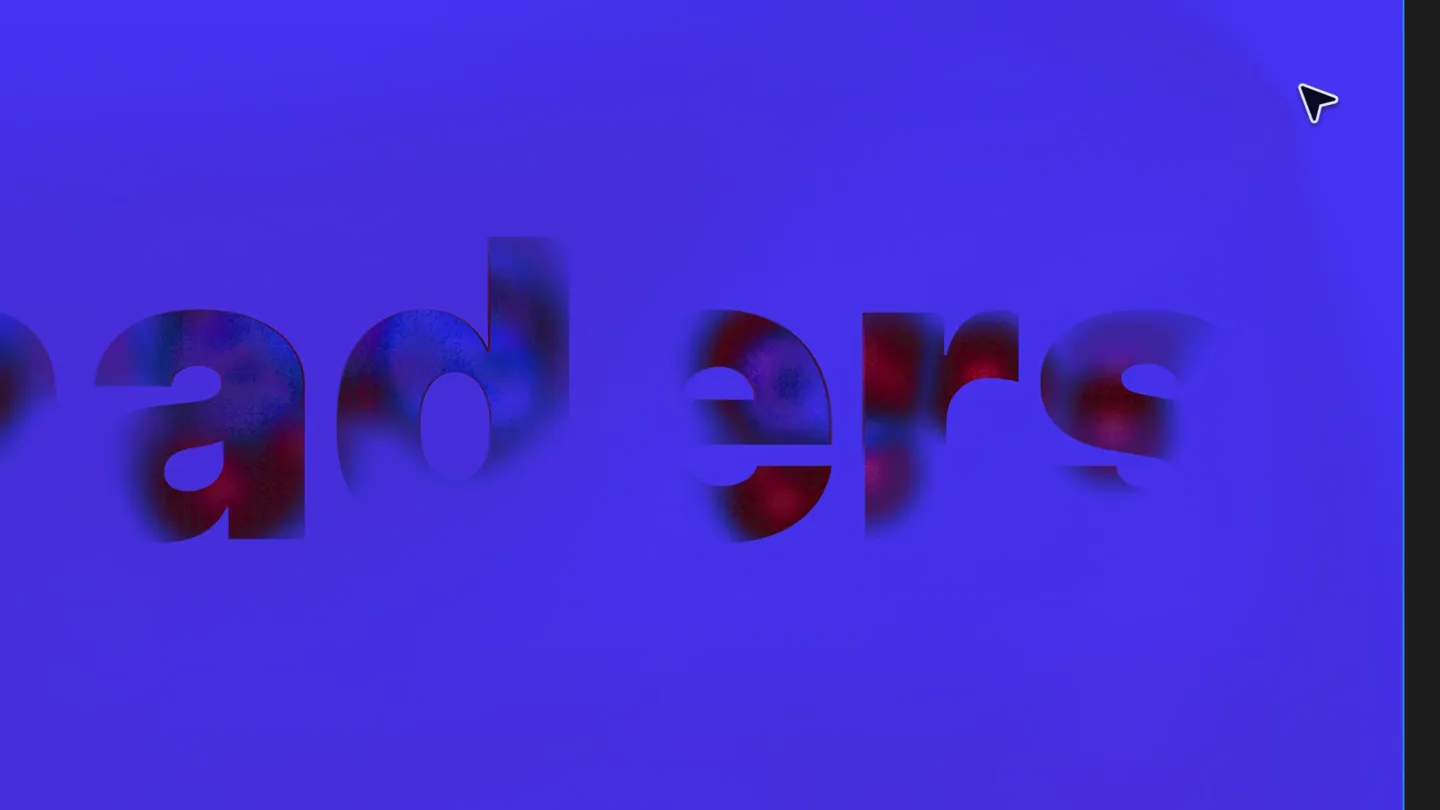
Figma · Launch Video Breakdown: Hook, Pacing & Motion Design
Made a cool shader or plugin? Time to publish it to Figma Community.
Scene-by-scene timeline & spoken transcript
The Hook
Dynamic Text Reveals & Plugin Previews
“(No spoken dialogue — Pizzicato synths and sub-bass create a modern, dynamic, and suspenseful opening, building anticipation.)”
- On screen
- shaders by: @ken
- Camera
- Static wide shot, focusing on the center of the screen where text and UI elements appear.
- Motion
- Text reveals with glitch/distortion effects, followed by rapid cuts showcasing various plugin UIs with interactive slider adjustments.
Feature Teaser
Diverse Plugin Capabilities Showcase
“(No spoken dialogue — High-energy audio transitions and risers accompany quick cuts, maintaining a dynamic and exciting pace.)”
- On screen
- 3D Inflate Inflation Pullback Frame fill Height Bevel In / out Curve / crease Flat / rounded Edge shaping Ridge smooth Joint smooth Dimples Wrinkles by: @pierscowburn Image collage layout Layout Style Options Image size Rotation Changes apply automatically. Press Re-roll for a fresh random arrangement. Re-roll by: @yanliu Marbling Strength Scale Swirl Turbulence Seed Rotation Speed by: @zhanganna CLIPSE #097 Basemer by: @davidszadorski Cursor trails Mode Particle size Particles / sec Spawn when... Primary color Particle lifeti... Follow speed Behavior by: @crystal by: @dmowl Ascii Mode Custom Text Character Si... Threshold Foreground Background by: @matthew
- Camera
- Primarily static shots, with occasional subtle zooms or pans to highlight UI interactions. Each scene is a close-up on a specific plugin interface.
- Motion
- Rapid-fire cuts (40 cuts/minute) between different plugin UIs, demonstrating diverse functionalities through slider adjustments and visual transformations. Cursor interaction is a key visual element.
Product Reveal
The 'No Keyframes' Promise & Publishing
“(No spoken dialogue — Sub-bass drops and impactful percussion emphasize key moments, building towards a resolution.)”
- On screen
- Slide 16:9 - 5 Make it move, without keyframes by: @tobilobatunbosu Auto-Slide Animator Fade in Fade duration Animate out Enable Hold duration Duration Easing Custom bezier Fade out Fade duration Reconstruct Apply animation Tools Create Search all tools Source Category Recents Auto-Slide Animator Created by you Unsplash 3.7m html. to. design html.to.design — by <div\>RIO... 2.5m Beautiful Shadows 590k Publish Edit Rename Delete Remove from recents
- Camera
- Starts with a static shot of text, then zooms out to reveal the full UI of the 'Auto-Slide Animator' plugin. Subsequent shots show navigation within the Figma UI.
- Motion
- Text animation revealing the core value proposition, followed by a clear demonstration of publishing a plugin within the Figma environment. Cursor interaction guides the viewer.
Call to Action
Publish to Community
“(No spoken dialogue — The audio track maintains its modern, dynamic feel, with a slight build in intensity to reinforce the call to action.)”
- On screen
- Publish shaders and generative plugins to the Community.
- Camera
- Static shot with text appearing dynamically on screen.
- Motion
- Text animation with words appearing sequentially, highlighting key terms like 'shaders', 'generative plugins', and 'Community' with a color change.
Call to Action
Figma Logo Reveal
“(No spoken dialogue — The audio culminates in an impactful sub-bass drop, signaling the end of the video and leaving a lasting impression.)”
- On screen
- (No on-screen text)
- Camera
- Static shot, centered on the evolving logo animation.
- Motion
- Abstract shapes animate and coalesce into the final Figma logo, a clean and impactful brand reveal.
Motion design primitives
Synthesizable in Remotion · key components of the dynamic-plugin-launch template.
GlitchTextReveal
Text appears with a digital glitch and distortion effect, as if being rendered or corrupted, then resolves into clear typography. A cursor interacts with the text during its appearance.
+ Code construction recipe
Utilize Remotion's <Text> component with custom shaders or SVG filters for glitch effects. Animate opacity, position, and color with `interpolate` and `spring` for the resolution. Overlay a cursor SVG animated along a path.
InteractiveUISlider
A UI panel with sliders and controls is shown, with a cursor actively dragging a slider to demonstrate a real-time visual change on an adjacent element.
+ Code construction recipe
Render a UI component with slider elements. Animate the slider's thumb position using `interpolate` or `spring` to simulate user interaction. The visual output (e.g., 3D object, image collage) should react dynamically to the slider's animated value.
DynamicWordHighlight
Sentences appear on screen, with specific keywords or phrases highlighted through a color change or subtle animation as they are revealed.
+ Code construction recipe
Use Remotion's <Sequence> and <AbsoluteFill> for text layers. Animate individual words or phrases using `interpolate` for opacity and color changes. A `delay` prop can control sequential word appearance.
Style DNA & aesthetic system
Visual aesthetic
Typography
Motion
Special effects
Pacing & rhythm
Conceptual story rhythm
- 1
Intriguing Introduction
Purpose. Hook the viewer with abstract, visually striking motion graphics that hint at creative possibilities.
Execution. Glitchy text reveals ('shaders') and abstract visual effects, accompanied by a dynamic cursor.
- 2
Problem/Opportunity Showcase
Purpose. Demonstrate a wide array of creative problems that can be solved or opportunities unlocked by the product's plugins.
Execution. Rapid-fire montage of diverse plugin UIs, each showing a unique visual effect or tool being manipulated by a cursor.
- 3
Solution & Value Proposition
Purpose. Clearly articulate the product's core benefit and how it simplifies complex creative tasks.
Execution. Text reveal 'Make it move, without keyframes' followed by a demonstration of the 'Auto-Slide Animator' plugin and the 'Publish' action.
- 4
Call to Action & Brand Reinforcement
Purpose. Instruct the user on the next step and solidify brand recognition.
Execution. On-screen text 'Publish shaders and generative plugins to the Community.' culminating in the animated Figma logo reveal.
Remix in Animatiq Studio
Master remix prompt · agent-ready
Sample remix
Objective
Launch a new AI-powered code generation tool called 'SyntaxFlow' that simplifies front-end development.How the recipe adapts
The GlitchTextReveal primitive would be used for 'SyntaxFlow' and 'no boilerplate' text. InteractiveUISlider would demonstrate a code editor with sliders controlling AI parameters like 'Component Complexity' or 'Framework Preference', showing code updating in real-time. DynamicWordHighlight would emphasize 'Generate code, effortlessly' before the SyntaxFlow logo reveal. The color palette would shift to a tech-focused scheme with greens and blues, maintaining the fast-paced editing and electronic sound design.Remix blueprint · dynamic-plugin-launch
Scene durations (5 scenes, 28s)
Key Remotion components
Related Creative Tools Product Launches
Explore all Creative Tools launches →
A vibe design partner with an AI-native canvas for turning ideas into UI.

We heard you wanted to use Codex rate limit resets on your own time. Starting today, we’re rolling out the ability to save rate limit resets to use later. We’re starting Go, Plus, Pro, and Business
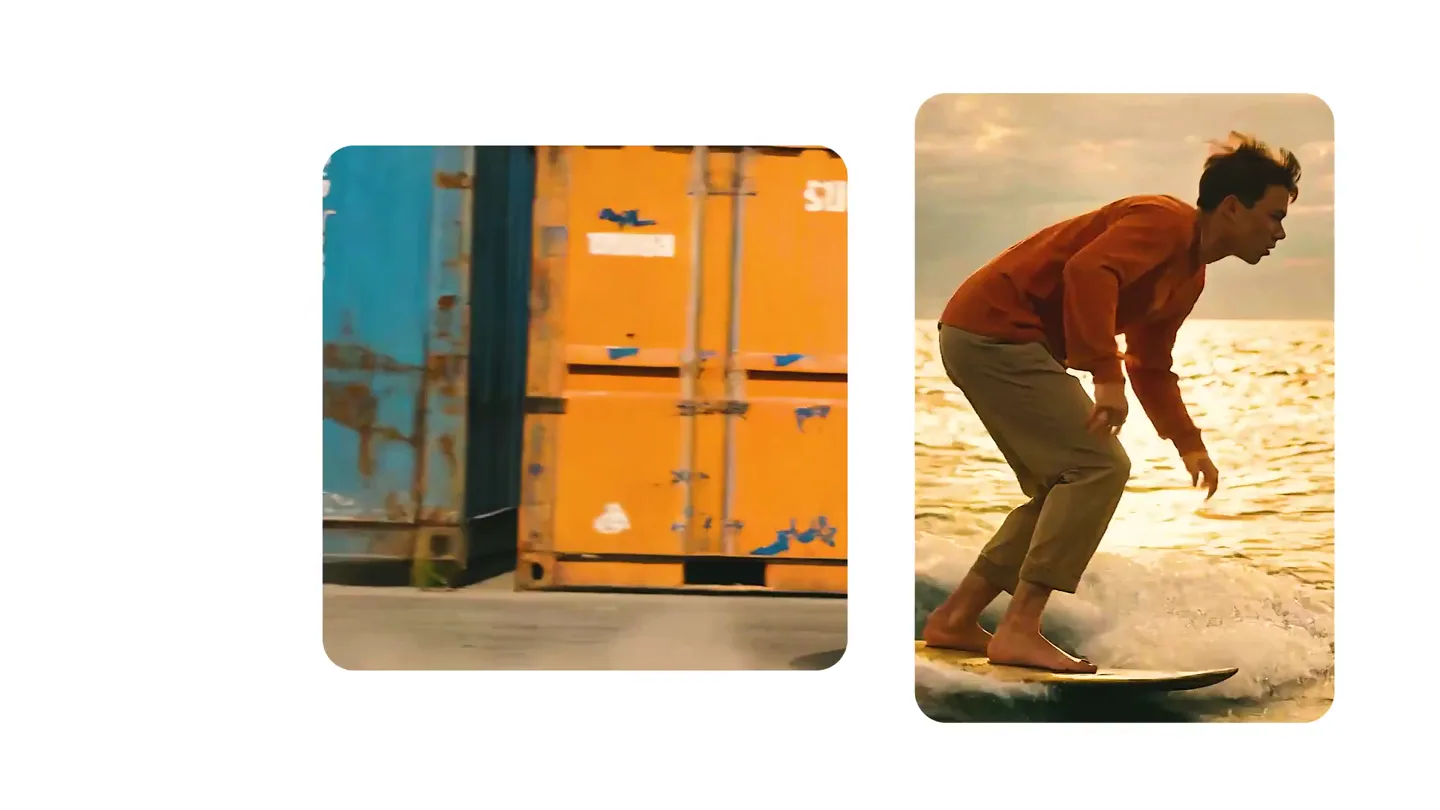
We just launched something the VFX community has been waiting for. OpenArt VFX lets you apply real visual effects to footage you already have. It lets you mask any region of your video and replace it with AI-generated content that matches the scene's lighting and physics. https://t.co/dnQjrZCWC4