
Figma · Launch Video Breakdown: Hook, Pacing & Motion Design
Bringing Shader Town to New York and San Francisco.
Scene-by-scene timeline & spoken transcript
The Hook
Shader Town Glitch Intro
“(No spoken dialogue — The track opens with a sustained, evolving pad, accompanied by a rhythmic, arpeggiated synth line and a subtle sub-bass pulse. At 0:06, a high-energy riser begins, culminating in a powerful sub-bass drop and impact at 0:09.)”
- On screen
- Create a custom shader effect in Figma
- Camera
- Rapid, disorienting cuts between real-world cityscapes and glitch-art interpretations. The camera often pans or zooms quickly, creating a sense of dynamic movement and digital distortion.
- Motion
- Glitch effects, pixelation, scanlines, data moshing, rapid scene cuts, digital displacement, and color channel separation are used to create a chaotic, high-energy opening. Real-world footage is heavily processed with digital artifacts.
Product Reveal
Real-World Integration & Creative Canvas
“(No spoken dialogue — This transitions into a driving electronic beat with a prominent kick drum, clap, and hi-hats, layered with a melodic synth lead. Another riser builds from 0:17, leading to a significant sub-bass impact at 0:21.)”
- On screen
- The full stack creative canvas. Figma. Motion design where you design. Create a tool to generate dynamic layouts.
- Camera
- Dynamic aerial and street-level shots of city environments (SF, NYC) featuring large-scale digital billboards and murals. The camera often tracks along streets or flies over buildings, revealing the integrated digital art.
- Motion
- Seamless integration of digital UI elements and motion graphics onto real-world surfaces. Billboards and murals animate with Figma's interface, showcasing interactive design elements and shader effects. The transition from digital glitch to clear, integrated visuals is key.
Feature Teaser
Interactive Shader & Motion Design Capabilities
“(No spoken dialogue — The main section features a pulsating synth bass, crisp percussion, and a bright, arpeggiated synth melody. A subtle sweep effect is heard at 0:29. The energy builds with additional percussive layers and a more intense synth melody from 0:35.)”
- On screen
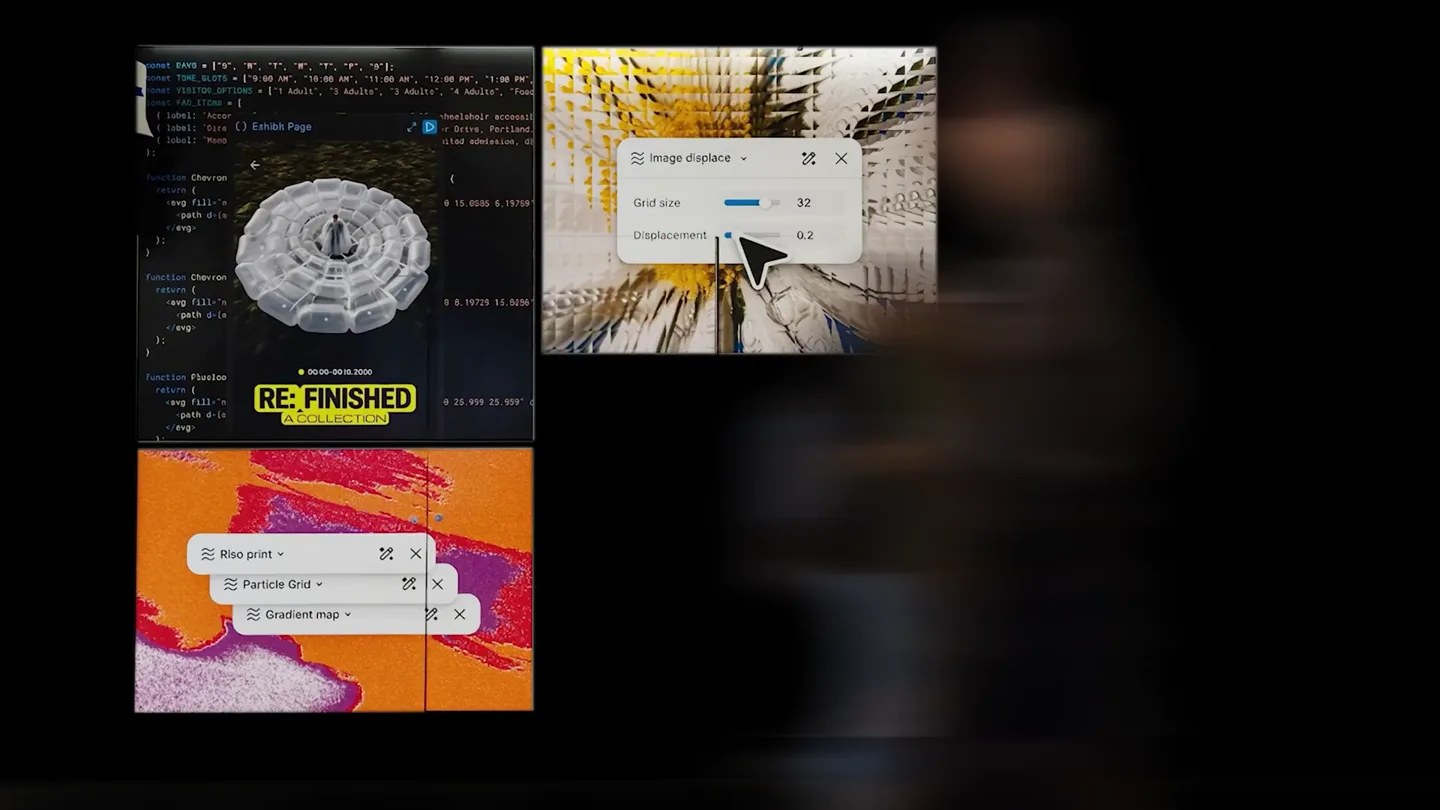
- Dither waves. Fluid halftone. Particle web. Magnetic field. Hyein Shin 6 hours ago 0.4s Let's speed up this part of the animation! Bio Art. Sounds. Create variations. Build this with. Animation. Core. Opacity. Scale. Rotation. Size. Build a shader to create a displacement effect. Shape what ships.
- Camera
- Close-up shots of artists painting murals, intercut with digital UI elements overlaying the real world. The camera frequently zooms into specific UI components or tracks the artist's hand movements, emphasizing the connection between physical and digital creation.
- Motion
- Interactive UI elements, real-time shader previews, and motion design controls are demonstrated. The video uses a blend of live-action footage with augmented reality-style overlays, showing how Figma's tools directly influence the physical art being created. Transitions are sharp and energetic, reflecting the fast-paced creative process.
Call to Action
Figma: The Future of Creative Tools
“(No spoken dialogue — A brief pause in the main melody at 0:48 leads into a final, sustained synth pad and a fading sub-bass, concluding with a subtle, almost ethereal synth texture.)”
- On screen
- Figma. Bringing Shader Town to New York and San Francisco.
- Camera
- A final, sweeping shot of a city skyline, culminating in a clear display of the Figma logo and tagline. The camera movement is grand and expansive, providing a sense of scale and impact.
- Motion
- Clean, impactful reveal of the Figma logo and tagline. The visual style returns to a more refined, less glitched aesthetic, emphasizing clarity and the product's established presence. The motion is smooth and confident, reinforcing the brand's authority.
Motion design primitives
Synthesizable in Remotion · key components of the urban-glitch-canvas-reveal template.
GlitchDisplacementWarp
This primitive applies a dynamic, pixel-shifting displacement effect, often combined with color channel separation and scanlines, to create a 'digital breakdown' or 'shader town' aesthetic. It's used for high-energy transitions and abstract visual moments.
+ Code construction recipe
Utilize Remotion's `Shader` component with custom GLSL shaders for displacement mapping, chromatic aberration, and scanline effects. Animate shader uniforms (e.g., displacement strength, color offset) using `interpolate` with `easeOutCubic` for sharp, impactful transitions. Combine with `Canvas` for pixel manipulation.
AugmentedBillboardReveal
This primitive seamlessly integrates digital UI elements and motion graphics onto real-world surfaces like billboards and murals. It involves a reveal animation where the digital content appears to 'paint itself' or 'unfold' onto the physical structure.
+ Code construction recipe
Employ `AbsoluteFill` with `Img` or `Video` components for the real-world footage. Overlay `Sequence` components containing Figma UI elements (e.g., `Text`, `Rect`, `Svg`) with `spring` animations for scale and opacity. Use `maskImage` or `clipPath` with animated SVG paths to create the 'painting' or 'unfolding' reveal effect.
InteractiveUIOverlay
This primitive showcases Figma's interactive UI elements, such as dropdowns, tooltips, and property panels, directly within the real-world context. It highlights specific features with animated cursors and dynamic text overlays.
+ Code construction recipe
Render Figma UI components as `Svg` or `Img` assets. Animate their position, scale, and opacity using `spring` for a natural, responsive feel. Implement a custom animated cursor using an `Svg` and `interpolate` for its path and position, simulating user interaction. Use `Text` components with `typewriter` effect for dynamic text overlays.
Style DNA & aesthetic system
Visual aesthetic
Typography
Motion
Special effects
Pacing & rhythm
Conceptual story rhythm
- 1
Digital Disruption
Purpose. To immediately grab attention and establish the theme of digital transformation and creative power through a visually striking, chaotic opening.
Execution. Rapid-fire cuts of glitched cityscapes, pixelated textures, and abstract shader effects, synchronized with a high-energy audio riser and sub-bass drop.
- 2
Real-World Canvas
Purpose. To demonstrate Figma's presence and impact in the physical world, showcasing its ability to bring digital creations to life on a grand scale.
Execution. Sweeping shots of city streets and buildings, revealing large-scale murals and billboards that animate with Figma's UI and creative output.
- 3
Interactive Creation
Purpose. To highlight the intuitive and powerful features of Figma, emphasizing its role in enabling complex motion design and shader creation.
Execution. Close-ups of artists interacting with augmented Figma interfaces, demonstrating real-time shader adjustments, animation controls, and collaborative feedback loops.
- 4
The Figma Vision
Purpose. To deliver a clear brand message and call to action, solidifying Figma's position as the ultimate creative tool.
Execution. A clean, impactful reveal of the Figma logo and tagline, set against a grand cityscape, reinforcing the product's expansive capabilities and vision.
Remix in Animatiq Studio
Master remix prompt · agent-ready
Sample remix
Objective
Launch a new AI-powered urban planning software called 'CityFlow'.How the recipe adapts
The GlitchDisplacementWarp primitive would be used to show initial urban data processing, with city maps distorting and reforming. AugmentedBillboardReveal would display CityFlow's predictive models and simulations on real-world buildings, showing traffic flow or energy consumption. InteractiveUIOverlay would demonstrate how urban planners interact with CityFlow's interface to adjust parameters, with animated cursors manipulating virtual city elements on a large screen in a public square.Remix blueprint · urban-glitch-canvas-reveal
Scene durations (4 scenes, 66s)
Key Remotion components
Related Creative Tools Product Launches
Explore all Creative Tools launches →
A vibe design partner with an AI-native canvas for turning ideas into UI.

We heard you wanted to use Codex rate limit resets on your own time. Starting today, we’re rolling out the ability to save rate limit resets to use later. We’re starting Go, Plus, Pro, and Business
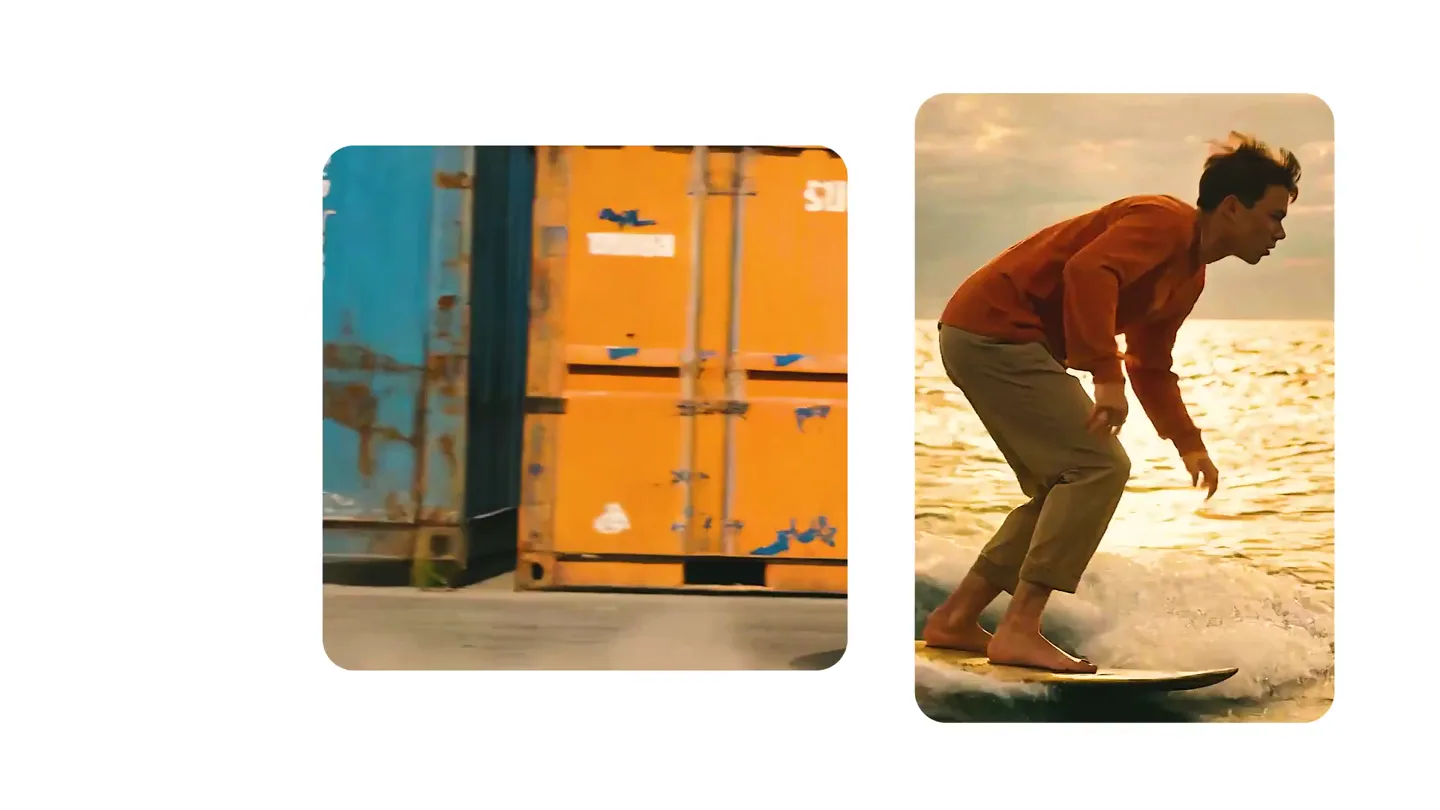
We just launched something the VFX community has been waiting for. OpenArt VFX lets you apply real visual effects to footage you already have. It lets you mask any region of your video and replace it with AI-generated content that matches the scene's lighting and physics. https://t.co/dnQjrZCWC4