
OpenArt · Launch Video Breakdown: Hook, Pacing & Motion Design
Gemini Omni Flash is now live in OpenArt. 📺 • Edit videos through natural conversation • Grounded in real-world knowledge - physics, history, science • Reference images, text, video, or audio to b…
Scene-by-scene timeline & spoken transcript
The Hook
OpenArt x Gemini Omni Flash Intro
“(No spoken dialogue — A driving trap beat with prominent 808s and a consistent sub-bass line begins, building energy.)”
- On screen
- OpenArt Gemini Omni Flash
- Camera
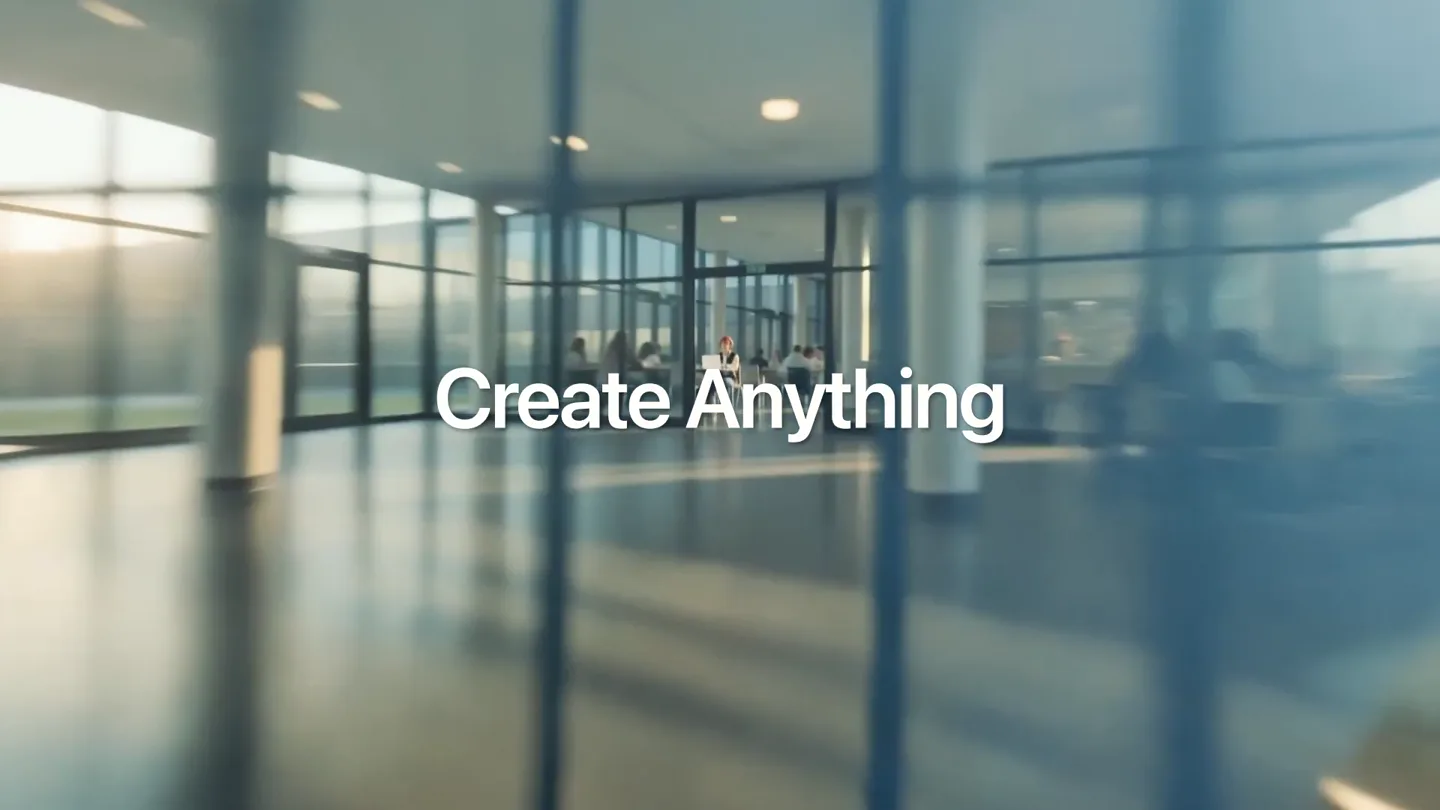
- Static shot of logos, then a fast, low-angle dolly zoom through a modern office space, ending on a medium shot of a person at a laptop.
- Motion
- Logo reveal, fast dolly zoom, text overlay with subtle animation.
Product Reveal
AI-Powered Object Transformation
“Secure the bag, I'm so fly and my jet don't lag.”
- On screen
- Create Edit Anything TASTE THE SNAP Replace bottle with can Gemini Omni Flash
- Camera
- Medium shot of a person interacting with a laptop, then a tracking shot as they walk to a fridge, then a low-angle tracking shot of them walking with a transformed object.
- Motion
- UI overlay animation, object transformation (bottle to can), dynamic text reveal with a 'snap' effect, character interaction.
Feature Teaser
Style Transformation & Immersive Worlds
“Make a million, make a billion a year.”
- On screen
- SNAP Change Styles
- Camera
- Close-up of a person drinking, then a rapid zoom into a swirling red vortex, transitioning to a dynamic 3D scene with the person floating amidst fruit, then quick cuts to different stylized versions of the scene.
- Motion
- Swirling vortex transition, 3D character animation, rapid style changes (realistic to cartoon to voxel), dynamic camera movements, fruit and ice cube particle effects.
Call to Action
Adding Visual Effects & Final CTA
“(No spoken dialogue — The trap beat continues with high-energy sound design, including whooshes and impacts, culminating in a final sub-bass drop.)”
- On screen
- Add Visual Effects FIZZING CARBONATION BUBBLE BURSTS Google Gemini Omni Flash Now on OpenArt
- Camera
- Medium shot of a person on a roller coaster, then a dynamic POV shot from the roller coaster, followed by a close-up of exploding fruit and ice, ending on a static white screen with text.
- Motion
- UI element integration, cartoon smoke effects, comic book style speed lines, explosive fruit and liquid particle effects, final text reveal.
Motion design primitives
Synthesizable in Remotion · key components of the ai-style-transform-launch template.
DynamicUIPopup
A sleek, dark, rounded rectangle UI element slides up from the bottom right of the screen, displaying text input and a product logo, then slides back down or transforms.
+ Code construction recipe
Use `interpolate` for `translateY` and `opacity` with an `easeOutCubic` curve. Implement a `Sequence` to control the timing of text input animation within the popup. Utilize `AbsoluteFill` for the popup container with `borderRadius` and `backgroundColor`.
StyleShiftWarp
A character and surrounding environment rapidly transition between distinct visual styles (e.g., realistic, cartoon, voxel) often accompanied by a swirling background or energetic particle bursts.
+ Code construction recipe
Employ `spring` animations for scale and rotation during the transition. Use `AbsoluteFill` layers with different `Image` or `Video` components for each style, cross-fading or using a `wipe` transition. Implement `Shader` components for effects like chromatic aberration or pixelation during the style change.
ExplosiveParticleBurst
Objects like fruit or ice cubes explode outwards from a central point, accompanied by liquid splashes and comic book-style visual effects like speed lines or cartoon smoke.
+ Code construction recipe
Utilize `Canvas` or `WebGL` for complex particle systems, controlling `position`, `scale`, `opacity`, and `rotation` with `interpolate` and `spring` functions. Overlay SVG or Lottie animations for comic book effects. Synchronize particle bursts with audio impacts using `useCurrentFrame` and `useVideoConfig`.
Style DNA & aesthetic system
Visual aesthetic
Typography
Motion
Special effects
Pacing & rhythm
Conceptual story rhythm
- 1
The Setup & Problem
Purpose. Introduce the product and hint at the creative limitations it solves, establishing a relatable scenario.
Execution. Company logos, then a quick cut to a person working on a laptop in a modern setting, implying everyday creative tasks.
- 2
The Breakthrough
Purpose. Showcase the core AI capability: effortless, natural language-driven transformation.
Execution. UI overlay demonstrating a text prompt ('Replace bottle with can') leading to an instant, seamless object change in live-action footage.
- 3
The Creative Unleashed
Purpose. Illustrate the expansive creative possibilities and diverse applications of the AI.
Execution. Rapid-fire sequence of style transformations (realistic to cartoon to voxel) and visual effect additions, using dynamic 3D environments and character animation.
- 4
The Call to Action
Purpose. Reinforce the product's impact and guide users to engage.
Execution. Energetic visual effects montage culminating in a clear, concise on-screen call to action with product branding.





