
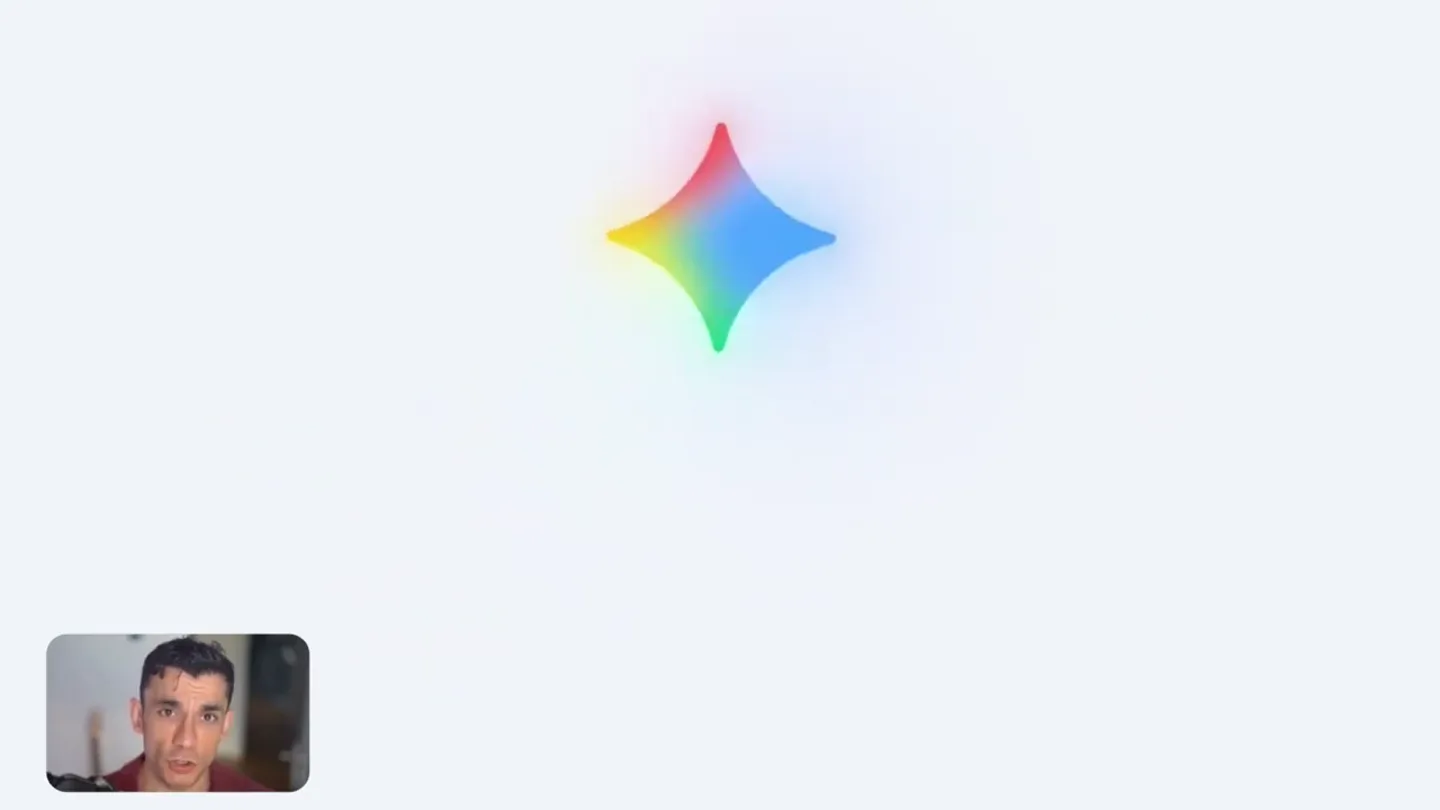
Google Gemini (by 0xMarioNawfal) · Launch Video Breakdown: Hook, Pacing & Motion Design
GOOGLE GEMINI JUST GOT A MASSIVE UPGRADE. THIS IS NOT AI INSIDE ANDROID. THIS IS GOOGLE TURNING YOUR PHONE, CAR AND LAPTOP INTO ONE GIANT GEMINI POWERED SYSTEM.
Scene-by-scene timeline & spoken transcript
The Hook
Gemini's Seamless Integration Across Devices
“GOOGLE GEMINI JUST GOT A MASSIVE UPGRADE. THIS IS NOT AI INSIDE ANDROID. THIS IS GOOGLE TURNING YOUR PHONE, CAR AND LAPTOP INTO ONE GIANT GEMINI POWERED SYSTEM.”
- On screen
- Gemini 2.0 Flash Hello, Teresa Book two floor seats to this concert 10:00 Tue, May 12 Describe your widget Find restaurants Preparing your tour in Expedia What was that ramen spot that Kevin recommended? I'm craving bbq. Any good spots along my route that are less than a mile detour? See messaging apps What's new with Android Auto. Productivity Driving just got more productive and fun with Gemini. Communication Hear an AI summary of long messages. Read the article. Here is the summary: Brianna asked if you wanted to have Thai for dinner and if you were still able to make it. Shake your cursor Create a custom widget Create a widget 9:30 Uber Eats Heading your way Alex • Arrives 9:45 - 9:50 PM Call Message Tip 68° G take a
- Camera
- Dynamic cuts between close-ups of phone screens, car dashboards, and laptop interfaces, often with a slight zoom or pan to highlight specific UI elements. The presenter is consistently in a picture-in-picture overlay.
- Motion
- Rapid UI demonstrations with animated text input and system responses. Smooth transitions between device screens. Use of glowing outlines and subtle particle effects to emphasize AI interactions.
Product Reveal
Deep Dive into Gemini's AI Capabilities
“The video discusses Google's new Gemini updates, focusing on how AI is integrated into Android phones, cars, and laptops. It highlights features like Gemini's ability to automate tasks, personalize user experience, and enhance navigation in cars.”
- On screen
- AI Profit Boardroom AI Profit Boardroom skool.com/ai-profit-lab-7462 AI Profit Boardroom - Master AI, automate sales, and scale profits with Julian Goldie. See you in there! Overwhelmed? Start Here... Upgrade to Annual & Save 40... Become an Affiliate 2.8k Members 75 Online 10 Admins SETTINGS Powered by skool AI Money Lab skool.com/ai-seo-with-julian-goldie-1... Discover how to make more money with AI and save 1,000s of hours with AI Automation! NEW AI trainings released daily, for FREE! Upgrade to AI Profit Boardro... Rank #1 with AI SEO FREE SEO Strategy Session! 38.4k Members 153 Online 4 Admins SETTINGS Powered by skool
- Camera
- Focus shifts to detailed screen recordings of Gemini in action, showcasing specific features. The presenter maintains a consistent picture-in-picture presence, often gesturing to the screen.
- Motion
- Animated data visualizations and UI elements demonstrating AI processing. Text highlights and pop-ups explain complex features. Smooth, controlled camera movements within the digital interfaces.
Feature Teaser
Introducing Google Book and AI-First Innovations
“The speaker also introduces Google Book, an AI-first laptop, and emphasizes the importance of adapting to AI advancements.”
- On screen
- (No on-screen text)
- Camera
- A mix of product shots for the Google Book laptop, intercut with more abstract motion graphics representing AI processing. The presenter's overlay continues, providing commentary.
- Motion
- Sleek product reveals with subtle light reflections and material shaders. Abstract particle systems and glowing lines to represent AI intelligence. Morphing shapes and fluid transitions between concepts.
Call to Action
Join the AI Revolution
“The video concludes with a call to action for viewers to engage with the content and join AI-focused communities.”
- On screen
- AI Profit Boardroom AI Profit Boardroom skool.com/ai-profit-lab-7462 AI Profit Boardroom - Master AI, automate sales, and scale profits with Julian Goldie. See you in there! Overwhelmed? Start Here... Upgrade to Annual & Save 40... Become an Affiliate 2.8k Members 75 Online 10 Admins SETTINGS Powered by skool AI Money Lab skool.com/ai-seo-with-julian-goldie-1... Discover how to make more money with AI and save 1,000s of hours with AI Automation! NEW AI trainings released daily, for FREE! Upgrade to AI Profit Boardro... Rank #1 with AI SEO FREE SEO Strategy Session! 38.4k Members 153 Online 4 Admins SETTINGS Powered by skool
- Camera
- The camera focuses on community platforms and social media interfaces, with the presenter directly addressing the audience. Zoom-ins on specific buttons or links for engagement.
- Motion
- Animated call-to-action buttons with subtle glows and hover effects. Smooth scrolling and dynamic content loading on community pages. Energetic transitions to reinforce the urgency of the call to action.
Motion design primitives
Synthesizable in Remotion · key components of the ai-agent-ecosystem-launch template.
GeminiUIReveal
A UI element (like a text input field or button) appears with a soft glow, often accompanied by a subtle particle burst, then text animates in with a gradient fill. This signifies an AI interaction or system response.
+ Code construction recipe
Use Remotion's <AbsoluteFill> for the background. Animate opacity and scale for the UI element using `interpolate` with an `easeOutCubic` curve. Apply a `linear-gradient` CSS property for text fill. Implement a `spring` animation for the particle burst effect on appearance.
DeviceScreenTransition
Seamless, fast cuts between different device screens (phone, car, laptop) with a slight perspective shift or a quick, almost imperceptible wipe. UI elements often maintain their relative positions or animate into new contexts.
+ Code construction recipe
Utilize `Sequence` and `AbsoluteFill` for each device screen. Employ `interpolate` for `translateX`, `translateY`, and `scale` properties to create quick, masked transitions. Consider `clipPath` or `overflow: hidden` on parent containers to manage the screen boundaries during the transition.
AIConceptGlow
Abstract glowing lines, particles, or a subtle chromatic aberration effect that emanates from or surrounds key AI-powered elements or text, visually representing intelligence or processing.
+ Code construction recipe
Apply SVG filters for `feGaussianBlur` and `feColorMatrix` to create glow effects. Use `Canvas` or `WebGL` for particle systems, animating their position and opacity. Implement `filter: blur()` and `transform: translate()` with `spring` for subtle chromatic aberration on text.
Style DNA & aesthetic system
Visual aesthetic
Typography
Motion
Special effects
Pacing & rhythm
Conceptual story rhythm
- 1
The Integrated Future
Purpose. Immediately establish the core premise: AI seamlessly connects all personal devices.
Execution. Rapid cuts showcasing Gemini UI on phone, car, and laptop screens, demonstrating cross-device functionality with glowing AI interactions.
- 2
AI in Action
Purpose. Detail specific, practical applications and benefits of Gemini's AI capabilities.
Execution. In-depth screen recordings of Gemini automating tasks, personalizing experiences, and enhancing navigation, with animated data and text highlights.
- 3
The Next Frontier
Purpose. Introduce new hardware (Google Book) and broader implications of AI advancement.
Execution. Sleek product reveals of the Google Book laptop, intercut with abstract motion graphics representing advanced AI processing and future possibilities.
- 4
Empowerment & Community
Purpose. Call viewers to action, encouraging engagement and participation in AI-focused communities.
Execution. Focus on community platforms and social media interfaces, with animated call-to-action buttons and the presenter directly inviting audience participation.





