
Google · Launch Video Breakdown: Hook, Pacing & Motion Design
At #GoogleIO last month, we announced the next era of Google Search. Here’s what to know We’re introducing a new, intelligent Search box, marking its biggest upgrade in over 25 years. Designed to a…
Scene-by-scene timeline & spoken transcript
The Hook
Introducing the New Intelligent Search Box
“(No spoken dialogue — ambient visual with typing sound effects implied)”
- On screen
- Google Search + Ask Goo
- Camera
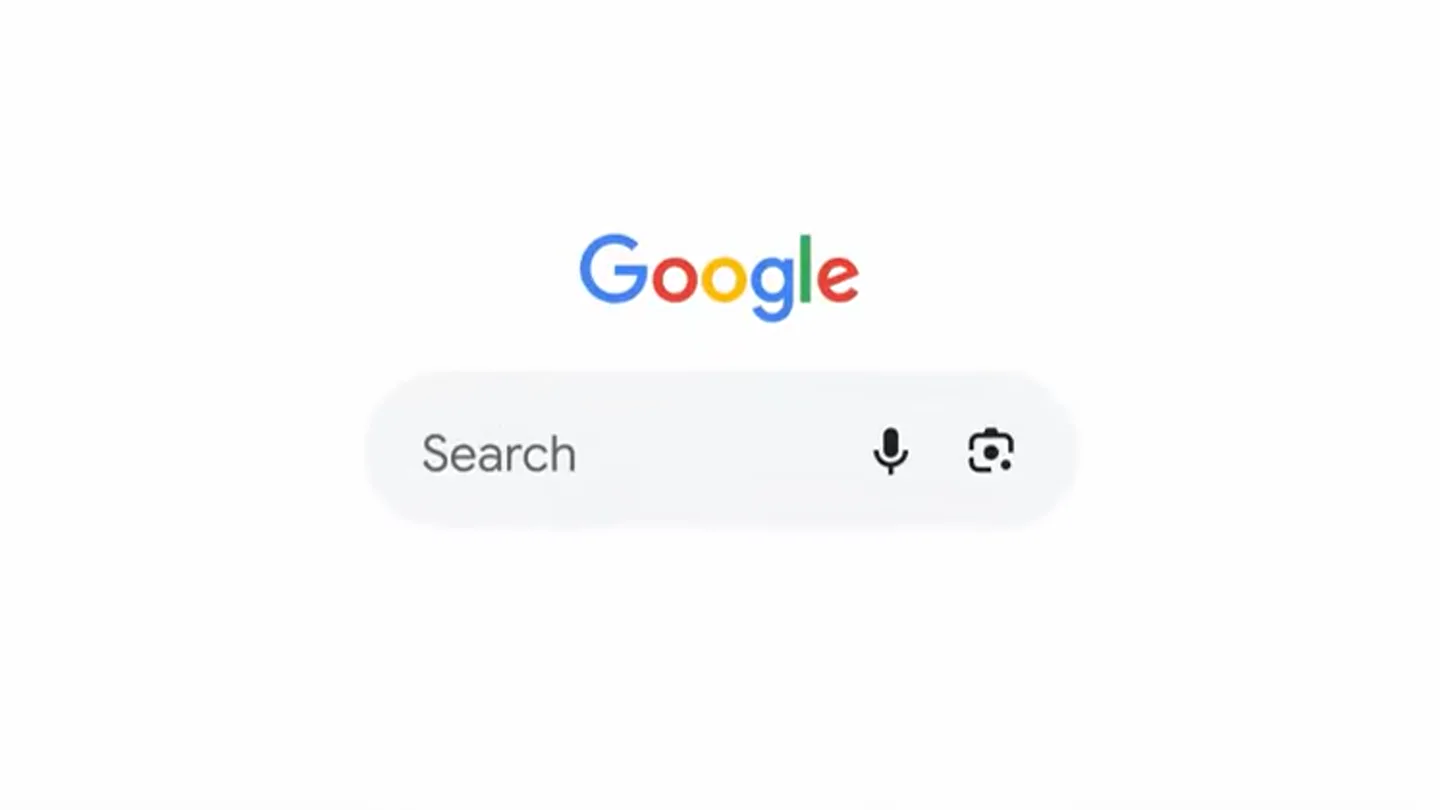
- Initial wide shot of the Google search bar, then a quick zoom-in and pan to reveal the new 'Ask Google' prompt.
- Motion
- Rapid zoom and pan, text reveal animation, UI element morphing.
Product Reveal
AI Mode and Creative Options
“(No spoken dialogue — ambient visual with UI interaction sounds implied)”
- On screen
- Google + Ask Google AI Mode Talk Create
- Camera
- Static shot of the mobile UI, focusing on the new AI features below the search bar.
- Motion
- Subtle UI element reveal, soft glow on interactive elements.
Feature Teaser
Intelligent Query Expansion
“(No spoken dialogue — ambient visual with typing sound effects implied)”
- On screen
- 9:30 I want to pick up a new hobby and I'm thinking about trying pottery. is wheel throwing or hand building
- Camera
- Close-up on the search input field, showing a user typing a multi-part query.
- Motion
- Typing animation, dynamic text wrapping, subtle cursor blink.
Feature Teaser
Contextual Search Refinement
“(No spoken dialogue — ambient visual with typing sound effects implied)”
- On screen
- 9:30 I want to pick up a new hobby and I'm thinking about trying pottery. is wheel throwing or hand building easier to learn. can you recommend some available classes near me on tuesday nights or the weekends
- Camera
- Continued close-up on the search input, demonstrating the AI's ability to understand and expand complex queries.
- Motion
- Typing animation, text highlight for suggested additions, smooth text flow.
Motion design primitives
Synthesizable in Remotion · key components of the ai-note-app-launch template.
SearchBoxMorph
The standard Google search bar rapidly transforms into an expanded, intelligent search box with new interactive elements. This includes a quick zoom and a change in internal text.
+ Code construction recipe
Use `interpolate` for position and scale changes. Animate `opacity` and `transform` for text and icon reveals. Employ `spring` for a subtle bounce effect on the final state of the search box.
AITextTypewriter
Text appears character by character within the search input field, simulating real-time typing, with a blinking cursor. The text dynamically wraps and expands as more content is added.
+ Code construction recipe
Implement a `Sequence` component to render characters with a delay. Use `measureText` for dynamic text wrapping and `spring` for the cursor's blink animation. Ensure `overflow: hidden` on the text container.
FeatureButtonReveal
New UI buttons like 'AI Mode', 'Talk', and 'Create' subtly fade in and slide up from below the search bar, indicating new functionalities.
+ Code construction recipe
Animate `opacity` from 0 to 1 and `translateY` from a negative value to 0 using `spring` with a slight delay for each button to create a staggered reveal.
Style DNA & aesthetic system
Visual aesthetic
Typography
Motion
Special effects
Pacing & rhythm
Conceptual story rhythm
- 1
The Familiar Entry Point
Purpose. Establish familiarity with the existing Google Search interface before introducing the new capabilities.
Execution. Opening shot of the classic Google search bar, clean and recognizable.
- 2
The Intelligent Transformation
Purpose. Showcase the immediate upgrade and the core innovation of the new search experience.
Execution. The search bar morphs into the 'Ask Google' intelligent input, revealing new AI features.
- 3
The Conversational Query
Purpose. Demonstrate the natural language processing and multi-turn conversational capabilities.
Execution. User types a complex, multi-part question, showing the AI's understanding.
- 4
The Contextual Refinement
Purpose. Highlight the AI's ability to refine and expand queries based on context and user intent.
Execution. The query evolves with additional details, showcasing the AI's advanced understanding and suggestion capabilities.





