Headphone 1 Pro (by Nothing) · Launch Video Breakdown: Hook, Pacing & Motion Design
Nothing’s Headphone (1) Pro uses a triple-driver architecture for deeper bass, textured vocals, and richer instruments.
Scene-by-scene timeline & spoken transcript
The Hook
Behind the Scenes & First Listen
“(No spoken dialogue — Ambient electronic score with a 'tada' vocal sample and pizzicato synths begins, building a sense of anticipation.)”
- On screen
- (No on-screen text)
- Camera
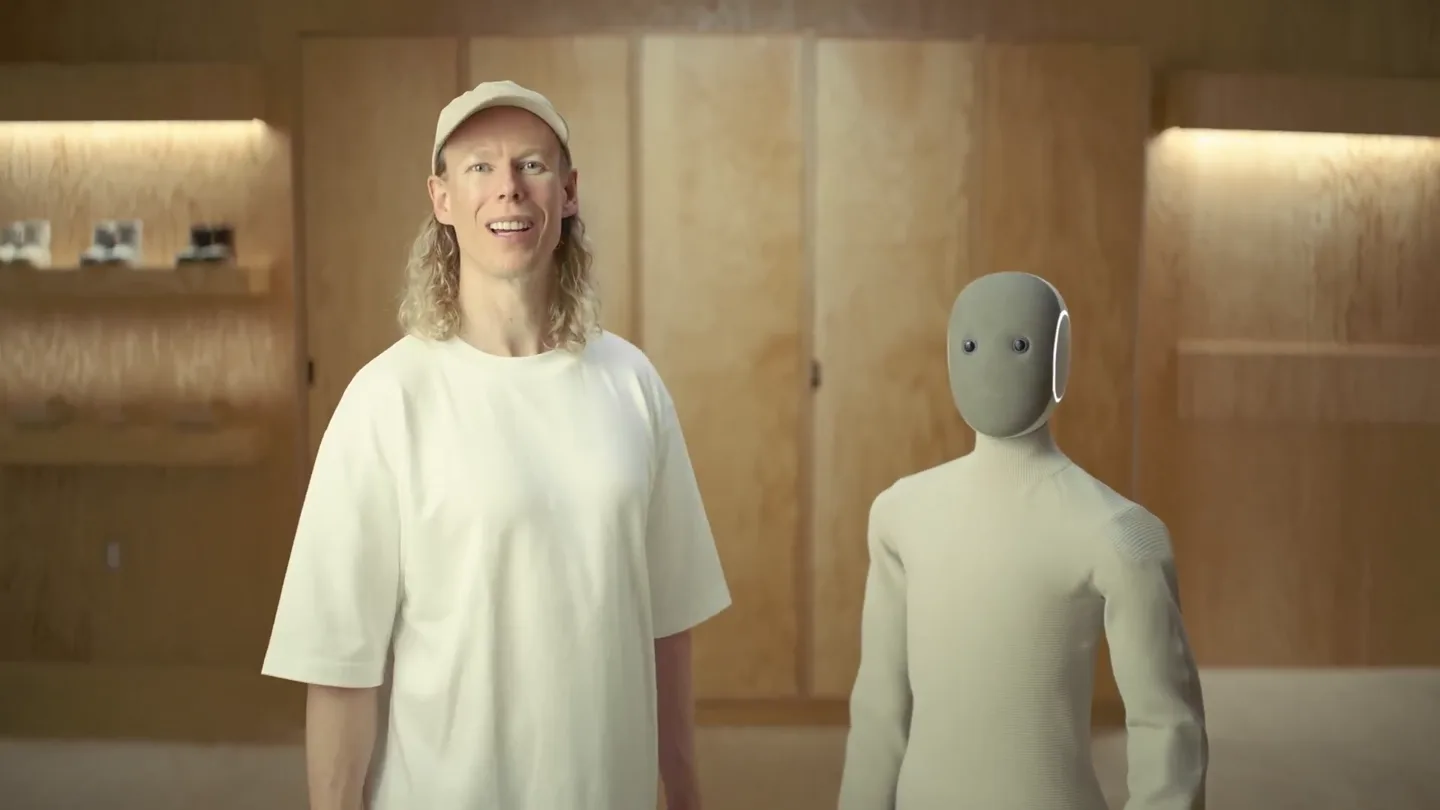
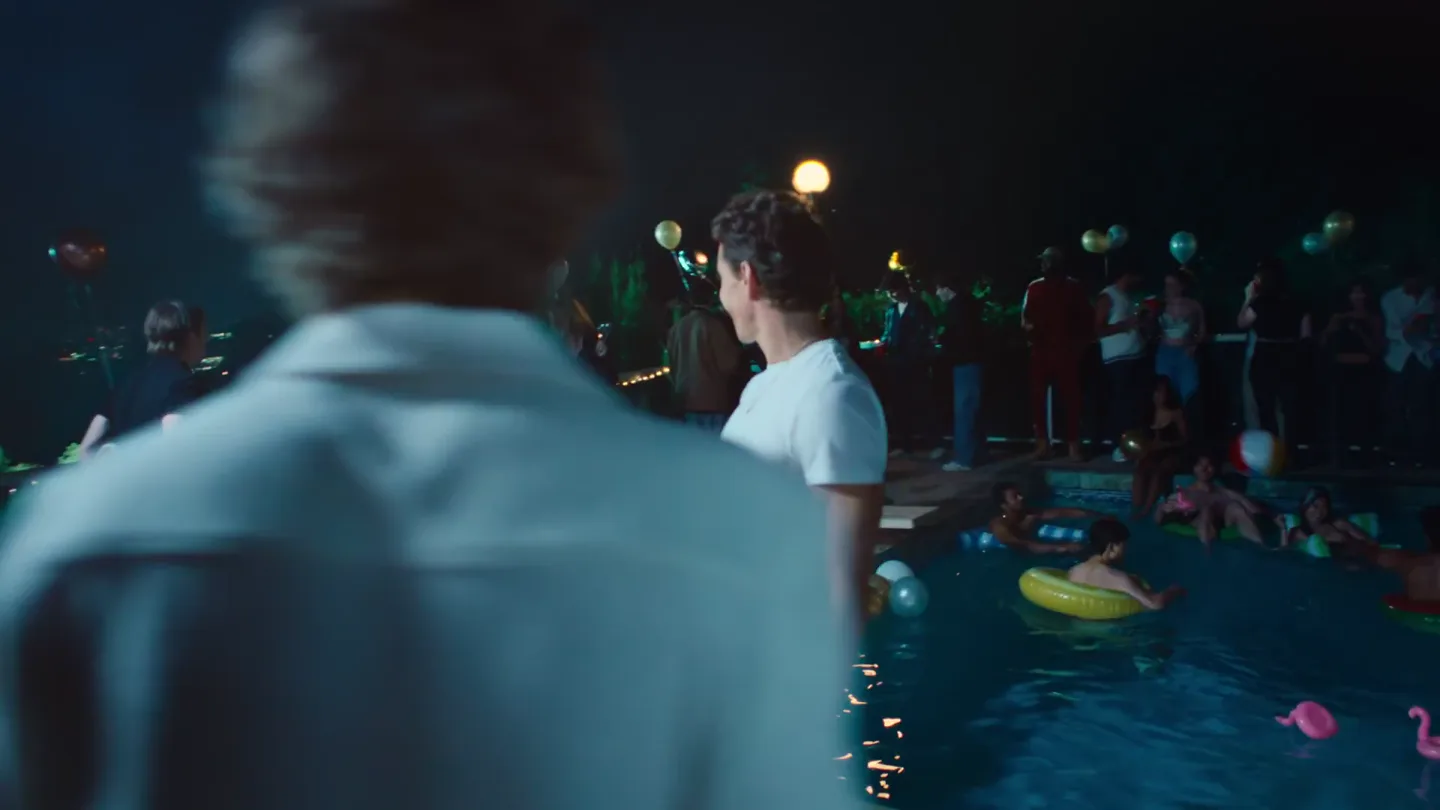
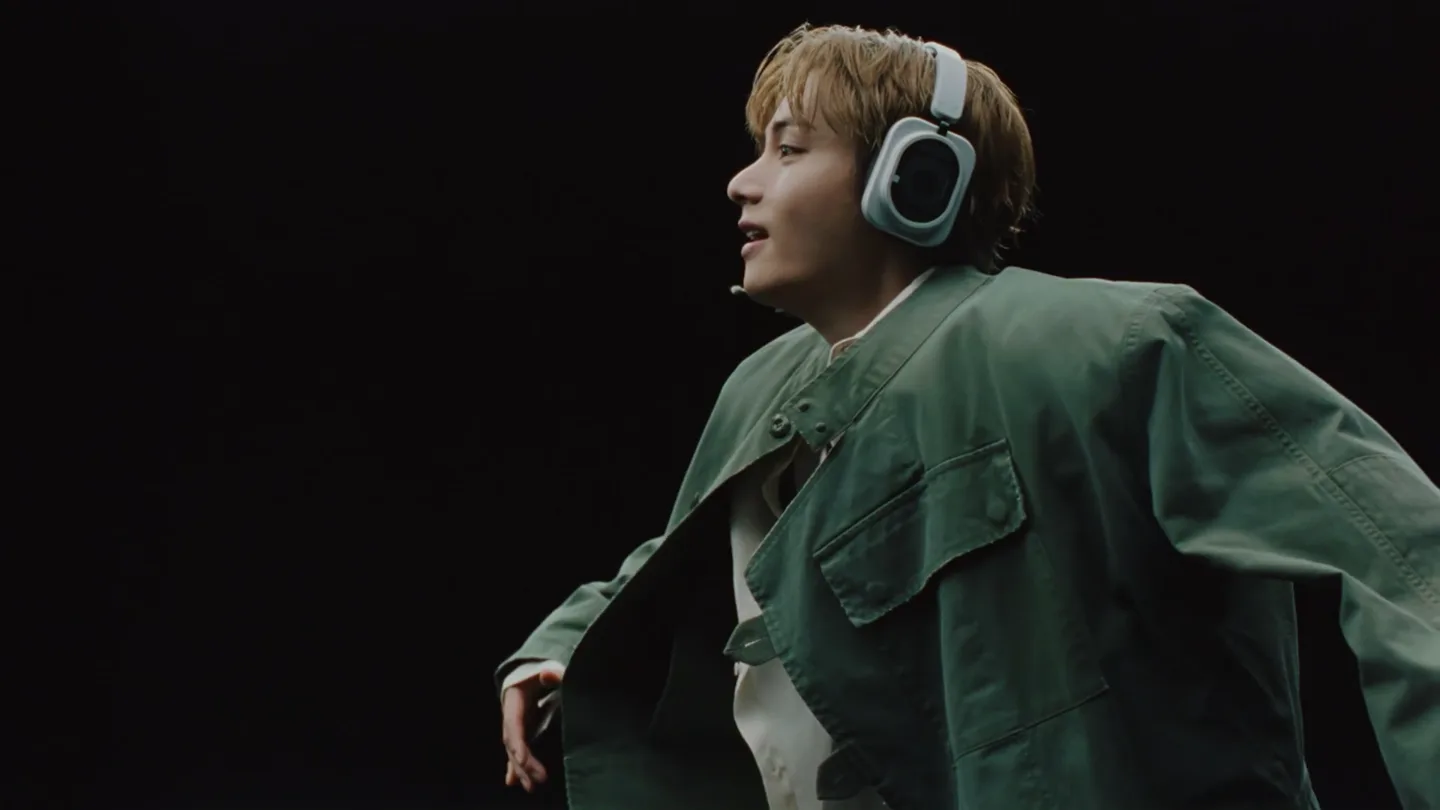
- Handheld, documentary-style shots of a production crew, then a medium shot of a talent being fitted with headphones, followed by a wide shot of the talent dancing on a dark stage.
- Motion
- Quick cuts, natural camera movement, and a focus on human interaction and expression.
Product Reveal
Immersive Audio Experience
“(No spoken dialogue — The electronic beat becomes more prominent, driving the visual rhythm. Sub-bass and 808-style percussion are introduced.)”
- On screen
- (No on-screen text)
- Camera
- Dynamic, low-angle tracking shots of the talent dancing, with multiple instances of the talent composited on screen, creating a sense of energetic movement and immersion.
- Motion
- Motion trails, multi-instance compositing, and dynamic camera angles to emphasize movement and the immersive quality of the sound.
Feature Teaser
Brand & Product Introduction
“(No spoken dialogue — The electronic beat continues with the 'tada' vocal sample. The energy is consistent.)”
- On screen
- NOTHING (V) headphone (1) pro
- Camera
- Static, centered view on a black background.
- Motion
- Text animation with a pixelated, glitchy reveal effect, emphasizing a tech-forward and minimalist brand identity.
Call to Action
Product Feature Showcase
“(No spoken dialogue — High-energy audio transition with a riser and sweep at [0:29], leading into a sub-bass drop/impact at [0:30]. The track concludes with a sustained synth pad and a final percussive impact.)”
- On screen
- (No on-screen text)
- Camera
- Close-up, dynamic shots of the headphones, rotating and showcasing design details. The camera moves around the product.
- Motion
- 3D product rotation, subtle lighting changes, and precise synchronization with audio impacts to highlight product features and design.
Motion design primitives
Synthesizable in Remotion · key components of the nothing-headphone-launch-remix template.
MultiInstanceDance
A single subject is duplicated and offset in time and space, creating a 'ghosting' or 'afterimage' effect as they move across the screen, suggesting energetic motion and a dynamic experience.
+ Code construction recipe
Utilize Remotion's <Sequence> component to layer multiple instances of the same video clip. Apply `transform` properties (translate, scale, rotate) and `opacity` interpolation with `spring()` or `interpolate()` to create the offset and fading effect for each instance. Ensure precise timing with `delayFrames` for each duplicated element.
PixelatedTextReveal
Text appears on screen with a pixelated, blocky, or glitch-like transition, resolving into clear, crisp typography. This effect suggests a digital, modern, and slightly retro tech aesthetic.
+ Code construction recipe
Implement using Remotion's <Text> component. Apply a custom shader or SVG filter for the pixelation effect. Animate the `filter` property or `fontSize` and `letterSpacing` with `interpolate()` from a large, blocky state to a refined state, synchronized with a `spring()` for a subtle bounce at the end.
DynamicProductRotation
A 3D product model rotates smoothly and dynamically, often with subtle camera shifts and lighting changes, to showcase its design from multiple angles.
+ Code construction recipe
Render a 3D model of the product in a tool like Blender or Three.js, then import the rendered sequence into Remotion. Animate the `rotation` and `position` of the 3D object or camera using `interpolate()` with `easeOutCubic` for smooth, controlled movement. Integrate subtle `light` changes or `shadow` animations to highlight contours.
Style DNA & aesthetic system
Visual aesthetic
Typography
Motion
Special effects
Pacing & rhythm
Conceptual story rhythm
- 1
Behind the Curtain
Purpose. Builds anticipation and authenticity by showing the production process, hinting at the effort behind the product.
Execution. Grainy, handheld footage of a film set and crew, leading into the talent preparing.
- 2
The Auditory Journey
Purpose. Visually represents the immersive experience of the headphones through dynamic, expressive movement.
Execution. Talent dancing energetically on a dark stage, enhanced with multi-instance compositing and dynamic camera work.
- 3
Brand & Product Identity
Purpose. Clearly introduces the brand and product name with a distinct, modern visual style.
Execution. Minimalist black screen with pixelated text revealing 'NOTHING (V)' and 'headphone (1) pro'.
- 4
Feature Spotlight
Purpose. Showcases the product's design and features in a compelling, detailed manner.
Execution. Clean 3D renders of the headphones rotating, with synchronized audio impacts highlighting key moments.