
Hermes Agent 5179 (by Nous Research) · Launch Video Breakdown: Hook, Pacing & Motion Design
Hermes Agent now has Tool Search, so your agent only loads what it needs
Scene-by-scene timeline & spoken transcript
Problem Agitation
The Context Problem
“Every MCP and plugin loads its schemas into context. 41% of the window before any real work.”
- On screen
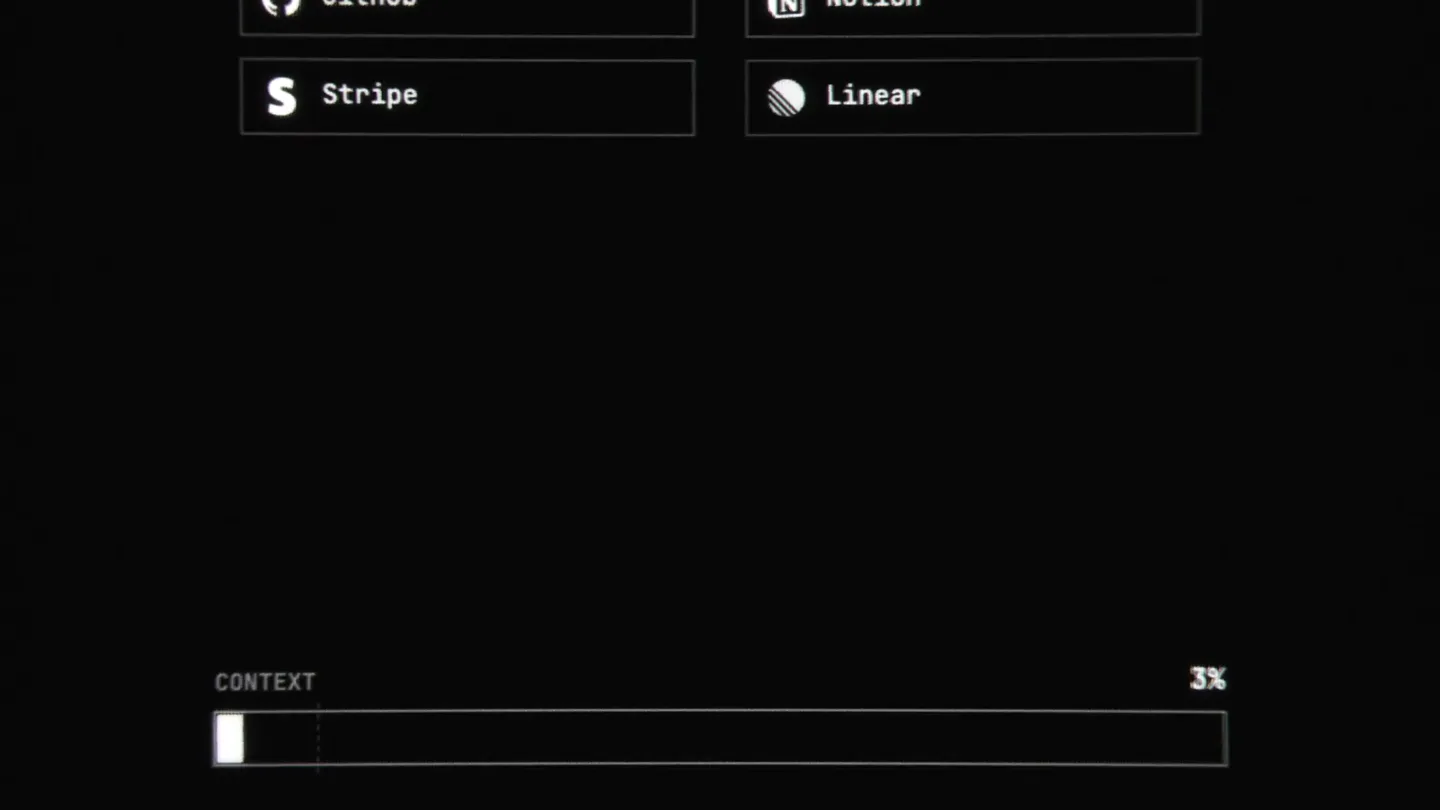
- HERMES AGENT THE PROBLEM GitHub Notion Stripe Linear Sentry Postgres Figma Gmail CONTEXT 0% 6% 23% 38% 41% TOOL SEARCH - PR #56693 every MCP and plugin loads its schemas into context 41% of the window - before any real work
- Camera
- Static, centered view of a terminal-like interface.
- Motion
- Progress bar fill animation, text pop-in, grid item reveal.
Product Reveal
Tool Search Solution
“Tool Search keeps schemas out of context until needed. Search, pull in one tool, call it. Your core tools stay loaded.”
- On screen
- HERMES AGENT TOOL SEARCH on the shelf - loaded on demand GitHub Notion Stripe Linear Sentry Postgres Figma Gmail CONTEXT 29% 3% tool_search "github issues" github.list_issues 0.91 github.search_issues 0.88 github.get_issue 0.72 tool_describe -> { repo - state - labels } core tools terminal - read - write - edit - search always loaded TOOL SEARCH - PR #56693 Tool Search keeps schemas out of context until needed search -> pull in one tool -> call it called your core tools stay loaded
- Camera
- Static, centered view of a terminal-like interface.
- Motion
- Context bar reduction, tool search query animation, confidence bar fill, 'called' indicator, core tools reveal.
Call to Action
Context Stays Yours
“Add every MCP you want. Context stays yours.”
- On screen
- HERMES AGENT Add every MCP you want. Context stays yours. HERMES AGENT TOOL SEARCH TOOL SEARCH - PR #56693
- Camera
- Static, centered view, then a subtle zoom out.
- Motion
- Full-screen text reveal with subtle glitch effect, product name emphasis, sub-bass impact sync.
Call to Action
Nous Research Branding
“(No spoken dialogue — A sustained, evolving orchestral synth pad creates a sense of resolution and grandeur.)”
- On screen
- (No on-screen text)
- Camera
- Slow zoom out on the Nous Research logo.
- Motion
- Metallic logo reveal with subtle light reflections and a soft glow, fading to black.
Motion design primitives
Synthesizable in Remotion · key components of the terminal-data-flow-explainer template.
GlitchyTerminalText
Text appears with a subtle, randomized pixel displacement and color shift, mimicking old CRT screens. It often resolves into a clean, readable state.
+ Code construction recipe
Use Remotion's <Text> component with a custom shader or SVG filter for pixel displacement and color channel shifting. Animate opacity and filter intensity using `interpolate` with a `spring` for the resolution.
ContextProgressBar
A horizontal bar fills or empties with segmented blocks, accompanied by a percentage counter. The segments appear to 'load' or 'unload' sequentially.
+ Code construction recipe
Render a series of <Rect> components for the segments. Animate their `width` or `opacity` using `sequence` and `spring` for a staggered fill/empty effect. The percentage text can be animated with `interpolate`.
ToolCardGridReveal
Individual tool cards (icons + text) appear in a grid layout, fading and scaling in with a slight delay, creating a cascading effect.
+ Code construction recipe
Map over an array of tool data to render multiple <ToolCard> components. Apply `spring` animations to `scale` and `opacity` for each card, using `delay` based on its index in the grid for the staggered reveal.
Style DNA & aesthetic system
Visual aesthetic
Typography
Motion
Special effects
Pacing & rhythm
Conceptual story rhythm
- 1
The Problem Setup
Purpose. Establish the inefficiency of current AI agent context loading.
Execution. A progress bar visually fills up, representing context usage, while tool icons appear, illustrating the problem.
- 2
The Solution Introduction
Purpose. Introduce Tool Search as the elegant solution to context bloat.
Execution. The progress bar dramatically empties, and tool search mechanics are demonstrated with interactive UI elements.
- 3
Benefit Reinforcement
Purpose. Highlight the key advantages: efficiency and user control.
Execution. Key phrases like 'context stays yours' appear boldly on screen, reinforced by the visual demonstration of minimal context usage.
- 4
Brand Affirmation
Purpose. Conclude with strong brand identity and product name.
Execution. The product name and company logo are presented with a polished, impactful animation, leaving a lasting impression.





