
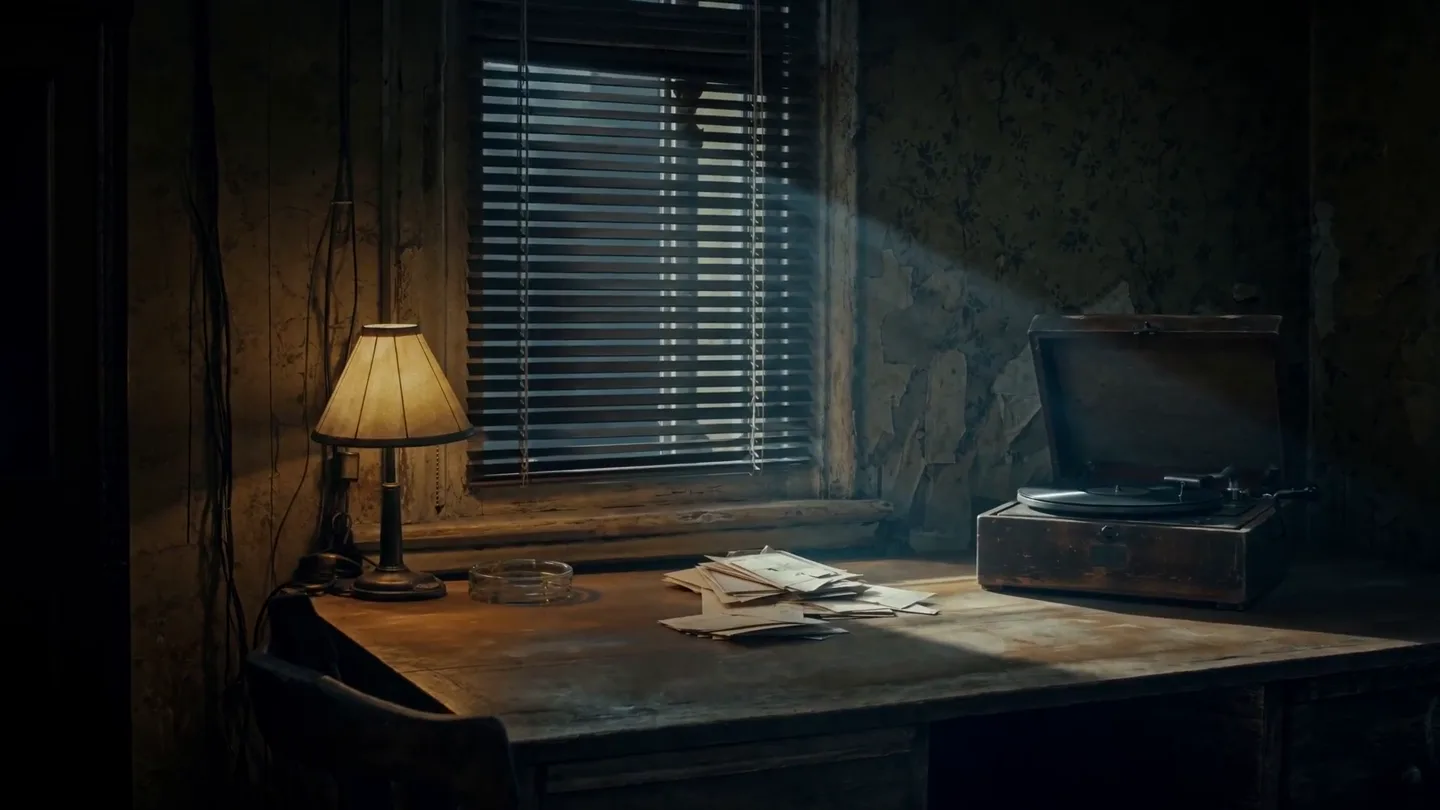
Hycreator (by Tencent) · Launch Video Breakdown: Hook, Pacing & Motion Design
HyCreator is an agent harness for long video generation: end-to-end auto mode for 10-minute-scale films with zero human intervention, plus real-time interactive editing. Early access at hycreator.tencent.com.
Scene-by-scene timeline & spoken transcript
The Hook
Urban Melancholy & Struggle
“I'm just a product of my environment, trying to make it out the concrete jungle. Every day's a struggle, but I keep my head up, chasing that dream, you know? This ain't no fairy tale, this is real life, real pain, real hunger.”
- On screen
- (No on-screen text)
- Camera
- Establishing shots of a gritty urban environment, followed by close-ups of the protagonist's face, then wide shots of him walking through desolate streets. Camera pans and tracks with the character, often at eye-level or slightly low-angle to emphasize his presence.
- Motion
- Slow, deliberate camera movements with occasional quick cuts to build tension. Use of shallow depth of field to isolate the subject. Overlays of subtle atmospheric effects like fog and rain.
Problem Agitation
Confrontation & Desperation
“They say the streets ain't got no love, just cold hearts and empty promises. But I gotta fight, gotta stand my ground, for everything I believe in. No turning back now, it's all or nothing, man.”
- On screen
- (No on-screen text)
- Camera
- Dynamic camera work with quick cuts between characters during a confrontation. Handheld camera feel to enhance realism and urgency. Close-ups on faces to capture emotion, wide shots to show the scale of the environment.
- Motion
- Rapid editing with jump cuts and whip pans. Use of lens flares and light leaks to create a raw, unpolished look. Subtle slow-motion for dramatic impact during key moments.
Product Reveal
Reflection & Creative Outlet
“Sometimes you gotta look in the mirror, see the scars, and know you're still standing. This music, it's my escape, my voice, my way of telling the world I'm here. Every beat, every rhyme, it's a piece of my soul.”
- On screen
- (No on-screen text)
- Camera
- Static shots of the protagonist in a recording studio, focusing on his contemplative expression. Slow zoom-ins and push-ins to emphasize his internal state. Overhead shots of the mixing board to highlight the creative process.
- Motion
- Smooth, controlled camera movements. Cross-dissolves and soft cuts for a reflective mood. Subtle light rays and volumetric lighting to create an ethereal atmosphere.
Feature Teaser
HyCreator: The AI Agent for Long Video Generation
“(No spoken dialogue — The music continues with a dark, atmospheric hip-hop beat. Sound design elements like vinyl crackle and record scratches are prominent, with high-energy audio transitions featuring risers, sweeps, and sub-bass drops.)”
- On screen
- HyCreator is an agent harness for long video generation: end-to-end auto mode for 10-minute-scale films with zero human intervention, plus real-time interactive editing. Early access at hycreator.tencent.com.
- Camera
- A mix of dynamic and static shots, showcasing the AI agent's capabilities through abstract visual representations and UI elements. Camera movements are precise and often follow data flows or generative processes. Zoom-ins on specific features and transitions between different visual modes.
- Motion
- Procedural generation of visual effects, data visualization, and abstract motion graphics. Use of glitch effects, digital distortions, and particle systems. Seamless transitions between live-action footage and animated UI elements. Interpolation curves are often non-linear (ease-in-out) for a sophisticated feel.
Motion design primitives
Synthesizable in Remotion · key components of the gritty-ai-music-launch template.
GrittyUrbanOverlay
Applies a distressed, film-grain texture and subtle color grading to live-action footage, mimicking a dark, melancholic urban aesthetic. Often includes atmospheric elements like fog or rain.
+ Code construction recipe
Implement using Remotion's `<AbsoluteFill>` with a `Video` component. Apply CSS filters (e.g., `grayscale`, `contrast`, `sepia`) and blend modes. Overlay a semi-transparent `Image` or `Video` of film grain/scratches with `opacity` and `blend-mode` properties. Use `interpolate` for subtle changes in color grading over time.
DynamicTextReveal
Text appears with a subtle glitch or digital distortion effect, often accompanied by a quick, sharp animation. Characters or words might animate in individually or with a staggered delay.
+ Code construction recipe
Utilize Remotion's `Sequence` and `spring` or `interpolate` for character-by-character or word-by-word animation. Apply SVG filters for glitch effects (e.g., `feDisplacementMap`, `feTurbulence`) or use CSS `transform` properties with `translateY` and `opacity` for a quick reveal. Incorporate `noise` or `perlin` functions for randomized distortion.
AtmosphericLightRays
Creates volumetric light rays or god rays that pierce through a scene, often from a window or an overhead light source, adding depth and a sense of drama.
+ Code construction recipe
Implement using a `Canvas` component or SVG `linearGradient` with `mask` properties. For a more dynamic effect, use a `Shader` component to simulate light scattering and volumetric effects. Animate `opacity` and `position` of light sources using `interpolate` to create a moving light effect.
Style DNA & aesthetic system
Visual aesthetic
Typography
Motion
Special effects
Pacing & rhythm
Conceptual story rhythm
- 1
The Struggle
Purpose. Establishes the protagonist's challenging environment and internal conflict, creating an emotional connection.
Execution. Dark, moody cinematography of urban decay, close-ups on the protagonist's pained expressions, and scenes of confrontation.
- 2
The Turning Point
Purpose. Highlights a moment of reflection and the decision to channel adversity into creativity.
Execution. Transition from chaotic street scenes to the quiet, focused environment of a recording studio, with the protagonist finding solace in music.
- 3
The Solution
Purpose. Introduces the AI agent as a powerful tool that empowers creative expression and overcomes limitations.
Execution. Abstract motion graphics visualizing the AI's capabilities, seamless transitions between real-world problems and digital solutions, and on-screen text explaining the product.
- 4
The Empowerment
Purpose. Demonstrates the transformative impact of the product, enabling users to achieve their creative goals.
Execution. Dynamic sequences showing the AI generating complex video content, interactive editing interfaces, and a sense of accomplishment and future potential.





