Indie Os (by Sriram) · Launch Video Breakdown: Hook, Pacing & Motion Design
indie os is a Notion workspace that plans work, tracks shipping speed, and generates a live portfolio as you ship.
Scene-by-scene timeline & spoken transcript
The Hook
Problem Introduction & Founder Persona
“I've been building products for the last 10 years and one thing that always happened to me...”
- On screen
- HAPPENED TO ME.
- Camera
- Static wide shot of a desk with a monitor and keyboard, then a medium shot of the founder speaking directly to the camera.
- Motion
- Quick cuts between a dark, focused workspace and a direct address from the founder, using bold, impactful text overlays.
Product Reveal
Indie OS Core Features Showcase
“is that I would always lose track of my execution speed. So I built Indie OS. Indie OS is a Notion workspace that plans work, tracks shipping speed, and generates a live portfolio as you ship.”
- On screen
- NotionForm Sync | Notion OS Overall Stats Latest Launch Strategic Builder 2 Shipped Avg Ship Time: 39 Days sudosriram.notion.site Sriram's Portfolio Ventures StripeMenu NotionForm Sync RoastMyLandingPage AI PodLetter Setupinspire Minimal Habit Tracker Analytics Execution Speed Status Distribution Upcoming Product Overall Stats Latest Launch Setupinspire Discovered on Jul 28, 2026 Sriram Strategic Builder 2 Shipped Avg Ship Time: 39 Days NotionForm Sync notionsync.io May 14, 2026
- Camera
- Close-up screen recordings of the Notion interface, with occasional founder overlays.
- Motion
- Rapid screen capture demonstrations, highlighting key UI elements with a typing cursor animation and smooth scrolling. Founder's face appears as a cutout overlay.
Feature Teaser
Detailed Feature Walkthrough & Benefits
“It has a daily work course, a global dashboard, a local dashboard, and a dedicated visual planner. It also awards you badges based on your execution speed. So if you're a strategic builder, you get a strategic builder badge. If you're a heavy lifter, you get a heavy lifter badge. And if you're a deep developer, you get a deep developer badge. It also generates a live public portfolio as you ship.”
- On screen
- Struggled with Accountability You will feel NotionForm Sync Post-Launch Open Core notionsync.io Update Web Entry Properties Σ TTE 29 In Building 25 Days In Launch 4 Days Solution Brief Idea Better notion forms Work to do Tasks grouped by phase. All Tasks Inbox Dump it! NotionForm Sync upload file crashing when exceeds 5Mb Post-Launch Inbox Validation Enter Validation Stage Actions New Validation task Tasks All Tasks Today Tasks Launch Enter Launch Phase Actions Draft Launch Post Add Task Dump it! Log Version Add Resource Tasks All Tasks Today Tasks Launch Posts Planner Resource Backpack Days Spent Launching NotionForm Sync 4 Days 10 days ahead of average! Note typeform vs tally features Resources
- Camera
- Dynamic screen recordings, zooming into specific Notion sections, with founder overlay.
- Motion
- Fast-paced screen recordings with animated cursor interactions, highlighting different dashboards and features. Text overlays emphasize key benefits like 'Accountability'.
Call to Action
Pricing & Final Call
“So if you're someone who struggled with accountability, you will feel at home with Indie OS. Get Indie OS for $29 one-time, or give a try to the free lite version.”
- On screen
- get Indie OS for $29 one-time or give a try to the free lite version
- Camera
- Medium shot of the founder, then a full-screen graphic with pricing information.
- Motion
- Return to founder direct address, followed by a clean, bold text animation revealing pricing and call to action. The text uses a subtle gradient and glow effect.
Motion design primitives
Synthesizable in Remotion · key components of the founder-led-tech-demo-fast-cut template.
ScreenCaptureZoom
A rapid, smooth zoom and pan across a screen recording, focusing on specific UI elements or text fields, often accompanied by a typing cursor animation.
+ Code construction recipe
Utilize Remotion's <AbsoluteFill> and <Sequence> components. Implement `interpolate` for `scale` and `translate` properties based on `frame` to simulate zoom and pan. Overlay a custom cursor component with `spring` animation for typing effects.
FounderOverlayReveal
The founder's cutout image appears and disappears over screen recordings, often with a subtle scale or fade-in/out effect.
+ Code construction recipe
Employ `AbsoluteFill` for the screen recording background. Use a `Video` component for the founder with a `maskImage` or `clipPath` for the cutout effect. Animate `opacity` and `scale` using `spring` or `interpolate` for smooth transitions.
GradientGlowText
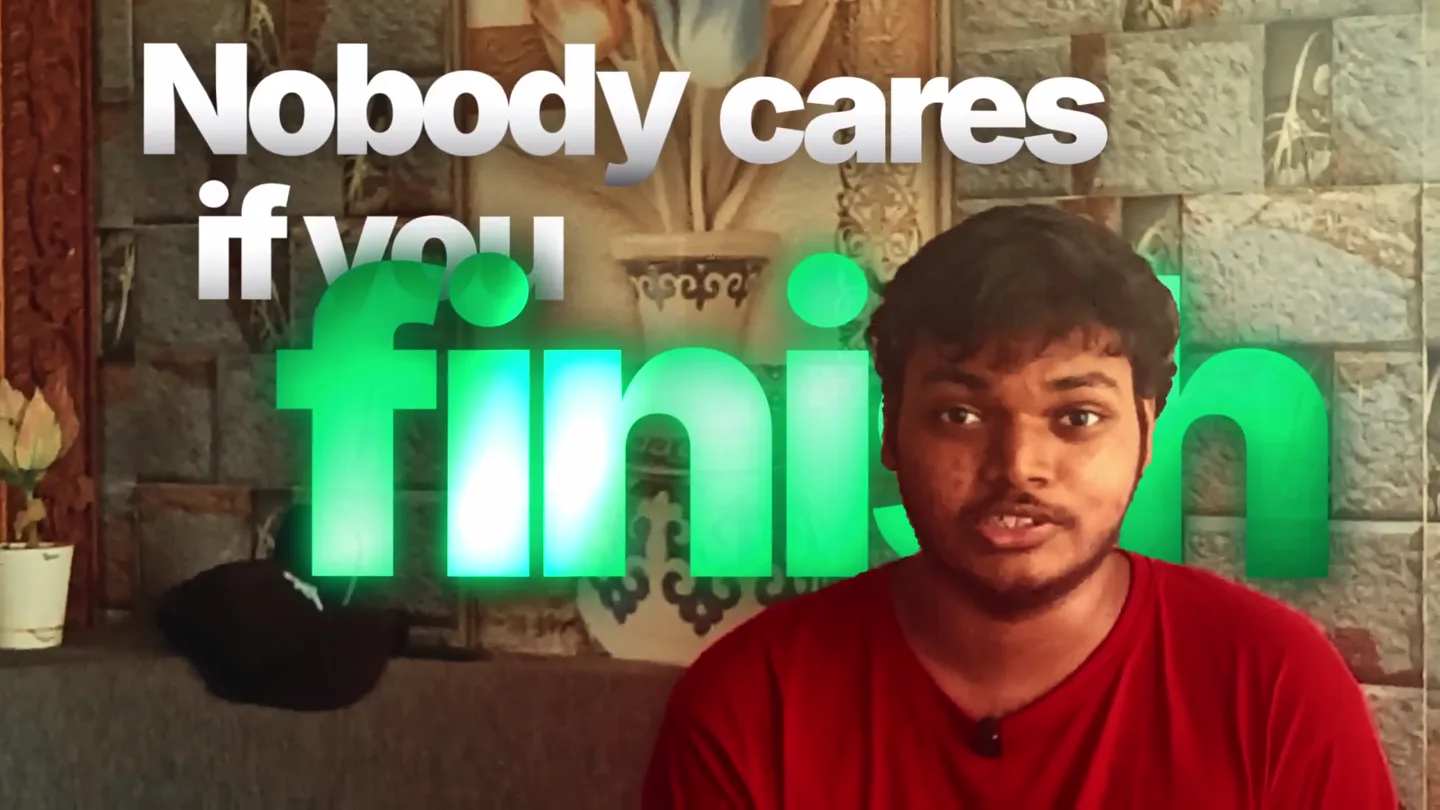
Bold, sans-serif text appears with a subtle gradient fill and a soft, pulsating glow effect, often used for headlines or calls to action.
+ Code construction recipe
Render text using a `Text` component. Apply a `linear-gradient` for the `background-image` and `background-clip: text`. Implement a `filter: drop-shadow()` with animated `color` and `blur` properties using `interpolate` for the glow effect.
Style DNA & aesthetic system
Visual aesthetic
Typography
Motion
Special effects
Pacing & rhythm
Conceptual story rhythm
- 1
Personal Problem & Solution
Purpose. Establishes relatability and introduces the founder as a problem-solver, setting the stage for the product.
Execution. Starts with a dark, relatable work scene, quickly cuts to the founder articulating a common pain point, then immediately introduces the product as the solution.
- 2
Feature-Rich Demonstration
Purpose. Showcases the product's core functionalities and how it addresses the identified problem.
Execution. Rapid-fire screen recordings with animated cursor interactions, highlighting various dashboards, tracking features, and the live portfolio generation.
- 3
Benefit Reinforcement & Differentiation
Purpose. Explains the unique advantages and emotional benefits of using the product.
Execution. Founder returns to emphasize benefits like 'accountability' with text overlays, followed by a deeper dive into specific features like badge awards and detailed tracking.
- 4
Clear Call to Action
Purpose. Guides the viewer on how to acquire or try the product.
Execution. A direct address from the founder, transitioning to a clean, bold graphic displaying pricing and options for engagement.