instinct© · Launch Video Breakdown: Hook, Pacing & Motion Design
the future of work @instinct_inc
Scene-by-scene timeline & spoken transcript
The Hook
Brand Introduction & Problem Setup
“The way that we capture attention has shifted from quality to quantity.”
- On screen
- instinct© introduces
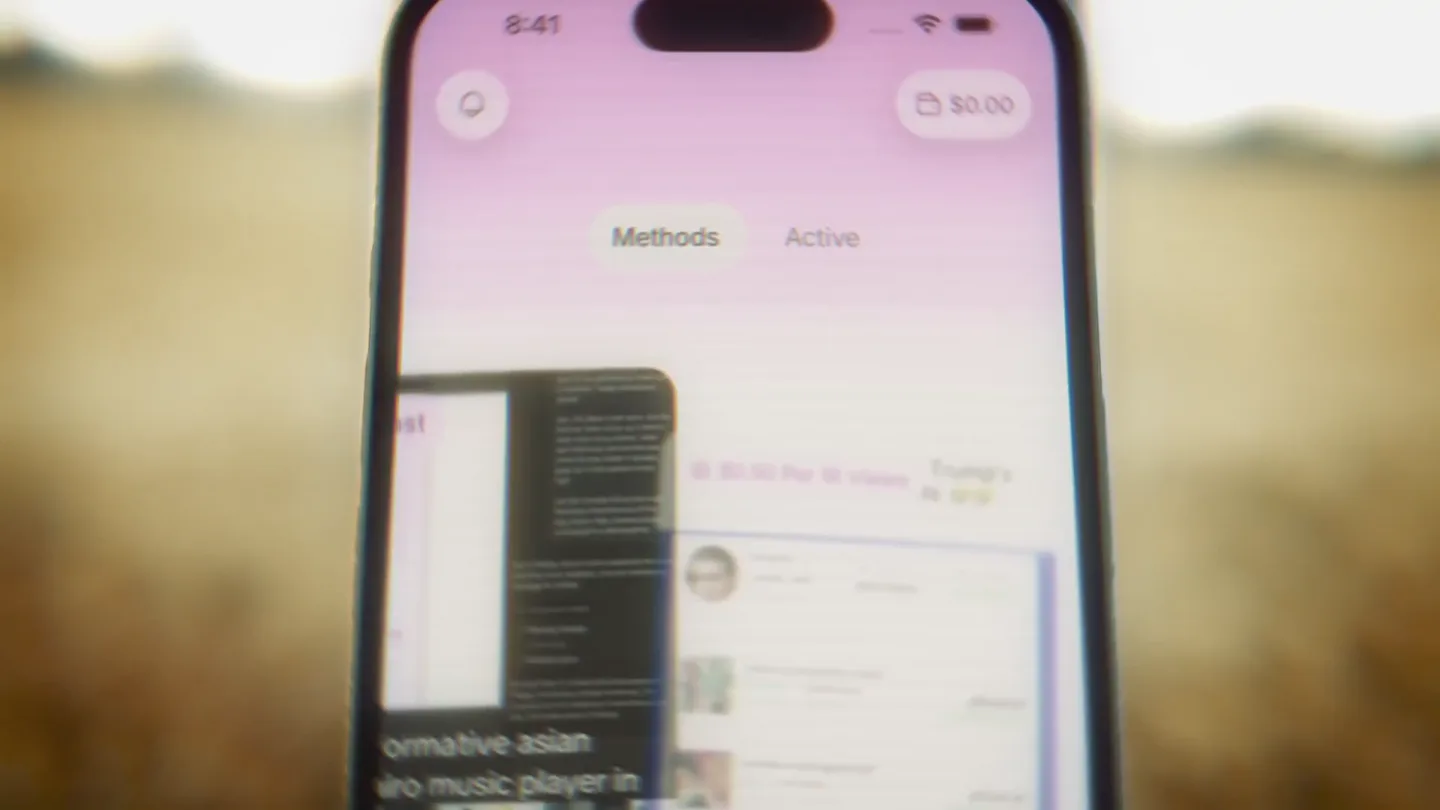
- Camera
- Alternating between a wide, sweeping drone shot over a field at sunset and a close-up, slightly shaky handheld shot of a smartphone screen.
- Motion
- Rapid cuts between cinematic establishing shots and product UI, with text overlays fading in and out. The UI shots feature quick, gestural swipes and content transitions.
Product Reveal
Dynamic UI Showcase & Feature Highlights
“(No spoken dialogue — High-energy electronic music with a dramatic riser and sub-bass drop at 0:06, followed by a driving beat.)”
- On screen
- Methods Swipe Up To Join Methods Private Access to Photos Analytics Boardy UGC Your Posts Approved $30 Per Post TypeOS UGC
- Camera
- First-person perspective, holding a smartphone, moving through a dark, neon-lit corridor or tunnel. The camera occasionally pans slightly to follow the phone's movement.
- Motion
- Fast-paced UI animations, including swipes, content loading, and data visualization. The phone screen is dynamically composited into the moving environment, creating a sense of immersion and action.
Feature Teaser
Monetization & Analytics Proof
“(No spoken dialogue — The driving electronic beat continues, maintaining high energy.)”
- On screen
- Payout request submitted $674.99 Paid by the 15th and 30th of every month You're Top 100% $100.00 Payout account benaratame@gmail.com Your Posts Creators About Payouts $30 Upload post Upload Upload the post you made for this Method Upload a post Talking Head Watch Video Save Video
- Camera
- Close-up, slightly shaky handheld shots of the smartphone screen, focusing on specific UI elements and data points.
- Motion
- Rapid transitions between different app screens, highlighting key metrics like earnings, payout requests, and content upload flows. Text and numbers animate to emphasize growth and value.
Call to Action
Brand Tagline & CTA
“(No spoken dialogue — The electronic music builds slightly before a final beat.)”
- On screen
- The Future of Work live @ methods.app
- Camera
- A wide, sweeping drone shot over a field at sunset, similar to the opening, but with a slight upward tilt, revealing more of the sky.
- Motion
- Text overlays animate in sequentially, building the tagline. The final call to action text appears with a clean, impactful fade-in, contrasting with the dynamic UI shots.
Motion design primitives
Synthesizable in Remotion · key components of the instinct-launch-remix template.
CinematicTextOverlay
Large, bold sans-serif text fades in and out over a wide, sweeping cinematic background shot, often with a subtle blur or glow effect.
+ Code construction recipe
Use `AbsoluteFill` for background video. Implement `spring()` for `opacity` and `scale` on `Text` components. Apply `filter: 'blur(5px)'` for initial blur, then `transition(0.5s)` to `blur(0px)`.
DynamicPhoneUI
A smartphone screen is shown in a first-person perspective, with rapid, gestural UI interactions like swipes, taps, and content transitions, often composited into a moving, stylized environment.
+ Code construction recipe
Utilize `Sequence` for scene cuts. For UI, use `interpolate()` for `translateX`, `translateY`, and `opacity` to simulate swipes and content changes. Employ `AbsoluteFill` with `Video` for background environment, and `Img` for phone screen content, applying `transform` for perspective.
DataGrowthCounter
Numerical values (views, earnings) animate rapidly upwards, often accompanied by a subtle highlight or pulse effect, to visually represent growth and success.
+ Code construction recipe
Use `spring()` or `interpolate()` on numerical `Text` components for counting animation. Apply `color` or `background-color` changes with `transition()` for highlight effects. Can be combined with `SVG` for simple graph animations.
Style DNA & aesthetic system
Visual aesthetic
Typography
Motion
Special effects
Pacing & rhythm
Conceptual story rhythm
- 1
The Attention Economy Shift
Purpose. Establishes the problem: the difficulty of capturing attention in a quantity-driven world, setting up the product as a solution.
Execution. Opening cinematic shots with brand name, followed by quick cuts to phone UI showing content, overlaid with spoken dialogue about attention.
- 2
Enter instinct© Methods
Purpose. Introduces the product as the answer, showcasing its core functionality and user experience.
Execution. Dramatic audio transition, then a first-person perspective navigating a stylized environment while interacting with the app's core 'Methods' feature.
- 3
Proof of Value & Monetization
Purpose. Demonstrates the tangible benefits and success metrics for users, building trust and desire.
Execution. Rapid-fire UI shots highlighting earnings, views, payout requests, and content upload processes, emphasizing financial and engagement success.
- 4
The Future of Work
Purpose. Positions the product as a transformative tool for the future, culminating in a clear call to action.
Execution. Return to cinematic wide shots with a powerful tagline reveal, followed by the product's web address as a direct call to action.