
Krea · Launch Video Breakdown: Hook, Pacing & Motion Design
Seedance Studio puts everything needed to create with Seedance 2.5 in one place: prompt presets, camera paths, and 3D scene controls.
Scene-by-scene timeline & spoken transcript
The Hook
High-Octane Product Intro
“Here we go!”
- On screen
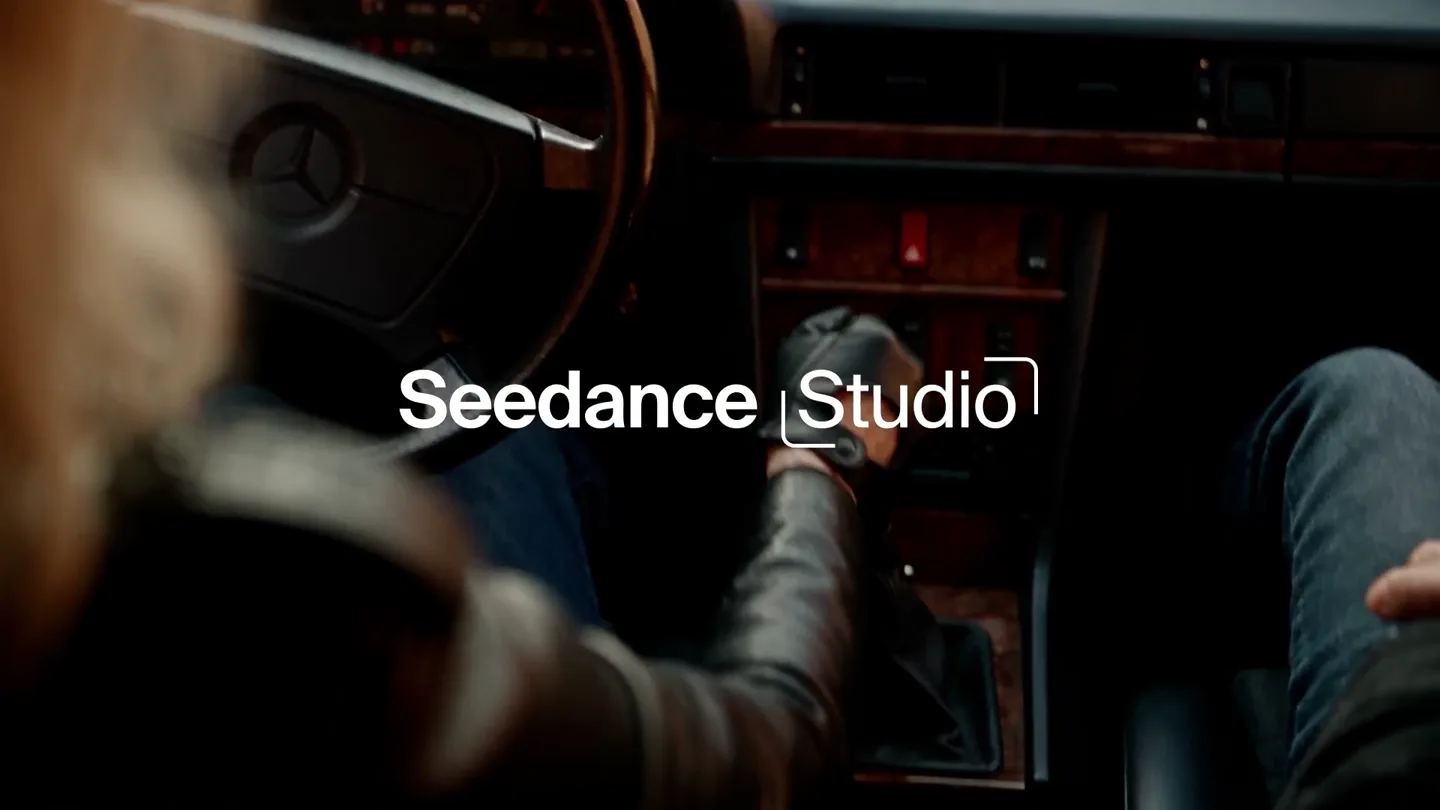
- Seedance | Studio
- Camera
- Dynamic POV from inside a car, then a quick cut to an exterior shot of a car drifting, followed by an interior shot of a driver.
- Motion
- Rapid cuts, high-energy action, and text overlays that appear with a subtle bounce, emphasizing speed and excitement.
Feature Teaser
Creative Control Showcase
“(No spoken dialogue — The audio features a driving, four-on-the-floor kick drum, prominent synth basslines, and various electronic percussion elements. It incorporates classic EDM sound design with high-energy risers and sweeps leading into impactful sub-bass drops.)”
- On screen
- Full camera control 30+ motion paths Direct Lighting SILHOUET
- Camera
- Mix of cinematic car shots, a stylized studio shot of a person, and a full body shot with dramatic lighting.
- Motion
- Fast-paced cuts between live-action footage and stylized studio shots. Text appears with a quick, clean fade-in and subtle scale, highlighting key features.
Product Reveal
Intuitive Camera Pathing
“(No spoken dialogue — The audio features a driving, four-on-the-floor kick drum, prominent synth basslines, and various electronic percussion elements. It incorporates classic EDM sound design with high-energy risers and sweeps leading into impactful sub-bass drops.)”
- On screen
- Draw camera motion
- Camera
- An establishing shot of a castle with an animated dashed line indicating a camera path, followed by a dynamic POV shot flying through trees and past a castle tower.
- Motion
- Animated SVG path overlay on a static shot, transitioning into a rapid, immersive POV camera movement, demonstrating the 'draw camera motion' feature.
Feature Teaser
3D Scene Control & Realism
“Hold on!”
- On screen
- 3D Scene control Shibuya Station, POV walk
- Camera
- A UI element for text input, then a split-screen view showing a wireframe 3D model on the left and a live-action video on the right, both moving in sync.
- Motion
- Split-screen comparison, demonstrating the product's ability to translate 3D scene controls into realistic video. The 3D model progressively gains detail and color, syncing with the live-action footage.
Call to Action
Seamless Integration & CTA
“(No spoken dialogue — The audio features a driving, four-on-the-floor kick drum, prominent synth basslines, and various electronic percussion elements. It incorporates classic EDM sound design with high-energy risers and sweeps leading into impactful sub-bass drops. Specific transitions include a significant build-up and drop at 0:01-0:02, another riser and drop at 0:08-0:09, and a sustained high-energy section from 0:11 to the end, punctuated by rhythmic synth stabs and a consistent driving beat.)”
- On screen
- Try it now
- Camera
- The split-screen merges into a full-screen live-action shot inside a train, followed by a fade to the company logo.
- Motion
- The split-screen seamlessly resolves into a single, immersive live-action shot, reinforcing the product's realism. A clear call to action text appears, followed by a clean fade to the brand logo.
Motion design primitives
Synthesizable in Remotion · key components of the high-energy-ai-launch template.
DynamicTextOverlay
Text appears with a quick, clean fade-in and subtle scale, often accompanied by a slight bounce or spring effect, making it feel energetic and impactful.
+ Code construction recipe
Use `spring()` for scale and opacity animations. Implement `interpolate()` for precise timing and easing. Text elements should be rendered as `<Text>` components within a `<Sequence>`.
SplitScreenSync
Two distinct video feeds (e.g., 3D wireframe and live-action) are displayed side-by-side, moving in perfect synchronization, often with one feed progressively transforming to match the other.
+ Code construction recipe
Utilize `<AbsoluteFill>` with `clipPath` or `transform` to create the split. Synchronize video playback using `useCurrentFrame()` and `seek()` on `<Video>` components. Animate `opacity` and `scale` on the 3D model to show progressive detail.
AnimatedCameraPath
A dashed line with a moving dot overlays a static scene, illustrating a camera's trajectory, which then transitions into a dynamic, immersive POV shot following that path.
+ Code construction recipe
Render the dashed path using an `<SVG>` component with `stroke-dasharray` and animate `stroke-dashoffset` for the 'drawing' effect. The moving dot can be a simple `<Circle>` animated along the SVG path using `getPointAtLength()`. Transition to a pre-rendered or dynamically animated `<Video>` for the POV shot.
Style DNA & aesthetic system
Visual aesthetic
Typography
Motion
Special effects
Pacing & rhythm
Conceptual story rhythm
- 1
The Adrenaline Rush
Purpose. Immediately grab attention and establish a high-energy, dynamic tone for the product launch.
Execution. Rapid cuts of a car drifting, intense POV shots, and quick text overlays, all synchronized with an EDM beat drop.
- 2
Unveiling Creative Power
Purpose. Showcase the core features of Seedance Studio related to camera and lighting control.
Execution. Montage of diverse scenes (car, studio model) with text highlighting 'Full camera control', '30+ motion paths', 'Direct Lighting', and 'SILHOUET'.
- 3
The Magic of 3D Control
Purpose. Demonstrate the product's ability to translate abstract 3D controls into realistic, dynamic scenes.
Execution. Animated camera path overlay, followed by a split-screen showing a 3D wireframe evolving into a live-action scene, emphasizing '3D Scene control'.
- 4
Experience the Future
Purpose. Conclude with a strong call to action, reinforcing the product's seamless integration and inviting user engagement.
Execution. The split-screen merges into a full-screen immersive live-action shot, followed by a clear 'Try it now' call to action and brand logo reveal.





