Mentra · Launch Video Breakdown: Hook, Pacing & Motion Design
Mentra Call lets a remote human expert see through smart glasses and guide on-site troubleshooting, with a wider release planned for October.
Scene-by-scene timeline & spoken transcript
The Hook
AI on Smart Glasses & Expert Assistance
“AI on smart glasses is cool, but it's not quite there yet. You still need a human expert to help you troubleshoot on site. That's why we built Mentra Call.”
- On screen
- (No on-screen text)
- Camera
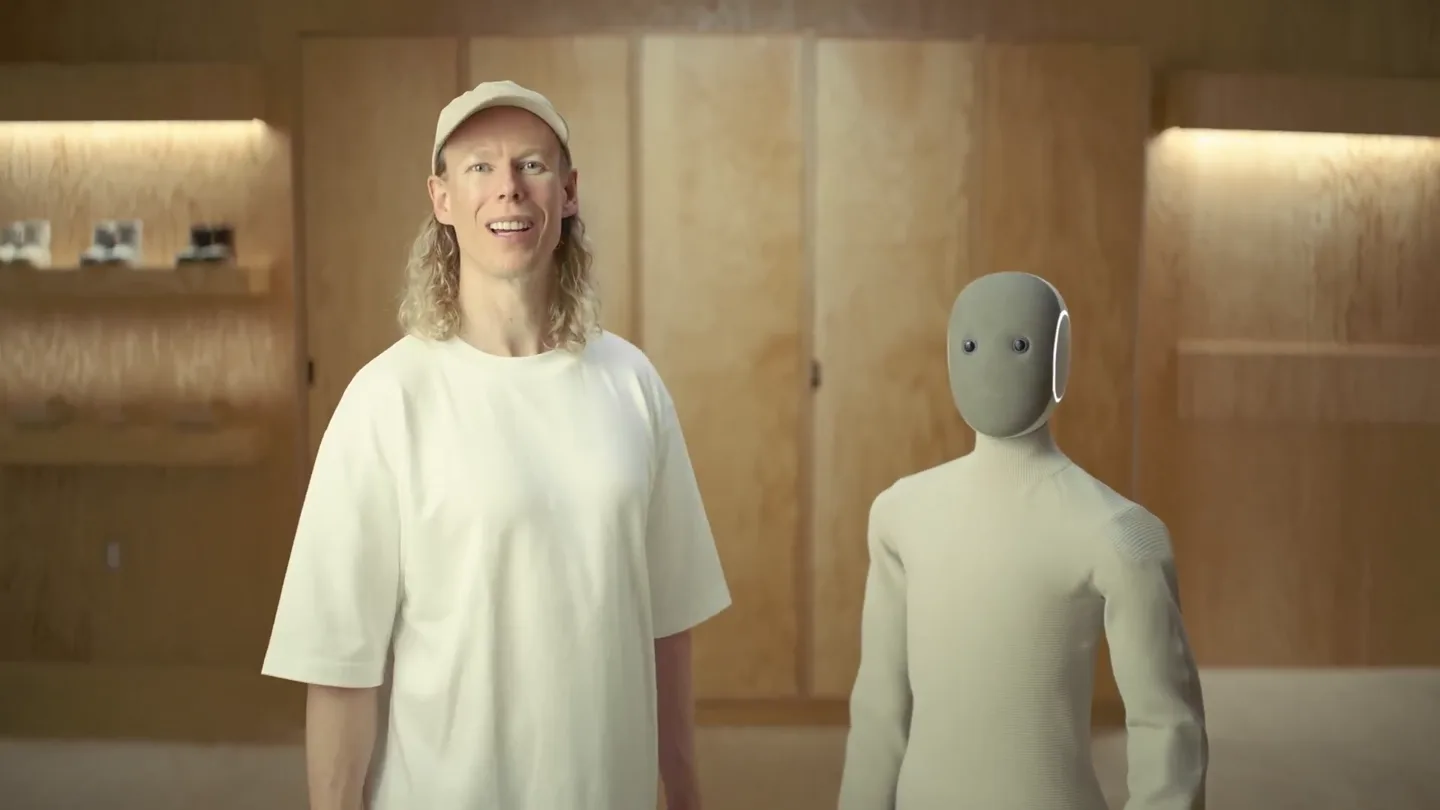
- Close-up on smart glasses, then medium shot of presenter, followed by a quick zoom-in on the presenter's face.
- Motion
- Rapid cuts between close-up and medium shots, with a subtle zoom to emphasize the presenter's expression.
Product Reveal
Introducing Mentra Call & Live Demo
“Mentra Call lets a remote human expert see through smart glasses and guide on-site troubleshooting. With a wider release planned for October, Mentra Live is ready for your business.”
- On screen
- Mentra Live, Mentra Call, LIVE, Download the Mentra App, Google Play, App Store, GitHub
- Camera
- Medium shot of presenter holding a phone, then a wider shot revealing a laptop displaying 'Mentra Call' interface, followed by a return to a medium shot of the presenter.
- Motion
- Dynamic camera movement to showcase both the mobile app and the laptop interface, with a quick cut back to the presenter for emphasis.
Feature Teaser
Compliance and Business Readiness
“Mentra Live is fully compliant with all major regulations, including HIPAA, GDPR, and SOC 2. It's also built with enterprise-grade security features to protect your data. We've been working with early access partners for months, and the feedback has been incredible.”
- On screen
- (No on-screen text)
- Camera
- Consistent medium shot of the presenter, with occasional hand gestures.
- Motion
- Subtle hand gestures and facial expressions from the presenter to reinforce key points, maintaining a steady frame.
Feature Teaser
Real-World Applications & Benefits
“Imagine a field technician troubleshooting complex machinery, guided by an expert thousands of miles away. Or a surgeon performing a delicate procedure with real-time remote assistance. Mentra Call makes this possible, reducing downtime and improving efficiency.”
- On screen
- (No on-screen text)
- Camera
- Medium shot of the presenter, with a slight pan and zoom to follow hand movements.
- Motion
- Fluid camera movements to follow the presenter's gestures, enhancing the storytelling without being distracting.
Call to Action
Future Vision & Call to Action
“We're excited about the future of remote assistance and the impact Mentra Call will have across industries. Join us in October for the wider release and experience the power of expert guidance, anytime, anywhere. Visit mentra.com to learn more.”
- On screen
- (No on-screen text)
- Camera
- Medium shot of the presenter, with a final slight zoom out to conclude.
- Motion
- A steady, confident presentation style, ending with a subtle zoom out to create a sense of completion.
Motion design primitives
Synthesizable in Remotion · key components of the founder-direct-product-showcase template.
PresenterDirectAddress
A medium shot of the presenter speaking directly to the camera, often with hand gestures to emphasize points. The framing is consistent, creating a personal connection.
+ Code construction recipe
Use a fixed camera position with minor, organic 'camera shake' for realism. Implement a 'lookAt' constraint on the camera to always face the presenter. Hand gestures can be pre-animated or driven by a simple 'wiggle' expression on a null object parented to the hand.
ProductScreenShowcase
The presenter holds up a mobile device or points to a laptop screen, showcasing the product's UI. The camera quickly shifts focus to highlight the screen content.
+ Code construction recipe
Utilize a 'parent constraint' to attach the phone/laptop screen to the presenter's hand/desk. Employ a 'camera focus' animation to smoothly transition depth of field from the presenter to the screen. Screen content can be a pre-rendered video or a dynamic React component.
SubtleZoomEmphasis
A gentle, almost imperceptible zoom-in or zoom-out on the presenter's face or a key object to draw attention without abrupt cuts.
+ Code construction recipe
Apply a 'spring' animation to the camera's 'focalLength' or 'position.z' property, with low damping and stiffness, for a smooth, organic zoom. Use 'ease-in-out' interpolation for a natural feel.
Style DNA & aesthetic system
Visual aesthetic
Typography
Motion
Special effects
Pacing & rhythm
Conceptual story rhythm
- 1
The Problem & The Promise
Purpose. Establish the core problem (AI limitations) and introduce Mentra Call as the solution.
Execution. Starts with a close-up on smart glasses, then cuts to the presenter explaining the problem and solution directly.
- 2
Product in Action
Purpose. Demonstrate the product's interface and functionality.
Execution. Presenter showcases the mobile app and laptop interface, highlighting key features like 'Mentra Call' and 'Live' status.
- 3
Credibility & Trust
Purpose. Reinforce the product's reliability, compliance, and proven success.
Execution. Presenter discusses compliance (HIPAA, GDPR, SOC 2) and positive early access partner feedback, maintaining direct eye contact.
- 4
Vision & Call to Action
Purpose. Inspire viewers with future possibilities and guide them to the next step.
Execution. Presenter paints a picture of future applications and concludes with a clear call to visit the website for more information.