
MiniMax · Launch Video Breakdown: Hook, Pacing & Motion Design
Original BGM in minutes with structure that follows your prompt, intentional imperfection, style transfer, and first audio under 20 seconds.
Scene-by-scene timeline & spoken transcript
The Hook
Music Just Got Smarter
“(No spoken dialogue — Energetic synth music with electronic drums and a funky melody begins, accompanied by a subtle audio riser.)”
- On screen
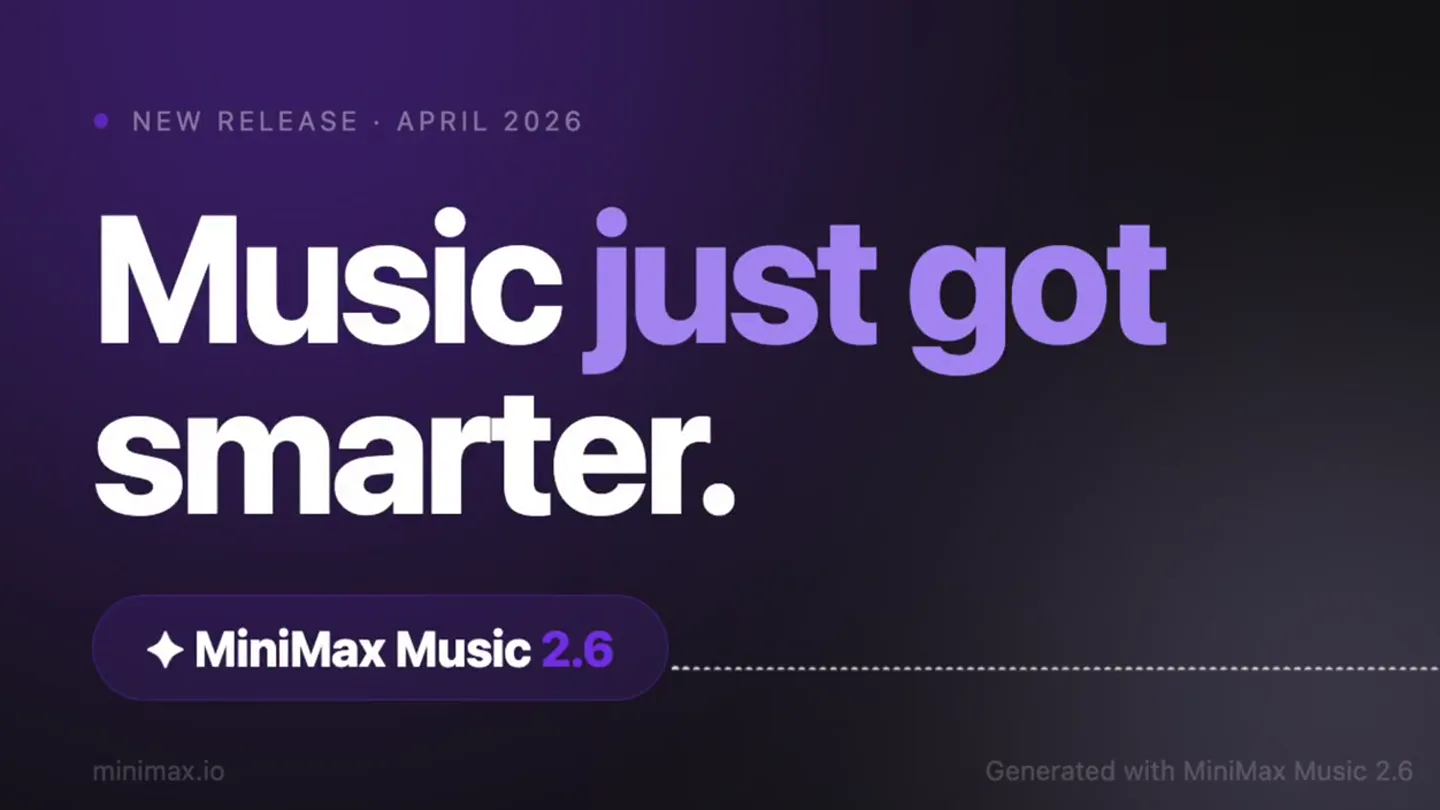
- NEW RELEASE • APRIL 2026 Music just got smarter. MiniMax Music 2.6 minimax.io Generated with MiniMax Music 2.6
- Camera
- Static wide shot, centered text.
- Motion
- Text appears with a subtle fade-in and scale-up. An audio waveform visualizer animates in sync with the music, growing and shrinking dynamically.
Product Reveal
Dynamic Audio Waveform Introduction
“(No spoken dialogue — The energetic synth music continues, with the waveform visualizer reacting dynamically to the prominent beats and melody.)”
- On screen
- NEW RELEASE • APRIL 2026 Music just got smarter. MiniMax Music 2.6 minimax.io Generated with MiniMax Music 2.6
- Camera
- Static wide shot, centered text.
- Motion
- The audio waveform visualizer continues its dynamic animation, with individual bars responding to the music's amplitude. The 'MiniMax Music 2.6' button subtly pulses with the beat.
Feature Teaser
Core Capabilities Showcase
“Move right, catch the vibe, Mini Max.”
- On screen
- (No on-screen text)
- Camera
- Dynamic camera movements, including subtle pans and zooms, often following abstract visual elements.
- Motion
- Fast-paced cuts between abstract, generative visuals that react to the music. Text elements animate in with quick, impactful transitions, often using scale, rotation, and opacity changes. Glitch effects and color shifts are used for emphasis.
Problem Agitation
Highlighting User Pain Points
“Move right, catch the vibe, Mini Max.”
- On screen
- (No on-screen text)
- Camera
- Close-up shots on UI elements, followed by wider shots revealing the product interface.
- Motion
- Smooth, deliberate camera movements guide the viewer through product features. UI elements animate in with clean, functional transitions, emphasizing clarity and ease of use. Subtle glow and highlight effects draw attention to key interactions.
Call to Action
Final Call to Engage
“Move right, catch the vibe, Mini Max.”
- On screen
- MiniMax.io
- Camera
- Zoom out to reveal the full product interface or a branded end screen.
- Motion
- Rapid, impactful text animations for the call to action. A final, grand reveal of the product or logo with a strong, energetic burst of motion and sound design. The waveform visualizer returns for a final flourish.
Motion design primitives
Synthesizable in Remotion · key components of the ai-agent-sonic-launch template.
DynamicAudioWaveform
A horizontal array of vertical bars that dynamically scale in height, creating a visual representation of audio amplitude. The bars react instantly to changes in the music's volume and frequency.
+ Code construction recipe
Utilize Remotion's `useCurrentFrame` and `useAudioData` hooks. Map audio frequency bins to individual bar heights, applying a `spring` or `interpolate` function for smooth, reactive scaling. Render as an SVG or Canvas element for performance.
TextBurstReveal
Text elements appear with a rapid, energetic burst, often involving a quick scale-up, slight rotation, and a subtle fade-in. Individual words or letters can animate sequentially.
+ Code construction recipe
Implement with `interpolate` for scale, opacity, and rotation. Stagger animations for individual characters or words using `delay` based on index. Consider a `spring` for a more organic, bouncy feel on the final scale.
GlitchTransition
A brief, disruptive visual effect that distorts the screen with pixel shifts, color channel separation, and scanline artifacts, often used to punctuate scene changes or emphasize key moments.
+ Code construction recipe
Apply SVG filters (e.g., `feOffset` for channel separation, `feTurbulence` for noise) or Canvas pixel manipulation. Animate filter properties or pixel data using `interpolate` over a very short duration (e.g., 5-10 frames) for a sharp, impactful effect.
Style DNA & aesthetic system
Visual aesthetic
Typography
Motion
Special effects
Pacing & rhythm
Conceptual story rhythm
- 1
The Sonic Hook
Purpose. Immediately grab attention with a bold statement and a visual representation of the product's core (music).
Execution. Large, impactful text 'Music just got smarter.' with a dynamic audio waveform visualizer reacting to the energetic music.
- 2
Feature Immersion
Purpose. Showcase the product's capabilities through abstract and direct visual demonstrations.
Execution. Fast cuts between generative visuals, UI elements, and text animations highlighting key features like 'Original BGM in minutes' and 'intentional imperfection'.
- 3
Problem/Solution Flow
Purpose. Illustrate the problem MiniMax solves and how its unique features provide the solution.
Execution. Visuals demonstrating the ease of use and speed of generating music, contrasting with implied difficulties of traditional methods, using smooth UI animations.
- 4
Energetic Call
Purpose. Conclude with a strong, memorable call to action, reinforcing the brand.
Execution. A final burst of text and logo animation, accompanied by the full energy of the music and a prominent display of the website.





