
Motion · Launch Video Breakdown: Hook, Pacing & Motion Design
The Motion MCP for Codex lets Codex build scenes, animations, and transitions directly inside Motion. Give it your assets and describe what you want.
Scene-by-scene timeline & spoken transcript
The Hook
AI-Powered Video Creation Teaser
“(No spoken dialogue — Sparse, arpeggiated synth melody over a sustained pad.)”
- On screen
- ChatGPT can now make launch videos. :: Motion MCP for Codex
- Camera
- Static, centered framing on text and logo.
- Motion
- Text reveal with subtle scale and opacity animation, followed by a secondary text reveal.
Product Reveal
Interactive AI Prompting for Video Generation
“(No spoken dialogue — Sparse, arpeggiated synth melody continues, with subtle UI sound effects for typing and clicks.)”
- On screen
- Launch Video motion-launch New chat Search Plugins Automations Redesign app modern UI Create flow diagram Add icons Projects burger-restaurant fitness-tracker codespot voxel-jump jump-and-run Chats No chats Settings Motion MCP Default permissions GPT-5.4 Extra High Create me Create me a launch video. Ask for follow-up changes Motion Building scenes... Adding sound... Rendering video... Your launch video V1 Preview Motion Film Motion Film make it Style Style design this Animate Animate move it
- Camera
- Dynamic camera pans and zooms, simulating user interaction within a desktop application interface.
- Motion
- UI element reveals, text typing animation, progress bar fills, and quick cuts between different states of the application. Smooth, interpolated camera movements.
Feature Teaser
Iterative Design & Style Customization
“(No spoken dialogue — High-energy audio transition with a riser at 0:15, leading into a driving tech house beat.)”
- On screen
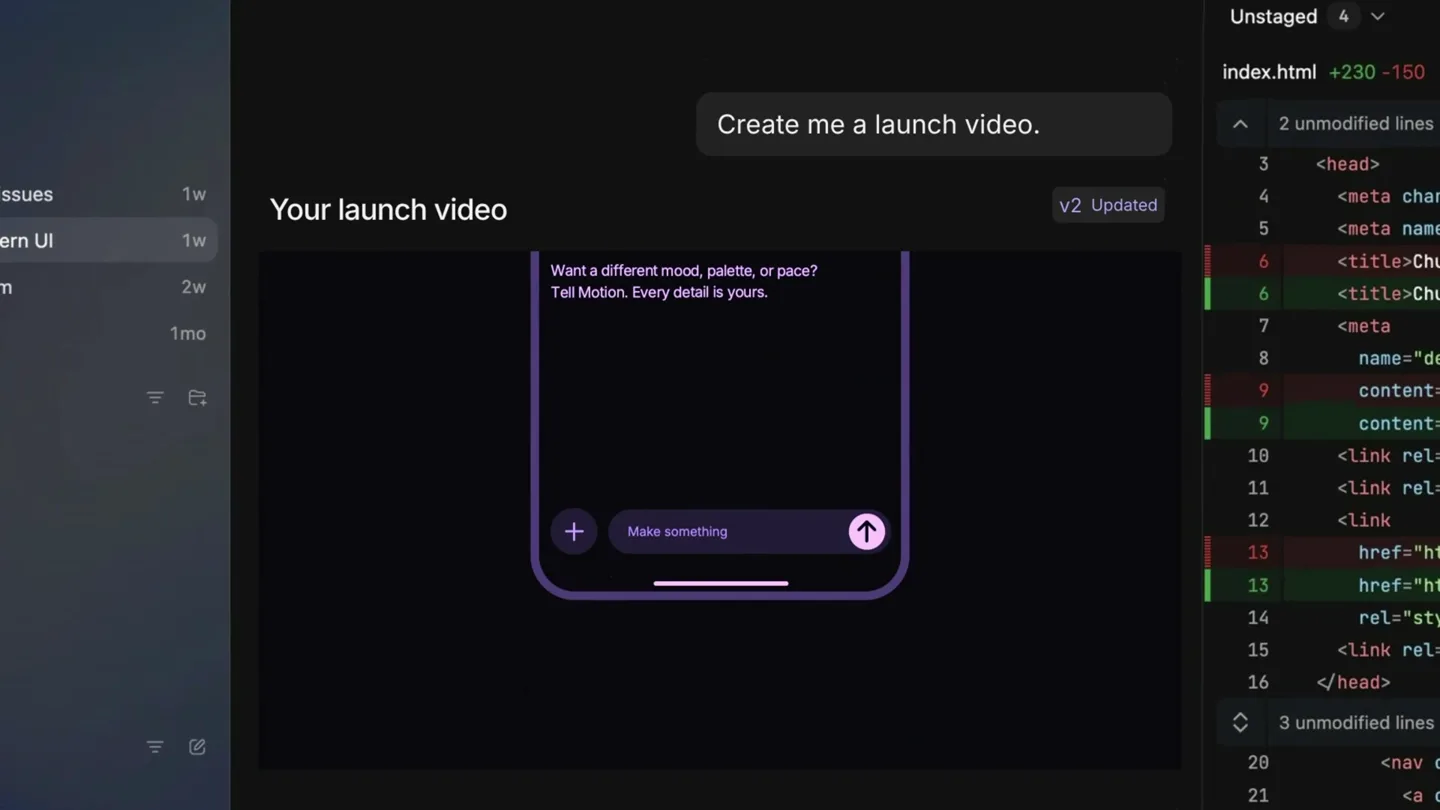
- Change that. Switching to dark + purple... Create me a launch video. Your launch video V2 Updated I need a bold film for my launch today Here's a bold, brand-first launch film. 1. The opening — Brand reveal 2. The product — Hero moment 3. Big idea — Type in motion 4. The details — Close-up 5. New perspective — Camera move 6. The feeling — Color and light 7. The rhythm — Sound design 8. The finale — Made to remember 9. Your identity — Logo animation 10. Ready to share — Final export Want a different mood, palette, or pace? Tell Motion. Every detail is yours. Make something Use Motion for this launch
- Camera
- Continued dynamic UI interaction, with a focus on color scheme changes and content generation.
- Motion
- Rapid UI state changes, text reveals, and a visual demonstration of theme switching. The pacing accelerates with the music.
Call to Action
Brand Reveal & Website CTA
“(No spoken dialogue — Driving tech house beat continues, consistent and propulsive.)”
- On screen
- motion.so
- Camera
- Static, centered shot of the logo, then a reveal of the website URL.
- Motion
- Logo animation with a subtle glow, followed by a clean, direct text reveal for the website. Smooth, confident end.
Motion design primitives
Synthesizable in Remotion · key components of the ai-ui-launch-template template.
UITypingReveal
Text appears character by character within a UI input field, simulating real-time typing, often followed by a 'send' or 'submit' action.
+ Code construction recipe
Use `Sequence` and `spring` for character-by-character opacity and slight Y-axis translation. `interpolate` for cursor blink effect. Integrate with `AbsoluteFill` for background.
DynamicUICameraPan
The camera smoothly pans and zooms across a detailed UI, highlighting specific interactive elements or content areas.
+ Code construction recipe
Implement `interpolate` for `translateX`, `translateY`, and `scale` properties of the main UI container. Use `Easing.bezier` for smooth, non-linear camera movements. Consider `AbsoluteFill` for the overall scene.
ContentBlockTransition
New content blocks or UI elements slide, fade, or scale into view, often accompanied by a change in background or theme.
+ Code construction recipe
Utilize `spring` for `opacity`, `scale`, and `translate` properties. For theme changes, `interpolate` between color values for `backgroundColor` or use `AbsoluteFill` with conditional styling based on scene state.
Style DNA & aesthetic system
Visual aesthetic
Typography
Motion
Special effects
Pacing & rhythm
Conceptual story rhythm
- 1
The AI Promise
Purpose. Introduce the core value proposition: AI-powered video creation.
Execution. Minimalist screen with a logo and a bold statement about AI making launch videos.
- 2
Interactive Workflow
Purpose. Demonstrate the intuitive, conversational interface for generating video content.
Execution. Screen recordings of typing prompts, progress bars, and initial video output within a chat interface.
- 3
Refinement & Control
Purpose. Showcase the ability to iterate, customize, and refine the generated video's style and content.
Execution. Rapid UI changes, theme switching, and a list of customizable video attributes, emphasizing user control.
- 4
The Solution
Purpose. Conclude with the brand identity and a clear call to action.
Execution. Clean logo animation followed by the website URL, reinforcing the brand and directing users.
Remix in Animatiq Studio
Master remix prompt · agent-ready
Sample remix
Objective
Launch a new AI-powered code generation tool.How the recipe adapts
The video will open with a bold statement like 'AI now writes perfect code.' It will then show a user typing a prompt for a complex algorithm in a UI, with progress bars filling and code snippets appearing. Iterative refinement will be shown by changing parameters and seeing the code update. The final scene will feature the 'Codex' logo and 'codex.dev' website, all set to a building electronic soundtrack.Remix blueprint · ai-ui-launch-template
Scene durations (4 scenes, 30s)
Key Remotion components
Related Creative Tools Product Launches
Explore all Creative Tools launches →
A vibe design partner with an AI-native canvas for turning ideas into UI.

We heard you wanted to use Codex rate limit resets on your own time. Starting today, we’re rolling out the ability to save rate limit resets to use later. We’re starting Go, Plus, Pro, and Business
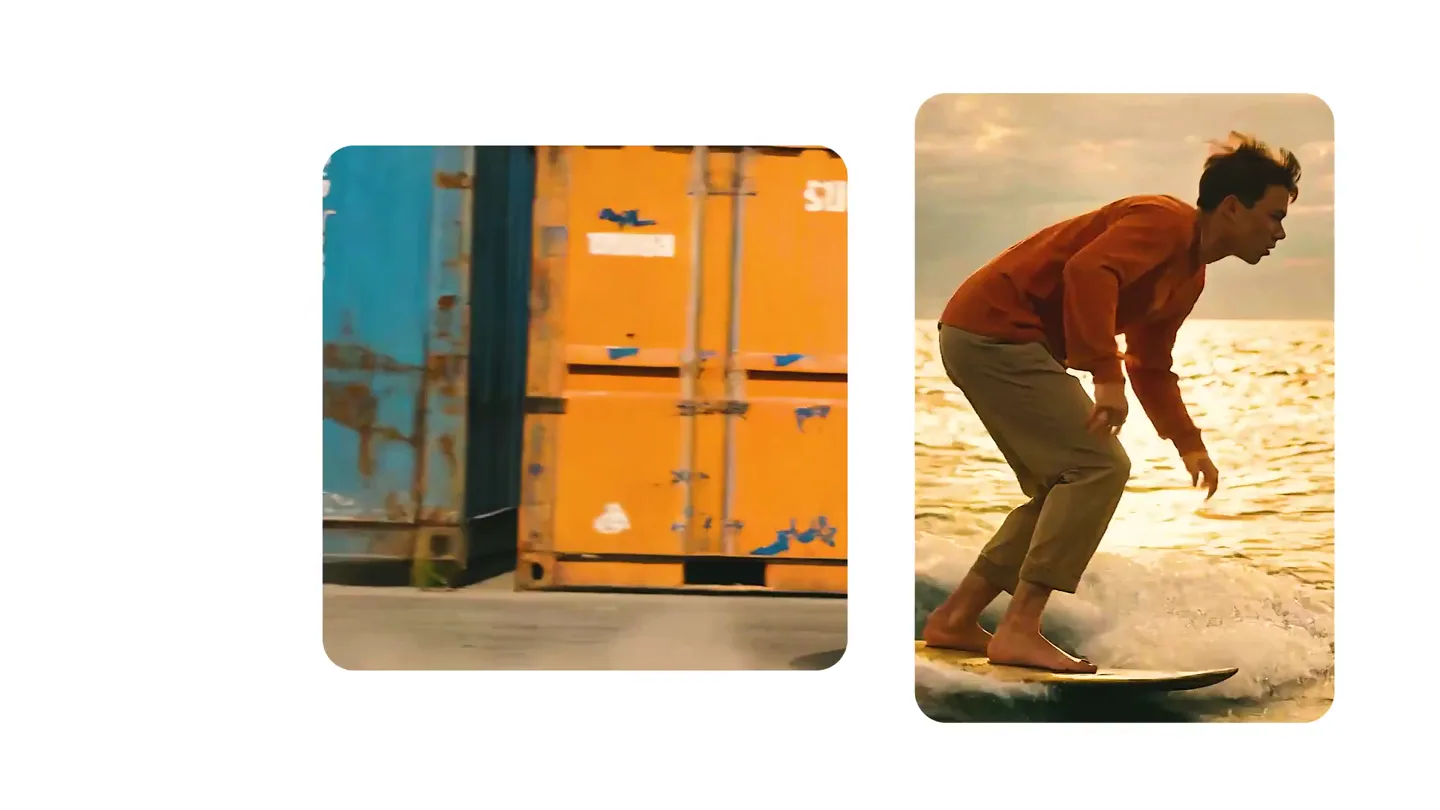
We just launched something the VFX community has been waiting for. OpenArt VFX lets you apply real visual effects to footage you already have. It lets you mask any region of your video and replace it with AI-generated content that matches the scene's lighting and physics. https://t.co/dnQjrZCWC4