
Motion · Launch Video Breakdown: Hook, Pacing & Motion Design
Drop in a website URL and Motion turns the product into a launch video with motion graphics, voiceover, music, and captions.
Scene-by-scene timeline & spoken transcript
The Hook
Introducing Motion: The Netflix for Launch Videos
“(No spoken dialogue — A rhythmic synth melody with sub-bass, subtle electronic riser building tension, culminating in a sub-bass drop/impact at 0:01.)”
- On screen
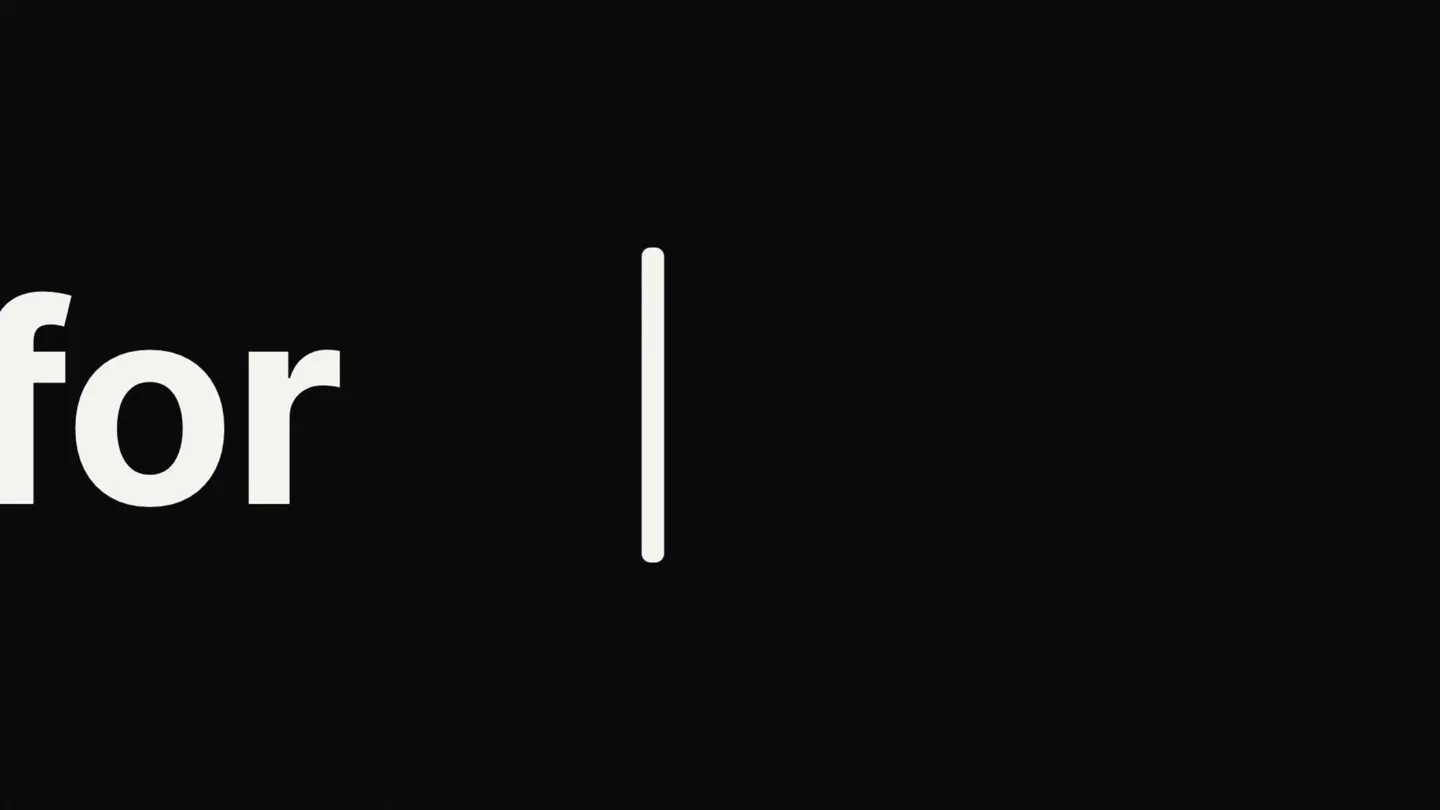
- Introducing for video • Netflix for Launch Videos |
- Camera
- Static, then a rapid zoom-in on text, followed by a slight pull-back to reveal the full tagline.
- Motion
- Kinetic typography with a typewriter effect, combined with a quick zoom and a 'pop' reveal of the main tagline. Small, colorful, labeled nodes representing design roles animate in a circular orbit.
Problem Agitation
Effortless Video Creation with AI Prompt
“(No spoken dialogue — The rhythmic synth continues, maintaining an energetic and futuristic feel.)”
- On screen
- Make a launch video for my app
- Camera
- Static, focused on a central input field. Slight camera shake on text input.
- Motion
- Simulated UI interaction with a text input field. Text appears with a typing animation, accompanied by a subtle 'Netflix' tag appearing and disappearing. The input field itself has a soft, glowing outline.
Product Reveal
AI-Powered Design Team in One Skill
“(No spoken dialogue — A high-energy riser sweeps in at 0:09, culminating in a powerful sub-bass impact at 0:10, marking a significant transition. The arpeggiated synth line becomes more prominent.)”
- On screen
- • Animating graphics... Kinetic type, spring reveals • Designing sound... Whooshes synced to every cut • Matching your style... Palette from your reference video one skill - a full design team, in parallel One skill turns Netflix into a full design team
- Camera
- Static, then a subtle push-in on the final text reveal.
- Motion
- Bullet points animate in with a springy reveal. Underlined text highlights key features. The final statement appears with a confident, centered animation.
Call to Action
Real-time Customization and Final CTA
“(No spoken dialogue — The energetic synth track continues, maintaining its driving rhythm until the end.)”
- On screen
- Netflix is rendering launch_v1 — live preview LAUNCH DAY Animator Sound Colorist diff | ering Netflix different palette | Typographer Editor Launch Video Rendered NETFLIX for Launch Videos Comment "GRAPHIC" — I'll send you the link
- Camera
- Static, then a slight zoom-out to reveal the full UI. Subtle camera shake during UI interaction.
- Motion
- Simulated UI interaction with a live preview window. Elements like color palettes and text change dynamically. The 'Netflix is rendering' and 'Launch Video Rendered' messages appear with a soft, pulsing animation. The final CTA text appears with a clean, centered reveal.
Motion design primitives
Synthesizable in Remotion · key components of the ai-agent-launch-dark-mode template.
KineticTypewriterReveal
Text appears character by character with a subtle spring-like bounce, often accompanied by a quick zoom or scale effect. Underlines or highlights can also animate in.
+ Code construction recipe
Use `interpolate` for character opacity and scale, combined with `spring` for a bouncy effect on each character's appearance. SVG paths can be used for animating underlines.
OrbitalNodeNetwork
Small, colored, labeled nodes representing different roles (e.g., Animator, Colorist) orbit around a central concept or text, appearing and disappearing dynamically.
+ Code construction recipe
Implement using `spring` for node entry/exit animations and `interpolate` for their orbital paths around a central point. Each node can be a `div` with a `background-color` and `border-radius: 50%`.
DynamicUIMockup
A simulated user interface (like an input field or a video player) where text is typed, elements are clicked, and visual properties (colors, text) change in real-time.
+ Code construction recipe
Construct the UI elements as `div`s with `border-radius` and `box-shadow` for depth. Use `interpolate` for text typing, `spring` for button presses or element reveals, and `useState` to manage dynamic content changes within the UI.
Style DNA & aesthetic system
Visual aesthetic
Typography
Motion
Special effects
Pacing & rhythm
Conceptual story rhythm
- 1
The Intrigue & Core Value
Purpose. Immediately hook the viewer by introducing the product's core promise and unique selling proposition.
Execution. Rapid kinetic typography revealing the 'Netflix for Launch Videos' tagline, surrounded by orbiting design role nodes.
- 2
Effortless Creation
Purpose. Demonstrate the simplicity and power of the AI agent through a direct user interaction.
Execution. Simulated typing in an input field, showing a natural language prompt for video creation.
- 3
The AI Advantage
Purpose. Highlight the specific capabilities and benefits of the AI, emphasizing its comprehensive design team replacement.
Execution. Bullet points animating in with spring reveals, detailing graphics, sound, and style matching, culminating in the 'full design team' statement.
- 4
Live Customization & Call to Action
Purpose. Showcase the real-time customization and final output, then provide a clear call to action.
Execution. Interactive UI mockup demonstrating color palette changes and rendering, followed by the product name and a direct instruction for engagement.





