Mr Whale (by unusual_whales) · Launch Video Breakdown: Hook, Pacing & Motion Design
BREAKING: We did it. We built a trading companion connected to real-time market data, straight from the source. Meet Mr. Whale. He knows what happened to your favorite stock 2 minutes ago. And how…
Scene-by-scene timeline & spoken transcript
The Hook
Real-time Market Data Overview
“(No spoken dialogue — Sub-bass drop and pizzicato synth intro, setting a high-energy tone.)”
- On screen
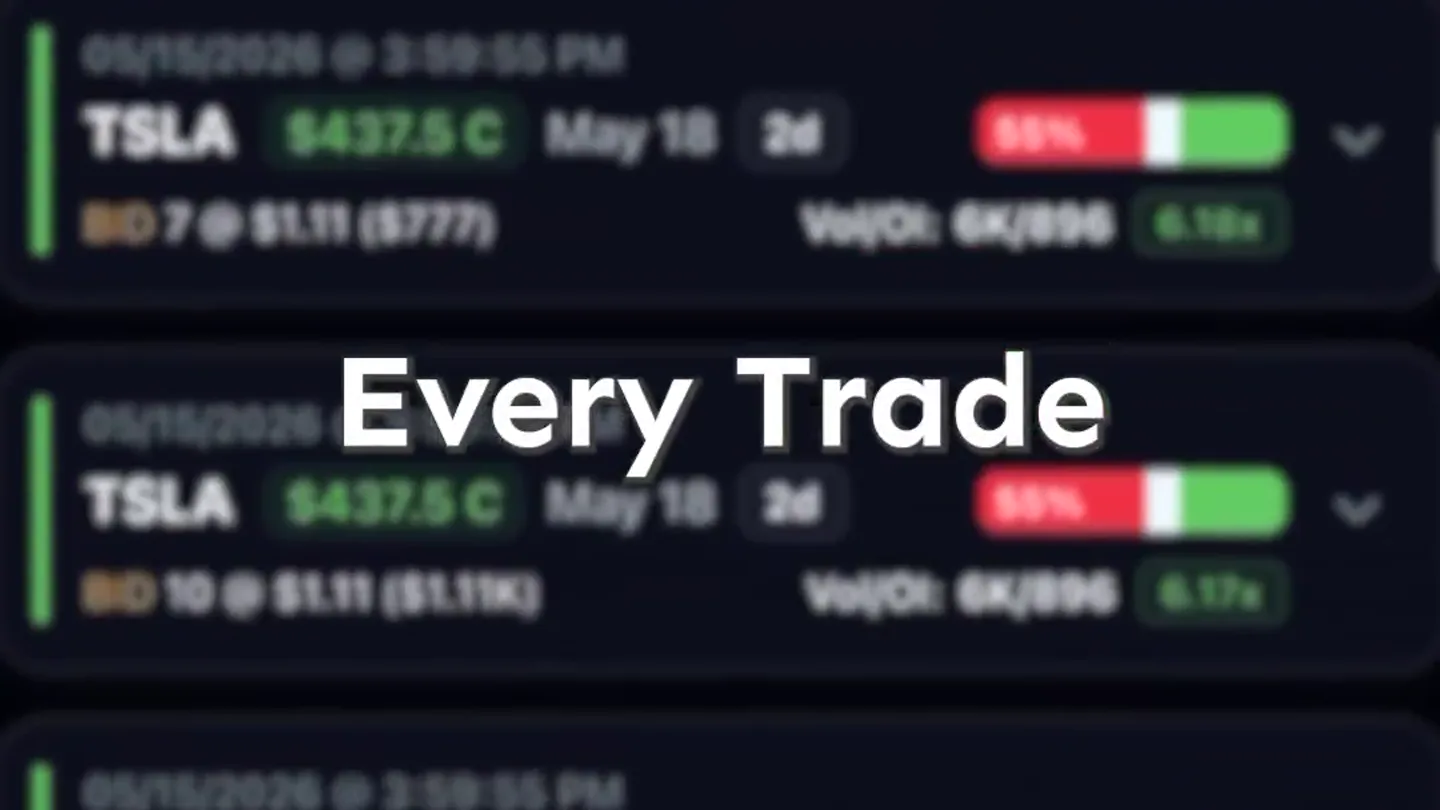
- Search by ticker symbol... Grid View Unusual Whales Saved Filters Ask Flow Bid Flow Big Tra ASK 504 @ $4.00 ($201.6K) Vol/OI: 2K/2K 1.17x 05/15/2026 @ 3:55:24 PM NKE $42 P May 15 0d ASK 4,868 @ $0.11 ($53.55K) Vol/OI: 10K/9K 1.05x 05/15/2026 @ 3:55:10 PM F $17 C Mar 19 307d ASK 592 @ $0.86 ($50.91K) Vol/OI: 2K/819 2.42x 05/15/2026 @ 3:52:51 PM MARA $13.5 C May 29 13d ASK 2,000 @ $0.43 ($86K) Vol/OI: 3K/1K 1.70x 05/15/2026 @ 3:50:40 PM SWKS $80 C Aug 21 97d ASK 810 @ $3.59 ($290.61K) Vol/OI: 21K/514 40.75x 05/15/2026 @ 3:49:45 PM MSTR $195 C Jun 26 41d Every Ticker
- Camera
- Static, full-screen capture of a mobile app interface, slightly blurred in the background.
- Motion
- Text overlay with a subtle zoom-in effect, revealing key product features. Fast cuts between different UI states.
Product Reveal
Introducing Mr. Whale: Your AI Market Analyst
“(No spoken dialogue — Ambient electronic score with pizzicato synths and atmospheric pads, building anticipation.)”
- On screen
- Hi there! I'm Mr. Whale Your AI Market Analyst. Ask me about options flow, market data, insider trades, prediction markets, and more. Try asking: Browse prompts Powered by real-time market data. Not Financial Advice. Show me the high-volume call contracts with bullish Show me high-volume bullish call contracts with bullish sentiment + New High-volume bullish call contracts Screened for today (2026-05-14) using calls with volume >= 1,000, bullish volume >= 70%, and premium >= $100k Ticker Contract Vol Bull % Prem F F $18C 7/17/26 65,355 70.2% $1.97M F F $15C 5/29/26 46,697 92.2% $1.80M 3 CRBG CRBG $29C 10/16/26 38,867 84.3% $8.99M PTON $8C 1/15/27 31,622 9.9% $1.93M 4 F $13.5C Mr. Whale is AI and can make mistakes. Please double-check responses. + Ask about markets, options flow, stocks... M1 Which stocks have the most Highest dark pool premium today Based on today's dark pool prints sorted by premium (excluding ETFs/index products), the top names I found are: Ticker Prem Price Size Time Fetching data (11/11)... Dark Pool Trades Show me recent insider buying by CEOs/directors Recent insider buying by CEOs/directors Timeframe: last 30 days through 2026-05-14 Filters used: open-market purchases only ( P ), excluded 10b5-1, directors included, minimum value $100k Ticker Insider Role Date Shares Price LODE Steven Yu- Tsung Pei Director 2026- 05-13 345,000 $3.38 IIIV Gregory Daily CEO + Director 2026- 05-14 50,000 $19.23 UPST Paul Gu CEO $100k Date Ticker Insider Role 2026- 05-14 IIIV Gregory Daily CEO / Director 2026- 05-14 LODE Steven Yu- Tsung Pei Director 2026- 05-14 ACM Troy Rudd CEO / Director 2026- 05-14 JKHY Gregory Adelson President & CEO / Director 2026- 05-14 TMCI John Treace CEO / Director 2026- 05-13 POOL Manuel Perez de la Mesa Director 2026- 05-13 FCN Steven Henry Gunbv CEO / Chairman / President
- Camera
- Close-up on the mobile app interface, with dynamic UI element interactions.
- Motion
- Rapid text typing animation, data fetching loaders, and smooth content expansion/scrolling. UI elements animate in and out with subtle easing.
Feature Teaser
Advanced Querying & Predictive Insights
“(No spoken dialogue — High-energy audio transition with risers and sweeps, followed by a sub-bass drop at 0:18. The electronic score continues with increased intensity.)”
- On screen
- Hi there! I'm Mr. Whale Your AI Market Analyst. Ask me about options flow, market data, insider trades, prediction markets, and more. TRY ASKING: Browse prompts Compare institutional ownership for MSFT and GOOGL Show me all stocks on my watchlist that have earnings within the next 2 weeks Show me sweeps over $250k premium excluding ETFs and Indices Find short-dated call flow with high premium and ask-side I want a trade for tomorrow. Show me an options contract from today that had a huge bullish unusual options flow, and that will be confirmed tomorrow via open interest data Find option flow where premium is large relative to open interest Show me AAPL support and resistance using recent candles Show me intraday delta and vega flow for the semiconductors group Show me DSI and MACD context for AMD I want a trade for tomorrow. Show me an options contract from today that had a huge bullish unusual options flow, and that will be confirmed tomorrow via open interest data, that I can I want a trade for tomorrow. Show me an options contract from today that had a huge bullish unusual options flow, and that will be confirmed tomorrow via open interest data, that I can consider trading + New One setup I'd consider for tomorrow A strong candidate from today is: Ticker: ASTS Fetching data (6/6)... Option Trades Opening Flow How To Filter The Flow Fe... How To Check And Use The ... Ask about markets, options flow, stocks... M1 One setup I'd consider for tomorrow A strong candidate from today is: Ticker: ASTS Contract: ASTS $88C 6/12/26 ASTS Chart 82.59 +$8.20 (10.96%) To -$0.42 (-0.51%) Post-market One bullish setup to watch tomorrow A strong candidate from today is: Ticker: ASTS Contract: ASTS $88C 6/12/26 Why this one stands out Premium: $1.48M Size: 1,875 contracts Volume: 1,907 Open interest before today: 7 Side/tag: ask- side, bullish Marked opening: yes Executed: 2026-05-14 16:26 UTC This is the kind of flow I'd pay attention to because: volume massively exceed or OI, the order was ask-side, wi.... leans buyer- aggressive, it was flagged opening,
- Camera
- Dynamic screen recording of the app, showcasing user interaction with AI prompts and detailed data responses.
- Motion
- Smooth scrolling, expanding data cards, and real-time data fetching animations. Emphasis on clarity and speed of information delivery.
Call to Action
Decoded. Just Ask Mr. Whale.
“(No spoken dialogue — High-energy audio transition with risers and sweeps, followed by a distinct sub-bass drop at 0:31. The electronic score resolves with a final flourish.)”
- On screen
- Decoded. Just ask Mr. Whale. Available now at Unusualwhales.com.
- Camera
- Static, full-screen text display on a black background.
- Motion
- Simple, bold text reveal with a subtle fade-in. Clean and direct presentation of the call to action.
Motion design primitives
Synthesizable in Remotion · key components of the dynamic-ui-data-reveal template.
DynamicUITextReveal
Text appears as if being typed in real-time, followed by a smooth expansion or fade-in of associated UI elements like data tables or cards.
+ Code construction recipe
Utilize Remotion's `Sequence` and `spring` for character-by-character text reveal. For UI elements, use `interpolate` for opacity and scale, triggered by `AbsoluteFill` or `OffthreadVideo` for screen recordings.
DataCardExpansion
Data cards or sections smoothly expand downwards or outwards, revealing more detailed information, often accompanied by a loading animation.
+ Code construction recipe
Implement with `spring` for height/width transitions and `interpolate` for opacity. SVG filters can be used for subtle background blurs or glows during expansion. Use `AbsoluteFill` for full-screen UI elements.
FastCutUISequence
Rapid, impactful cuts between different states of the user interface, often synchronized with audio beats or sound effects, creating a sense of speed and dynamism.
+ Code construction recipe
Employ `AbsoluteFill` for each UI state, using `Sequence` with very short durations and `spring` for quick, sharp transitions. Ensure precise timing with audio cues using `useCurrentFrame` and `useVideoConfig`.
Style DNA & aesthetic system
Visual aesthetic
Typography
Motion
Special effects
Pacing & rhythm
Conceptual story rhythm
- 1
The Data Deluge
Purpose. Immediately immerse the viewer in the complexity and volume of real-time market data, establishing the problem Mr. Whale solves.
Execution. Fast cuts through various screens of raw market data, highlighting the overwhelming nature of information.
- 2
The AI Companion Emerges
Purpose. Introduce Mr. Whale as the intelligent solution, simplifying complex data analysis through conversational AI.
Execution. Smooth transition to the Mr. Whale chat interface, showcasing its friendly persona and initial prompt examples.
- 3
Unlocking Insights
Purpose. Demonstrate Mr. Whale's capability to answer sophisticated queries and provide actionable insights.
Execution. Dynamic typing animations and rapid display of detailed, structured data responses to complex user questions.
- 4
The Power of Decoded
Purpose. Conclude by reinforcing the product's core value proposition: making complex market data understandable and actionable.
Execution. Bold, impactful text overlays summarizing the benefit, leading to a clear call to action.