neatlogs · Launch Video Breakdown: Hook, Pacing & Motion Design
neatlogs is an AI agent that turns family group chats into a shared calendar.
Scene-by-scene timeline & spoken transcript
The Hook
AI Agent for Family Calendar
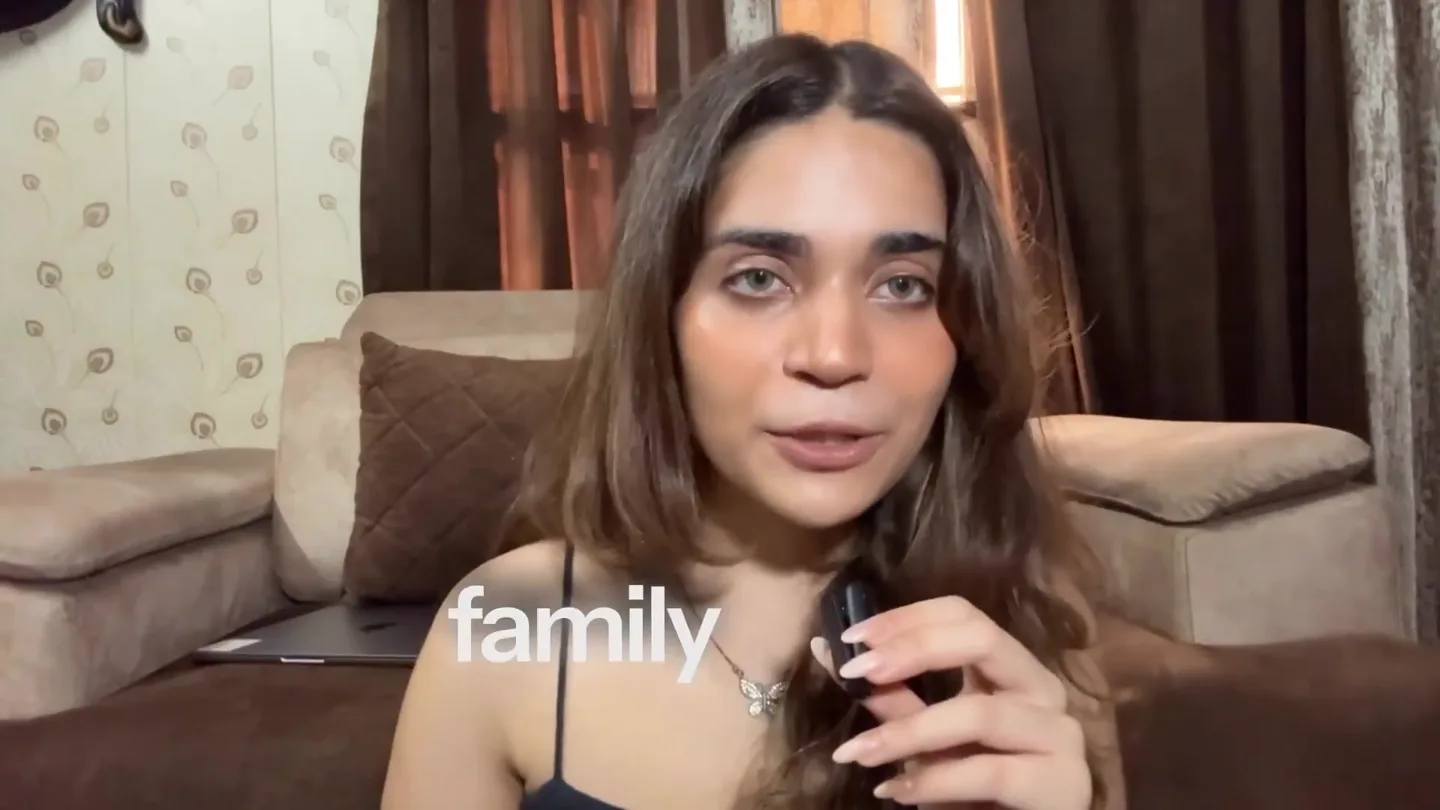
“I built an AI agent that turns family group chats into a shared family calendar. Well, good.”
- On screen
- I built an AI agent family calendar. talking about, figures out what conversations into Well, good you what happens
- Camera
- Medium close-up of the founder, static shot, direct address to camera.
- Motion
- On-screen text animates in with a subtle bounce and scale, appearing in sync with spoken words. Chat bubbles and calendar events appear as overlays.
Product Reveal
Under the Hood: Agent Workflow
“So, what happens is, we have an event extractor, an obligation tracker, and a plan calendar updates. Then we deliver the reminder.”
- On screen
- n 30th Aug, 3:27 AM family-assistant 21 > read_chat_export filter_recent_messages event_extractor AGENT Gemini-3-flash-preview LLM 1,914 tok $0.0013 obligation_tracker AGENT search_messages TOOL Gemini-3-flash-preview LLM 1,914 tok $0.0014 plan_calendar_updates CHAIN drop_past_events CHAIN calendar_list_events TOOL reject_duplicate_events CHAIN promote_obligations CHAIN sync_calendar CHAIN calendar_create_event TOOL reminder_writer AGENT Gemini-3-flash-preview LLM 181 tok $0.0001 review reminder GUARDRAIL whatsapp_send_message TOOL OUTPUT json items obligation_tracker AGENT search_messages TOOL Gemini-3-flash-preview LLM 1,914 tok $0.0014 calendar_updates CHAIN drop_past_events CHAIN reject_duplicate_events CHAIN promote_obligations CHAIN OUTPUT json candidates SHOW MORE Gemini-3-flash-preview LLM 1,914 tok $0.0014 plan_calendar_updates CHAIN drop_past_events CHAIN OUTPUT json SHOW MORE inside Then we have deliver is the reminder whatsapp_send_message TOOL OUTPUT json messages_read: 56 events_found: 4 events_added: 1 obligations: [ who: Mummy what: Send Aadhaar copy to Mummy asked_times: 4 last_asked: "30/08/2026" who: Rohan what: Transfer 8,400 to Rohan for Goa asked_times: 3 last_asked: "27/08/2026" who: Papa what: Handle Papa bank FD renewal asked_times: 1 last_asked: "25/08/2026" calendar: [ sent: [ SHOW LESS
- Camera
- Screen capture of a web application, with a virtual hand cursor interacting with UI elements. Camera pans and zooms to highlight specific sections.
- Motion
- UI elements highlight and expand on click. Text overlays with a blurred, glowing effect emphasize key terms. The virtual cursor animates with a subtle bounce on clicks.
Feature Teaser
Session Replay & Performance Metrics
“Let's watch how this works. You can see exactly how much time each single step takes.”
- On screen
- Let's watch works You can see exactly how much single step
- Camera
- Screen capture of a web application, with a virtual hand cursor interacting with UI elements. Camera pans and zooms to highlight specific sections.
- Motion
- A timeline scrubber animates, showing progress through a session replay. UI elements dynamically update, and text overlays with a blurred, glowing effect highlight key information like time taken per step.
Call to Action
Build Agents in Production with Neatlogs
“If you're building agents in production, you better use Neatlogs.”
- On screen
- if you're building agents better.
- Camera
- Medium close-up of the founder, static shot, direct address to camera.
- Motion
- On-screen text animates in with a subtle bounce and scale, appearing in sync with spoken words. The founder uses hand gestures to emphasize points.
Motion design primitives
Synthesizable in Remotion · key components of the founder-ai-workflow-showcase template.
BouncingTextOverlay
Text appears on screen with a slight scale-up and bounce effect, synchronized with spoken dialogue. It often has a subtle glow or blur effect.
+ Code construction recipe
Use `spring()` for scale and Y-axis translation, `interpolate()` for opacity. Apply a `filter: blur()` and `text-shadow` for the glow effect, animating its intensity.
DynamicUIPanZoom
The camera smoothly pans and zooms across a web application interface, highlighting specific elements like code blocks, workflow graphs, or data outputs.
+ Code construction recipe
Utilize `interpolate()` for `transform: scale()` and `transform: translate()` properties on the main screen capture component. Coordinate with `AbsoluteFill` and `OffthreadVideo` for screen recording.
VirtualCursorInteraction
A stylized hand cursor animates across the screen, clicking and hovering over UI elements, often with a subtle bounce or ripple effect on interaction.
+ Code construction recipe
Implement a custom SVG cursor component. Animate its `x` and `y` position using `interpolate()`. On 'click' events, trigger a `spring()` animation for a slight scale-down and then back up, potentially with a `radial-gradient` ripple effect.
Style DNA & aesthetic system
Visual aesthetic
Typography
Motion
Special effects
Pacing & rhythm
Conceptual story rhythm
- 1
The Personal Problem
Purpose. Establish relatability and the core problem solved by the product through the founder's personal experience.
Execution. Founder on camera, direct address, with illustrative chat bubbles and calendar events appearing as overlays.
- 2
The Technical Solution
Purpose. Showcase the underlying technology and how the AI agent functions step-by-step.
Execution. Dynamic screen recording of the Neatlogs platform, with a virtual cursor navigating the workflow, highlighting components and data.
- 3
The Proof in Action
Purpose. Demonstrate the product's efficiency and value through a session replay, emphasizing performance metrics.
Execution. Animated session replay within the Neatlogs UI, with a timeline scrubber and on-screen text highlighting time taken for each step.
- 4
The Call to Build
Purpose. Encourage developers/users to adopt Neatlogs for their own AI agent development.
Execution. Return to founder on camera, direct address, with a clear, concise call to action text overlay.