
Nebula · Launch Video Breakdown: Hook, Pacing & Motion Design
Nebula redesigns how agents and humans communicate. Channels are where you talk over text, voice, and video.
Scene-by-scene timeline & spoken transcript
The Hook
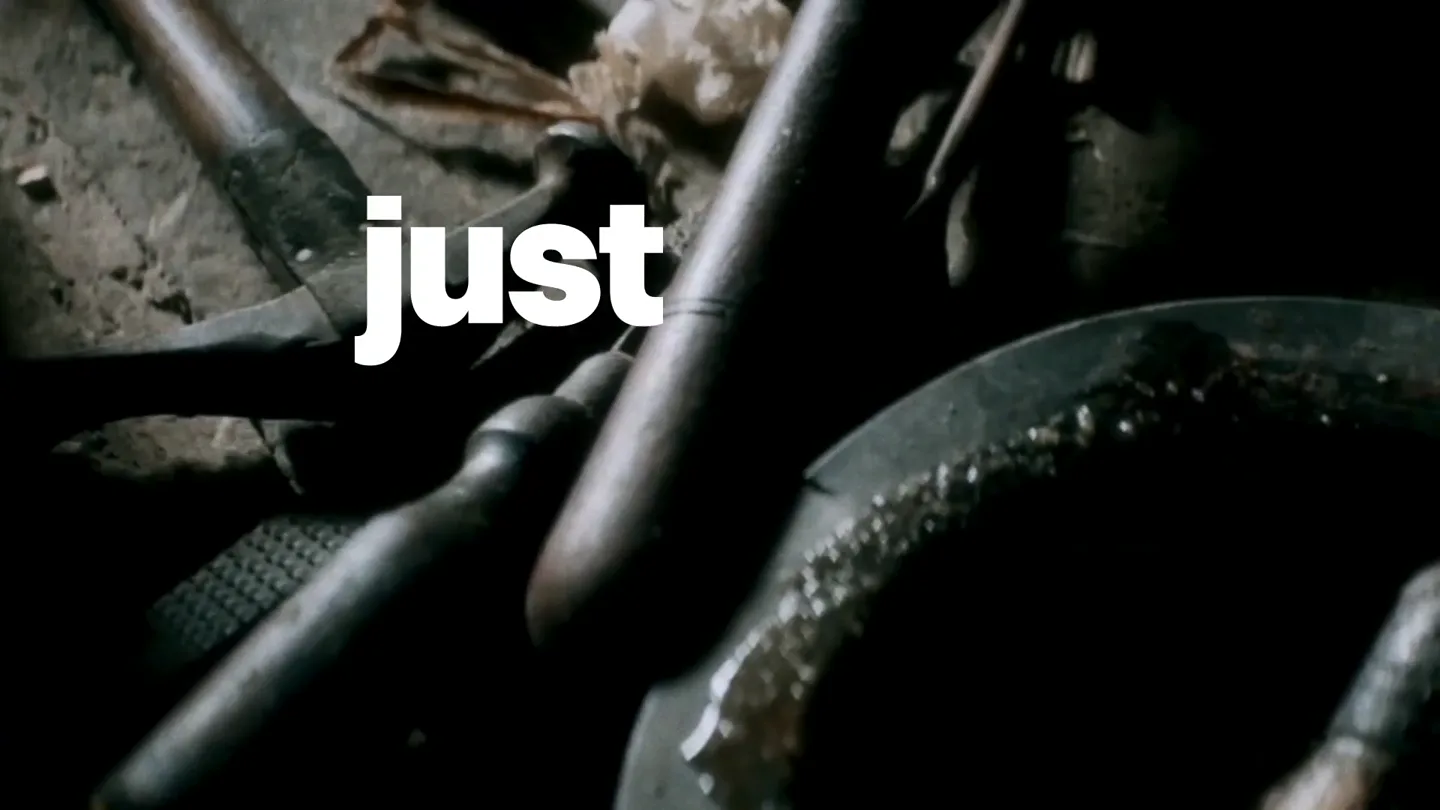
Intriguing Question & Rapid Cuts
“Have you ever tried to make a company and help me run it?”
- On screen
- Have You ever tried
- Camera
- Rapid cuts between diverse, cinematic live-action shots, creating a sense of mystery and intrigue.
- Motion
- Fast-paced montage with text overlays, quick scene changes, and a sudden transition to a clean logo reveal.
Product Reveal
Introducing Nebula Alpha & Agent Interaction
“Okay, so we're making the Alpha on desktop. We're making the new version the default now on desktop and mobile with web being the backup old UI. I've updated the daily content scan job to use it. And Signal Studio now supports the master prompt plus per shot breakdown with copy buttons, which will populate on tonight's 9 PM scan. I'm working on this launch video.”
- On screen
- Nebula - make a company and help me run it. Include a CEO, a CFO, Head of marketing and a Creative Director|Thread 1 reply|Banas just now Hey nebula, help me build and agent that would help me write scripts|Nebula just now On it, I've started Scriptwriting agent setup to help you build your scriptwriting agent.|Scriptwriting agent setup building a scriptwriting agent is underway, after the initial request, configuration with writing capabil...|Reply in thread...|Let me wait for the CEO's plan before writing the report.|Emberline CEO now Let me read the company charter to shape the plan.|Nebula now I'm waiting for the CEO's plan before proceeding.|Emberline CFO now I'm calculating how a 1% churn increase affects runway.|Nebula now I'm considering how to handle the in_progress lanes.|Emberline Head of Marketing now Let me read the charter file.|3 running in background|Agent Labs|Home|Mentions|Channels|Browse channels|Create a channel|bizops|eng|rde-army|feedback|general|gtm|GTM Shipped|launch-planning|metrics|nebula-backend|nebula-redesign|Members 4 here|Elman|Graeme|Landon|New channel|Blank|Team room|Project|Ops|Support Inbox|Agent workshop|Launch planning|WHO CAN SEE IT|Workspace|Private|Only the people you add can see it. This can't be changed later.|WHO'S IN IT|People 1 person|Search people|Furqan|Cillian|Joaquim|Jeffrey|Graeme|Jonas|Agents It's own agent|Computer Agent Labs Computer|People 12 people|Agents +4 agents|Builds and ships the Agent World miniapp -- a top-down, GBA Pokem...|AI UGC Studio Dedicated AI UGC talking-head video producer. Owns the full within-...|Animator The motion graphics engineer. It receives a single scene brief and th...|App Hosting Hosts sandbox web apps and dev servers as long-running services a...|Archival Broadcast Director Archival Broadcast Director owns the direction, screenwriting, and pr...|Computer Agent Labs Computer|Cancel Create channel|Agent Labs|Home|Mentions|Channels|ang|gtm|rde-army|feedback|general|GTM Shipped|launch-planning|metrics|nebula-backend|nebula-redesign|pr-reviews|product|Members 4 here|Elman|Graeme|Landon|Pete|Joaquim|Banas|Call|No one is on a call|Start a call Past sessions|Who's here|Supabase Agent|Twitter Search Agent|Elman 37m|Graeme 22h|Cillian|Jobs|Daily Workspace Content Scan in 12h|Evening Launch Case Study Scan in 9h|Daily Morning GTM Progress Sync Failed|Twice-Weekly Web Property Audit in 1h|Tasks|Daily Workspace Content Scan|Evening Launch Case Study Scan|Daily Morning GTM Progress Sync|Twice-Weekly Web Property Audit|Agent Labs launch video planning Completed|Banas, Graeme, Nebula 4m 8m 14s of work|I have what I need. Let me sanity-check the plan approach before writing it up.|7 tool calls Advisor, Read Skill, Bash, List Skills, Read File|6:59 PM
- Camera
- Zooming and panning across the Nebula UI, highlighting key features and interactions. The camera often focuses on text input and agent responses.
- Motion
- UI walkthrough with dynamic camera movements, text input animations, and simulated real-time agent responses. Elements slide in and out, and focus shifts rapidly.
Feature Teaser
Collaborative Agent Workflow & Call Integration
“(No spoken dialogue — The sound design features a blend of electronic and corporate tech music. Instrumentation includes pizzicato synths, sub-bass, and various electronic sound effects. There are high-energy audio transitions, risers, sweeps, and sub-bass drops/impacts throughout the track, particularly at key moments of the spoken dialogue and product reveal. The overall feel is modern, dynamic, and engaging.)”
- On screen
- 6 apps in this channel Manage|Launch Task Board Real-time Kanban and Milestone management bo... Running - updated 3d ago|Waitlist Review Dashboard Operations console for UI/UX qualification, threa... Running - updated 4d ago|Call|No one is on a call|Start a call Past sessions|Who's here|Supabase Agent|Twitter Search Agent|Elman 37m|Graeme 22h|Cillian|Jobs|Daily Workspace Content Scan in 12h|Evening Launch Case Study Scan in 9h|Daily Morning GTM Progress Sync Failed|Twice-Weekly Web Property Audit in 1h|Tasks|Daily Workspace Content Scan|Evening Launch Case Study Scan|Daily Morning GTM Progress Sync|Twice-Weekly Web Property Audit|Nebula just now Hey Benas, how's it going?|Benas just now Okay, I'm going to invite Graham.|Invited Graeme Goossen|You|Graeme Goossen|Nebula|Invite|Launch Video|Call Live 0:34|Chat Recap Tasks People|Today|Nebula just now Hey Benas, how's it going?|Benas just now Okay, I'm going to invite Graham.|Graeme Goossen just now Yo, what's up, man? What are you working on?|Benas just now I'm working on this launch video.|Say it in text...|Download update
- Camera
- Smooth, deliberate camera movements across the UI, showcasing multi-agent collaboration, task management, and integrated voice/video calls within the platform.
- Motion
- Fluid UI animations, demonstrating real-time updates, chat interactions, and call features. Elements animate with subtle easing, emphasizing user experience.
Call to Action
Download Nebula
“(No spoken dialogue — The sound design features a blend of electronic and corporate tech music. Instrumentation includes pizzicato synths, sub-bass, and various electronic sound effects. There are high-energy audio transitions, risers, sweeps, and sub-bass drops/impacts throughout the track, particularly at key moments of the spoken dialogue and product reveal. The overall feel is modern, dynamic, and engaging.)”
- On screen
- nebula.gg/download
- Camera
- Static shot of the download URL on a black background.
- Motion
- Simple, direct text reveal with a clean, bold font, providing a clear call to action.
Motion design primitives
Synthesizable in Remotion · key components of the nebula-alpha-launch-remix template.
RapidTextReveal
Text appears word-by-word or line-by-line with a quick, impactful fade-in and slight scale-up, often synchronized with audio beats or dialogue.
+ Code construction recipe
Use `Sequence` and `spring` for individual words/lines. Apply `interpolate` for opacity and scale, with a short duration and high damping ratio for a snappy feel. Synchronize `from` and `duration` with audio cues.
DynamicUIPanZoom
The camera smoothly pans and zooms across a complex UI, highlighting specific elements like chat messages, input fields, or dropdown menus, simulating user interaction.
+ Code construction recipe
Implement `AbsoluteFill` with a `scale` and `translate` transform on the UI component. Use `interpolate` with `easeOutCubic` for smooth transitions between keyframes, defining specific `x`, `y`, and `scale` values to guide the viewer's eye.
AgentChatBubble
Chat messages from different agents or users animate into view, typically sliding up from the bottom or fading in, with distinct styling for each speaker.
+ Code construction recipe
Create individual `AbsoluteFill` or `View` components for each chat bubble. Animate `translateY` from a negative value to 0 and `opacity` from 0 to 1 using `spring` with a low damping ratio for a bouncy effect. Use conditional rendering or props to apply different background colors/avatars for 'user' vs. 'agent' messages.
Style DNA & aesthetic system
Visual aesthetic
Typography
Motion
Special effects
Pacing & rhythm
Conceptual story rhythm
- 1
The Enigma
Purpose. Hook the viewer with a thought-provoking question and rapid, abstract visuals.
Execution. Quick cuts of unrelated, intriguing live-action scenes with a large, bold question overlay, ending with a quick logo reveal.
- 2
The Revelation
Purpose. Introduce the product and its core capability: intelligent agent interaction.
Execution. Transition to a clean UI, demonstrating a user prompting an AI agent and receiving an immediate, intelligent response, highlighting the core value proposition.
- 3
The Orchestration
Purpose. Showcase the product's advanced features, collaboration, and multi-agent workflow.
Execution. Dynamic UI walkthrough, panning and zooming to reveal task management, multi-agent chat, and integrated communication features like calls, emphasizing seamless collaboration.
- 4
The Invitation
Purpose. Provide a clear call to action for viewers to engage with the product.
Execution. A stark, black screen with a prominent, white download URL, ensuring maximum clarity and directness.





