
Omentir · Launch Video Breakdown: Hook, Pacing & Motion Design
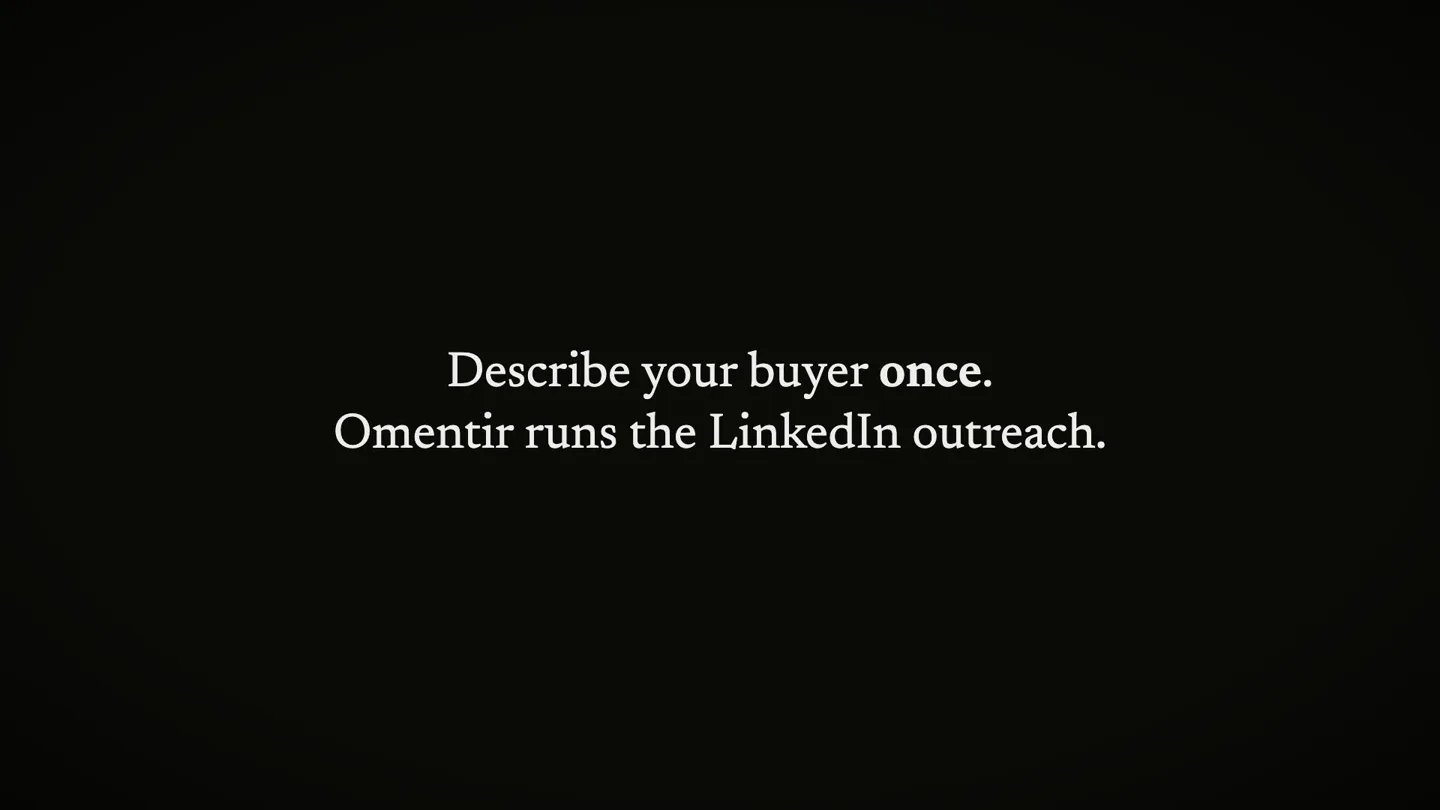
Describe your buyer once, and Omentir runs the LinkedIn outreach: filter leads by role, industry, location, and company size.
Scene-by-scene timeline & spoken transcript
The Hook
Define Your Ideal Customer Profile
“(No spoken dialogue — The track features a consistent, driving electronic beat with a prominent sub-bass line. Pizzicato synths provide a melodic counterpoint, creating a sense of anticipation and energy. A subtle riser at [00:08] and a more pronounced sweep and sub-bass drop at [00:12] mark transitions.)”
- On screen
- Describe your buyer once. Omentir runs the LinkedIn outreach. Get Started 3 of 4 done. No agents yet. Active Omentir subscription Omentir needs an active plan to find buyers and send messages. Connect LinkedIn Link the account Omentir should use to find people and send messages. Add a booking link Paste any meeting scheduler URL Agents that book demos use this link. Start an AI agent Create an agent that finds matching buyers and can run outreach from your LinkedIn. New Agent ICP Leads Outreach Review Define your ideal customer profile Describe the leads you want Describe the exact leads this agent should find. Target job titles e.g. Sales Manager Target industries e.g. Marketing Target locations e.g. United States Company size Select size Mandatory keywords e.g. B2B Set filters & scoring Match level High precision FILTERS FROM YOUR PROFILE New lead group name Name this group of leads LinkedIn account Alex Morgan First-degree connections Excluded Message & sequence AI-generated sequence Recommended Generate messages from lead context. Manual sequence Use exact messages you write. Goal Book qualified sales calls/demos Tone Professional Conversational Direct SEQUENCE Connect Include invitation note Wait 1 day Message Generated from lead context. Wait 3 days Follow-up Stops if they reply Add a step Message, invitation, profile visit... When a lead replies Stop and hand the conversation to you Send window Business hours - Mon-Fri, 9am-6pm Continue STEP 2 Omentir filters every lead
- Camera
- The camera smoothly pans and zooms across the Omentir UI, highlighting key input fields and configuration options. It maintains a top-down perspective, simulating user interaction.
- Motion
- UI walkthrough with animated cursor interactions, subtle parallax scrolling, and dynamic text input animations. Elements appear and disappear with soft fades and scale transitions.
Product Reveal
Automated Lead Filtering and Scoring
“(No spoken dialogue — A significant riser and impact at [00:30] introduces this section, followed by the consistent electronic beat and pizzicato synths.)”
- On screen
- Heads of Sales at logistics companies Match level: High precision - then scored for fit Found on LinkedIn 230 Match your filters 0 Strong fit 0 RANK PERSON JOB ROLE INDUSTRY LOCATION COMPANY SIZE FIT Tom Reyes Sales Director - Bluewater Freight Sales Director Freight Miami, US 210 people Chris Pell Sales Intern - Quayside Sales Intern Logistics Boston, US 80 people Grace Okafor Head of Sales - Linehaul Co Head of Sales Freight Denver, US 95 people Oliver Grant VP Sales - Grant & Co Media VP Sales Media Austin, US 80 people Priya Nair Head of Growth - Northwind Freight Head of Growth Freight Seattle, US 120 people Sven Aalto Head of Sales - Nordic Haul Head of Sales Logistics Oslo, Norway 150 people Maya Lindqvist COO - Harlow Logistics COO Logistics Chicago, US 340 people Dev Patel Head of Sales - Tiny Truck Co Head of Sales Logistics Dallas, US 8 people Leads All contacts Heads of Sales at logistics companies Add leads Search leads CONTACT FIT Priya Nair Head of Growth at Northwind... 96 Maya Lindqvist COO of Harlow Logistics 83 Tom Reyes Sales Director at Bluewater Fr... 81 Grace Okafor Head of Sales at Linehaul Co 79 Ravi Menon Head of Sales at Kiel Systems 77 Hannah Cole VP Business Development at... 76 Marcus Webb VP Sales at Portside Logistics 72 Lena Brandt Head of Sales at Kestrel Cargo 70 Select a lead to see why they fit. 1-8 of 48 sorted by Fit API Settings Harborline Demo STEP 3 Reach out and book the meeting Invites and messages go out from your LinkedIn.
- Camera
- The camera focuses on a dynamic table view, highlighting lead data and filtering results. It then transitions to a more abstract view of the leads list, emphasizing the 'Fit' score.
- Motion
- Data visualization with animated counters and progress bars. Table rows highlight and filter in real-time. Smooth transitions between different views of the lead data.
Feature Teaser
Automated LinkedIn Outreach and Analytics
“(No spoken dialogue — A powerful sub-bass drop at [00:49] initiates this segment. The driving electronic beat continues, punctuated by a sustained riser and impact at [00:59] and a short sweep at [01:04].)”
- On screen
- in Search Omentir Heads of Sales at logistics companies Active Connection request Sent 9:40 AM Har time, no note Accepted Today, 10:02 AM Message 1 Sends 1 hour after she accepts Follow-up 3 days later, stops if she replies Sending from Alex Morgan's LinkedIn, within daily limits. Priya Nair 2nd Head of Growth at Northwind Freight Seattle, Washington, United States 500+ connections Message More Activity Onboarding carriers by hand is eating our whole week. Has anyone automated this without losing the personal touch? 2d 38 reactions 12 comments Priya Nair accepted your invitation Messaging Priya Nair Alex Morgan Hi Priya, your post about onboarding carriers by hand stood out. Do you also own outbound at Northwind? Priya Nair I do. Honestly, the last outreach tool we tried spammed everyone we know. Alex Morgan Fair. Nothing goes out as a blast here. Each message is written for one person and sent at a normal daily pace. Want to see what it would send to Northwind's shippers? Priya Nair Ok, that I'd like to see. Alex Morgan Here's my calendar: 20 minutes: cal.com/harborline/intro Elena Voss Sure, send over a time next week. James Okonkwo What does it cost for 3 seats? Amina Rahman Do you have a short demo? Omentir continues until the meeting is booked Write a message... OVERVIEW See what's working 342 Last 30 days 192 Last 30 days $63,600 106 accepted connections contacted Replies received Meetings booked app and Cursor can run this workspace from chat. View all REPLIES Priya Nair Head of Growth at Northwind Freight Booked for Thursday. Talk then. Connect Claude ChatGPT Grok Cursor Omentir connected AI Agents omentir.com/agents Heads of Sales at logistics companies Active Finding leads: Next lead search today at 9:00 AM. SaaS founders in the US Active Sending: Next connection request today at 10:40 AM. Message Claude Pause the logistics agent. omentir_pause_agent done { "agent": "Heads of Sales at logistics companies" } Done. Heads of Sales at logistics companies is paused. Nothing sends until Paused: You paused this agent. Nothing sends until you turn it back on. Message ChatGPT AI Agents omentir.com/agents Overview Messages Leads Harborline 2 agents Northstar Studios 2 agents Lumen Studio 1 agent Create workspace API Settings Harborline Demo Heads of Sales at logistics companies Active Finding leads: Next lead search today at 9:00 AM. CONTACTED ACCEPTED MESSAGED REPLIED 0 0 0 0 Sales leaders in freight and logistics. Created today View leads Edit SaaS founders in the US Active Sending: Next connection request today at 10:40 AM. CONTACTED ACCEPTED MESSAGED REPLIED 186 / 412 64 58 17 45% contacted 34% accept rate Total messaged 29% reply rate Founders and CEOs, 11-50 employees. Created Aug 12
- Camera
- The camera simulates a user navigating LinkedIn, showing connection requests and message exchanges. It then transitions to a dashboard view with animated charts and a chat interface, demonstrating AI agent control.
- Motion
- Screen recording with animated overlays and UI elements highlighting key interactions. Data visualizations animate to show progress and results. Chat interface simulates real-time conversation and AI command execution.
Call to Action
Omentir: Your AI Outreach Solution
“(No spoken dialogue — A final impactful sub-bass drop at [01:14] brings the video to its conclusion, with the electronic beat fading out.)”
- On screen
- Omentir does the outreach. * Omentir omentir.com
- Camera
- The camera zooms out to a full-screen view of the Omentir logo and website, providing a clear call to action.
- Motion
- Simple fade-in and scale animation for the logo and website URL. Clean, minimalist presentation to emphasize the brand.
Motion design primitives
Synthesizable in Remotion · key components of the omentir-ai-outreach-template template.
UIDataFlowReveal
This primitive animates the sequential appearance of UI elements, such as text fields, checkboxes, and data tables, often accompanied by a simulated cursor interaction. It emphasizes the step-by-step process of product usage.
+ Code construction recipe
Utilize `Sequence` and `AbsoluteFill` components. Animate `opacity` and `scale` properties with `spring` or `interpolate` for a smooth, responsive feel. Implement `delay` for staggered element reveals. Cursor movement can be achieved with `Path` animations or `AbsoluteFill` with `transform` properties.
DynamicChartGrowth
This primitive displays data visualizations, like bar charts or progress counters, that dynamically grow or update to reflect changing metrics. It visually communicates the impact and results of the product.
+ Code construction recipe
Employ `SVG` or `Canvas` for custom chart rendering. Animate `height` or `width` properties of bars/lines using `interpolate` with `easeOutCubic` for a quick, impactful growth. Number counters can be animated with `interpolate` from 0 to the target value.
SimulatedChatInteraction
This primitive simulates a real-time chat conversation, with messages appearing sequentially as if being typed and sent. It highlights the conversational and automated aspects of the product's communication.
+ Code construction recipe
Use `Sequence` to control the timing of each message bubble's appearance. Animate `opacity` and `translateY` for a subtle 'pop-up' effect. A typing indicator animation can be added using `Dot` components with `scale` and `opacity` variations.
Style DNA & aesthetic system
Visual aesthetic
Typography
Motion
Special effects
Pacing & rhythm
Conceptual story rhythm
- 1
The Setup
Purpose. Introduce the core problem and Omentir's promise to solve it, setting the stage for the product demonstration.
Execution. Starts with a bold text overlay stating the problem and solution, then immediately transitions into the product's onboarding UI, showing the initial setup steps.
- 2
The Solution in Action
Purpose. Demonstrate Omentir's key features: defining customer profiles, filtering leads, and initiating outreach.
Execution. A series of UI walkthroughs showcasing the ICP definition, dynamic lead filtering tables, and the automated LinkedIn connection and messaging process.
- 3
The Impact
Purpose. Illustrate the tangible results and benefits of using Omentir, such as booked meetings and agent management.
Execution. Transitions to a dashboard view with animated charts showing outreach metrics, followed by a demonstration of controlling AI agents via a chat interface.
- 4
The Call to Action
Purpose. Reinforce the product's value proposition and guide viewers to the next step.
Execution. A final text overlay summarizing Omentir's core function, culminating in the brand logo and website URL.





