
open-slide · Launch Video Breakdown: Hook, Pacing & Motion Design
open-slide 2.0 is a slide framework for agents, with a visual editor, editable pptx export, and a redesigned UI.
Scene-by-scene timeline & spoken transcript
The Hook
Agent-Powered Slide Creation
“(No spoken dialogue — Driving electronic beat with pizzicato synths and sub-bass. High-energy riser at 0:06, sub-bass drop at 0:07.)”
- On screen
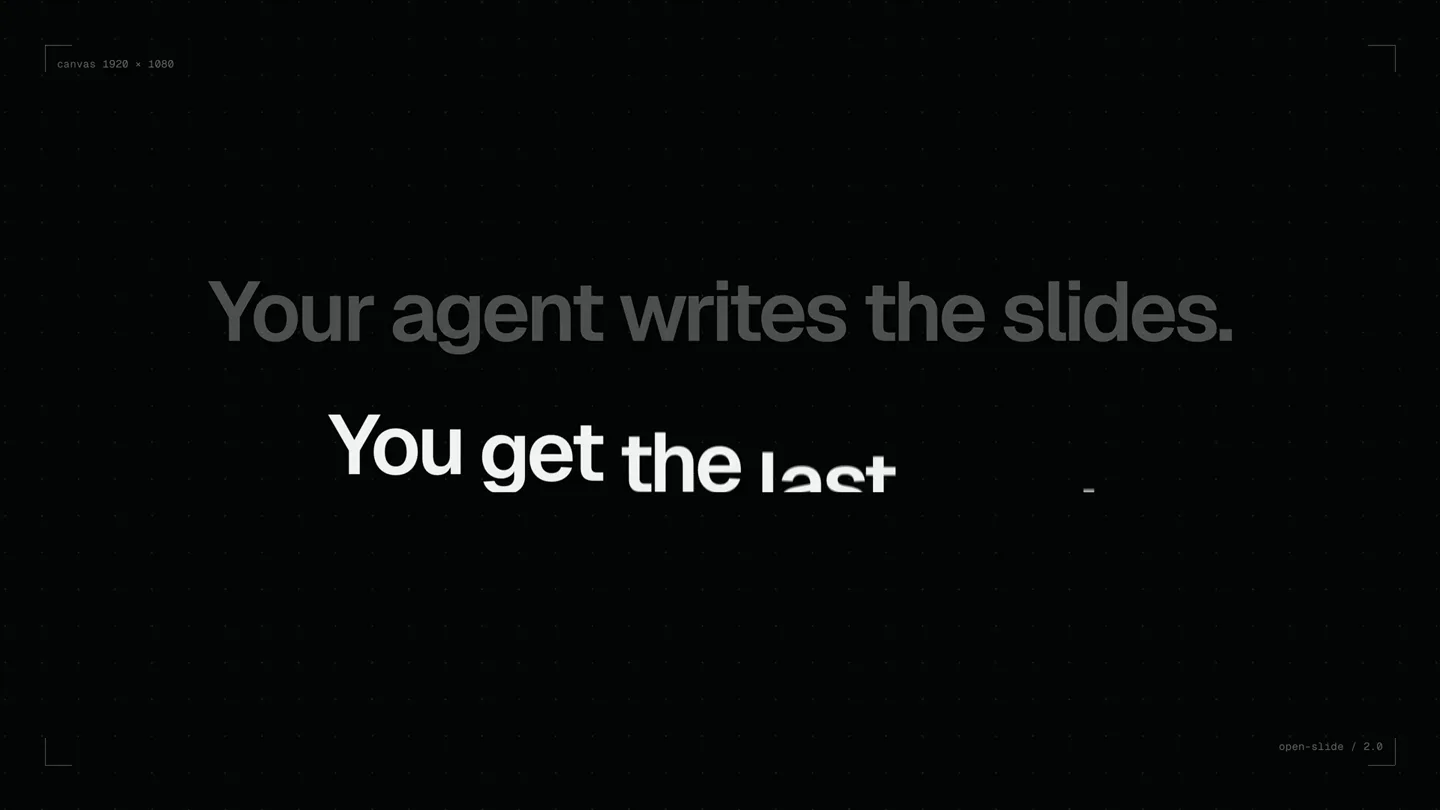
- Your agent writes the slides. canvas 1920 x 1080 open-slide / 2.0
- Camera
- Static wide shot, then quick zoom out to reveal full product logo.
- Motion
- Text reveal with subtle glow, followed by a rapid zoom-out and logo reveal with a bright, energetic burst effect.
Product Reveal
Visual Editor & Editable PPTX
“(No spoken dialogue — Consistent driving electronic beat. High-energy audio transitions with risers and sweeps at 0:18 and 0:28. Sub-bass drops at 0:19 and 0:29.)”
- On screen
- open-slide 2.0 VISUAL EDITOR • EDITABLE PPTX • A NEW UI Ship the deck. LAUNCH - 2026 Drafted by your agent. Finished by you. v2.0 - out now /create-slide Inspect. Comment. PPTX, for real. npx open-slide /cli init Ship the story. export default function LaunchDay() { return ( <slide> <Eyebrow>LAUNCH - 2026</Eyebrow> <h1 style={{ fontSize: 190 }}> Ship the <span style={{ color: '#E5484D' }}>story.</span> </h1> <img src="hero" style={{ borderRadius: 28 }} /> </slide> ); } Agent is watching 02 - EDITABLE PPTX Every page becomes Text boxes Shapes 1 px = 6,350 EMU • 1920 × 1080 px → 13.3/7 L Text stays text. Shapes stay shapes. launch-day.pptx Selection Text Ship the story Rounded Rectangle Text LAUNCH - 2026 Text Drafted by your agent. Fines... Image here Text 01 / 06 Rectangle
- Camera
- Dynamic camera pans and zooms across the UI, focusing on key interactions. Rotational camera movement for the PPTX export feature.
- Motion
- Seamless UI interaction animations, text typing effects, code editor overlay, and a 3D rotation revealing the PPTX export functionality with annotated elements.
Feature Teaser
Redesigned UI & Customization
“(No spoken dialogue — Driving electronic beat continues. High-energy audio transition with riser and sweep at 0:40. Sub-bass drop at 0:41.)”
- On screen
- 03 - A NEW UI Slides Ship the story. /create-slide VISUAL EDITOR PPTX, for real. Q3 → Q4 Roadmap 2027 We're hiring. npx @open-slide /cli init v2.0 Tokens. 04 - GOOGLE FONTS SEARCH Make it yours. SPACE GROTESK • SANS SERIF GOOGLE FONTS • 02 Every Google Font. One search away. Instrument Serif Serif Instrument Serif Italic Added Uploaded InstrumentSerif-Italic.ttf
- Camera
- Sweeping camera movements across a grid of slide thumbnails, followed by a static shot for font customization.
- Motion
- Grid layout animation with cards sliding into view, interactive UI elements for font selection, and a subtle glow effect on selected text.
Feature Teaser
CLI & Core Features Overview
“(No spoken dialogue — Driving electronic beat continues. High-energy audio transition with riser and sweep at 0:53. Sub-bass drop at 0:54.)”
- On screen
- $ npx @open-slide/cli init open-slide v2.0.0 Where should we create your workspace? my-deck Package manager pnpm Created workspace in my-deck Installing dependencies with pnpm... 01 Visual editor Select, drag, resize 02 Smart guides Snap to edges & centers 03 Layer ordering Front, forward, back 04 Inline text editing Double-click to type 05 Format panel Type, color, content 06 Undo & safe saves Edits land in source 07 Editable PPTX Native text & shapes 08 Google Fonts Search & add in-app
- Camera
- Static shot of a terminal window, then a dynamic camera pan over a grid of feature cards.
- Motion
- Terminal typing animation, followed by a grid of feature cards animating into view with subtle hover effects and icon reveals.
Call to Action
Launch & Get Started
“(No spoken dialogue — Driving electronic beat builds in intensity, culminating in a sustained, atmospheric synth pad with a long decay. High-energy audio transition with riser and sweep at 1:00, sub-bass drop at 1:00.)”
- On screen
- open-slide 2.0 $ npx @open-slide/cli init open-slide.dev
- Camera
- Static wide shot of the logo and CLI command, then a subtle zoom out to reveal the website URL.
- Motion
- Logo reveal with a bright glow, followed by a clean text reveal for the CLI command and website URL, all against a dark, atmospheric background.
Motion design primitives
Synthesizable in Remotion · key components of the tech-product-launch-dark-mode template.
DynamicUITransform
UI elements (windows, text boxes, images) animate with smooth scaling, rotation, and translation, often accompanied by subtle depth shifts and interactive cursor movements.
+ Code construction recipe
Utilize `interpolate` for smooth property transitions (scale, rotate, translateX/Y). Implement `spring` for bouncy, responsive UI interactions. Use `useCurrentFrame` and `useVideoConfig` for precise timing and responsive layout. SVG filters for subtle shadows and glows.
TextRevealTypewriter
Text appears character by character or word by word, often with a subtle glow or color change on the last typed character, mimicking a terminal or editor.
+ Code construction recipe
Employ `Sequence` and `Series` for character-by-character or word-by-word reveals. Use `interpolate` on `opacity` and `translateX` for a typing effect. Apply a `linear-gradient` or `radial-gradient` for the glow effect, animating its position or opacity.
GridCardReveal
Multiple cards or thumbnails animate into a grid layout, often with staggered delays, subtle rotations, and depth-of-field effects.
+ Code construction recipe
Use `map` to render an array of components. Stagger `delay` for each card's `Sequence` or `spring` animation. Animate `scale`, `opacity`, and `rotateX/Y` for a dynamic entrance. Implement `perspective` and `transform-style: preserve-3d` for depth.
Style DNA & aesthetic system
Visual aesthetic
Typography
Motion
Special effects
Pacing & rhythm
Conceptual story rhythm
- 1
The Vision
Purpose. Immediately establish the core value proposition and introduce the product name.
Execution. Bold text reveal, quick fade to black, then a dynamic logo reveal with a bright, energetic burst.
- 2
The Experience
Purpose. Showcase the product's primary features through interactive UI demonstrations.
Execution. Fluid camera movements across the UI, highlighting real-time editing, code integration, and seamless PPTX export with detailed annotations.
- 3
The Customization
Purpose. Demonstrate the flexibility and personalization options available to users.
Execution. Sweeping views of the redesigned UI, followed by an interactive sequence showing font selection and customization.
- 4
The Call to Action
Purpose. Provide clear instructions on how to get started and where to find more information.
Execution. Clean display of the CLI command and website URL, reinforced by the product logo, with a building and resolving audio track.
Remix in Animatiq Studio
Master remix prompt · agent-ready
Sample remix
Objective
A launch video for 'CodeFlow AI', an AI-powered code generation and refactoring tool.How the recipe adapts
The video would open with a bold statement like 'Your AI writes the code.' followed by the CodeFlow AI logo. UI demonstrations would feature a dark-themed IDE with real-time code suggestions appearing via TextRevealTypewriter, and refactoring animations using DynamicUITransform on code blocks. A GridCardReveal would showcase features like 'Smart Autocomplete', 'Contextual Refactoring', and 'Multi-language Support'. The call to action would display 'npm install codeflow-ai' and 'codeflow.dev'.Remix blueprint · tech-product-launch-dark-mode
Scene durations (5 scenes, 78s)
Key Remotion components
Related Creative Tools Product Launches
Explore all Creative Tools launches →
A vibe design partner with an AI-native canvas for turning ideas into UI.

We heard you wanted to use Codex rate limit resets on your own time. Starting today, we’re rolling out the ability to save rate limit resets to use later. We’re starting Go, Plus, Pro, and Business
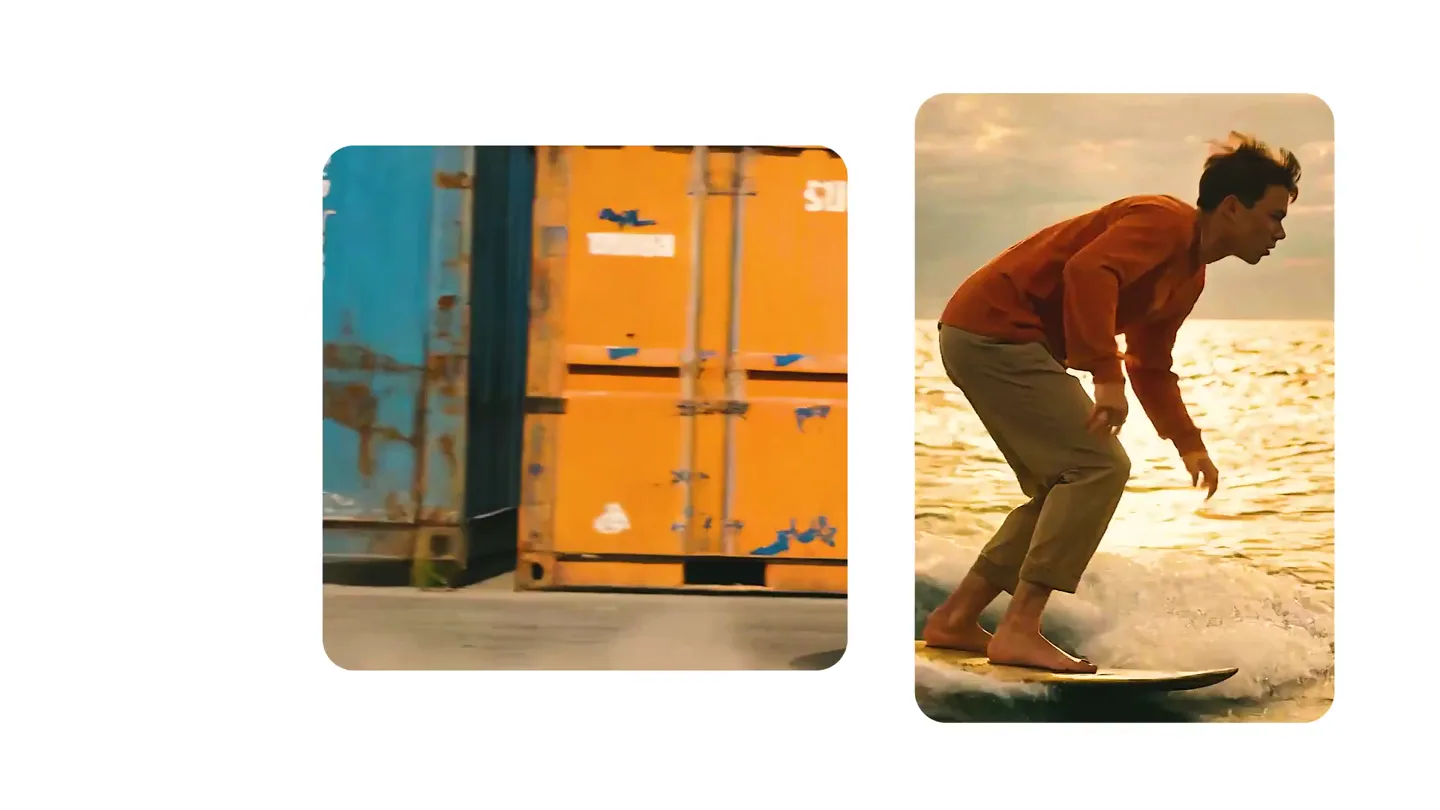
We just launched something the VFX community has been waiting for. OpenArt VFX lets you apply real visual effects to footage you already have. It lets you mask any region of your video and replace it with AI-generated content that matches the scene's lighting and physics. https://t.co/dnQjrZCWC4