Persona · Launch Video Breakdown: Hook, Pacing & Motion Design
Persona is Zach Yadegari's next product after selling Cal AI, with an interface others could not figure out.
Scene-by-scene timeline & spoken transcript
The Hook
The Problem with Screens
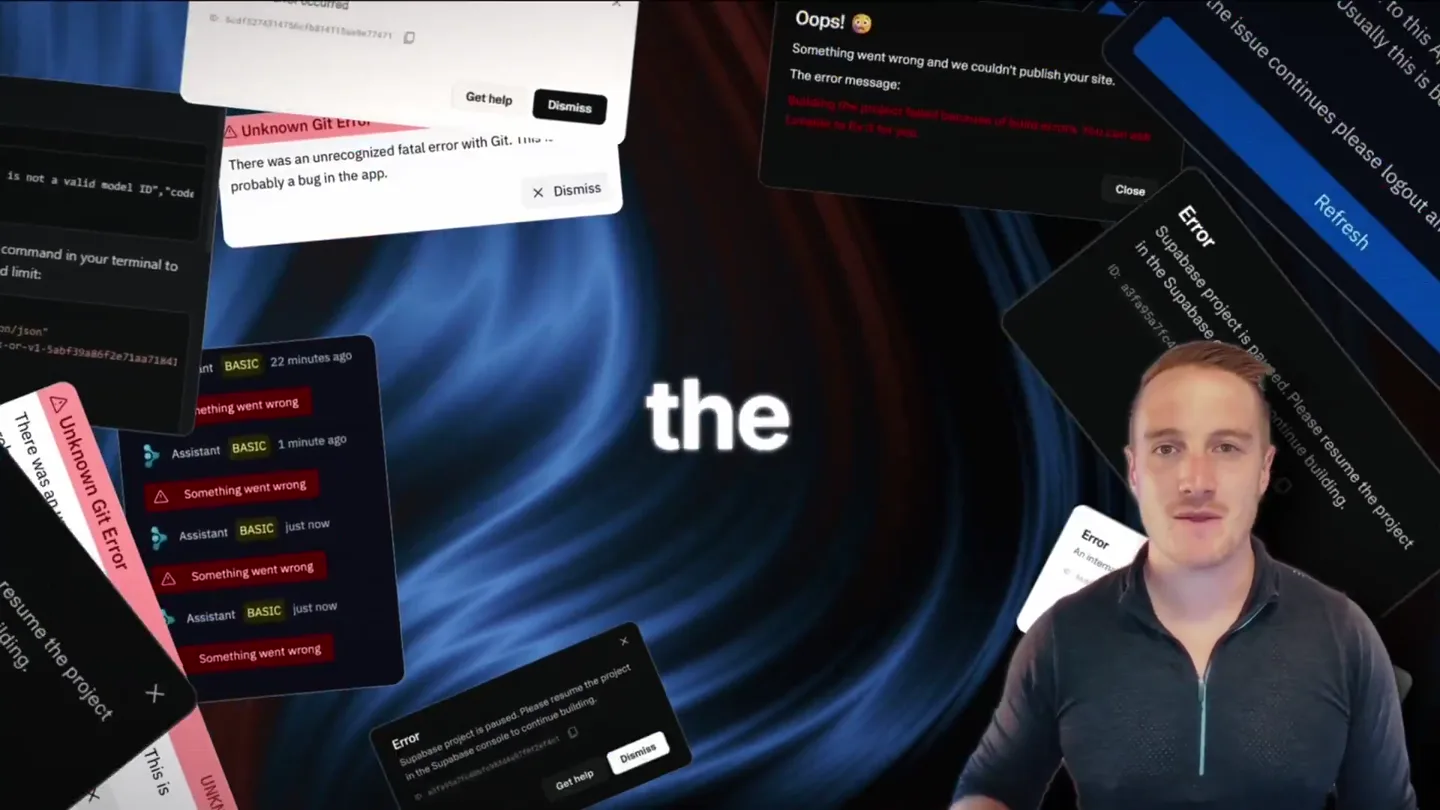
“is racing by six inch rectangle from our screens,”
- On screen
- is racing by six inch rectangle from our screens,
- Camera
- Medium shot of the founder, slightly zoomed in, with a static camera. He gestures with his hands.
- Motion
- Direct address to camera, minimal motion graphics, focus on founder's charisma.
Product Reveal
Introducing Persona Band
“Introducing Persona to talk to your Persona. Then ask anything. "Sir, I just emailed Mac."”
- On screen
- Introducing Persona Persona Band to talk to your Persona. Then ask anything. "Sir, I just emailed Mac."
- Camera
- Static wide shot of multiple Persona Bands, then a close-up on a wrist wearing the band. The camera remains static for the close-up.
- Motion
- Product carousel animation, glowing UI element on the band, subtle text overlays for dialogue. A riser and sub-bass drop/impact occurs at [00:26].
Feature Teaser
Proactive AI & Task Automation
“Your persona will proactively For example, from the airport like canceling subscriptions, or even DoorDashing calls on your behalf, taking mode by triple in absolute privacy for your listening band.”
- On screen
- Your persona will proactively For example, from the airport Okay, Lyft was $10 cheaper than Uber. Driver's 5 min away can I check my subscriptions, im spending too much or even DoorDashing can you call the vet, move tuesday to thursday Calling now Done. Thursday 4:15. I held for 19 minutes so you didn't have to. you're a menace Delivered calls on your behalf, taking mode by triple in absolute privacy for your listening band.
- Camera
- Alternates between medium shot of founder and screen capture of iPhone messaging app. Close-up on wrist interacting with the band. Camera is mostly static.
- Motion
- Split-screen with founder and phone UI, animated text bubbles simulating real-time conversation, subtle UI glows and interactions. A distinct sweep and sub-bass impact is heard at [01:06].
Call to Action
Privacy & Customization
“with three”
- On screen
- with three yourpersona.com
- Camera
- Static shot of two Persona Bands, then a wide shot of multiple bands in a line. Camera remains static.
- Motion
- Product display with subtle lighting, text overlay for website URL. Clean, minimalist presentation.
Motion design primitives
Synthesizable in Remotion · key components of the persona-ai-launch-template template.
ProductCarouselFade
Multiple product units appear sequentially with a subtle fade-in and slight horizontal shift, creating a sense of variety and options.
+ Code construction recipe
Use `Sequence` to stagger `AbsoluteFill` components for each product image. Apply `interpolate` for `opacity` and `translateX` values over a short duration, using an `easeOut` curve for smooth entry.
InteractiveUIGlow
A circular UI element on the product band illuminates with a vibrant green glow, indicating activation or a response from the AI.
+ Code construction recipe
Render an SVG circle with a `filter` property applying a `drop-shadow` for the glow effect. Animate the `color` and `filter` intensity using `spring` for a responsive, tactile feel when triggered by user interaction or AI response.
MessagingBubbleReveal
Text message bubbles appear and fill with content, simulating a real-time conversation with the AI assistant on a mobile device.
+ Code construction recipe
Utilize `AbsoluteFill` for the phone screen. For each message bubble, animate `scaleY` from 0 to 1 and `opacity` from 0 to 1, with a slight `delay` between bubbles. Use a `spring` animation for a natural 'pop' effect.
Style DNA & aesthetic system
Visual aesthetic
Typography
Motion
Special effects
Pacing & rhythm
Conceptual story rhythm
- 1
The Human Problem
Purpose. Establish the founder's credibility and articulate a relatable problem with current tech interaction.
Execution. Founder speaking directly to the camera, using hand gestures to emphasize points, creating a personal connection.
- 2
The Elegant Solution
Purpose. Introduce the Persona Band as the innovative answer to the identified problem.
Execution. Sleek product reveal with multiple bands, followed by a close-up demonstrating the core interaction (tapping the band).
- 3
AI in Action
Purpose. Showcase the practical, proactive capabilities of the AI assistant through real-world scenarios.
Execution. Split-screen views of the founder explaining features alongside animated phone UI demonstrating task automation and communication.
- 4
Trust & Choice
Purpose. Address user concerns like privacy and highlight customization options to build confidence and appeal.
Execution. Founder discussing privacy, followed by a display of various band colors and materials, concluding with a call to action.