Replit · Launch Video Breakdown: Hook, Pacing & Motion Design
Replit Design is official — reinventing the design process for the AI era, where design, code and deploy become one continuous AI workflow.
Scene-by-scene timeline & spoken transcript
The Hook
Reinventing Design for the AI Era
“to build what's next. Behind Replit, to build a better design tool, to get the most out of AI, you want to create variants on a canvas, which is why we came up with Ambient Intelligence, thanks to AI. It's super super cool to explain the type of vision.”
- On screen
- lit have to build what's next Behind Replit
- Camera
- Static medium shots of speakers, intercut with blurred background text overlays. The camera remains fixed on the speaker's upper body.
- Motion
- Fast cuts between speakers and text overlays, with a subtle zoom-in on text. The text 'what's next' uses a color highlight effect.
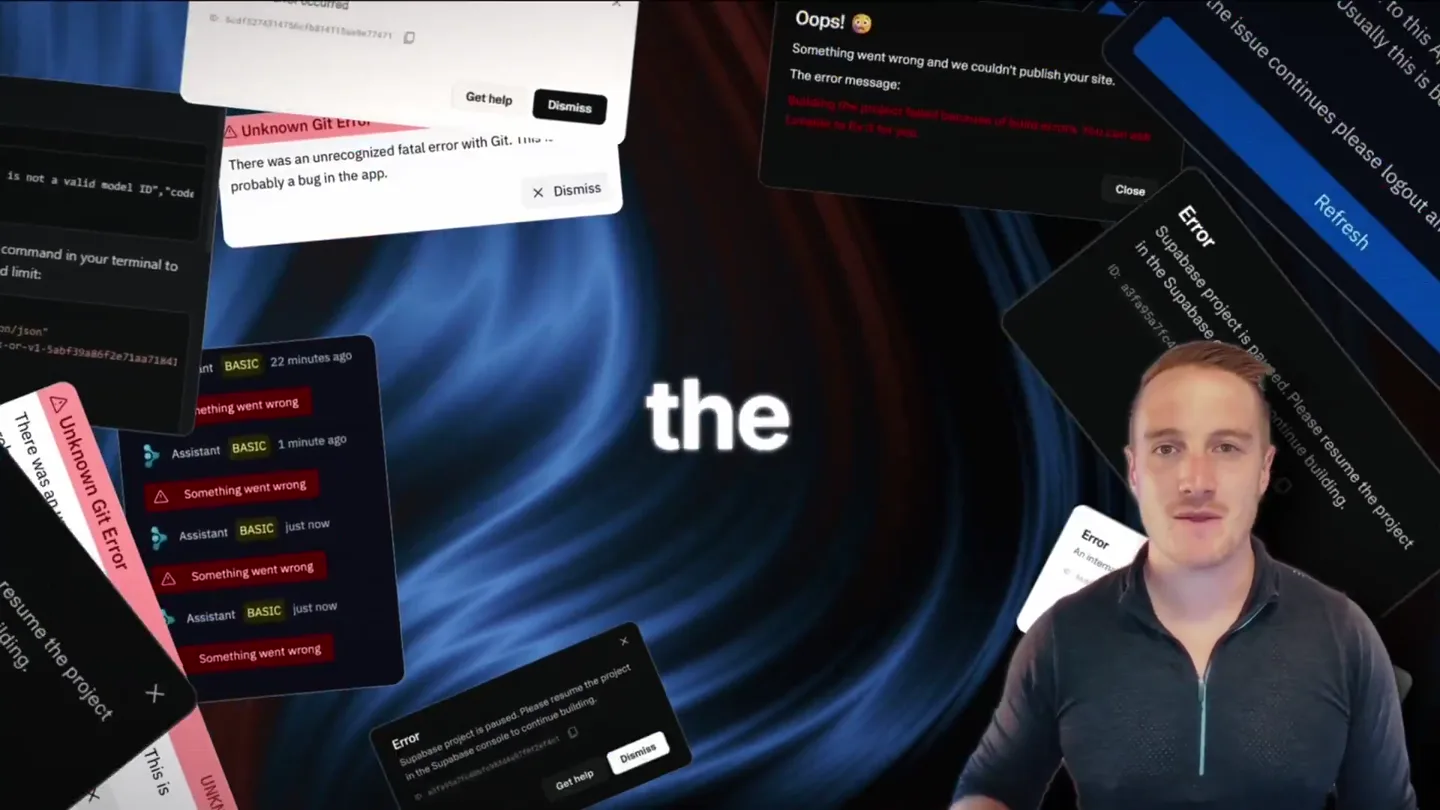
Problem Agitation
Empowering Users to Build Their Vision
“I'm able to take that all the way. What we hope you'll create. I hope people build their next billion dollar startup idea. The hardest problem to crack. Because we are focused on even if they are not necessarily designers, things are clear and easy to use. Does that mean in terms of that puts AI at the center.”
- On screen
- What we hope you'll create The hardest problem to crack
- Camera
- Alternating static medium shots of different speakers, maintaining eye-level perspective. Occasional cuts to blurred background text overlays.
- Motion
- Rapid cuts between speakers, emphasizing key phrases with text overlays. The text 'crack' uses a color highlight effect. A riser sound effect at 0:08 enhances the transition.
Product Reveal
Replit Design: AI-Powered Workflow
“(No spoken dialogue — A sub-bass drop/impact at 0:34 followed by a brief pause before the music resumes, leading into a driving electronic score.)”
- On screen
- (No on-screen text)
- Camera
- Dynamic camera movements showcasing the Replit Design interface, including close-ups on specific features and wider shots of the overall workspace.
- Motion
- Smooth pans and zooms across the UI, highlighting interactive elements. Elements animate in and out with subtle easing, demonstrating the AI workflow.
Feature Teaser
Seamless Design, Code, and Deploy
“(No spoken dialogue — A subtle riser around 1:06 transitions into a more intense section of the electronic score.)”
- On screen
- (No on-screen text)
- Camera
- Continued dynamic camera work, focusing on the integration of design, code, and deployment within the Replit platform. Follows user interactions.
- Motion
- Fluid transitions between different parts of the interface, demonstrating the continuous AI workflow. UI elements animate with responsive, spring-like movements.
Call to Action
Experience Replit Design
“(No spoken dialogue — A final impactful sub-bass drop/impact occurs at 1:52 to conclude the audio.)”
- On screen
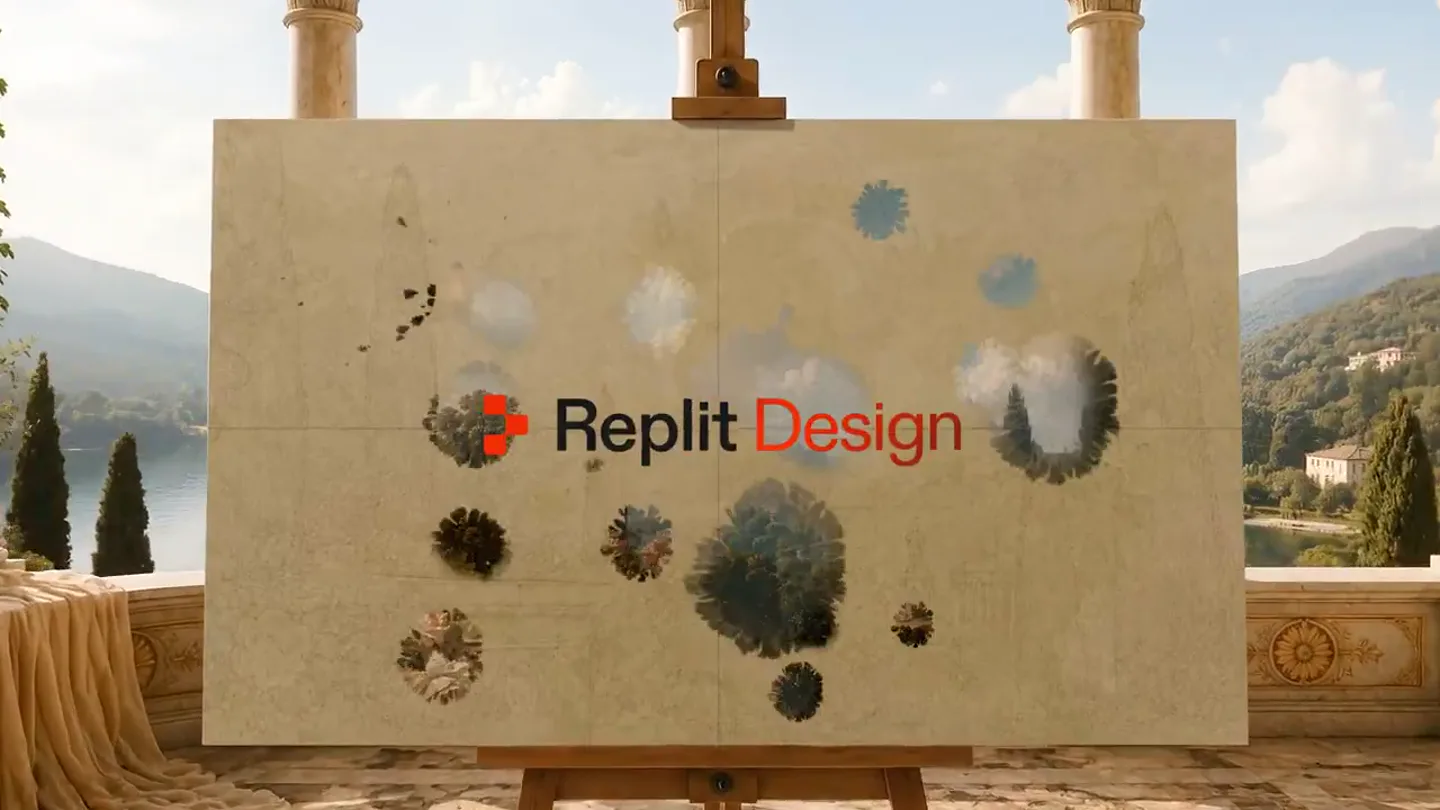
- Replit replit.com/design
- Camera
- Static shot of the Replit logo and URL, centered on a clean background.
- Motion
- Logo and URL fade in smoothly. The URL is enclosed in a subtle, animated border that expands slightly before settling.
Motion design primitives
Synthesizable in Remotion · key components of the ai-tech-launch-dynamic-ui template.
HighlightWordFade
Specific words within a sentence are highlighted with a distinct color and then subtly fade out or change color, drawing attention to key concepts.
+ Code construction recipe
Use Remotion's <Sequence> and <AbsoluteFill> components. For text, split the string into an array of words. Apply conditional styling to target words using `interpolateColors` for the color change and `spring` for a subtle opacity fade or scale effect.
BlurredFrameReveal
A blurred background image or video is revealed within a rounded rectangular frame, often with text overlaying it, creating a sense of focus and depth.
+ Code construction recipe
Implement a <Video> or <Img> component with a `filter: blur()` CSS property. Wrap it in a <AbsoluteFill> with `borderRadius` and a `border` style. Animate the border's opacity or scale using `spring` or `interpolate` for a smooth reveal.
UIFlowTransition
Seamless transitions between different sections of a user interface, often involving smooth pans, zooms, and responsive element animations.
+ Code construction recipe
Utilize Remotion's `useCurrentFrame` and `interpolate` for camera movements (translateX, translateY, scale). Individual UI elements can use `spring` for entrance and exit animations, simulating user interaction and responsiveness.
Style DNA & aesthetic system
Visual aesthetic
Typography
Motion
Special effects
Pacing & rhythm
Conceptual story rhythm
- 1
The Visionary Introduction
Purpose. Introduce the problem Replit Design solves and the overarching vision of reinventing design with AI.
Execution. Quick cuts between founders explaining the vision, interspersed with text overlays highlighting key phrases, setting an energetic tone.
- 2
Empowering the Creator
Purpose. Agitate the problem by emphasizing the limitations of current design tools and position Replit Design as the solution for all creators.
Execution. Founders articulate the benefits and accessibility of the tool, with text overlays reinforcing the message of empowerment and ease of use.
- 3
The AI-Powered Workflow
Purpose. Demonstrate the core functionality and seamless integration of AI within the Replit Design platform.
Execution. Dynamic screen recordings of the UI, showcasing AI features, code generation, and design iterations with smooth camera movements and responsive animations.
- 4
Continuous Innovation & CTA
Purpose. Showcase the end-to-end design-code-deploy workflow and provide a clear call to action.
Execution. Fluid transitions between different stages of the workflow, culminating in a clean display of the Replit logo and website URL.