Rima Launch (by Rima AI) · Launch Video Breakdown: Hook, Pacing & Motion Design
Today we are excited to launch Rima to the world to replace accounting SaaS with reusable micro-apps. For years, accounting teams have been stuck between two bad options: bloated SaaS tools that charge a premium yet still can’t handle a client’s unique needs, and fragile Excel https://t.co/frNQfrHyDV
Scene-by-scene timeline & spoken transcript
The Hook
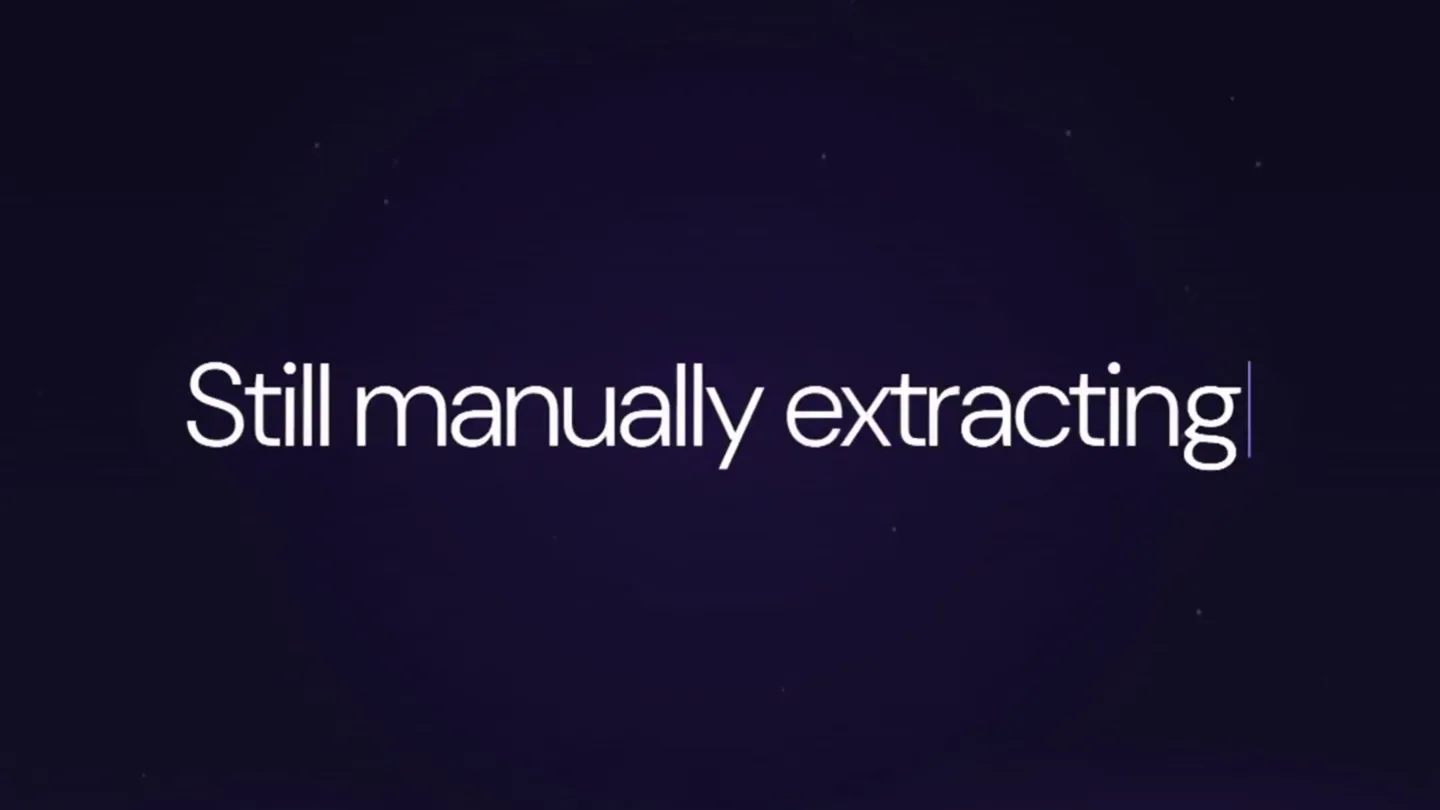
Problem Agitation: Manual Data Extraction
“(No spoken dialogue — Low-frequency hum and subtle electronic textures, building tension.)”
- On screen
- Still manually extracti data from into Excel?
- Camera
- Static, centered text on a dark, subtly animated gradient background.
- Motion
- Typing text animation with a blinking cursor, revealing the problem statement incrementally.
Product Reveal
Rima AI: The All-in-One Automation Platform
“(No spoken dialogue — Rhythmic, driving electronic score with pizzicato synths and sub-bass. High-energy audio transitions.)”
- On screen
- All-in-one platform Here & Excel work Configure your automation Upload your documents to start What type of data is in each file? Assign a data type to each uploaded file so the builder knows what to expect. Statement Clean.pdf 3.8 MB 10-31-2025.pdf 41.4 KB 10-30-2025.pdf 41.4 KB 10-29-2025.pdf 41.3 KB 10-28-2025.pdf 42.3 KB 10-27-2025.pdf 41.4 KB chk_1.png 106.4 KB chk_2.png 139 KB chk_3.png 106.4 KB Extract date, amount, description and references from all bank statement documents Rima extracts the data you need Configure your automation All extractions are configured. Do you need any processing steps? Match each transaction to its invoice by date, amount, and vendor name. I'll cross-reference each bank transaction against your invoices using a three- point match on date, amount, and vendor name. Each match will be classified as: • Exact – all three fields match within tolerance • Close – two of three match, flagged for manual review • Unmatched – no corresponding invoice found Low-confidence matches will be highlighted so you can verify before finalizing. Summarize sales tax by jurisdiction for Texas hospitality. Reverse-calc where tax isn't broken out. I'll use the blended Texas rate of 8.25% (6.25% state + 2% local). For each transaction I'll: • Separate taxable vs exempt amounts • Break down by state, county, and city jurisdiction • reverse-calculate tax from gross totals where the tax line isn't itemized The output will be a jurisdiction-level summary with audit-ready sourcing. Reconcile the sales tax data to GL payable. Highlight variances by jurisdiction. Reconcile sales Task ready to review With complete journal entries File Home Insert Draw Page Layout Formulas Data Review View Automate Developer Help Cut Copy Paste Format Painter Clipboard Font Alignment Number Calibri 12 A A Wrap Text Merge & Center $ % , .00 .0 D36 fx 634.5 MONTH: 2025 DEMO CLIENT DAY LIQUOR (1) WINE (2) BEER (3) GROSS RECEIPTS NON- ALCOH. TAX ID: XXXXXXXXXX JOURNAL ENTRIES 2025 LIQUOR 302 (11598.50) WINE 301 0.00 BEER 303 (11040.01) COMP LIQUOR 305 285.25 COMP WINE 306 0.00 COMP BEER 304 285.25 FOOD SALES 0.00 NON-ALCOHOL 310 (62.00) 2161.76 BOTTLED WATER 310 (76.00) SALES TAX 236 (5.28) MIXED BEVERAGE SALES TAX PAYABLE 238 (1,771.85) ADDITIONAL MIXED BEVERAGE SALES TAX PAYABLE 238 (48.76) ADDITIONAL MIXED BEVERAGE SALES TAX EXPENSE 545 48.76 SALES TAX ON COMPS EXPENSE 545 43.86 SALES TAX ON COMPS 236 (43.86) PAID OUT 510 28.75 (OVER)/SHORT 597 (389.91) CASH DISCOUNT 0.00 (3619.65) DEP FROST 4420 105 DEP I/T 105 20241.97 TEMPLATE + COMP LIQUORS WINE BEER TOTAL AMT TAX RATE TABC DUE MIXED BEVERAGE S SALES TAX 22597.93 FOOD 64.00 NON-SALES NON-ALC & FOOD TAXABLE COMPS 531.64 and cell-level audit tracking right in Excel Rima Value: 206.75 Formula: 0 + 206.75 1 4.00 0.64 1 4.00 0 2 389.75 62.81 102 316.50 20 3 206.75 33.35 47 162.85 7 4 8.00 1.29 4 8.00 0 5 8.00 1.29 4 8.00 0 620.50 100.00 154 490.75 28 0.00 0.00 0.00 620.50 49.24 on 596.50 exempt 0.00 0.00 50.96 Chat 2 Tell me about how you got the 206.75 The amount 206.75 comes from the sales data f liquor on 10-02-2025. Details: On 10-02-2025, "Liquor" sales had a total amou of $206.75 (quantity: 56 units). This amount is listed un he Ask a question... Rima v1.0
- Camera
- Dynamic camera movements, panning and zooming across UI elements and data tables, simulating user interaction.
- Motion
- Fast cuts, screen recordings with animated overlays, highlighting key data points and UI interactions. Text reveals with subtle fades and scale.
Feature Teaser
Automated Journal Entry Creation
“(No spoken dialogue — Electronic score maintains energy, with subtle sound design elements emphasizing transitions.)”
- On screen
- Rima does journal entry creation Build once. Run forever. Same results. Build multiple blueprints So you can spend time on what you love
- Camera
- Static text on a clean, light background, followed by a subtle zoom out to reveal more text.
- Motion
- Text reveals with color changes and subtle scaling, emphasizing key phrases. Clean, minimalist transitions.
Motion design primitives
Synthesizable in Remotion · key components of the dynamic-ui-reveal-template template.
TypingCursorReveal
Text appears character by character, simulating typing, accompanied by a blinking vertical line cursor. The background is a dark, subtle gradient.
+ Code construction recipe
Use `Sequence` and `spring` for character reveal, `interpolate` for cursor opacity and position. Background gradient can be a `LinearGradient` with `animate` for subtle shifts.
UIHighlightZoom
A screen recording or UI element is presented, with specific data points or interactive areas highlighted through animated overlays, zooms, and pans.
+ Code construction recipe
Employ `AbsoluteFill` for screen recordings. Use `spring` for zoom and pan effects. SVG overlays with `interpolate` for opacity and scale can create highlights. `OffthreadVideo` for performance.
FeatureTextFadeScale
Key feature text is revealed with a subtle fade-in and slight scale animation, often accompanied by a color change to emphasize importance.
+ Code construction recipe
Utilize `spring` for scale and opacity. Color changes can be animated with `interpolate` on the `color` property. `AbsoluteFill` for background color transitions.
Style DNA & aesthetic system
Visual aesthetic
Typography
Motion
Special effects
Pacing & rhythm
Conceptual story rhythm
- 1
The Pain Point
Purpose. Establish a relatable problem that the target audience (accounting teams) faces, creating immediate empathy and a need for a solution.
Execution. Dark, atmospheric background with a typing animation of a question, building tension and directly addressing the manual, tedious nature of current processes.
- 2
The Solution Unveiled
Purpose. Introduce Rima AI as the comprehensive, all-in-one platform that solves the identified problem.
Execution. Transition to a bright, clean UI. Dynamic screen recordings showcase the platform's ease of use, data extraction capabilities, and automation setup, with highlights on key features.
- 3
Deep Dive & Proof
Purpose. Demonstrate the product's advanced capabilities and how it integrates into existing workflows (Excel), providing tangible proof of its value.
Execution. Detailed UI walkthroughs showing data processing, reconciliation, and audit trails within the platform and its Excel integration, emphasizing accuracy and completeness.
- 4
The Benefit & Vision
Purpose. Articulate the ultimate benefit to the user – saving time and enabling focus on higher-value tasks – and cast a vision for a more efficient future.
Execution. Clean text reveals summarizing the 'build once, run forever' philosophy and the emotional benefit of reclaiming time, using a light, optimistic visual tone.