Roll (by Ras✦Maus) · Launch Video Breakdown: Hook, Pacing & Motion Design
I made a camera app called Roll. Every day you unbox a random film roll that changes what you shoot. No perfect edits. Just small creative constraints that make you notice more. Launching today on…
Scene-by-scene timeline & spoken transcript
The Hook
Unboxing the Roll Film App
“(No spoken dialogue — A sharp click at 0:00, a distinct impact at 0:02, and rapid clicks/rustles from 0:04-0:05, followed by a prominent sub-bass drop/impact at 0:07, creating anticipation.)”
- On screen
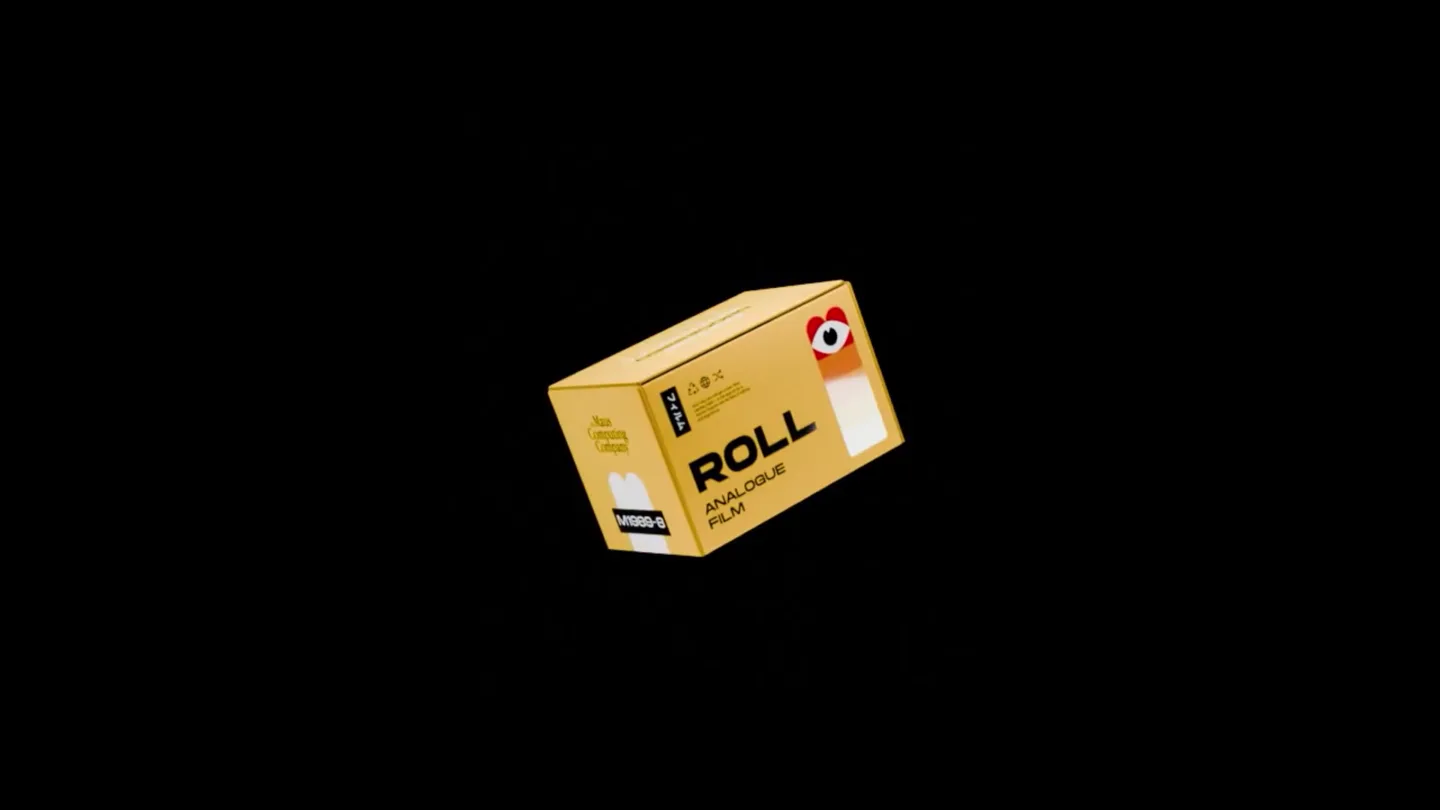
- ROLL ANALOGUE FILM unbox roll
- Camera
- A 3D rendered box rotates and subtly bounces against a black background, then opens to reveal a film roll.
- Motion
- 3D object animation with subtle physics-based bounces and a quick reveal transition.
Product Reveal
Introducing 'Ambro' Film Roll
“(No spoken dialogue — Sustained ambient synth pads with subtle sub-bass create a calm, contemplative mood.)”
- On screen
- AMBRO Ambro Reddish-brown vintage film with nostalgic tones. Expires in 7h 58m 27s ISO Medium Contrast Medium Saturation Reddish ting Load film
- Camera
- A smartphone screen is revealed, showcasing the 'Ambro' film roll and its detailed specifications. The camera remains static, focusing on the UI.
- Motion
- UI element reveal with text fading in and a countdown timer animating, emphasizing product details.
Feature Teaser
Capturing Moments with Roll
“(No spoken dialogue — Percussive clicks and impacts at 0:16 and 0:18 punctuate the visual actions.)”
- On screen
- (No on-screen text)
- Camera
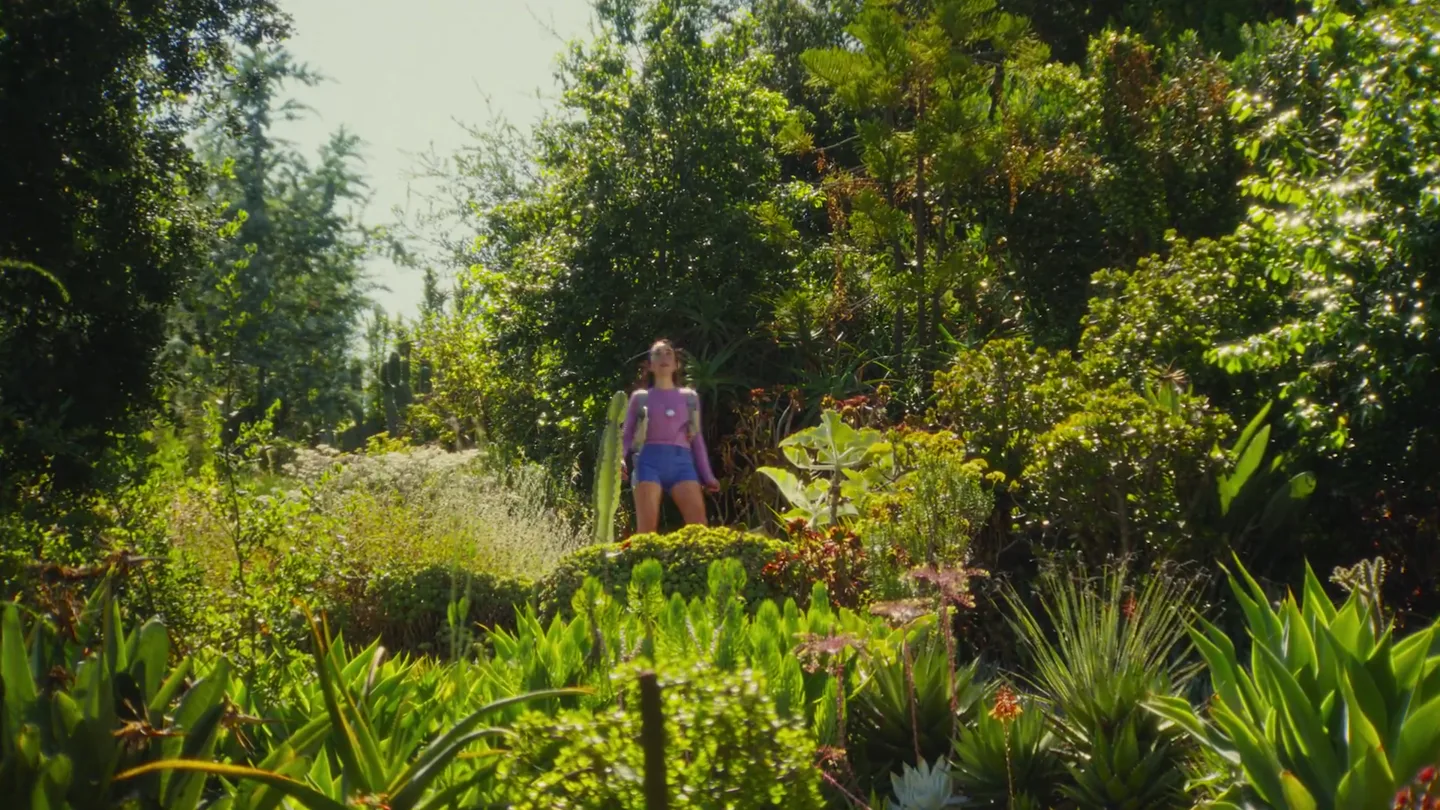
- The smartphone camera app is shown in action, capturing a scenic outdoor shot. The camera subtly pans and zooms to frame the phone.
- Motion
- In-app screen recording with dynamic content updates, simulating real-time camera usage and photo capture.
Call to Action
Fresh Film Daily & Brand Reveal
“(No spoken dialogue — A percussive click at 0:19 and a final impact at 0:23 lead into a sustained ambient drone, concluding the video.)”
- On screen
- Fresh fresh film daily rasmusnielsen.dk/roll The Maus Computing Company
- Camera
- Text fades in and out against a black background, followed by the company logo reveal. The camera is static.
- Motion
- Simple text fades and a logo reveal, using clean typography and minimal animation for a clear call to action and brand identity.
Motion design primitives
Synthesizable in Remotion · key components of the minimalist-product-reveal-ambient template.
ProductBoxUnbox
A 3D rendered product box rotates and subtly bounces, then dynamically unfolds to reveal its contents, transitioning smoothly into a new scene.
+ Code construction recipe
Utilize Remotion's 3D capabilities with `ThreeCanvas` or `WebGL` for box rendering and rotation. Implement `spring` animations for the bounce and unfolding effect, interpolating `rotation` and `position` properties. Use `Sequence` to orchestrate the reveal of inner content.
UIStatReveal
A clean UI displays product statistics and features, with text elements and a countdown timer animating into view, highlighting key information.
+ Code construction recipe
Employ `interpolate` for text opacity and position animations (`translateY`, `opacity`). Use `useCurrentFrame` and `durationInFrames` to drive a real-time countdown timer. Ensure `font-family` and `font-size` are consistent with the visual style.
InAppCameraCapture
A smartphone screen displays a live camera feed, captures an image, and then transitions to a review screen, simulating a seamless in-app experience.
+ Code construction recipe
Use `Video` components for the live feed and captured image. Animate a `scale` and `opacity` change for the shutter effect. Implement `Sequence` to transition between the camera view and the review screen, with UI elements fading in/out.
Style DNA & aesthetic system
Visual aesthetic
Typography
Motion
Special effects
Pacing & rhythm
Conceptual story rhythm
- 1
The Unboxing
Purpose. To immediately engage the viewer with a tangible, interactive product reveal, establishing the core concept of 'unboxing a roll'.
Execution. A 3D animated box rotates and opens, revealing a film roll, accompanied by crisp sound effects.
- 2
The Deep Dive
Purpose. To inform the viewer about the unique features and constraints of the 'film roll' through a detailed UI presentation.
Execution. A smartphone screen displays the 'Ambro' film roll with its specific characteristics (ISO, contrast, saturation, expiry).
- 3
The Experience
Purpose. To demonstrate the product in action, showing the simplicity and creative potential of the camera app.
Execution. The app's camera interface is shown capturing a photo, highlighting the 'no perfect edits' philosophy.
- 4
The Call to Action
Purpose. To reinforce the product's unique selling proposition and guide the viewer to learn more or download.
Execution. Text overlays 'fresh film daily' and the website URL, followed by the company logo.