
Runway · Launch Video Breakdown: Hook, Pacing & Motion Design
Runway Workflows now include compositing, alpha, HDR, a depth map, and RGB depth, so more of the pipeline lives in one place.
Scene-by-scene timeline & spoken transcript
The Hook
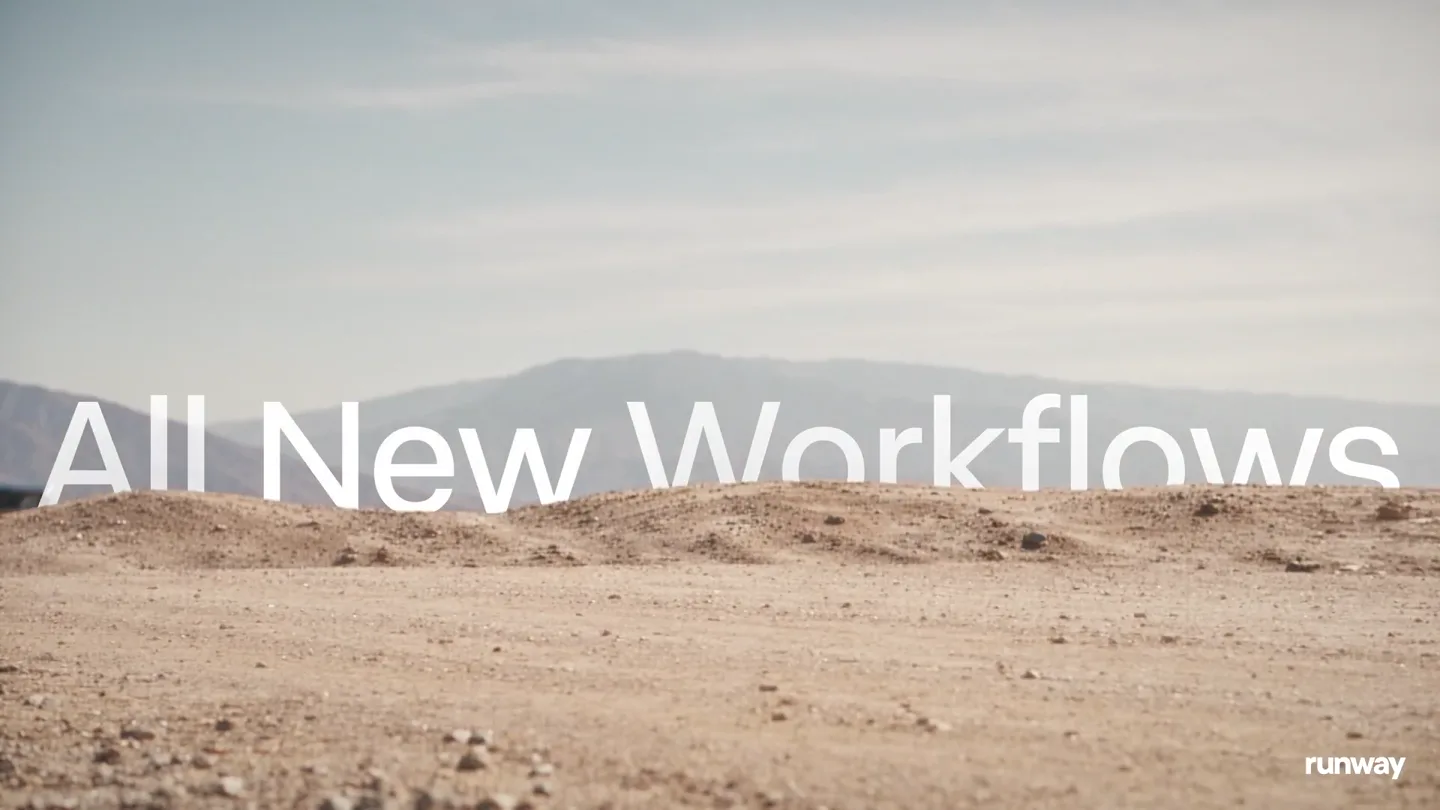
Desert Chase & Workflow Introduction
“(No spoken dialogue — Driving electronic score with sub-bass and metallic percussion builds tension.)”
- On screen
- All New Workflows runway
- Camera
- Low-angle tracking shot of a red van on a dirt road, then a wide shot revealing a vast desert landscape.
- Motion
- Fast cuts, text overlay with subtle reveal, camera shake simulating vehicle movement.
Problem Agitation
Compositing & Object Segmentation in Action
“(No spoken dialogue — Industrial sound design elements, electronic sweeps, and impactful sub-bass drops punctuate scene changes.)”
- On screen
- Compositing Object Segmentation runway
- Camera
- POV from inside the van, focusing on the side mirror, then a dynamic side-on tracking shot of two vehicles.
- Motion
- UI elements integrated into live-action footage (green screen replacement, color picker overlay), dynamic camera movement, object tracking.
Product Reveal
Depth Map & RGB Depth Visualization
“(No spoken dialogue — Tense electronic score continues, with a distinct 'scope' sound effect for the UI transition.)”
- On screen
- What will you create too /Workflow that creates a depth map Run RGB Depth runway
- Camera
- POV through a sniper scope, zooming in on a distant scene, then a close-up on a digital interface within the scope.
- Motion
- Scope overlay UI, text input simulation, data visualization (RGB Depth map) within a stylized interface.
Feature Teaser
All Tools You Need & Creative Freedom
“(No spoken dialogue — High-energy audio transitions, risers, and a final sub-bass hit before the brand reveal.)”
- On screen
- All the tools you need runway.com runway
- Camera
- Close-up on a flat tire, then an aerial shot of vehicles falling into a canyon, followed by a medium shot of the lizard characters.
- Motion
- Dramatic slow-motion, text overlay with impactful reveal, UI integration (color picker) on character skin.
Call to Action
Brand Logo & Website
“(No spoken dialogue — Final impactful electronic hit and sustained sub-bass tone.)”
- On screen
- runway
- Camera
- Static shot of the Runway logo on a black background.
- Motion
- Clean, bold logo reveal with a subtle glow effect.
Motion design primitives
Synthesizable in Remotion · key components of the high-octane-ui-reveal template.
IntegratedUIOverlay
Seamlessly overlays interactive UI elements like green screen trackers, color pickers, and text input fields onto live-action footage, appearing as native tools within the scene.
+ Code construction recipe
Use absolute positioning for UI components over a Video component. Implement `interpolate` for opacity and scale transitions. For green screen, use a `ChromaKey` effect. For color pickers, use SVG paths and `spring` for interactive hover states.
ScopeViewTransition
Transitions into and out of a stylized circular scope view, revealing digital interfaces and data visualizations within its frame, often with a crosshair overlay.
+ Code construction recipe
Utilize an SVG mask or `clipPath` to create the circular scope effect. Animate the `scale` and `opacity` of the scope. Overlay text and UI elements within the masked area. Implement `spring` for subtle bounce on UI elements and `interpolate` for smooth text reveals.
DynamicTextReveal
Text appears dynamically, often with a subtle wipe, scale, or blur effect, integrated into the scene's action or as a standalone title.
+ Code construction recipe
Use `Sequence` and `AbsoluteFill` for text layers. Animate `transform` properties (translateY, scale) and `opacity` using `interpolate` with custom easing curves (e.g., `easeOutCubic`). Apply a subtle `blur` filter that animates out on reveal.
Style DNA & aesthetic system
Visual aesthetic
Typography
Motion
Special effects
Pacing & rhythm
Conceptual story rhythm
- 1
The Chase Begins
Purpose. Establish high stakes and introduce the 'new workflows' concept through dynamic action.
Execution. Fast-paced desert chase sequence with a red van, quick cuts, and an initial text reveal 'All New Workflows'.
- 2
Tools of the Trade
Purpose. Demonstrate specific product capabilities (compositing, object segmentation) within the narrative.
Execution. Integrated UI overlays showing compositing in a rearview mirror and object segmentation on a moving car, maintaining the action sequence.
- 3
Precision & Power
Purpose. Showcase advanced features (depth map, RGB depth) with a sense of precision and control.
Execution. Transition to a sniper scope POV, revealing a digital interface for workflow creation and a vibrant RGB depth map visualization.
- 4
Unleashed Creativity
Purpose. Conclude with the product's ultimate benefit: empowering users with all necessary tools for creative freedom.
Execution. Dramatic slow-motion crash, a final text reveal 'All the tools you need', and a playful UI interaction on a character, leading to the brand reveal.





