
Send (by Finn Mallery) · Launch Video Breakdown: Hook, Pacing & Motion Design
introducing SEND reach your perfect customers on every channel, with 1 prompt RIP to clunky dashboards, AI SDRs, and hours of setup :) Comment "SEND" & ill dm you a free month of the paid plan
Scene-by-scene timeline & spoken transcript
The Hook
Personalized Outreach Automation
“introducing SEND reach your perfect customers on every channel, with 1 prompt RIP to clunky dashboards, AI SDRs, and hours of setup :)”
- On screen
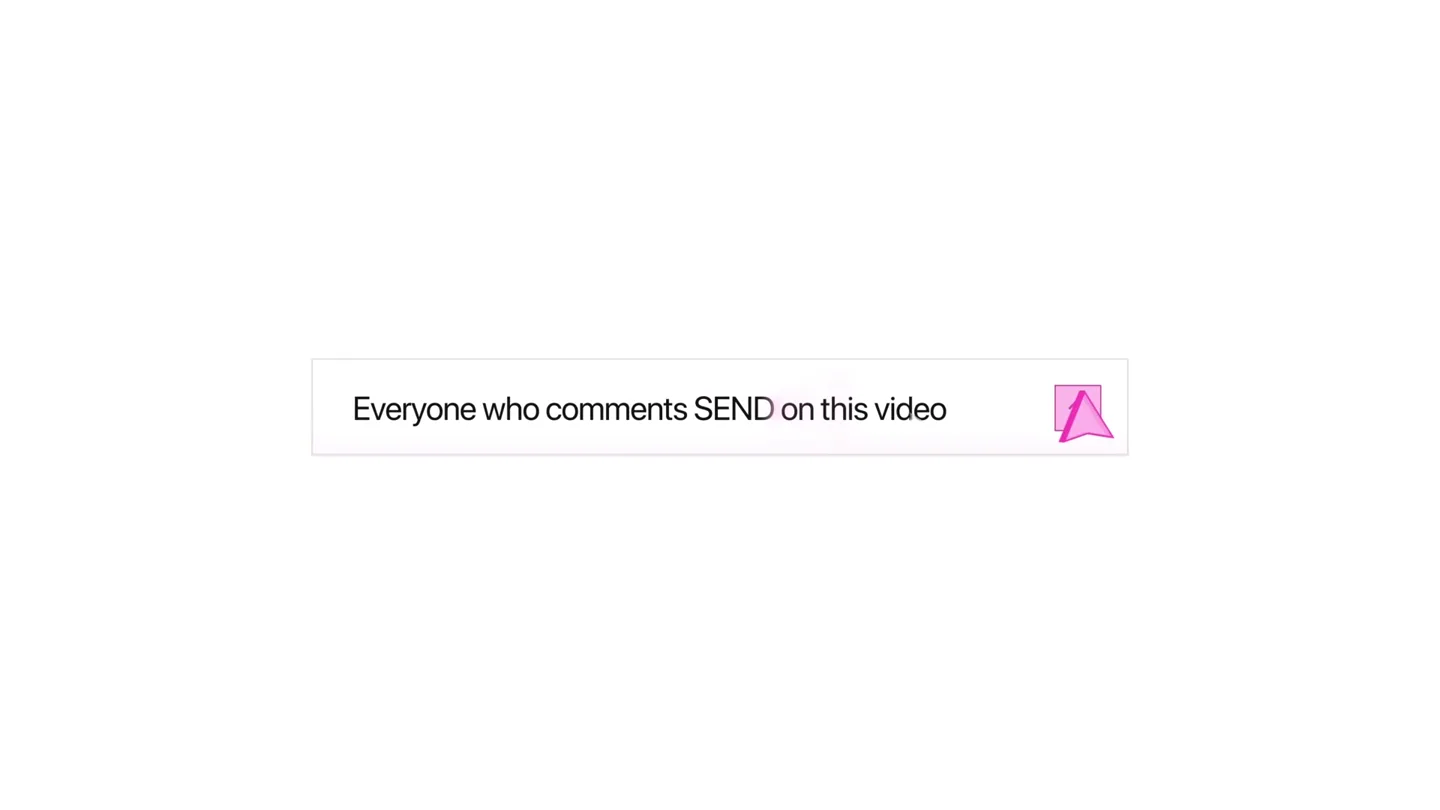
- Everyone who comments SEND on t
- Camera
- Static overhead view of a digital interface, then a slight zoom out to reveal multiple messages.
- Motion
- Typing animation, rapid content generation, and a grid-based reveal of personalized messages.
Product Reveal
AI-Powered Customer Identification
“Send finds your perfect customers, on every channel, with one prompt. So if you're looking for animation agencies that have made over a million dollars in revenue, Send will find them. And then it'll send them a personalized message, on every channel, that they're on. So if you're looking for founders of AI companies that have raised over 10 million dollars, Send will find them. And then it'll send them a personalized message, on every channel, that they're on. So if you're looking for security engineers at CoreGroup, Send will find them. And then it'll send them a personalized message, on every channel, that they're on.”
- On screen
- Send Find Animation agencies that have m Hey Adam, saw you worked on the Origami launch that hit 1M+ impressions, would love to partner on the next one.
- Camera
- Dynamic camera movements, zooming into specific UI elements and panning across a grid of profiles.
- Motion
- Split-screen transitions, data visualization with highlighted profiles, and simulated message sending.
Feature Teaser
Cost-Effective & Comprehensive Outreach
“Tools that do this cost thousands of dollars per month. Send is just $99 per month. And it includes your best leads, top-tier contact details, unlimited sending, and every channel.”
- On screen
- Tools that do this cost per month Your Best Leads Top Tier Contact Details Unlimited Sending Every Channel
- Camera
- Static shot of the presenter, followed by a zoom into a list of features.
- Motion
- Text reveals with a subtle bounce, a vertical list animation, and a split-screen comparison.
Problem Agitation
Real-World Success Stories
“And it's already working. One of our customers booked 47 meetings in his first month. Another closed $150K in two weeks. And another sourced two acquisition targets in week one. So if you're tired of clunky dashboards, AI SDRs, and hours of setup, comment 'SEND' and I'll DM you a free month of the paid plan.”
- On screen
- Booked 47 in his first month $150K in two weeks Two Acquisition Target Sourced in week one Summit Ventures Lower-middle-market Happy Customer
- Camera
- Dynamic text animations, revealing success metrics with a subtle parallax effect.
- Motion
- Number counters, animated text reveals, and a grid-based display of success metrics.
Call to Action
Engage for a Free Month
“Comment "SEND" & ill dm you a free month of the paid plan”
- On screen
- Everyone who comments Your Name ? ? Comment Send Get a personalized message from us with a Origami.chat
- Camera
- Zoom into a comment box, then a full-screen display of the call to action.
- Motion
- Typing animation, a glowing cursor, and a final brand reveal with a subtle pulse.
Motion design primitives
Synthesizable in Remotion · key components of the ai-agent-outreach-launch template.
TypingCursorReveal
Simulates text being typed into an input field, with a blinking cursor and a subtle glow effect on the 'SEND' keyword.
+ Code construction recipe
Use `Sequence` for character-by-character reveal. Implement a `spring` animation for the cursor blink and a `Shader` for the glow effect on specific text.
GridCardStack
Multiple cards representing messages or profiles slide in and arrange themselves into a dynamic grid, with some cards highlighted or zoomed.
+ Code construction recipe
Utilize `AbsoluteFill` and `map` over an array of data for card positioning. Animate `translateX`, `translateY`, and `scale` with `interpolate` and `spring` for the grid arrangement and highlight effects.
VerticalFeatureCascade
A list of features or benefits appears sequentially, each item animating in from the top or bottom with a slight delay and bounce.
+ Code construction recipe
Employ `Sequence` and `delay` for staggered entry. Use `spring` with a low `damping` value for the bounce effect on `translateY` for each list item.
Style DNA & aesthetic system
Visual aesthetic
Typography
Motion
Special effects
Pacing & rhythm
Conceptual story rhythm
- 1
The 'Aha!' Moment
Purpose. Immediately demonstrate the product's core value proposition: automated, personalized outreach.
Execution. Typing animation leading to a flood of personalized messages, showcasing the 'SEND' keyword and its immediate impact.
- 2
Problem/Solution Showcase
Purpose. Illustrate the pain points of manual outreach and how 'Send' effortlessly solves them.
Execution. Split-screen comparisons, dynamic data filtering, and simulated message sending to specific, targeted profiles.
- 3
Value Proposition & Proof
Purpose. Detail the product's features and back them up with compelling success stories.
Execution. Animated feature lists followed by impactful numerical and textual success metrics, presented with a sense of achievement.
- 4
Direct Call to Action
Purpose. Provide a clear, low-friction path for viewers to experience the product.
Execution. A prominent, interactive-looking comment box and a final screen with the brand logo and a clear instruction to comment 'SEND'.





