
Slate Prompt App (by Sam Wasserman) · Launch Video Breakdown: Hook, Pacing & Motion Design
Open-source app that crafts best prompts for any video, image or music generator. Uses your own LLM (subscription or local), presets, image/video refs, MCP. No API keys needed.
Scene-by-scene timeline & spoken transcript
The Hook
The Prompt Problem & Product Reveal
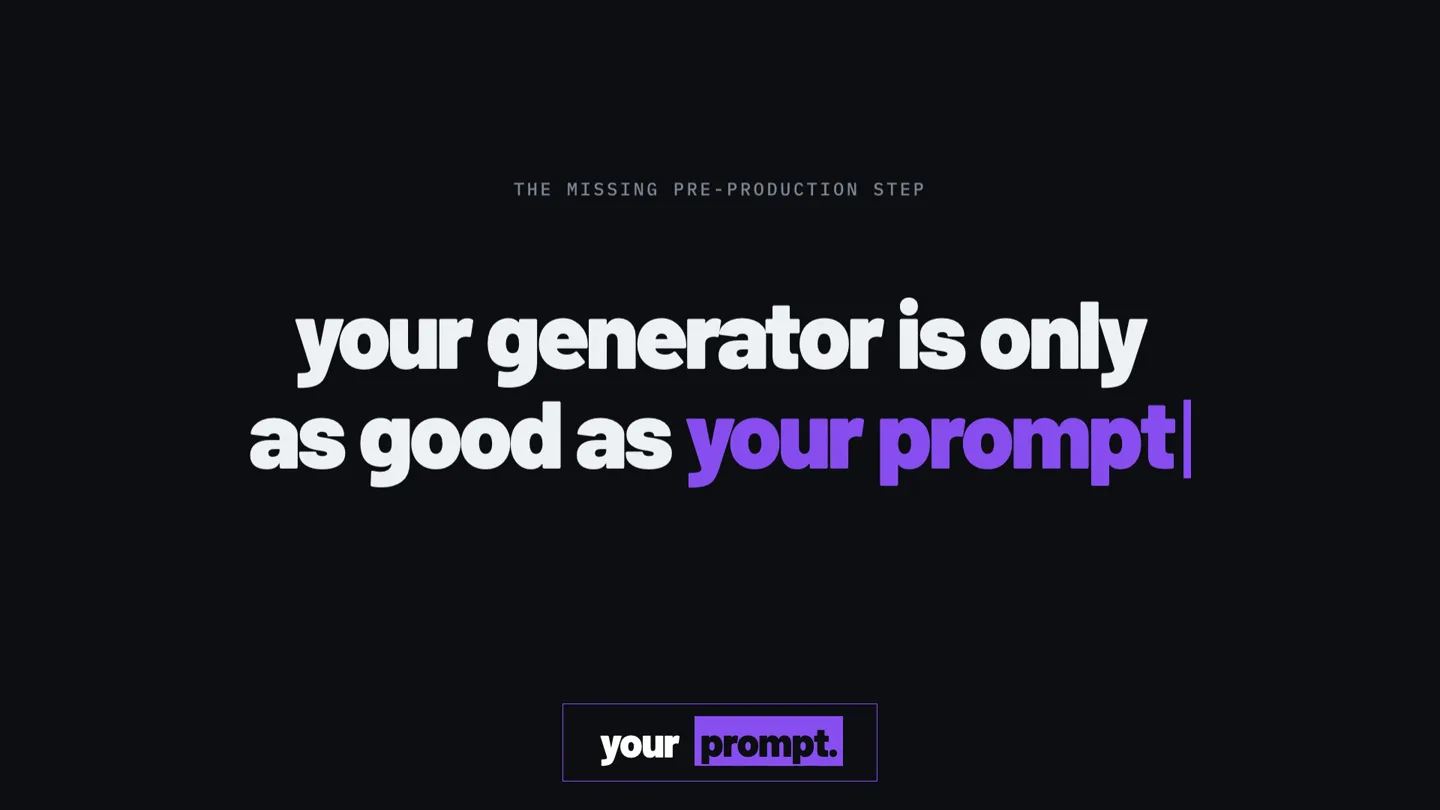
“Your generator is only as good as your prompt. Introducing Slate, the Prompt Studio for Filmmakers.”
- On screen
- THE MISSING PRE-PRODUCTION STEP your generator is only as good as your prompt SLATE PROMPT STUDIO FOR AI FILMMAKING PLAN + DIRECT + COMPILE
- Camera
- Static wide shot, then a quick zoom-in to reveal the product UI.
- Motion
- Text reveal with color highlight, quick cut to product UI with a subtle glow effect and a fast zoom-in.
Feature Teaser
LLM Integration & No API Keys
“Slate runs on your own LLM, subscription or local. No API keys needed.”
- On screen
- YOUR SUBSCRIPTION IS THE BRAIN $ claud $ claude ✓ signed in $ codex ✓ signed in NO API KEYS CALL THE SPECIFICS - COVERAGE - LENSES - LIGHT SLATE Shot 01 - Sprint Subject KAIJA, 29, wiry frame, cropped black hair, scarred left eyebrow, rain-soaked amber leather jacket, sprints across corrugated rooftop panels, leaping a vent gap mid-stride. Lighting Sodium vapor street glow from below, cyan neon rim light, wet surfaces throwing specular highlights, haze in the air. Camera 35mm lens, handheld tracking at sprint speed, shallow depth of field, slight motion blur at 1/48 shutter. Style Photoreal, CineStill 800T character, heavy grain in the blacks, halation on every flash. Mood Desperate, electric urgency – the city itself feels like it's chasing her.
- Camera
- Static shots of terminal-like interface, then a slow pan across the product UI.
- Motion
- Terminal-style text typing animation, quick cuts between screens, subtle UI element highlights and fades.
Feature Teaser
Detailed Prompt Generation & Reference Integration
“Call your coverage, your lenses, your light. Drop in a shot you love, Slate breaks it down, giving you the language. Ask the first AD, and the prompt lands.”
- On screen
- CALL THE SPECIFICS - COVERAGE - LENSES - LIGHT COVERAGE PLANS 35MM - 2.39:1 DROP IN A SHOT YOU LOVE - SLATE BREAKS IT DOWN REFERENCE: CLIP REFERENCE: CLIP - ELEMENT SHEET ✓ FIRST AD - ASK, AND THE PROMPT LANDS SLATE Shot 01 - Sprint Subject KAIJA, 29, wiry frame, cropped black hair, scarred left eyebrow, rain-soaked amber leather jacket, sprints across corrugated rooftop panels, leaping a vent gap mid-stride. Lighting Sodium vapor street glow from below, cyan neon rim light, wet surfaces throwing specular highlights, haze in the air. Camera 35mm lens, handheld tracking at sprint speed, shallow depth of field, slight motion blur at 1/48 shutter. Style Photoreal, CineStill 800T character, heavy grain in the blacks, halation on every flash. Mood Desperate, electric urgency – the city itself feels like it's chasing her. BEATS 0-3s 4-7s 8-10s clear DIRECTOR'S NOTES Talk to the shot: "Make it rain, keep the neon." "What lens sells the loneliness here?" "Write this shot from the getaway driver's POV."
- Camera
- Slow, deliberate pans and zooms within the product UI, focusing on specific sections.
- Motion
- Highlighting of text fields, animated dropdowns, and content reveals within the UI, simulating user interaction.
Feature Teaser
Generator Compilation & Multi-Modal Prompts
“Then compile for your exact generator. Minimax. Music prompts for Suma, Eleven Music, image prompts for Midjourney, GPT Image, film picture and MCP built-in.”
- On screen
- ONE CLICK - COMPILED IN YOUR GENERATOR'S DIALECT SEEDANCE 2.5 FLUX 3 MINIMAX H3 MUSIC PROMPTS - IMAGE PROMPTS - ONE STUDIO SUMO - ELEVEN MUSIC MIDJOURNEY - GPT IMAGE PROMPT for Suma v5.5 Industrial electronic chase score, 140 BPM, relentless and cavernous. Driving distorted 808 pulse with metallic percussive elements. Dissonant synth pads and swells building over each phrase. Dark modular arps, no melody until the final build – then a single cold lead tone over the full kit. Builds layer by layer for 30 seconds and cuts dead on the last hit. Instrumental, no vocals. SETTINGS Style: industrial electronic / cinematic chase Duration: 30s Structure: sparse pulse – layered build – hard cut MCP BUILT-IN
- Camera
- Quick cuts between different UI sections, simulating rapid feature demonstration.
- Motion
- Animated dropdowns, text typing, and content pop-ups, emphasizing the speed and versatility of the compilation and multi-modal prompting.
Call to Action
Open Source & Call to Action
“Slate is open source, Apache 2.0. Get Slate.”
- On screen
- SLATE PROMPT STUDIO FOR AI FILMMAKING PLAN + DIRECT + COMPILE OPEN SOURCE - APACHE - 2.0 THE PROMPT STUDIO FOR FILMMAKERS github.com/wassermanproductions/slate Created by Sam Wasserman · wassermanproductions.com · wasserman.ai
- Camera
- Zoom out to reveal the full product UI, then a static shot with contact information.
- Motion
- Subtle glow and highlight effects on the product UI, followed by a clean text reveal for open-source details and contact information.
Motion design primitives
Synthesizable in Remotion · key components of the ai-prompt-studio-launch template.
TerminalTextReveal
Text appears character by character, mimicking a command-line interface, often with a blinking cursor or a quick fade-in effect. Key words are highlighted with a distinct color.
+ Code construction recipe
Use `interpolate` for character opacity and position, `spring` for cursor blink. Implement a `map` function over text characters with `delay` based on index. Use `styled-components` for colored highlights.
UIElementHighlight
Specific UI elements (buttons, text fields, panels) are brought into focus with a subtle glow, border animation, or a quick scale-up, drawing attention to narrated features.
+ Code construction recipe
Apply `spring` for scale and opacity changes. Use `box-shadow` or `border` with `interpolate` for glow/border animations. SVG filters for more complex glow effects.
ContentPanelSlide
New content panels or dropdowns slide into view from the side or top, often with a slight overshoot, revealing additional information or options within the UI.
+ Code construction recipe
Utilize `spring` for `translateX` or `translateY` properties with a custom damping ratio for the overshoot effect. Manage visibility with `opacity` and `display` properties.
Style DNA & aesthetic system
Visual aesthetic
Typography
Motion
Special effects
Pacing & rhythm
Conceptual story rhythm
- 1
The Prompt Problem
Purpose. Establish the core problem: AI generators are only as good as their prompts, setting up the need for a solution.
Execution. Bold, animated text reveal highlighting the problem statement, with a contrasting color for 'prompt'.
- 2
Slate's Core Proposition
Purpose. Introduce Slate as the solution, emphasizing its unique approach to prompt generation and LLM integration.
Execution. Full product UI reveal with a cinematic clapperboard motif, followed by terminal-style text demonstrating LLM integration and 'no API keys' benefit.
- 3
Deep Dive into Features
Purpose. Showcase Slate's detailed capabilities for crafting specific prompts, using references, and compiling for various generators.
Execution. Interactive UI walkthroughs with animated highlights, content panel slides, and text typing, demonstrating prompt breakdown, reference integration, and multi-modal output.
- 4
Open Source & Call to Action
Purpose. Reinforce the product's ethos (open source) and guide users on how to access it.
Execution. Clean reveal of open-source license and GitHub link, with a final product shot and website information.





