Spectrum · Launch Video Breakdown: Hook, Pacing & Motion Design
Agent Specter and Spectrum MCP let agents create, buy, and sell basket tokens via MCP or a Bankr skill. The site also adds a chat experience to buy and create baskets.
Scene-by-scene timeline & spoken transcript
The Hook
Agent Specter Intro & UI Reveal
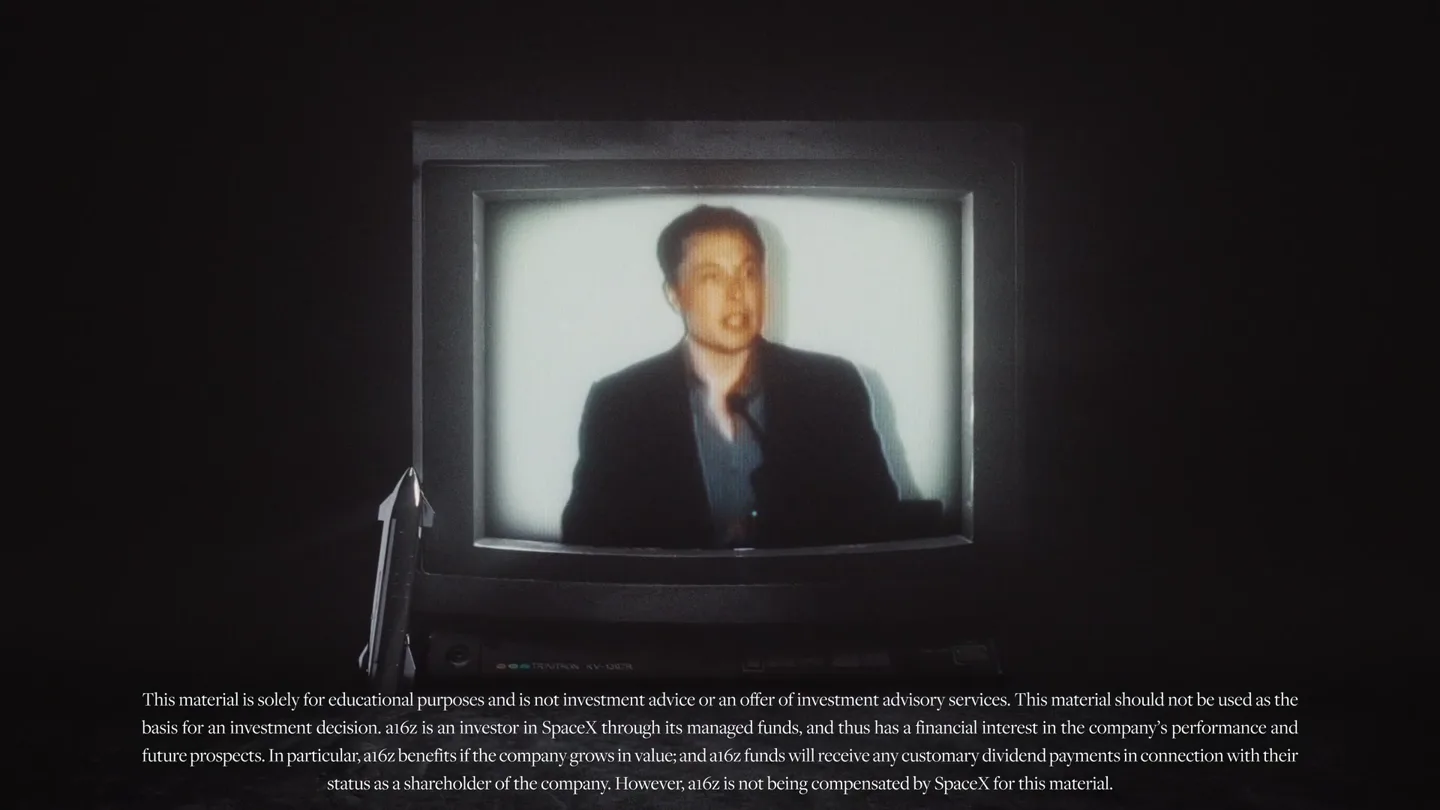
“I'm from Bosnia, take me to America. Ha, ha, ha.”
- On screen
- AGENT SPECTER
- Camera
- Starts with a static shot of a monitor displaying a glowing, colorful ghost character. Zooms in on the character, then quickly pans and rotates to reveal a full desktop UI.
- Motion
- Zoom-in, quick pan, 3D rotation, UI reveal with a subtle glow effect.
Product Reveal
Interactive Chat & Basket Creation
“I'm from Bosnia, take me to America. Ha, ha, ha.”
- On screen
- SPECTRUM CHAT PORTFOLIO PROFILE BASKETS SWAP LEARN MORE 0XF4E6..6554 AGENT SPECTER Your friendly ghost that's boo-lish on baskets Fresh slate. What are we doing? 23:44 WHAT IS A BASKET? SHOW ME WHAT IS LIVE EARN AS A CREATOR HOW EASY IS IT? Buy $25 of SVI - paste an address - create a basket of... Non-custodial: every action returns a transaction your own wallet signs. Nothing here is financial advice. ONE TOKEN WHOLE BASKET ASSET 01 ASSET 02 20% ASSET 03 ASSET 04 55% 15% 10% The basket you talk about appears here. Try "read $STKCHN" AGENT SPECTER Your friendly ghost that's boo-lish on baskets A basket is one ERC-20 holding a weighted mix of assets Buy it in one transaction, the proportions handled for you Immutable after deploy: nobody can change the mix under you Exit any time, even in-kind straight to the underlying tokens NON-CUSTODIAL, OPEN SOURCE, LIVE ON THREE CHAINS. 23:46 WHAT IS A BASKET? SHOW ME WHAT IS LIVE EARN AS A CREATOR HOW EASY IS IT? AGENT SPECTER Your friendly ghost that's boo-lish on baskets Set a creator share of the basket fee at deploy, up to 30% of it The contract itself pays it on every trade, forever, to your address No listing process, no permission, no middleman holding your cut Your basket page, thesis and share link come with it LOCKED AT DEPLOY, ON-CHAIN, VERIFIABLE BY ANYONE. How easy is it to get started? FROM ZERO TO YOUR FIRST BASKET, RIGHT HERE Say "what baskets are there" and swipe the live list Say "buy $25 of" any of them, the trade card appears, your wallet signs Say two tickers and the basket builder pops with live weights Deploy without leaving this chat, then the first buy seeds it EVERYTHING SIGNS IN YOUR WALLET. THIS CHAT HOLDS NO KEYS. 23:46 WHAT IS A BASKET? SHOW ME WHAT IS LIVE EARN AS A CREATOR HOW EASY IS IT? AGENT SPECTER Your friendly ghost that's boo-lish on baskets thinking 23:46 SHOW ME WHAT IS LIVE 40 baskets on Robinhood. Swipe through, tap one to read it: S $STKCHN Stocks And Chain READ + S $SIL7 Silicon Seven READ + R $RHST Robinhood Street READ + C $CHIPS Chips And Cars READ + 23:46 HELP ME CREATE MY OWN BASKET WHAT IS A BASKET? SHOW ME WHAT IS LIVE EARN AS A CREATOR Buy $25 of SVI - paste an address - create a basket of... Non-custodial: every action returns a transaction your own wallet signs. Nothing here is financial advice. Help me create my own basket Drop 2 to 12 assets — tickers or contract addresses, one message or many, I keep collecting. The bento pops here, you set the weights, then deploy. Which assets? 23:46 BEST PERFORMERS IN THE LAST 24 HOURS? WHAT IS A BASKET? SHOW ME WHAT IS LIVE EARN AS A CREATOR Add AGENT SPECTER Your friendly ghost that's boo-lish on baskets 40 baskets on Robinhood. Swipe through, tap one to read it: $STKCHN Stocks And Chain $SIL7 Silicon Seven $RHST Robinhood Street $CHIPS Chips And Cars READ + READ + READ + READ + 23:46 Help me create my own basket Drop 2 to 12 assets — tickers or contract addresses, one message or many, I keep collecting. The bento pops here, you set the weights, then deploy. Which assets? 23:48 BEST PERFORMERS IN THE LAST 24 HOURS? WHAT IS A BASKET? SHOW ME WHAT IS LIVE EARN AS A CREATOR Add Cashcat AGENT SPECTER Your friendly ghost that's boo-lish on baskets $STKCHN $SIL7 $RHST $CHIPS READ + READ + READ + READ + 23:49 Help me create my own basket Drop 2 to 12 assets — tickers or contract addresses, one message or many, I keep collecting. The bento pops here, you set the weights, then deploy. Which assets? 23:49 Cashcat Your Robinhood draft holds $CASHCAT. Name at least one more asset (2 to 12 total). 23:49 P AGENT SPECTER Your friendly ghost that's boo-lish on baskets 23:49 Help me create my own basket Drop 2 to 12 assets — tickers or contract addresses, one message or many, I keep collecting. The bento pops here, you set the weights, then deploy. Which assets? 23:49 Cashcat Your Robinhood draft holds $CASHCAT. Name at least one more asset (2 to 12 total). 23:49 Pons thinking 23:49 AGENT SPECTER Your friendly ghost that's boo-lish on baskets deploy below. 2 legs resolved on Robinhood. Play with the split here (the tiles re-cut live), then take it to the composer to set fees and deploy. CASHCAT 50% PONS 50% $CASHCAT 50% + $PONS 50% + SUMS TO 100% WHAT IS A BASKET? SHOW ME WHAT IS LIVE EARN AS A CREATOR HOW EASY IS IT? Buy $25 of SVI - paste an address - create a basket of... Non-custodial: every action returns a transaction your own wallet signs. Nothing here is financial advice. ONE TOKEN WHOLE BASKET ASSET 01 ASSET 02 34% ASSET 03 ASSET 04 22% 11% The basket you talk about appears here. Try "read $STKCHN"
- Camera
- The camera maintains a consistent angled perspective, focusing on the interactive chat and basket composition UI. Subtle shifts in angle and zoom highlight different UI elements.
- Motion
- Smooth camera drifts, UI element reveals (typing, message bubbles, asset cards), content pop-ins, and dynamic layout adjustments.
Feature Teaser
Basket Details & Purchase Flow
“I'm from Bosnia, take me to America. Ha, ha, ha.”
- On screen
- SPECTRUM CHAT PORTFOLIO PROFILE BASKETS SWAP LEARN MORE 0XF4E6..6554 AGENT SPECTER Your friendly ghost that's boo-lish on baskets 40 baskets on Robinhood. Swipe through, tap one to read it: S $STKCHN Stocks And Chain READ + S $SIL7 Silicon Seven READ + R $RHST Robinhood Street READ + C $CHIPS Chips And Cars READ + 23:50 read $SIL7 AGENT SPECTER Your friendly ghost that's boo-lish on baskets $SIL7 Silicon Seven $1.4700 $1,140,000 774,456.52 NVDA 20% MSFT 18% AAPL 16% GOOGL 12% TSLA 10% QQQ 8% Buy it Open the page WHAT DO I HOLD? SELL $SIL7 WHAT BASKETS ARE THERE? WHAT IS A BASKET? Buy $25 of SVI - paste an address - create a basket of... Non-custodial: every action returns a transaction your own wallet signs. Nothing here is financial advice. S $SIL7 Silicon Seven +0.90% NVDA MSFT AAPL GOOGL TSLA QQQ Buy $SIL7 Sell Open page AGENT SPECTER Your friendly ghost that's boo-lish on baskets Here is the live buy card for $SIL7. I preset $25. Floors come from a live simulation; you sign in your own wallet. 25 ETH MOVE FUNDS FROM ANOTHER NETWORK YOU RECEIVE (EST.) $SIL7 from emails 38 stkp Could not $SIL7. velon contradicts to Refresh and try again. INSUFFICIENT ETH BALANCE WHAT DO I HOLD? SELL $SIL7 WHAT BASKETS ARE THERE? WHAT IS A BASKET? Buy $25 of SVI - paste an address - create a basket of... Non-custodial: every action returns a transaction your own wallet signs. Nothing here is financial advice. S $SIL7 Silicon Seven +0.90% NVDA MSFT AAPL GOOGL TSLA QQQ Buy $SIL7 Sell Open page AGENT SPECTER Your friendly ghost that's boo-lish on baskets Here is the live buy card for $SIL7. I preset $25. Floors come from a live simulation; you sign in your own wallet. 1 ETH MOVE FUNDS FROM ANOTHER NETWORK YOU RECEIVE (EST.) $SIL7 from emails 38 stkp QUOTING... WHAT DO I HOLD? SELL $SIL7 WHAT BASKETS ARE THERE? WHAT IS A BASKET? Buy $25 of SVI - paste an address - create a basket of... Non-custodial: every action returns a transaction your own wallet signs. Nothing here is financial advice. S $SIL7 Silicon Seven +0.90% NVDA MSFT AAPL GOOGL TSLA QQQ Buy $SIL7 Sell Open page AGENT SPECTER Your friendly ghost that's boo-lish on baskets Here is the live buy card for $SIL7. I preset $25. Floors come from a live simulation; you sign in your own wallet. 1 ETH MOVE FUNDS FROM ANOTHER NETWORK YOU RECEIVE (EST.) $SIL7 from emails 38 stkp QUOTING... WHAT DO I HOLD? SELL $SIL7 WHAT BASKETS ARE THERE? WHAT IS A BASKET? Buy $25 of SVI - paste an address - create a basket of... Non-custodial: every action returns a transaction your own wallet signs. Nothing here is financial advice. S $SIL7 Silicon Seven +0.90% NVDA MSFT AAPL GOOGL TSLA QQQ Buy $SIL7 Sell Open page
- Camera
- The camera continues its angled perspective, zooming in slightly to highlight the basket details and the buy/sell interface. Focus shifts between the chat and the asset breakdown.
- Motion
- UI element reveals, data updates, input field interactions, and subtle camera pushes to emphasize key information.
Call to Action
Seamless Transaction & Ecosystem
“(No spoken dialogue — The driving electronic beat with 808s and sub-bass continues, maintaining a high-energy atmosphere.)”
- On screen
- SPECTRUM CHAT PORTFOLIO PROFILE BASKETS SWAP LEARN MORE 0XF4E6..6554 AGENT SPECTER Your friendly ghost that's boo-lish on baskets Here is the live buy card for $SIL7. I preset $25. Floors come from a live simulation; you sign in your own wallet. 1 ETH MOVE FUNDS FROM ANOTHER NETWORK YOU RECEIVE (EST.) $SIL7 from emails 38 stkp QUOTING... WHAT DO I HOLD? SELL $SIL7 WHAT BASKETS ARE THERE? WHAT IS A BASKET? Buy $25 of SVI - paste an address - create a basket of... Non-custodial: every action returns a transaction your own wallet signs. Nothing here is financial advice. S $SIL7 Silicon Seven +0.90% NVDA MSFT AAPL GOOGL TSLA QQQ Buy $SIL7 Sell Open page
- Camera
- The camera maintains a dynamic, angled view, showcasing the full breadth of the platform's features, including the chat, portfolio, and basket management. It subtly pulls back to reveal more of the overall UI.
- Motion
- Continuous UI interaction, data visualization updates, and a gradual camera pull-back to emphasize the comprehensive nature of the platform.
Motion design primitives
Synthesizable in Remotion · key components of the spectrum-ai-legal-automation template.
GhostCharacterReveal
A glowing, colorful ghost character appears on a dark screen, then subtly animates with a gentle pulse before the UI is revealed around it.
+ Code construction recipe
Use a `Sequence` component for timing. Implement a `Lottie` animation for the ghost character's pulse. Apply a `RadialGradient` with `opacity` interpolation for the glow effect. Use `AbsoluteFill` for the background and `interpolate` for a subtle scale and rotation on the ghost.
DynamicChatUI
Chat messages and interactive buttons appear and disappear, simulating a real-time conversation, with content dynamically populating the adjacent basket display.
+ Code construction recipe
Utilize `Sequence` for message timing. Animate message bubbles with `spring` for bounce and `interpolate` for opacity and Y-position. Implement `useState` and `useEffect` to simulate typing and content updates. Use `map` to render dynamic asset cards with `scale` and `opacity` transitions.
AngledDesktopReveal
A desktop UI is revealed with a dynamic 3D rotation and pan, maintaining an engaging, slightly off-axis perspective throughout the video.
+ Code construction recipe
Wrap the entire UI in a `Perspective` component. Animate `rotateY`, `rotateX`, and `translateX` properties using `interpolate` for the initial reveal. Maintain subtle `spring` animations on `rotateY` and `translateX` for continuous, dynamic camera movement.
Style DNA & aesthetic system
Visual aesthetic
Typography
Motion
Special effects
Pacing & rhythm
Conceptual story rhythm
- 1
Enchanting Introduction
Purpose. To immediately capture attention with a unique character and hint at the product's playful yet powerful nature.
Execution. The glowing ghost character on a dark screen, followed by a dynamic 3D reveal of the desktop UI.
- 2
Interactive Exploration
Purpose. To demonstrate the core functionality and user experience through a simulated chat interaction.
Execution. Real-time typing, message bubbles appearing, and dynamic updates to the basket composition interface.
- 3
Feature Deep Dive
Purpose. To highlight specific capabilities like basket creation, asset management, and transaction flows.
Execution. Zoom-ins on asset cards, input field interactions, and the display of detailed financial information.
- 4
Holistic Ecosystem View
Purpose. To convey the comprehensive nature of the platform and its seamless integration of various features.
Execution. A gradual camera pull-back revealing the full UI, showcasing chat, portfolio, and basket sections working in concert.