
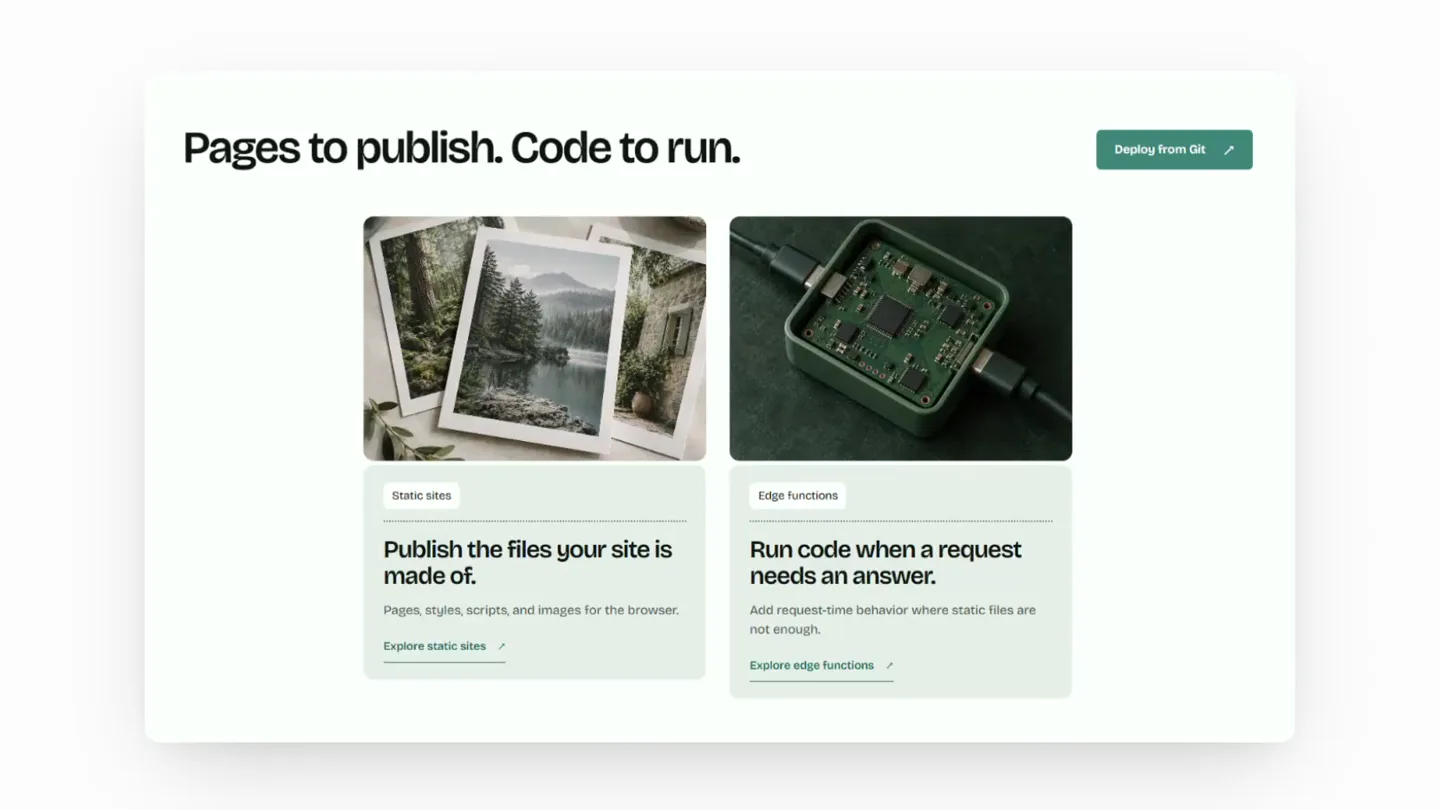
TasteSkill · Launch Video Breakdown: Hook, Pacing & Motion Design
TasteCode is a desktop app for coding agents, with a dedicated Design Mode that avoids slop and instead produces better frontends.
Scene-by-scene timeline & spoken transcript
Problem Agitation
The Problem with AI-Generated Frontends
“(No spoken dialogue — Driving, high-energy electronic score with pizzicato synths and sub-bass. A riser builds at 0:08.)”
- On screen
- You prompt your AI and you get these results. It's just slop. We wanted a better way to design.
- Camera
- Static, centered text on a white background. Quick cuts between text and full-screen web UI examples.
- Motion
- Rapid text reveals with quick cuts, full-screen UI showcases with subtle zooms and pans, emphasizing the 'sloppy' output.
Product Reveal
Introducing TasteCode: The Design Agent Solution
“(No spoken dialogue — Sub-bass drop/impact at 0:09. The electronic score continues with a driving rhythm. Another riser at 0:18, followed by a sub-bass drop/impact at 0:19.)”
- On screen
- Introducing TasteCode TasteCode is a desktop app that uses your existing AI subscriptions to run our internal design-agent workflow. And the design agent makes your sloppy sites look way better.
- Camera
- Static, centered text and logo reveal. Followed by quick cuts showcasing various polished web UI examples, often with a slight zoom or pan.
- Motion
- Logo and product name reveal with a subtle scale-up. Fast-paced montage of diverse, high-quality UI designs, demonstrating the 'better' output with quick, impactful transitions.
Feature Teaser
TasteCode in Action: Polished UI Examples
“(No spoken dialogue — The high-energy electronic score continues. A sweep sound effect at 0:28, leading to a sub-bass drop/impact at 0:29.)”
- On screen
- (No on-screen text)
- Camera
- Dynamic, full-screen showcases of various web UI designs, often with subtle camera movements like gentle pans or zooms to highlight details.
- Motion
- Rapid-fire sequence of diverse, high-fidelity web interfaces, each presented briefly with smooth, subtle camera movements to maintain visual interest and demonstrate breadth of application.
Call to Action
Get TasteCode: Public Beta & Product Hunt
“(No spoken dialogue — The electronic score maintains its driving energy, concluding with a final impactful flourish.)”
- On screen
- Now in public beta. tastecode.dev Vote for us on Product Hunt, link in the replies.
- Camera
- Static, centered text and logo on a white background. Final shot is a static, centered call to action.
- Motion
- Clear, direct text reveals for the call to action, with the product logo and URL prominently displayed. Simple, impactful presentation to drive engagement.
Motion design primitives
Synthesizable in Remotion · key components of the fast-cut-ui-showcase template.
RapidTextReveal
Text appears quickly, often centered, with a subtle scale-in or fade-in effect, then holds briefly before a hard cut to the next scene.
+ Code construction recipe
Use `spring` for `opacity` and `scale` properties. Set a short `durationInFrames` and a high `damping` for a snappy, impactful reveal. Combine with `Sequence` for precise timing between text elements.
FastCutUIZoomPan
Full-screen web UI mockups are displayed with very quick cuts, often accompanied by a subtle, slow zoom-in or gentle pan across the interface.
+ Code construction recipe
Implement `interpolate` for `scale` and `translate` properties on the UI image. Use `easeOutCubic` or `easeInOutSine` for smooth, subtle motion. Manage scene durations with `Sequence` for rapid transitions (e.g., 0.5-1.5 seconds per UI shot).
ImpactfulLogoReveal
The product logo and name appear centered on screen, often with a slight scale-up and a subtle glow or shadow effect, timed with an audio impact.
+ Code construction recipe
Animate `scale` and `opacity` using `spring` with a low `stiffness` and high `damping` for a soft bounce. Apply a `drop-shadow` CSS filter or SVG filter for the glow/shadow effect. Synchronize `AbsoluteFill` with audio cues.
Style DNA & aesthetic system
Visual aesthetic
Typography
Motion
Special effects
Pacing & rhythm
Conceptual story rhythm
- 1
The Frustration
Purpose. Establish the common pain point of poor AI-generated design outputs.
Execution. Quick cuts of generic, 'sloppy' UI examples interspersed with bold, direct text statements articulating the problem.
- 2
The Solution Unveiled
Purpose. Introduce TasteCode as the answer to the identified problem.
Execution. A clear, impactful reveal of the product name and logo, followed by a concise explanation of its core function via on-screen text.
- 3
The Proof
Purpose. Demonstrate TasteCode's capability through high-quality visual examples.
Execution. A rapid montage of diverse, polished web UI designs, showcasing the 'better frontends' produced by the app, with subtle camera movements.
- 4
The Next Step
Purpose. Guide the viewer to take action and engage with the product.
Execution. A clear call to action with the product URL and a prompt to engage on Product Hunt, presented cleanly with the logo.
Remix in Animatiq Studio
Master remix prompt · agent-ready
Sample remix
Objective
Launch 'SynthFlow', an AI-powered music composition desktop app that eliminates creative blocks and generates unique, high-quality tracks.How the recipe adapts
The video would open with text like 'Your AI generates generic loops.' and 'It's just noise.' over quick cuts of bland waveform visualizations. 'Introducing SynthFlow' would then appear with a vibrant logo reveal. The subsequent montage would showcase diverse, visually appealing music production interfaces with generated tracks, using FastCutUIZoomPan to highlight different genres and features. The final call to action would be 'synthflow.app' and 'Join the beta now', maintaining the rapid pacing and high-contrast typography.Remix blueprint · fast-cut-ui-showcase
Scene durations (52 scenes, 41.19999999999999s)
Key Remotion components
Related Creative Tools Product Launches
Explore all Creative Tools launches →
A vibe design partner with an AI-native canvas for turning ideas into UI.

We heard you wanted to use Codex rate limit resets on your own time. Starting today, we’re rolling out the ability to save rate limit resets to use later. We’re starting Go, Plus, Pro, and Business
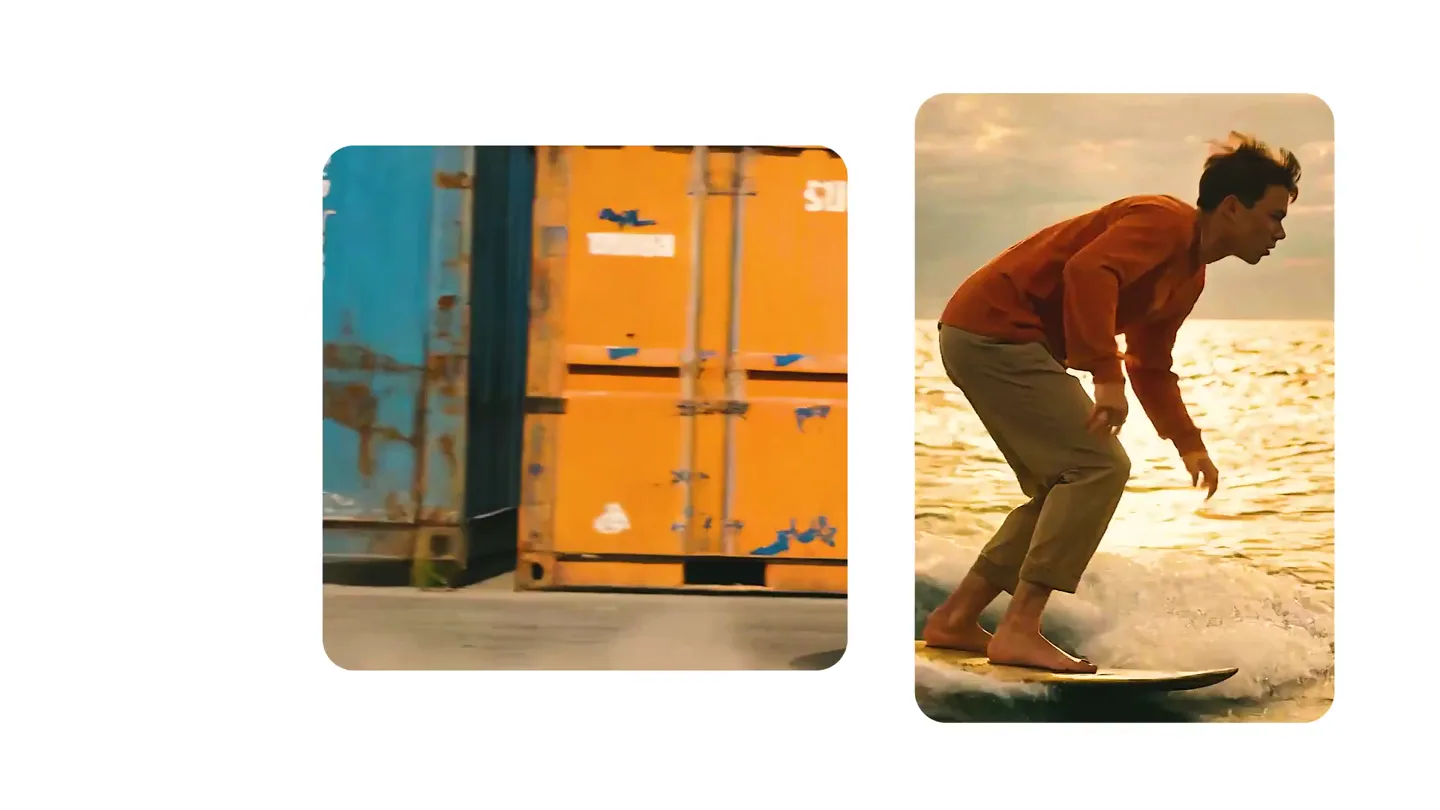
We just launched something the VFX community has been waiting for. OpenArt VFX lets you apply real visual effects to footage you already have. It lets you mask any region of your video and replace it with AI-generated content that matches the scene's lighting and physics. https://t.co/dnQjrZCWC4