
Wonder · Launch Video Breakdown: Hook, Pacing & Motion Design
Wonder is now an official Grok Bot plugin. Design with your bot on a live canvas: try layouts, play with styles, and refine the work together.
Scene-by-scene timeline & spoken transcript
The Hook
Introducing Wonder as a Grok Bot Plugin
“(No spoken dialogue — The audio track features a driving electronic score with a strong emphasis on rhythmic elements. It includes prominent 808-style kick drums and sub-bass, a consistent hi-hat pattern, and a repetitive, almost percussive synth melody. The overall feel is energetic and modern. There are no high-energy audio transitions, risers, sweeps, or sub-bass drops/impacts at specific timestamps; instead, the track maintains a consistent, driving rhythm throughout.)”
- On screen
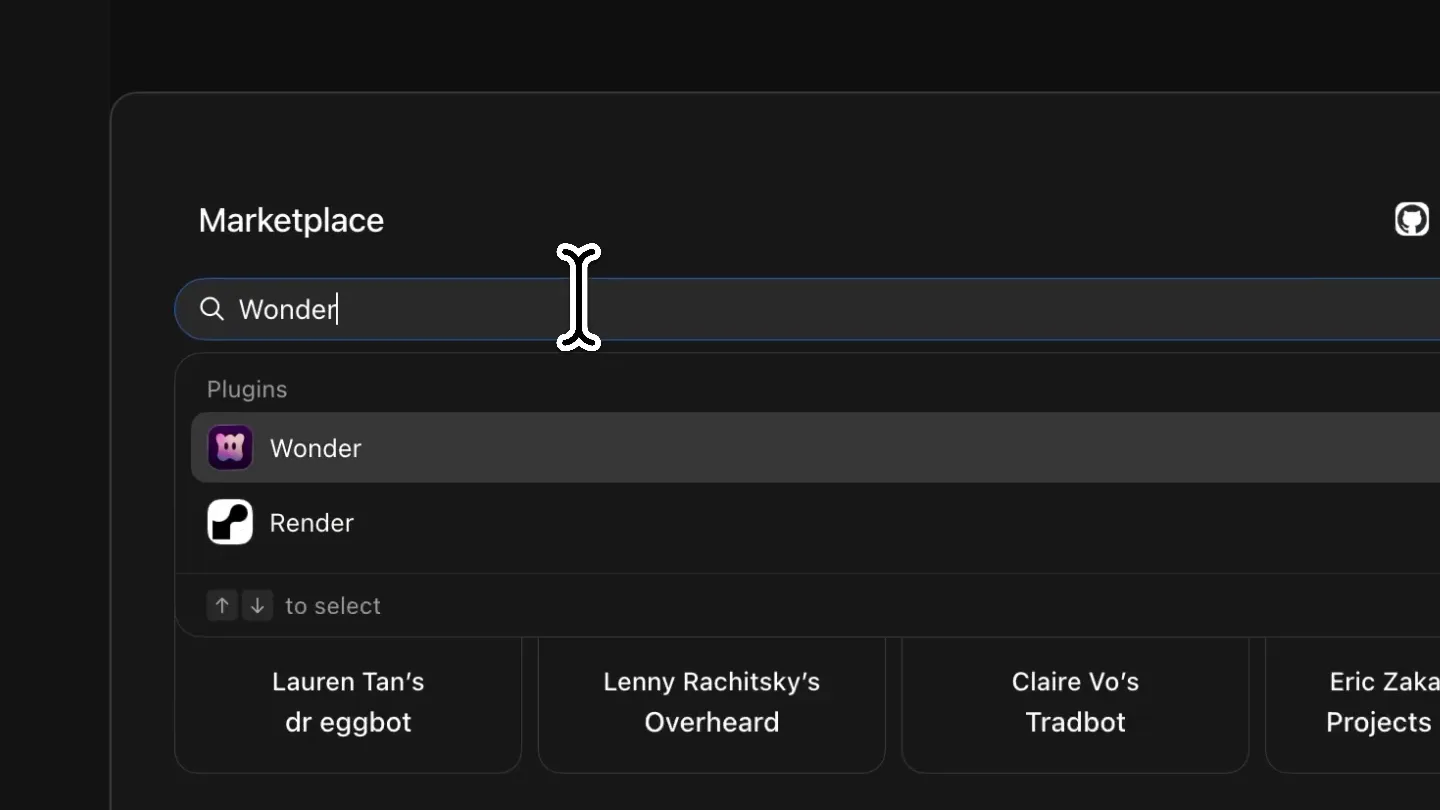
- Marketplace, Q Search plugins and Bots, Featured Bots, Lauren Tan's dr eggbot, Lenny Rachitsky's Overhead, Claire Vo's Tradbot, Eric Zakariasson's Projects Manager, For you, Agent Compatibility Because you use GitHub, Aikido Because you use GitHub, Aleph Because you use GitHub, Algolia Productivity Because you use GitHub, From Grok Bot Team, dr eggbot by Lauren Tan Designs high-quality Grok Bots. Ask..., Projects Manager by Eric Zakariasson runs your team's projects from Noti..., Outbound Dimension by Krista Lapz, SEO & ASO Tools by Jokam Takam, Wonder, View Source, Create and edit designs with Cursor on a canvas where every design is real code., Apps 1, Wonder Connector, Information, Capabilities, Developer, Category, Website, Availability, Public, Share
- Camera
- Static, slightly zoomed-out perspective on a desktop application window, then a quick zoom-in to a specific plugin detail view.
- Motion
- Rapid UI navigation and content reveal, simulating user interaction with a marketplace and plugin details. The cursor interaction is key.
Product Reveal
AI-Powered Design Collaboration
“(No spoken dialogue — The audio track features a driving electronic score with a strong emphasis on rhythmic elements. It includes prominent 808-style kick drums and sub-bass, a consistent hi-hat pattern, and a repetitive, almost percussive synth melody. The overall feel is energetic and modern. There are no high-energy audio transitions, risers, sweeps, or sub-bass drops/impacts at specific timestamps; instead, the track maintains a consistent, driving rhythm throughout.)”
- On screen
- To: Product Desig, + Create "Product Desig" Bot, + Create an Enterprise concept page in @Wonder and use the same visual language as the Wonder website repo on Github, Github connected, Wonder connected Plugin, Today 2:04 PM, On it — pulling the Wonder website visual language from GitHub, then building the Enterprise concept page in Wonder., Opened the Wonder file. Next I'm pulling the website repo's visual system and surveying what's already on the canvas., Found a half-built Enterprise page already matching wonder.lab/wonder-website. Finishing the support, CTA, and footer sections from that visual language., + Message Product Designer
- Camera
- Close-up on the application's chat interface, following the cursor as it types and interacts with AI bot responses.
- Motion
- Typing animation, rapid text generation, and UI element highlights (e.g., 'Github connected', 'Wonder connected') to demonstrate AI integration and workflow.
Feature Teaser
Live Canvas Design & Responsive Previews
“(No spoken dialogue — The audio track features a driving electronic score with a strong emphasis on rhythmic elements. It includes prominent 808-style kick drums and sub-bass, a consistent hi-hat pattern, and a repetitive, almost percussive synth melody. The overall feel is energetic and modern. There are no high-energy audio transitions, risers, sweeps, or sub-bass drops/impacts at specific timestamps; instead, the track maintains a consistent, driving rhythm throughout.)”
- On screen
- Grok Bot - Design x, Grok Bot, Wondering..., Wonder, Pricing, Changelog, Docs, Careers, Enterprise, Explore Wonder, Talk to sales, Great design. Ready for your whole team., Talk to sales, Explore Wonder, Design System, Primary button, Accent fill. 40px height, medium weight., Talk to sales, 200 x 48, Define the primary button to match our Enterprise CTA., Updated fill to accent and locked the label to "Talk to sales", In context, Design with your product in the room, Connect real components and code context so AI suggestions land inside your system, then refine on the same canvas., COMPONENTS, Button, Field, Modal, Table row, checkout-flow-encoder, email@company.com, Enterprise - custom, Continue, BUTTON.TSX, export function Button, variant = "primary", size = "large", return children, Bring design and development closer, Built for the whole team, Q Search..., Share, Properties, Position, X 9406, Y -624, Left, Top, Z Auto, Layout, Display, W 1440 px, H 2961, Hug, Flex, Padding, Clip content, Background fill, background, Border, Outline, Shadow, Filters, Mask, Page - Enterprise Desktop, Wondering..., 9:41, Wonder, Talk to sales, Great design. Ready for your whole team., Bring AI, your real components and precise design tools together on one canvas. Give your team a faster path from idea to production., Talk to sales, Explore Wonder, Design System, Primary button, Talk to sales, Updated fill to accent and locked the label to "Talk to sales", In context, Design with your product in the room, Connect real components and code context so AI suggestions land inside your system, then refine on the same canvas., checkout-flow-encoder, email@company.com, Enterprise - custom, Continue, Bring design and development closer, Built for the whole team
- Camera
- Dynamic camera movement, panning across a large design canvas, zooming in on specific UI elements, and revealing a split-screen view for responsive design.
- Motion
- Smooth camera pans and zooms, content pop-ins, and a split-screen reveal to showcase responsive design capabilities. The UI elements animate into place as the AI 'builds' the page.
Call to Action
Wonder: Design with Your Bot
“(No spoken dialogue — The audio track features a driving electronic score with a strong emphasis on rhythmic elements. It includes prominent 808-style kick drums and sub-bass, a consistent hi-hat pattern, and a repetitive, almost percussive synth melody. The overall feel is energetic and modern. There are no high-energy audio transitions, risers, sweeps, or sub-bass drops/impacts at specific timestamps; instead, the track maintains a consistent, driving rhythm throughout.)”
- On screen
- Wonder
- Camera
- A final, static shot of the Wonder logo centered on a dark, textured background.
- Motion
- Simple fade-in and hold for the brand logo, providing a clear brand identity conclusion.
Motion design primitives
Synthesizable in Remotion · key components of the ai-design-canvas-reveal template.
UIDialogueFlow
Simulates a user interacting with a chat-based UI, featuring typing animations, rapid message generation, and dynamic UI element updates (e.g., 'connected' badges).
+ Code construction recipe
Use Remotion's <Sequence> and <AbsoluteFill> for UI layout. Implement typing with `interpolate` on `text-shadow` or `opacity` for the cursor, and `substring` for text reveal. Message bubbles can use `spring` for a subtle pop-in effect. Dynamic badges can use `scale` and `opacity` transitions.
CanvasRevealPan
A dynamic camera pan across a large, evolving design canvas, revealing new sections and components as they are generated or modified.
+ Code construction recipe
Utilize Remotion's <AbsoluteFill> for the canvas and `transform: translateX/Y` with `interpolate` for smooth camera panning. Individual UI components can be rendered as separate <Sequence> elements, animating their `opacity` and `transform: translateY` with `spring` or `cubic-bezier` curves as they enter the viewport.
ResponsiveSplitScreen
A design canvas dynamically splits into multiple views (e.g., desktop and mobile) to showcase responsive design, with content adapting in real-time.
+ Code construction recipe
Employ Remotion's <AbsoluteFill> with `flexbox` or `grid` for the split-screen layout. Use `interpolate` on `width` or `transform: scale` to animate the split and resizing of the views. Content within each view can be conditionally rendered or scaled based on the view's dimensions.
Style DNA & aesthetic system
Visual aesthetic
Typography
Motion
Special effects
Pacing & rhythm
Conceptual story rhythm
- 1
Plugin Discovery
Purpose. To introduce Wonder as an integrated tool within a larger ecosystem (Grok Bot).
Execution. Rapid UI navigation through a marketplace, highlighting the Wonder plugin with a quick zoom and detail view.
- 2
AI-Powered Workflow
Purpose. To demonstrate the core value proposition: designing with AI assistance.
Execution. Typing animation and quick AI bot responses in a chat interface, showing the bot generating design instructions and pulling assets.
- 3
Live Canvas Creation
Purpose. To showcase the real-time, collaborative design environment and responsive capabilities.
Execution. Dynamic camera pans across an evolving design canvas, revealing components being built, and a split-screen view for desktop and mobile previews.
- 4
Brand Reinforcement
Purpose. To conclude with a strong brand identity and call to action.
Execution. A clean, static shot of the Wonder logo, allowing the brand to resonate.
Remix in Animatiq Studio
Master remix prompt · agent-ready
Sample remix
Objective
A user wants to create a project plan for a new marketing campaign using Flow.How the recipe adapts
The UIDialogueFlow primitive would show the user typing a natural language prompt like 'Create a marketing campaign plan for Q3 product launch'. The AI bot would rapidly generate tasks and assignees, which would then animate onto a CanvasRevealPan, showing a project timeline or Kanban board being populated. The ResponsiveSplitScreen primitive could then show how different team members (e.g., marketing lead, content creator) see their specific tasks and progress on their respective dashboards.Remix blueprint · ai-design-canvas-reveal
Scene durations (4 scenes, 37.8s)
Key Remotion components
Related Creative Tools Product Launches
Explore all Creative Tools launches →
A vibe design partner with an AI-native canvas for turning ideas into UI.

We heard you wanted to use Codex rate limit resets on your own time. Starting today, we’re rolling out the ability to save rate limit resets to use later. We’re starting Go, Plus, Pro, and Business
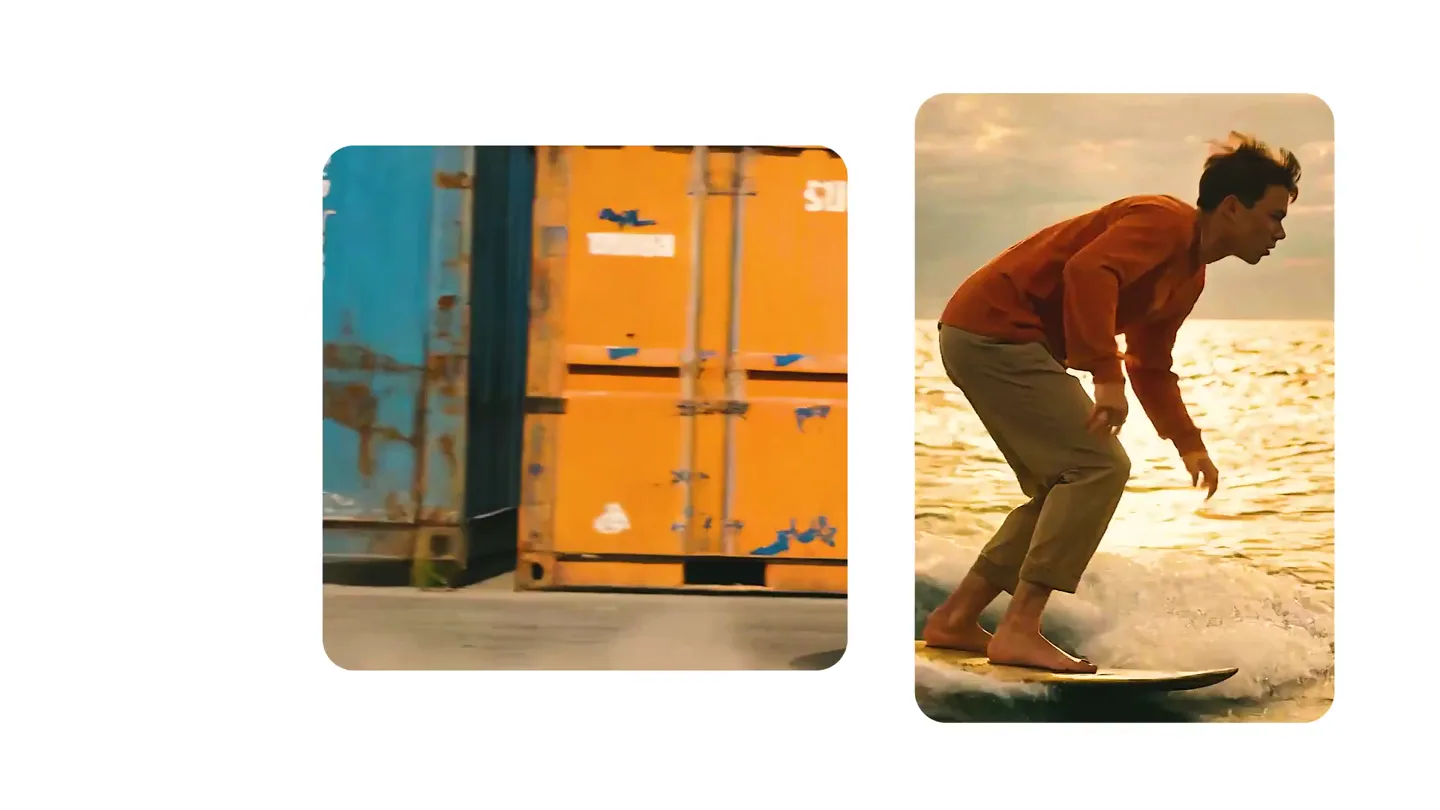
We just launched something the VFX community has been waiting for. OpenArt VFX lets you apply real visual effects to footage you already have. It lets you mask any region of your video and replace it with AI-generated content that matches the scene's lighting and physics. https://t.co/dnQjrZCWC4