
Launch and sell
Launch films, demos and teasers with real product proof.
animatiQ makes product launch videos in minutes. Paste your product URL or a brief, and its AI agent writes the story, animates every scene, and renders a finished, studio-quality video. It also makes demos, explainers, social cutdowns, and logo motion. Change any line later without starting over.
Follow one real run in the product: a workspace launch, from brief to render. Times are illustrative; most videos take two to five minutes.
Describe the video and add a URL, deck, dataset or brand kit. Review mode is on, so you see the plan first.
animatiQ researches the source and lays out every scene: story, narration, visuals and motion. You approve it or ask for a change.
The scenes and audio are built. Scrub the cut, select a scene, and inspect its layers in the editor.
16:9, 9:16 and 1:1, each recomposed for its screen rather than cropped.
Point at the headline and ask. Only that changes; the approved cut stays approved.
 Workspace launchBRIEF
App labels gather around the deadline, then resolve into one frame.
A clean workspace connects tasks, chat and documents in one path.
Brand lockup and one call to action, held long enough to read.
YOUR TURN
Paste a URL. You review the plan before anything renders.
One project, two edits. Same timing, same animation, nothing rebuilt. How editing works
From a six second logo reveal to the whole campaign, in 16:9, 9:16 and 1:1.
Launch films, demos and teasers with real product proof.
Make a product, process or dataset clear in under a minute.
Turn recurring source material into a repeatable format.
ALSO FROM ONE PROMPT
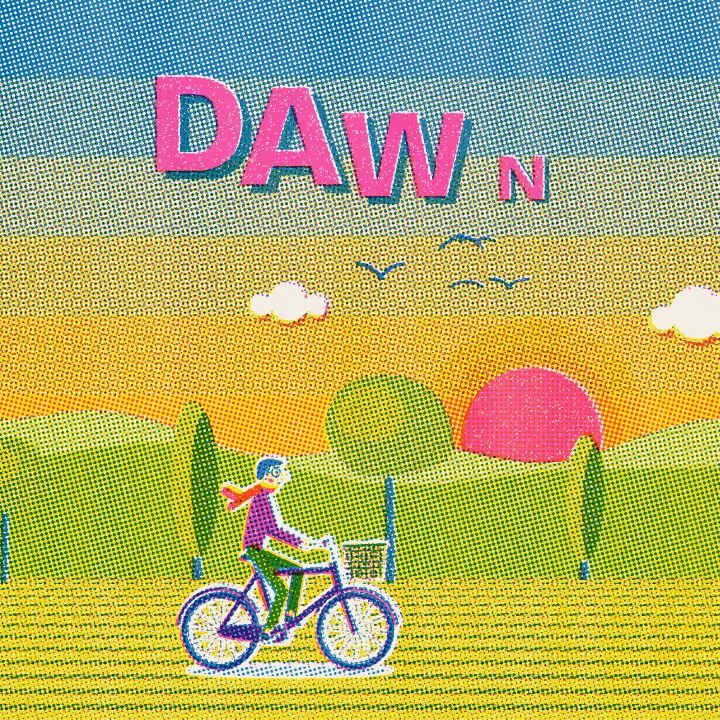
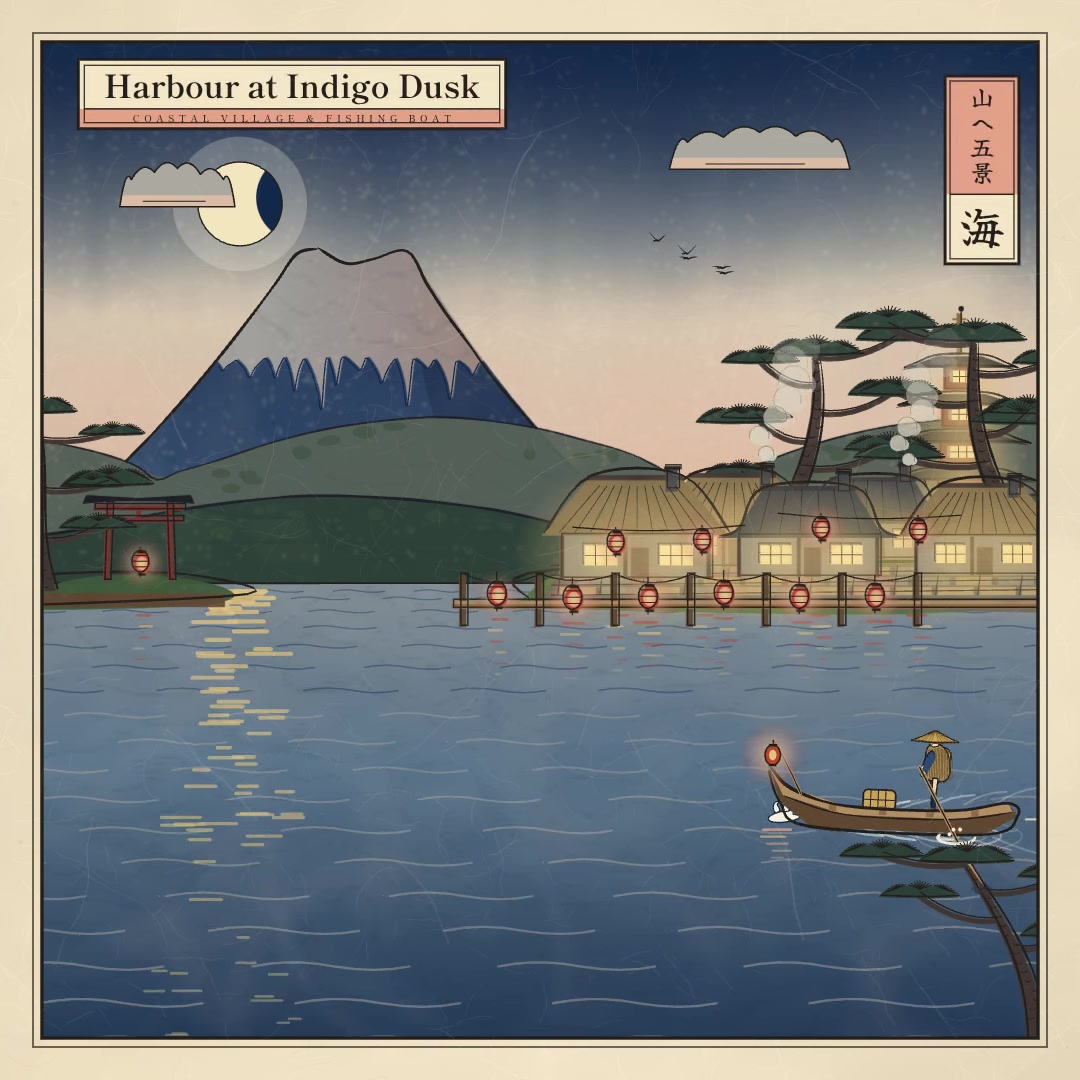
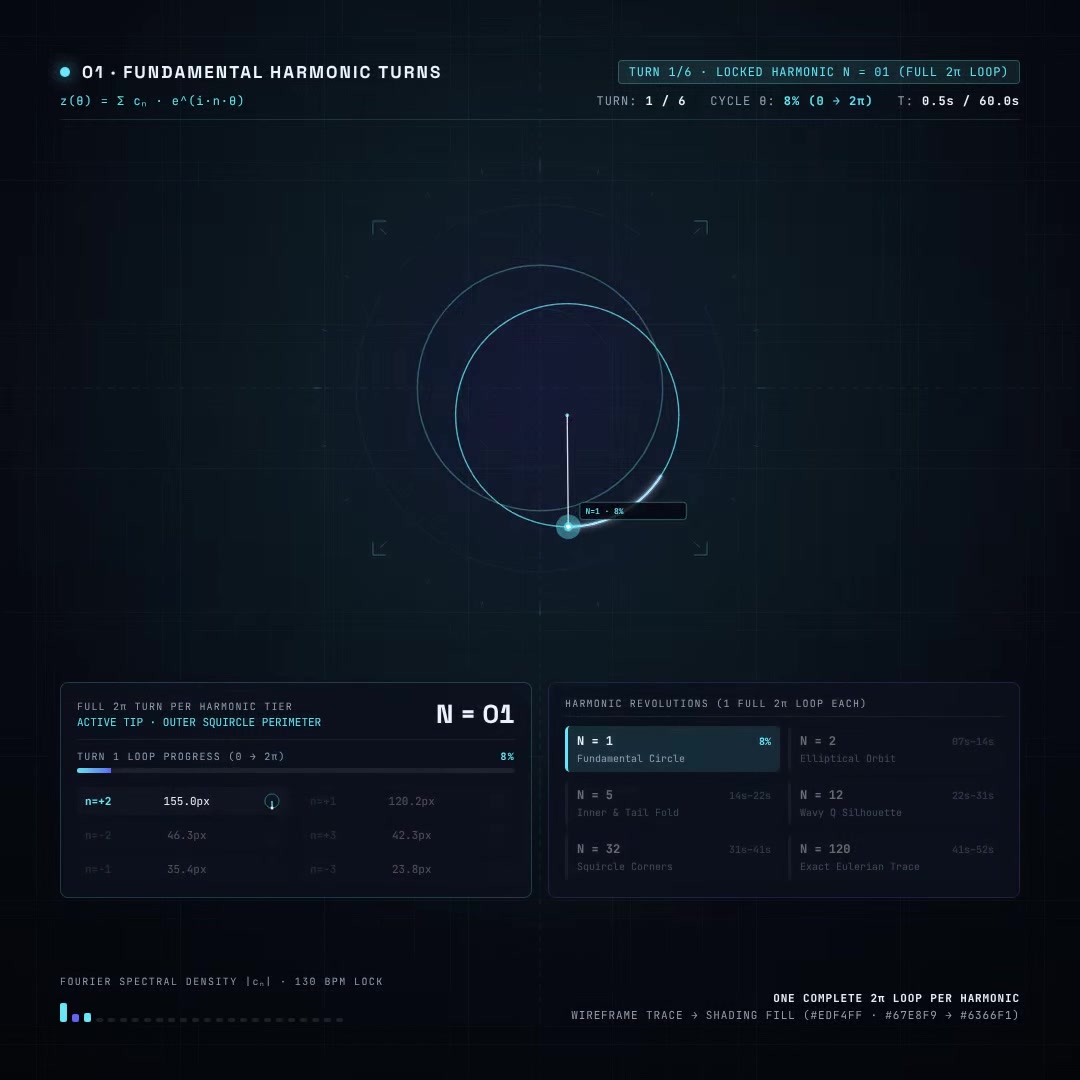
Real prompts, real renders, still editable. Open one to see the prompt behind it, or remix it into your own.






Two to five minutes for most videos, and up to about ten for longer or more complex ones. Writing the brief usually takes longer than the render.
Give it your logo, palette and typefaces. They become rules for every scene rather than a filter at the end, and they hold across everything in the project.
Every scene stays editable. Ask for the new line, number or screenshot, re-render, and the rest of the video is the one you already approved.
No. You need to know what the video has to say. If you do know motion design, the project is open and you can work in it directly.
Browse every example and load any of them into the composer to see the brief behind it. Signing up is what starts a render.
A generator gives you a clip. animatiQ gives you a launch video with a story, scenes, type, data, audio and brand rules that hold together, and stay changeable.
Your launch videois minutes away.