0xDesigner · Launch Video Breakdown: Hook, Pacing & Motion Design
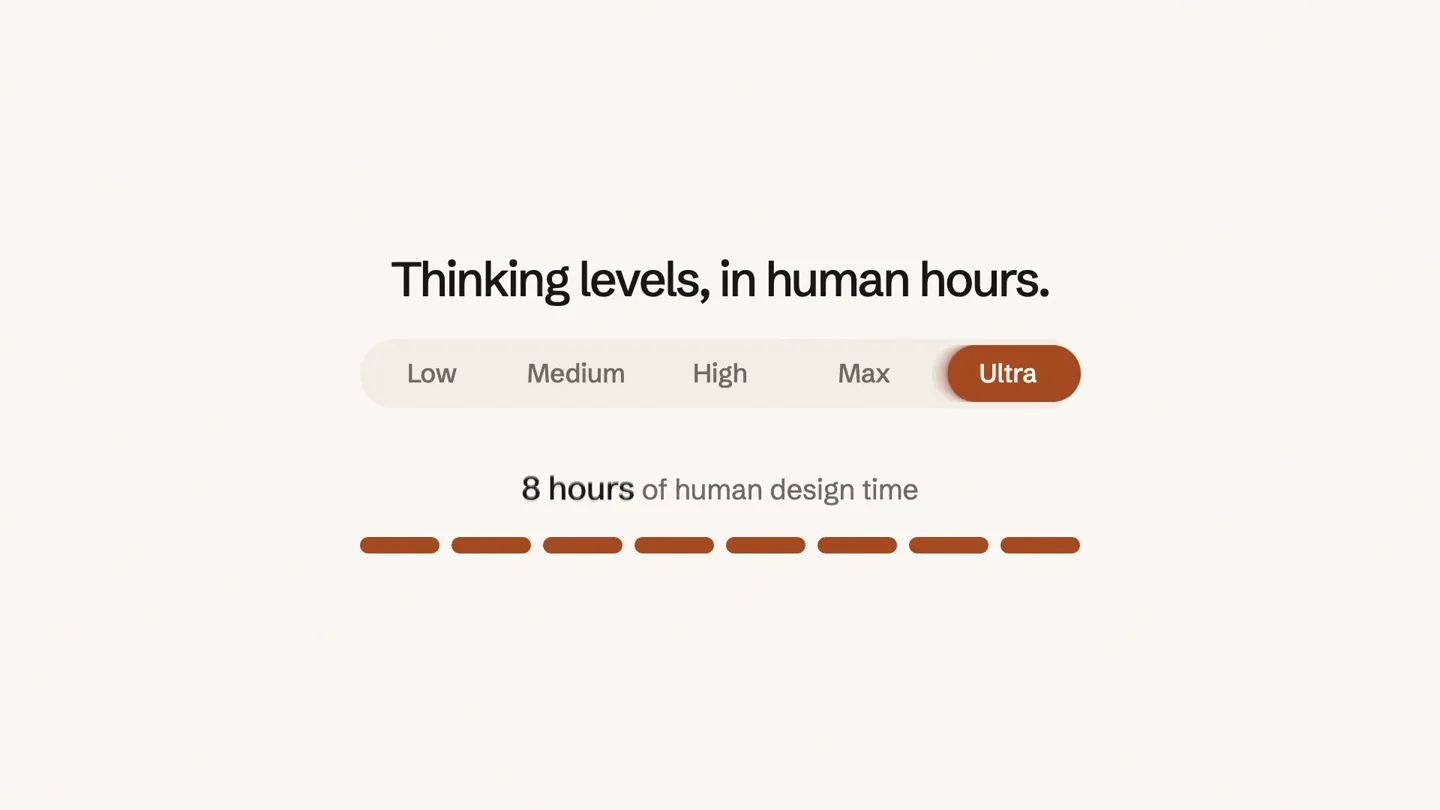
Agents design better UI by calling the 0xdesigner MCP. The film shows thinking levels measured in hours of human design time.
Scene-by-scene timeline & spoken transcript
The Hook
Introducing the AI Design Agency
“(No spoken dialogue — The track begins with a sustained, low-frequency synth pad and a subtle, evolving texture. A prominent riser effect starts at [00:00] and builds to a sub-bass drop/impact at [00:01]. This is followed by a rhythmic, pulsing synth bassline and a high-frequency sweep at [00:03].)”
- On screen
- The first design agency that lives in your agent chat.
- Camera
- Static, centered text on a light background.
- Motion
- Progressive text reveal with a color highlight on key terms.
Product Reveal
Seamless Integration & Task Assignment
“(No spoken dialogue — Another riser builds from [00:04] to a significant sub-bass impact at [00:05].)”
- On screen
- Give this to 0xdesigner to redesign Onboarding redesign Awaiting acceptance 1 Target Wed 1 Oct, 6:12 PM ET 23:59:59 Accept Decline In progress 1 Due Wed 1 Oct, 6:12 PM ET Accepted
- Camera
- Static, centered view of a UI element, then a slight zoom out to reveal more context.
- Motion
- Typing animation, UI element expansion, blur transition, and state change animation (buttons, text).
Feature Teaser
Quantifying AI Design Effort
“(No spoken dialogue — The latter half features a driving, arpeggiated synth melody with a sustained pad underneath, accompanied by a subtle, high-frequency shimmer.)”
- On screen
- Thinking levels, in human hours. Low Medium High Max Ultra 2 hours of human design time
- Camera
- Static, centered view of a custom UI slider/progress bar.
- Motion
- Interactive slider animation, progress bar fill, and numerical counter.
Call to Action
Brand & Website Reveal
“(No spoken dialogue — A final, impactful sub-bass drop at [00:11].)”
- On screen
- 0xdesigner MCP 0xdesigner.com
- Camera
- Static, centered logo and text.
- Motion
- Fade-in and scale-up animation for logo and text.
Motion design primitives
Synthesizable in Remotion · key components of the ai-ui-product-launch template.
ProgressiveTextReveal
Text appears word by word or line by line, with specific words highlighted in a contrasting color upon reveal. This creates a dynamic reading experience.
+ Code construction recipe
Use Remotion's Sequence and interpolate functions. Each word or line can be a separate Text component. Animate opacity and potentially scale for a subtle pop. Use a conditional style for color highlighting based on current frame.
InteractiveUIStateTransition
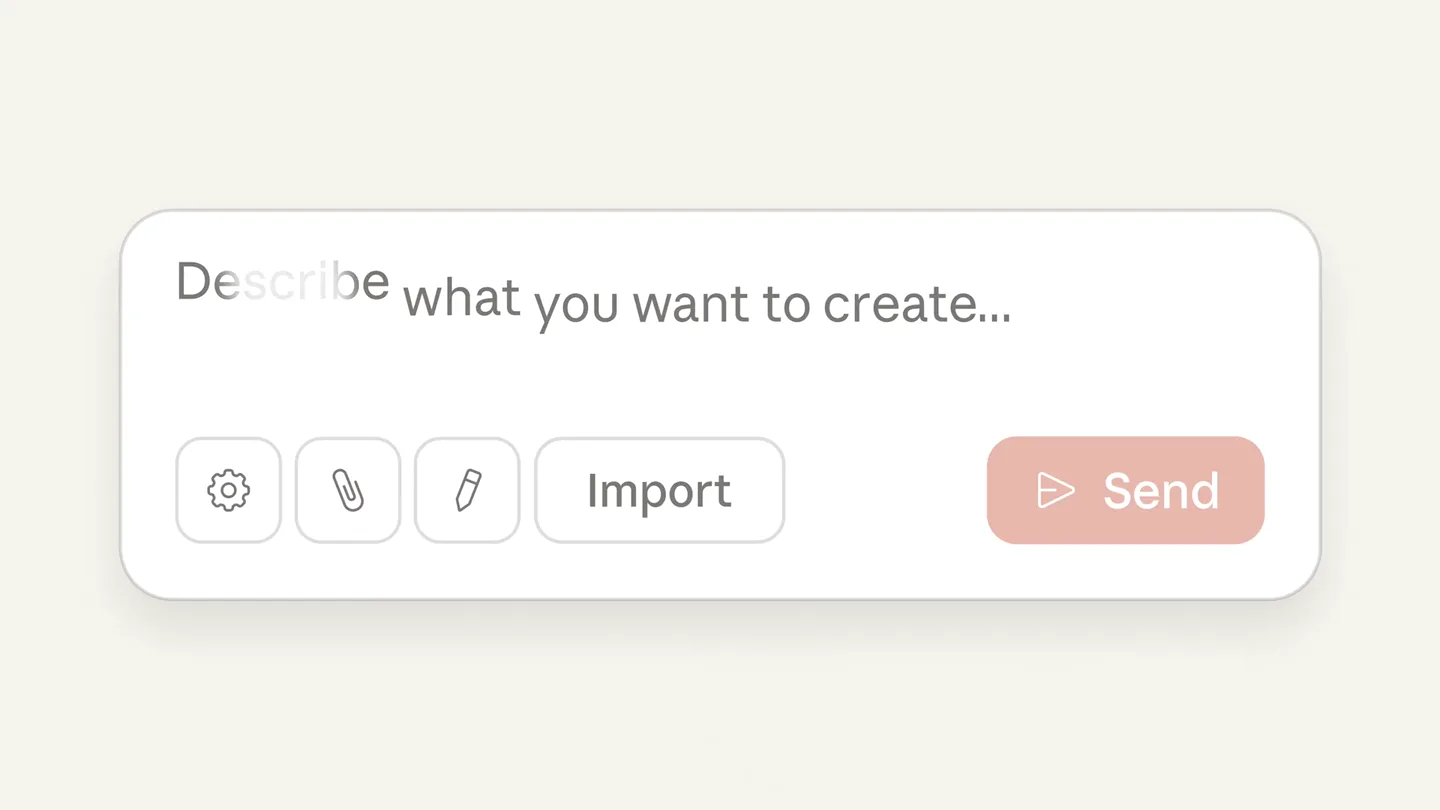
A UI element (like a search bar or task card) dynamically expands, blurs, and updates its content and state (e.g., 'Awaiting acceptance' to 'Accepted') with smooth transitions.
+ Code construction recipe
Employ Remotion's spring or interpolate for smooth scaling and position changes. Use CSS filters (blur) for transitions. Conditional rendering or opacity changes can manage different UI states. Text typing animation can be achieved with substring slicing based on frame.
DynamicProgressBarSlider
A custom slider with multiple options animates to select one, simultaneously filling a progress bar and updating a numerical value.
+ Code construction recipe
Utilize SVG for the progress bar and slider elements. Animate SVG path 'stroke-dashoffset' for the fill effect. Use interpolate for the slider's position and the numerical counter's value. Ensure smooth easing functions for a natural feel.
Style DNA & aesthetic system
Visual aesthetic
Typography
Motion
Special effects
Pacing & rhythm
Conceptual story rhythm
- 1
The Bold Claim
Purpose. Immediately establish the product's unique value proposition and disrupt traditional expectations.
Execution. Large, centered text progressively revealing the core message, with a key phrase highlighted in a distinct color.
- 2
Interaction Demonstration
Purpose. Showcase the product's intuitive interface and how a user would interact with it.
Execution. A typing animation in a search bar, followed by a UI card expanding and transitioning through task states (awaiting, accepted).
- 3
Value Quantification
Purpose. Illustrate a key benefit or metric, emphasizing the product's efficiency or capability.
Execution. An animated slider representing 'thinking levels' and a progress bar filling to show 'human design time' saved.
- 4
Brand Reinforcement
Purpose. Conclude with the brand identity and a clear call to action.
Execution. The company logo and name, along with its website, fading in and scaling slightly.