
Armature (by Y Combinator) · Launch Video Breakdown: Hook, Pacing & Motion Design
.@ArmatureYCP26 helps companies monitor and optimize how AI agents experience their products. It runs real agent workflows and improves your MCP or CLI. Reinventing the Agent Experience! Congrats o…
Scene-by-scene timeline & spoken transcript
The Hook
The Frustration of Unseen AI Agent Failures
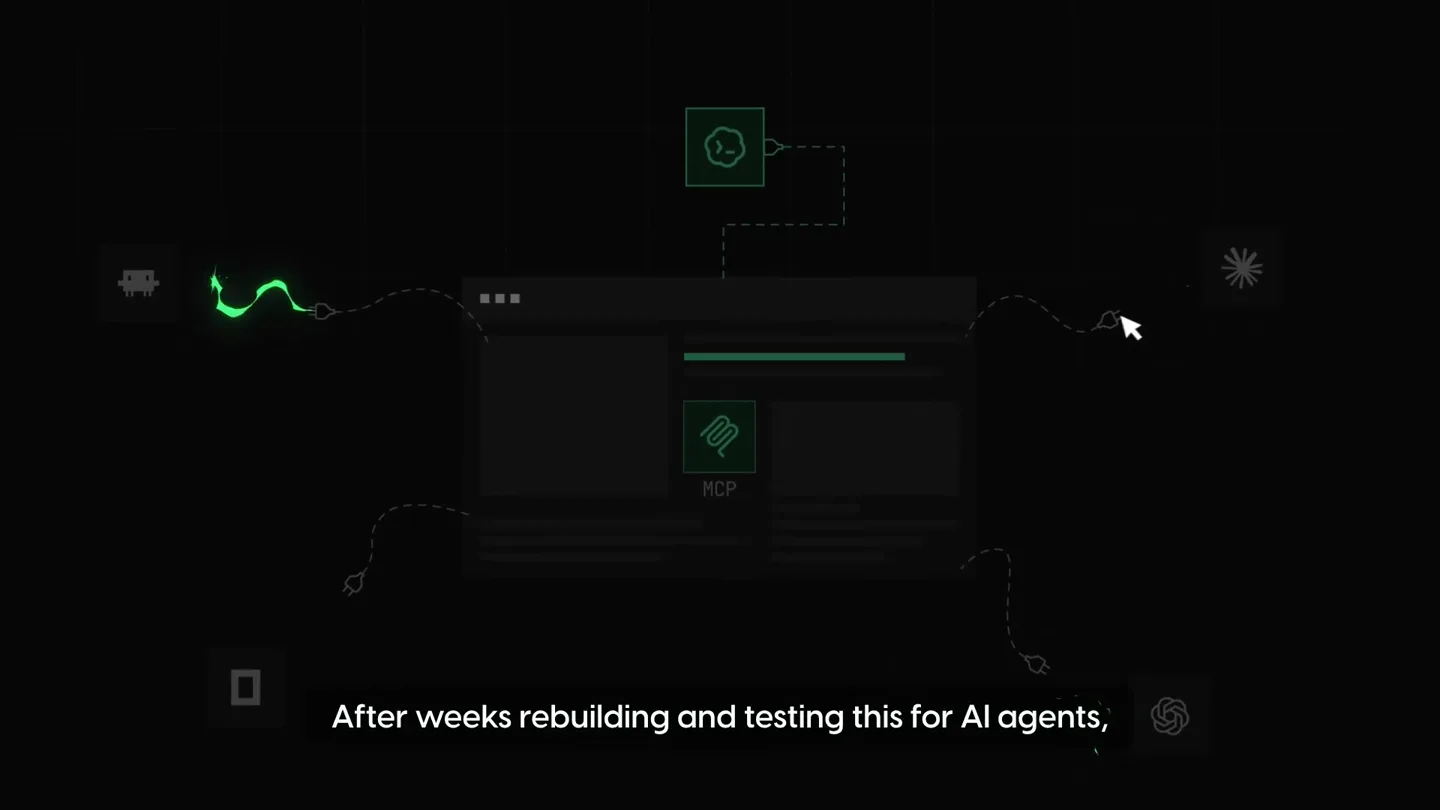
“After weeks rebuilding and testing this for AI agents, this better actually work for my users. You thought once agents were out there, it'd be easy to see why. Impossible to see what the agent was trying to do. Just while confused agents quietly kill customer trust.”
- On screen
- Push MCP → × Low-value answer × Wrong action × Task-path failure *Frustrated* Why? Used: search_leads Instead of: get_lead_ by_email Nature : v Impossible to see what the agent was trying to do What the LLM faces What you receive HELP ! I'M LOST ! URGHHH F*CK ME All good while confused agents quietly kill customer trust
- Camera
- Static camera with subtle zooms and pans to highlight specific UI elements and text. Transitions between scenes are quick cuts.
- Motion
- Dynamic text reveals with underlines, red highlight boxes for errors, and a descending line graph illustrating declining trust. UI elements animate in and out.
Product Reveal
Armature: Monitoring and Optimizing AI Agent Workflows
“(No spoken dialogue — The music features a driving, rhythmic electronic score with a prominent sub-bass line and percussive synth elements. High-energy audio transitions and risers build tension. Sub-bass drops and impacts punctuate key statements.)”
- On screen
- makes sure agents actually know That's it CONNECT MCP connected That's it. alerts Slack MCP incident detected, age Then LIVE AGENT RUN Onboard Tom Bryant as a new customer 1 create_user 2 create_organization 3 set_subscription tests them across all SOURCE AVG SCORE ▼ AVG TOOL CALLS AVG TOKEN Competitor 1 4.6/5 31 457,772 OU 4.1/5 12 142,118 Competitor 2 2.7/5 28 279,743 benchmarks performance against competitors Then turns this into actionable recommendations
- Camera
- Static shots of product UI, with quick cuts between different features. Subtle camera pushes into the UI elements.
- Motion
- Clean UI animations, checkmark confirmations, data table reveals, and a flow diagram illustrating agent actions. Text highlights and underlines emphasize key phrases.
Problem Agitation
The Urgency of Agent Experience
“Your next user is your customer's agent, they're already here before they decide your product isn't worth using.”
- On screen
- Your next they're already here before they decide your product isn't worth using
- Camera
- Dynamic text animation with a subtle zoom out to reveal a digital globe, then a quick cut to a static text screen.
- Motion
- Text appears with a 'typewriter' effect and underlines. A glowing, animated digital globe with connecting lines visualizes global reach or network activity.
Call to Action
Start Testing with Armature Now
“(No spoken dialogue — The music features a driving, rhythmic electronic score with a prominent sub-bass line and percussive synth elements. High-energy audio transitions and risers build tension. Sub-bass drops and impacts punctuate key statements.)”
- On screen
- A ARMATURE Start testing now → Set up in two minutes. armature.tech
- Camera
- Static shot, focusing on the product logo and call to action button.
- Motion
- A mouse cursor animates to click a button, followed by a quick fade to the website URL. Clean, direct animation.
Motion design primitives
Synthesizable in Remotion · key components of the developer-tool-launch-dark-mode template.
DynamicTextHighlight
Text appears with a subtle 'typewriter' or 'reveal' effect, often accompanied by an animated underline or a background highlight box that expands to frame the text.
+ Code construction recipe
Use Remotion's <Sequence> and <AbsoluteFill> components. Animate text opacity and position using `interpolate` for a smooth reveal. For underlines, use an SVG <line> or a styled <div> with `scaleX` animation. For highlight boxes, animate `width` and `opacity` of a background <div>.
FlowDiagramReveal
Complex flow diagrams or UI elements animate into view, with connecting lines drawing themselves and individual nodes or boxes appearing sequentially or in groups.
+ Code construction recipe
Utilize Remotion's `spring` or `interpolate` for sequential appearance of nodes (e.g., `opacity`, `scale`, `translateY`). SVG <path> elements can be used for drawing connecting lines with `stroke-dasharray` and `stroke-dashoffset` animations. Group related elements within <Sequence> for coordinated timing.
DataMetricPulse
Numerical data, scores, or metrics are displayed with a subtle 'pulse' or 'grow' animation, often accompanied by color changes (e.g., green for good, red for bad) and a corresponding graph animation.
+ Code construction recipe
Animate text `fontSize` or `scale` using `spring` for a pulse effect. Conditional styling based on data values can change text `color`. Line graphs can be rendered using SVG <path> elements, animating the `d` attribute or `stroke-dasharray` to draw the line over time.
Style DNA & aesthetic system
Visual aesthetic
Typography
Motion
Special effects
Pacing & rhythm
Conceptual story rhythm
- 1
The Pain Point
Purpose. Establish the core problem developers face with AI agents: lack of visibility and trust issues.
Execution. Dark background, red error indicators, abstract representations of agent failures, and a declining trust graph.
- 2
The Solution Introduction
Purpose. Introduce Armature as the direct answer to the identified problems.
Execution. Transition to a lighter background, clean UI elements, green success indicators, and clear flow diagrams of the product's functionality.
- 3
Feature Highlights & Benefits
Purpose. Showcase key features like monitoring, testing, benchmarking, and recommendations.
Execution. Sequential display of UI screens, data tables, and actionable insights, all animated to emphasize clarity and effectiveness.
- 4
Call to Action
Purpose. Prompt viewers to engage with the product.
Execution. Clear branding, a prominent call-to-action button with an animated click, and a final website URL display.




