
Cursor · Launch Video Breakdown: Hook, Pacing & Motion Design
An intelligent model router that picks the right model for each task, delivering frontier-quality results at lower cost.
Scene-by-scene timeline & spoken transcript
The Hook
Cost-Benefit Proposition
“(No spoken dialogue — Initial ambient synth pad with a subtle high-frequency shimmer, followed by a rhythmic arpeggiated synth melody and a gradual build-up with additional synth layers and rising tension. High-energy audio transition with a riser effect at 0:03.)”
- On screen
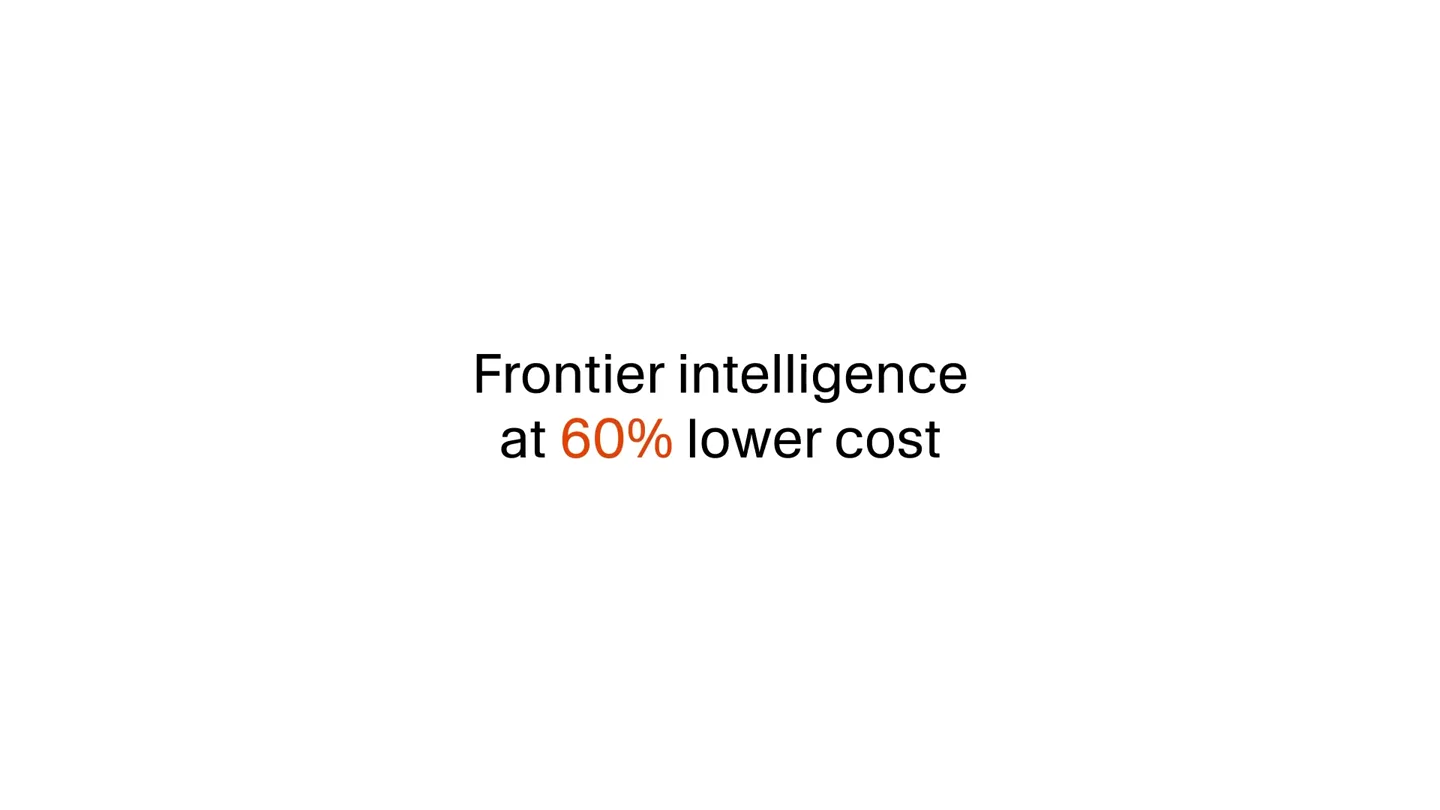
- Frontier intelligence at 60% lower cost
- Camera
- Static, centered text on a white background.
- Motion
- Text interpolation with a number counter effect, highlighting the percentage in orange.
Problem Agitation
Model Optimization Choices
“(No spoken dialogue — Significant sub-bass drop/impact at 0:04, marking a beat change and increased intensity. Continuation of the driving synth melody with added percussive elements. Another high-energy audio transition with a sweep and riser at 0:07.)”
- On screen
- Optimize For Intelligence Balance Cost Auto
- Camera
- Static, centered UI elements on a light grey background.
- Motion
- UI element animation, simulating user interaction by selecting 'Cost' from a dropdown menu.
Product Reveal
Cursor Router in Action
“(No spoken dialogue — Second major sub-bass drop/impact at 0:08, reinforcing the energetic feel. Introduction of a new, more complex synth arpeggio pattern at 0:10. Further layering of synth elements, creating a richer texture at 0:12.)”
- On screen
- Build a new UI Router Grok 4.5 Hard debug Opus 4.8 Run tests Composer
- Camera
- Static, centered diagram elements on a light grey background.
- Motion
- Sequential reveal of interconnected nodes (tasks, router, models) with color-coding, demonstrating the routing mechanism.
Feature Teaser
Cost Efficiency Comparison
“(No spoken dialogue — A subtle, almost subliminal vocal-like synth pad emerges at 0:14. A final, intense build-up with a sustained riser and increasing frequency at 0:16. Climactic sub-bass impact and a brief, resonant synth chord at 0:18.)”
- On screen
- Cost per commit Fable 5 $12.69 GPT-5.6 Sol $6.77 Balance $4.63 Intelligence $6.76 Opus 4.8 $7.34 Composer $1.49 Grok 4.5 $2.91 Cursor Router $1.38
- Camera
- Static, centered table-like comparison on a light grey background.
- Motion
- Dynamic table update, highlighting the Cursor Router's superior cost performance with a green indicator, while other models fade or are highlighted in orange/red.
Call to Action
Availability and Branding
“(No spoken dialogue — Gradual decay of the sound, leaving a lingering ambient tone at 0:19. The audio fades out completely at 0:21.)”
- On screen
- Cursor Cursor Router Now available for Teams and Enterprises
- Camera
- Static, centered text and logo on a white background.
- Motion
- Text reveal with a subtle fade-in, followed by a geometric logo animation that expands and settles.
Motion design primitives
Synthesizable in Remotion · key components of the cursor-router-launch-template template.
NumberCounterHighlight
A numerical value rapidly counts up or down, with a specific portion of the text (e.g., the percentage) highlighted in a contrasting color. The surrounding text remains static.
+ Code construction recipe
Use Remotion's 'interpolate' function for the number counting animation. Apply a 'spring' animation for the color change and scale-in effect of the highlighted text. Utilize 'AbsoluteFill' for background and 'Text' components for content.
InteractiveDropdownSelect
A UI dropdown menu expands to reveal options, and a specific option is highlighted and selected, indicated by a checkmark. Other UI elements react subtly to the interaction.
+ Code construction recipe
Implement 'Sequence' and 'AbsoluteFill' for scene management. Use 'spring' animations for dropdown expansion and option selection. 'interpolate' can manage opacity and position changes for menu items. SVG paths for checkmarks.
FlowDiagramNodeReveal
Nodes in a horizontal flow diagram appear sequentially, connected by arrows. Each node can have distinct text and background colors, animating into view with a subtle bounce or fade.
+ Code construction recipe
Employ 'Sequence' for staggered node appearance. Use 'spring' for position and scale animations of each node. 'interpolate' for arrow drawing and color transitions. 'Text' components for node labels and 'Rect' for node backgrounds.
Style DNA & aesthetic system
Visual aesthetic
Typography
Motion
Special effects
Pacing & rhythm
Conceptual story rhythm
- 1
The Value Proposition
Purpose. Immediately hook the viewer by stating the core benefit: superior intelligence at a reduced cost.
Execution. Large, centered text with a dynamic number counter and a highlighted percentage, set against a clean white background.
- 2
The Control & Flexibility
Purpose. Demonstrate how the product allows users to optimize for their specific needs (e.g., cost).
Execution. Animated UI dropdown showing selection of 'Cost' optimization, implying user control over the intelligent model router.
- 3
The Intelligent Routing
Purpose. Illustrate the core mechanism: how Cursor intelligently routes tasks to the best model.
Execution. A dynamic flow diagram showing various tasks being routed through 'Router' to different AI models, with color-coded nodes.
- 4
The Proof & Call to Action
Purpose. Provide concrete evidence of cost savings and inform about availability.
Execution. A comparison table highlighting Cursor Router's lowest cost per commit, followed by a clear branding and availability statement with a logo reveal.




