Figma · Launch Video Breakdown: Hook, Pacing & Motion Design
Nested folders. Coming soon to a Figma near you.
Scene-by-scene timeline & spoken transcript
The Hook
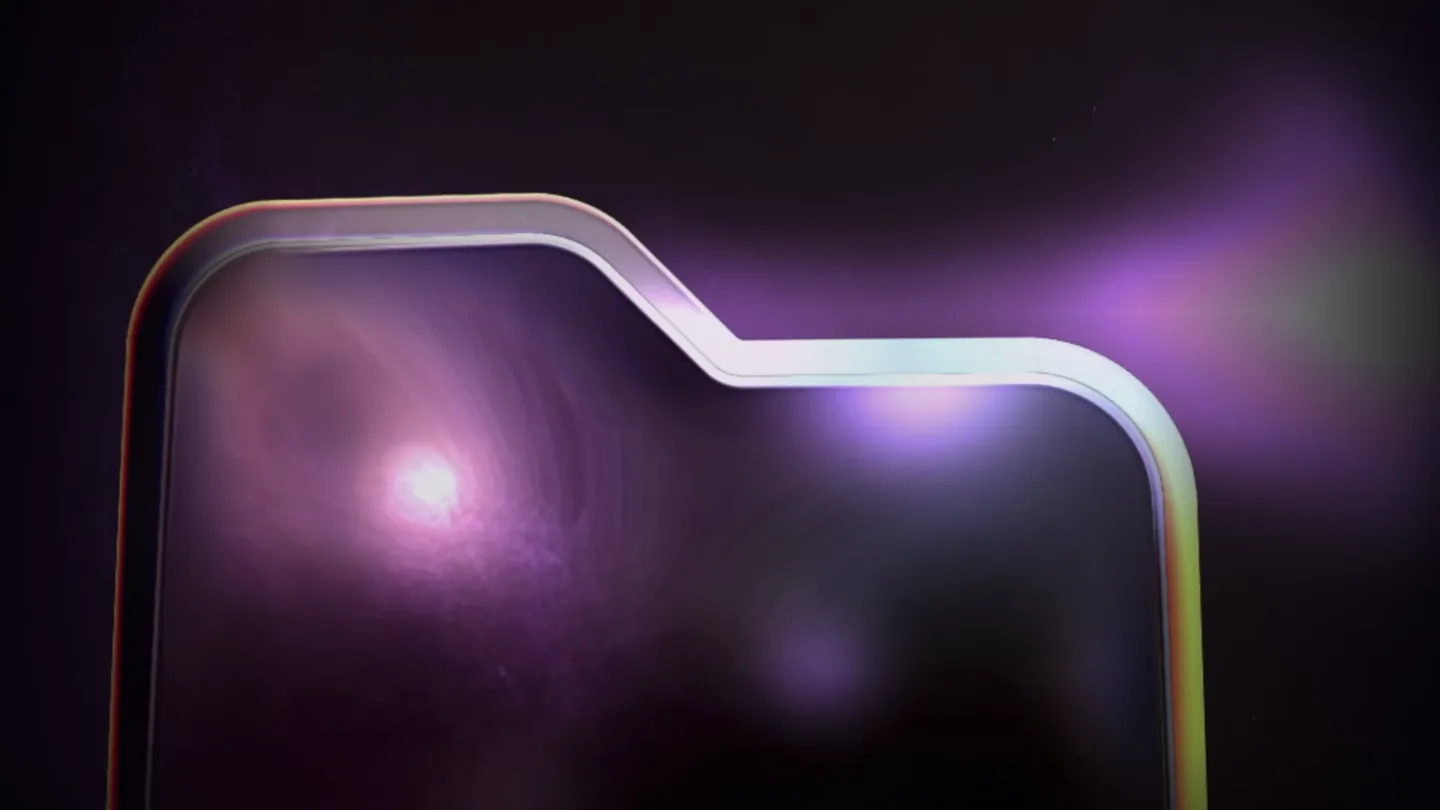
Abstract Folder Reveal
“(No spoken dialogue — A sustained, evolving synth pad builds tension, culminating in a powerful sub-bass drop/impact at 0:01. Purple and white light flares animate across a metallic folder shape.)”
- On screen
- (No on-screen text)
- Camera
- Extreme close-up on a metallic, rounded-edge shape, slowly panning and rotating to reveal its form.
- Motion
- 3D rendering with volumetric lighting and lens flares, subtle camera movements, and material sheen animation.
Problem Agitation
Second Abstract Element Introduction
“(No spoken dialogue — A riser builds from 0:05 to 0:06, followed by a sweeping synth effect. A high-energy transition with a distinct sub-bass drop occurs at 0:10.)”
- On screen
- (No on-screen text)
- Camera
- Close-up on a different section of the metallic shape, revealing a slot-like element, with similar light effects.
- Motion
- Continued 3D rendering with dynamic light streaks and reflections, emphasizing the object's contours and a new functional element.
Product Reveal
UI Demonstration: Nested Folders
“(No spoken dialogue — The main beat kicks in at 0:11 with a driving electronic rhythm, featuring pizzicato synths and 808s. A subtle riser is heard at 0:15, leading into a more intense section. A significant sub-bass drop/impact with a sweeping effect is present at 0:23.)”
- On screen
- Project, Folders, Finallyyyy, It's here! 🥳, Another one, Folder 3251
- Camera
- Static, top-down view of a clean UI, simulating a desktop environment. Zoom-out and slight pan to accommodate new elements.
- Motion
- 2D UI animation, drag-and-drop interactions, text typing effects, and scaling/positioning of folder icons. Emphasizes clarity and functionality.
Call to Action
Benefit Statement & Brand Identity
“(No spoken dialogue — An ethereal, orchestral synth pad with a sustained, evolving texture plays until the end.)”
- On screen
- Organization just got more flexible with folders.
- Camera
- Static shot of text on a dark background, followed by a static shot of the Figma logo.
- Motion
- Kinetic typography with a subtle reveal, followed by a clean, animated logo reveal with a slight bounce/spring effect.
Motion design primitives
Synthesizable in Remotion · key components of the abstract-ui-reveal-template template.
VolumetricFlareReveal
A metallic, rounded object is revealed through dynamic, sweeping volumetric light flares and reflections, creating a sense of depth and mystery.
+ Code construction recipe
Utilize Remotion's Canvas API or WebGL shaders for volumetric light effects. Interpolate light source positions and intensity. Apply a metallic PBR material to a 3D SVG or custom shape, animating its rotation and scale with spring physics.
UIDragAndDrop
Clean, responsive 2D UI elements (folder icons, text labels) animate with drag-and-drop interactions, text input, and dynamic grid re-layout.
+ Code construction recipe
Implement with React components for UI elements. Use Remotion's 'spring' for smooth drag-and-drop animations, 'interpolate' for text typing and opacity changes. Grid layout changes can be animated using 'layout' transitions or 'transform' properties.
KineticBenefitText
Benefit-driven text appears with a subtle, staggered reveal, highlighting key words with color changes, followed by a clean, animated logo reveal.
+ Code construction recipe
Animate text opacity and position using 'interpolate' with 'easeOut' curves. Apply color changes to specific words dynamically. The logo reveal can use 'spring' for a bouncy entrance or 'scale' and 'opacity' interpolation.
Style DNA & aesthetic system
Visual aesthetic
Typography
Motion
Special effects
Pacing & rhythm
Conceptual story rhythm
- 1
Mysterious Introduction
Purpose. To pique curiosity and establish a premium, high-tech feel for the upcoming reveal.
Execution. Abstract 3D renders of metallic shapes with dramatic lighting and sound design.
- 2
Anticipation Build-up
Purpose. To hint at a new functionality or feature without explicitly showing it, building excitement.
Execution. Continued abstract renders, focusing on a new detail of the object, accompanied by rising audio cues.
- 3
Feature Unveiling
Purpose. To clearly demonstrate the new product feature in a practical, user-friendly context.
Execution. Direct 2D UI screen recording/animation showcasing the 'nested folders' functionality with user interaction.
- 4
Impact & Resolution
Purpose. To summarize the benefit and reinforce brand identity.
Execution. Concise kinetic typography stating the product's value, followed by the brand logo reveal.