Framer · Launch Video Breakdown: Hook, Pacing & Motion Design
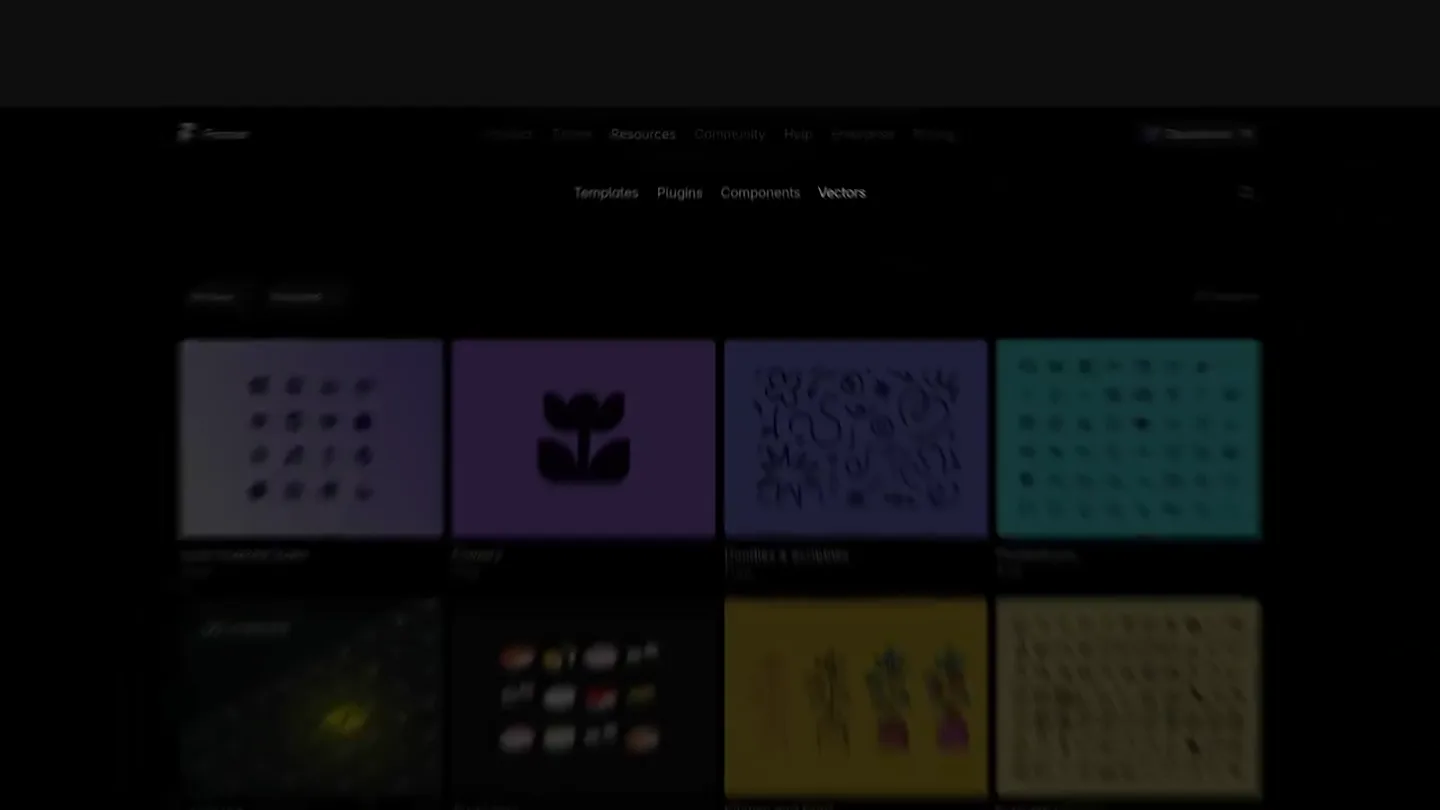
🖌️ Vectors are now available on the Framer Marketplace. Easily add ready-made icons and illustrations to your site, fully organized and customizable. Have your own Vector Set to share or sell? Sub…
Scene-by-scene timeline & spoken transcript
The Hook
Introducing Vectors Marketplace
“Vectors are now available on the Framer Marketplace.”
- On screen
- Templates Plugins Components Vectors
- Camera
- Static shot, then a quick zoom out to reveal the full marketplace UI.
- Motion
- Text reveal with subtle fade-in, followed by a rapid UI transition and zoom.
Product Reveal
Seamless Integration & Customization
“Easily add ready-made icons and illustrations to your site, fully organized and customizable. You can change colors, strokes, and even swap out individual elements. It's all built right into Framer, so you can focus on creating beautiful designs.”
- On screen
- Framer Product Teams Resources Community Help Enterprise Pricing Dashboard Templates Plugins Components Vectors Pricing Featured 30 Vectors Solar Duotone Icons Free Flowers Free Doodles & Scribbles Free Pixelarticons $49 coolicons Free Sushi Sets Free Kitchen and Food Nalan Alaca Essential UI Icon $15 We handle complexity, you focus on growth 24/7 delivery services Sustainable transport operation Copied Vectors Marketplace > Vectors > Kitchen and Food Kitchen and Food A versatile collection of kitchen utensils, fruits, and vegetables — perfect for websites, apps, and creative projects. Nalan Alaca Creator 2d ago Updated 3 Users 62 Views Size Width 400 Height 400 Min Max + Add... Effects Cursor Styles Opacity 1 Visible Yes No Transforms KitchenandFood Vector Icon Artichoke Icon Broccoli Icon Breadboard Stroke Infill 2 F5EBC9 Infill 3 F2C633 Infill 3 33F2EB 100% HEX Search... Background Text Text Subtle Blue Purple Light New Style
- Camera
- Dynamic camera movements, panning across the UI, zooming into specific elements, and following cursor interactions.
- Motion
- Rapid cuts between UI demonstrations, smooth cursor animations, and interactive element highlighting. Color picker animation and live vector swapping.
Feature Teaser
Share & Sell Your Own Vector Sets
“Have your own Vector Set to share or sell? Submit your own to the marketplace. It's a great way to showcase your work and earn some extra income.”
- On screen
- Styles Text Link Color CMS Inline Code Vectors Project Colorful Doodle Brand Vex Logo Microinteractions Phosphor Code New Vector Set Visuals Add at least two 1600 × 1200 images of your Vectors. Drop images... Vectors URL A Vectors link that can be pasted onto the canvas. https://framer.com/m/storefront-2ZHF.js Remix URL A remix link to the Vectors's project for review. https://framer.com/remix/123 Name 0/20 My Vectors Summary 0/180 A brief introduction displayed at the top of your Vectors's page. Framer Product Teams Resources Community Help Enterprise Pricing Dashboard Marketplace > Vectors > Vex Vex A clean, versatile collection of vector icons designed with simplicity and clarity in mind. Each icon is built on a consistent grid system with balanced line weights and geometric Copied Vectors Joseph Todoro Creator Now Updated 0 Users 0 Views 50 Vectors
- Camera
- Focus shifts from marketplace browsing to a form for submitting new vector sets, then to a creator's profile page.
- Motion
- Form field animations, text input simulation, and a smooth transition to a creator's marketplace listing.
Call to Action
Explore Framer Vectors Today
“(No spoken dialogue — The music swells with a final sub-bass impact and a clean, modern synth melody, reinforcing the brand's identity.)”
- On screen
- (No on-screen text)
- Camera
- Quick pan across various vector sets, then a fade to the Framer logo.
- Motion
- Fast-paced montage of diverse vector styles, concluding with a clean logo animation.
Motion design primitives
Synthesizable in Remotion · key components of the framer-vectors-codeflow-remix template.
UIElementPopIn
Individual UI elements or cards appear with a slight scale-up and fade-in effect, often staggered to create a ripple or cascade.
+ Code construction recipe
Use `spring` for scale and opacity, with `delay` or `stagger` for sequential elements. Implement `translateX` or `translateY` for subtle initial offset.
InteractiveColorPicker
A color picker UI smoothly animates, showing a user selecting a new color, which instantly updates the corresponding vector graphic.
+ Code construction recipe
Utilize `interpolate` for color changes (e.g., `backgroundColor`, `fill`) and `spring` for the color picker UI's open/close animation. SVG `fill` attributes can be dynamically updated.
DynamicContentSwap
Content within a designated area (e.g., an icon, an image) is replaced with a new one, often accompanied by a subtle cross-fade or a quick scale-down/scale-up transition.
+ Code construction recipe
Employ `CSSTransition` or `motion.div` with `AnimatePresence` for smooth unmounting/mounting. Use `opacity` and `scale` for the transition effect.
Style DNA & aesthetic system
Visual aesthetic
Typography
Motion
Special effects
Pacing & rhythm
Conceptual story rhythm
- 1
The Grand Entrance
Purpose. Immediately introduces the new product feature and its core benefit.
Execution. A quick, impactful reveal of the 'Vectors' tab within the Framer marketplace, accompanied by a high-energy audio transition.
- 2
Show, Don't Tell
Purpose. Demonstrates the product's ease of use and powerful customization capabilities.
Execution. Rapid-fire UI walkthroughs, showcasing drag-and-drop functionality, live color changes, and element swapping with clear cursor interactions.
- 3
Empowering Creators
Purpose. Highlights the opportunity for users to contribute and monetize their own work.
Execution. Transition to a submission form and a creator's profile, illustrating the 'sell your own' feature with clear steps and examples.
- 4
The Final Flourish
Purpose. Reinforces brand identity and leaves a lasting impression of the product's value.
Execution. A montage of diverse vector sets, culminating in a clean, impactful Framer logo reveal with a strong audio outro.