ImagineArt · Launch Video Breakdown: Hook, Pacing & Motion Design
ImagineArt connects Pinterest, Dropbox, Unsplash, and Google Drive so you can pull boards and files onto the canvas instead of hunting them down.
Scene-by-scene timeline & spoken transcript
The Hook
Scattered Ideas, Centralized Solution
“(No spoken dialogue — A significant sub-bass drop/impact at [00:00] and a riser leading to an impact at [00:02] accompany the text reveals and image bursts.)”
- On screen
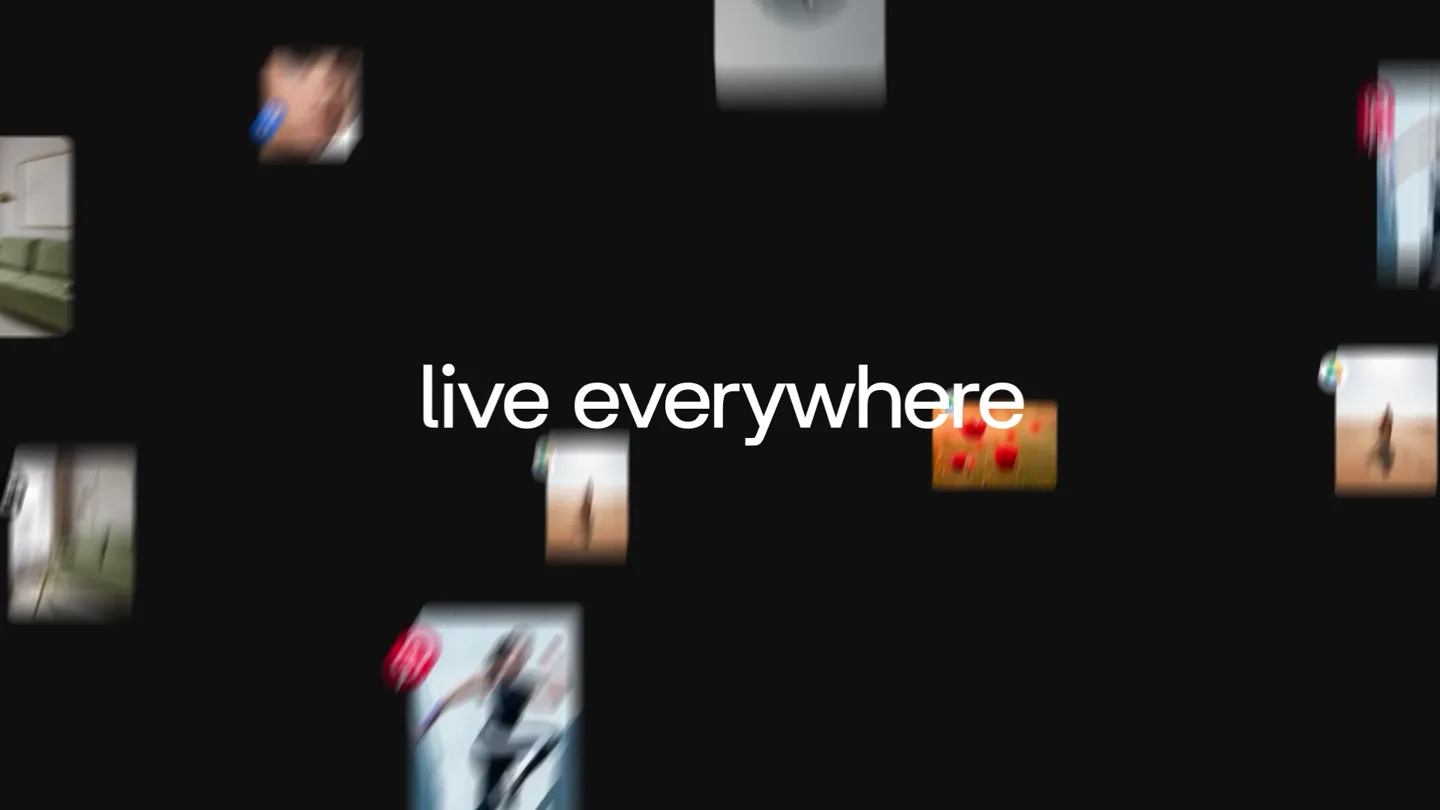
- Your ideas live everywhere Now they live in one place
- Camera
- Static, centered text. Rapid, blurred image cards fly in and out from all directions.
- Motion
- Kinetic typography, rapid object animation, motion blur, quick cuts.
Problem Agitation
Seamless Integration Setup
“(No spoken dialogue — A riser and impact at [00:07] punctuate the connection process.)”
- On screen
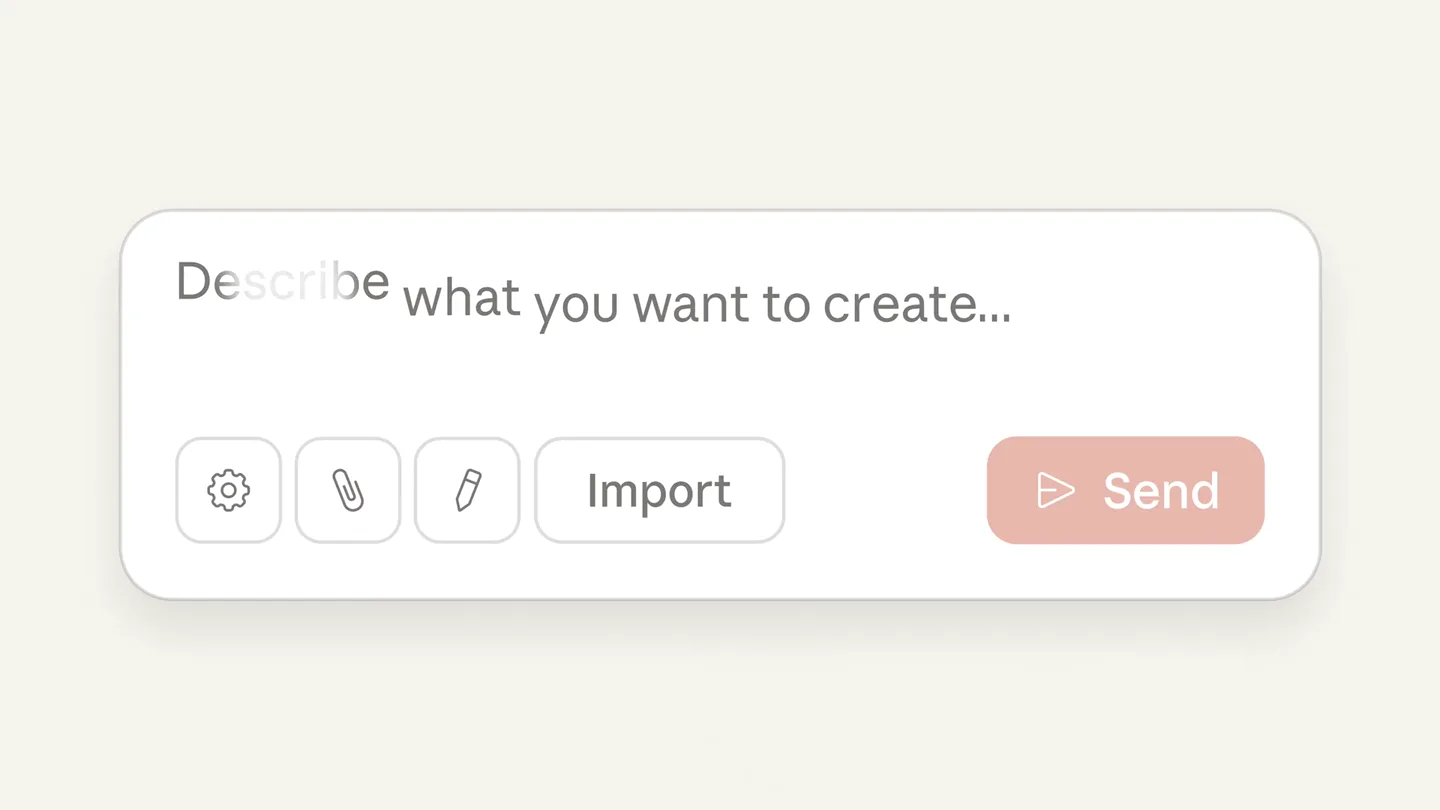
- Please Please connect to Please connect to Pin Please connect to Pinterest Workflow Pinterest
- Camera
- Static, centered view of a search bar, then two connected UI elements.
- Motion
- Typing animation, UI element reveal, cursor interaction, linking animation.
Product Reveal
Unified Asset Management
“(No spoken dialogue — A distinct sweep and impact at [00:15] and a final impactful sub-bass drop at [00:20] highlight key interactions.)”
- On screen
- Untitled Workflow Assets My Creations Uploaded Assets Pinterest Google Drive Dropbox Unsplash Pexels Pinterest Search boards asad@imagine.art 2 boards 7 pins Board 1 See All Board 2 See All Quick Saves See All Image 1 Nano Banana Dropbox Assets Unsplash Google Drive Just select Images And add to Your canvas
- Camera
- Zoom into a UI, pan across asset boards, close-up on a single image, then a wide view of multiple connected asset windows.
- Motion
- UI walkthrough, drag-and-drop simulation, checkmark animation, multi-window arrangement, text reveal.
Call to Action
Brand Identity & Lifestyle
“(No spoken dialogue — The high-energy electronic score continues to build and resolve.)”
- On screen
- ImagineArt
- Camera
- Full-screen live-action shots, then a static centered logo reveal.
- Motion
- Live-action cutaways, logo animation (morphing/revealing), fade to black.
Motion design primitives
Synthesizable in Remotion · key components of the imagineart-unified-workflow template.
KineticTextBurst
Text appears with a subtle gradient, followed by a rapid, blurred burst of small image cards flying in and out from off-screen, creating a sense of dynamic information flow.
+ Code construction recipe
Use Remotion's <Text> component with a linear-gradient style. Implement a sequence of <Img> components with `spring()` for position and opacity, and `interpolate()` for `filter: 'blur()'` and `transform: 'scale()'` to create the burst effect. Stagger the animations for individual images.
InteractiveTypewriterConnect
Text types out character by character within a UI element, followed by a cursor interaction and a visual linking animation between two distinct UI components.
+ Code construction recipe
Utilize `Sequence` and `spring()` for character-by-character text reveal. Animate a custom SVG cursor with `interpolate()` for path and position. Use `Path` or `Line` components with `stroke-dasharray` and `stroke-dashoffset` to animate the linking line between elements.
MultiWindowAssetFlow
Multiple application windows, each displaying different asset sources, are arranged and animated to highlight seamless integration and drag-and-drop functionality.
+ Code construction recipe
Render multiple `AbsoluteFill` or `Div` components representing windows, each containing relevant UI elements and images. Animate their `transform: 'translate()'` and `opacity` using `spring()` or `interpolate()` for dynamic arrangement. Simulate drag-and-drop with a custom cursor and image `transform` animations.
Style DNA & aesthetic system
Visual aesthetic
Typography
Motion
Special effects
Pacing & rhythm
Conceptual story rhythm
- 1
The Problem Statement
Purpose. Immediately identifies the core pain point of scattered creative assets.
Execution. Kinetic typography and a chaotic burst of images, quickly resolving to a unified statement.
- 2
The Solution Introduction
Purpose. Introduces ImagineArt as the central hub for connecting disparate creative platforms.
Execution. Interactive UI elements demonstrating the connection process with typing and linking animations.
- 3
The Product in Action
Purpose. Showcases the seamless functionality of pulling and managing assets within the ImagineArt canvas.
Execution. Detailed UI walkthroughs, drag-and-drop simulations, and multi-window asset displays.
- 4
The Brand Promise
Purpose. Reinforces the brand's value proposition and leaves a lasting impression.
Execution. Brief, aspirational live-action shots followed by a clean, impactful logo reveal.