
Mergeableview (by noppe) · Launch Video Breakdown: Hook, Pacing & Motion Design
I've released the source code https://github.com/noppefoxwolf/MergeableView…
Scene-by-scene timeline & spoken transcript
The Hook
Initial State & Interaction Prompt
“(No spoken dialogue — Silent video with ambient visual focus.)”
- On screen
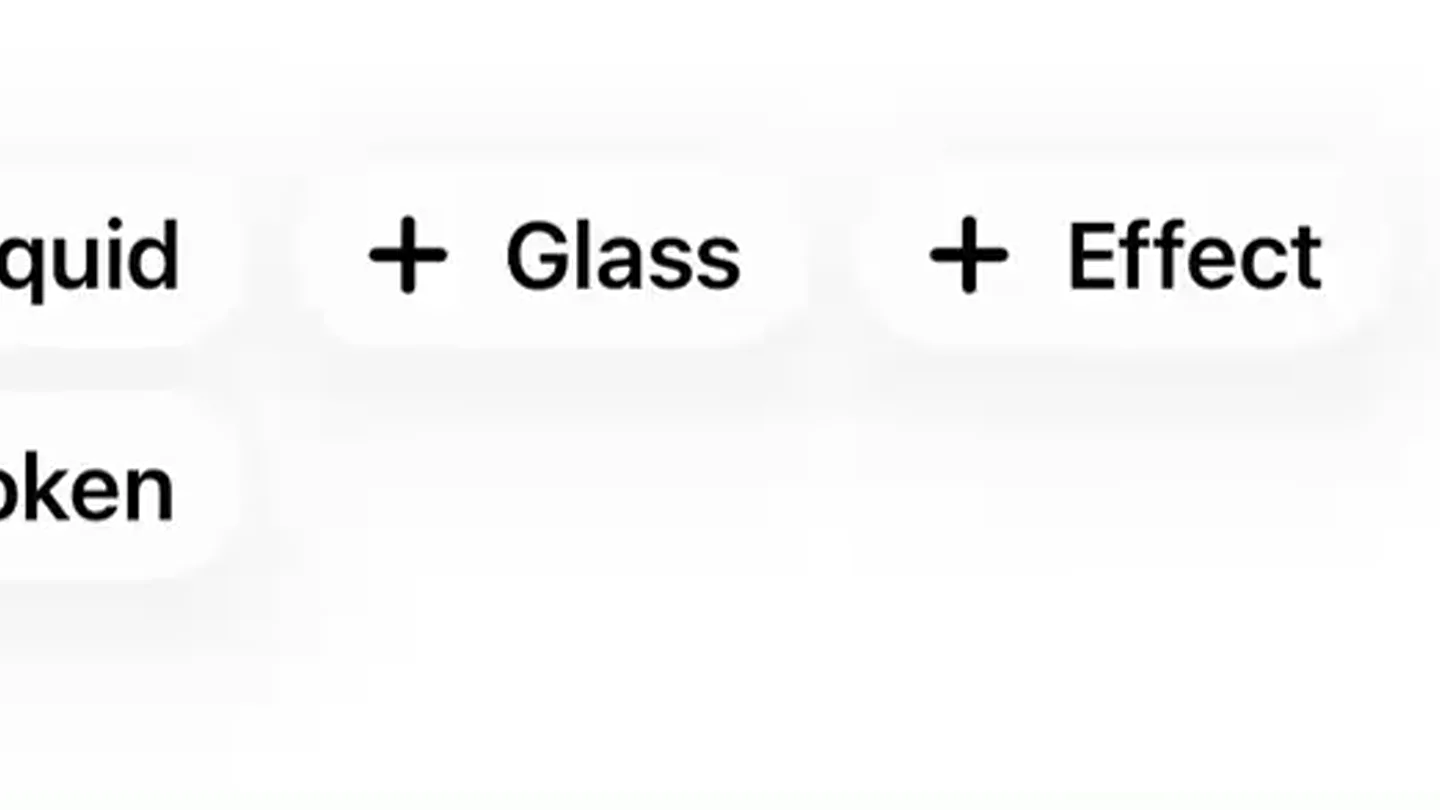
- + Liquid, + Glass, + Effect, + Token
- Camera
- Static, centered framing on interactive UI elements.
- Motion
- Subtle hover/focus state change on 'Glass' button, indicating interactivity.
Product Reveal
Dynamic UI Element Merging
“(No spoken dialogue — Silent video with ambient visual focus.)”
- On screen
- + Liquid, + Glass Effect, + Token
- Camera
- Static, maintaining focus on the merging UI elements.
- Motion
- Smooth, animated merging of 'Glass' and 'Effect' buttons into 'Glass Effect', demonstrating a core feature.
Feature Teaser
Sequential Feature Composition
“(No spoken dialogue — Silent video with ambient visual focus.)”
- On screen
- + Liquid Glass Effect, + Token
- Camera
- Static, observing the continued composition of elements.
- Motion
- Further merging of 'Liquid' with 'Glass Effect' to form 'Liquid Glass Effect', showcasing sequential composition.
Call to Action
Final Composite & Reset
“(No spoken dialogue — Silent video with ambient visual focus.)”
- On screen
- + Liquid Glass Effect Token
- Camera
- Static, concluding on the fully merged state before a quick reset.
- Motion
- The final 'Token' merges, completing the composition, followed by a rapid reset to the initial state, implying reusability or undo.
Motion design primitives
Synthesizable in Remotion · key components of the dynamic-ui-merge-showcase template.
MergeableButton
Two distinct UI buttons smoothly animate and combine into a single, new button, with their text content concatenating.
+ Code construction recipe
Utilize Remotion's `interpolate` for position and opacity, `spring` for a bouncy merge effect, and dynamically update text content based on the merging state. Use `AbsoluteFill` for positioning and `measureText` for dynamic button width.
FocusHighlight
A subtle, soft glow or background change highlights a specific UI button, indicating user interaction or a focused state.
+ Code construction recipe
Implement a `spring` animation on the `backgroundColor` or `boxShadow` property of a `div` component, triggered by a state change. Use `useCurrentFrame` and `interpolate` for precise timing.
InstantReset
All animated UI elements instantly revert to their initial, unmerged state, creating a loop or demonstrating a 'clear' action.
+ Code construction recipe
Employ a `Sequence` component with a very short duration for the reset, or simply reset component states to their initial values at a specific frame using `useCurrentFrame` and conditional rendering.
Style DNA & aesthetic system
Visual aesthetic
Typography
Motion
Special effects
Pacing & rhythm
Conceptual story rhythm
- 1
Initial State & Prompt
Purpose. Introduce the individual components and hint at interactivity.
Execution. Four distinct, unmerged buttons are displayed, with one subtly highlighted.
- 2
First Composition
Purpose. Demonstrate the core merging functionality.
Execution. Two buttons animate and combine into a single, new button.
- 3
Sequential Build-up
Purpose. Showcase the ability to build complex elements from simpler ones.
Execution. The newly formed button merges with another, creating a longer, more complex label.
- 4
Final State & Reset
Purpose. Conclude the demonstration with the fully composed element and imply reusability.
Execution. All elements merge into one final button, followed by an instant reset to the initial state.




