
Mistral Vibe · Launch Video Breakdown: Hook, Pacing & Motion Design
SHIPPED. Mistral Vibe is now the AI agent for long-horizon productivity and coding, and the home for Work mode, Code mode, the CLI, and a brand new VS Code extension. Let's go...
Scene-by-scene timeline & spoken transcript
The Hook
AI Agent for Long-Horizon Productivity
“(No spoken dialogue — Driving electronic beat with 808s and sub-bass. Synth pads and arpeggiated melodies create an energetic, modern feel.)”
- On screen
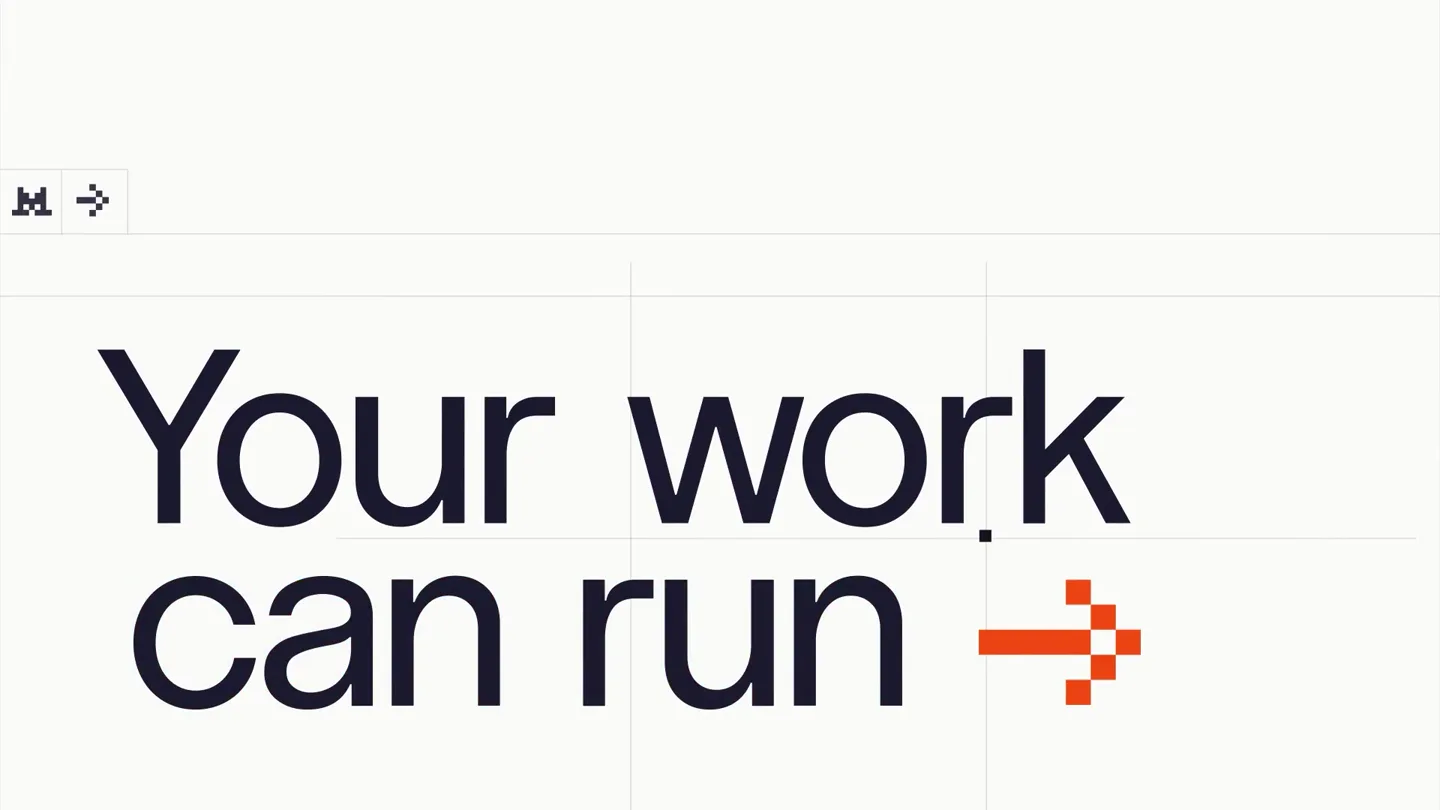
- can run → Working Thought for 3s Looked at Market_Sizing_Data.xlsx Looked at Clinical_Trial_Summary_2026.pdf Looked at 4 more files Thought for 4s Searching web RQ3 2026 RQ3 2026 Pharma & Life Sciences Strategic Brief The industry enters Q3 2026 in qualified recovery, with biopharma dealmaking accelerating to address a $236B patent cliff through 2029. Analysts note a spike in targeted M&A as firms backfill pipelines, while Deloitte reports 78% of biopharma executives expect AI to drive major change. PwC highlights leaders embedding AI, automation, and digital twins across operations to accelerate R&D... Edit in Canvas writing up your brief. Brief me for my 10am call tomorrow and send the summar Working Searching web Google Calendar Search Calendar Gmail Search Email Google Drive Read documents Thought for 2s Slack Schedule Message #account-team Artur 11:55 Tomorrow's 10am Client Call Recap Meeting: Recurring client meeting Date: May 20, 2026 Time: 10:00 AM - 10:30 AM (30 minutes) Attendees: Valentin Flageat, Chloe Daems, Artur Nutley Location: WeWork Context: Vibe Work Code New Task Search What do you want to build? App repo I'll inspect the app structure and auth flow, then implement 2FA. Two-factor verification Enter the 6-digit code sent to t**@test.com. For this demo, use the code below: 863887 Verification code Verify and continue Resend code Use a different account Implemented 2FA for the login flow and opened a draft PR: https://github.com/art/vibe-app/pull/2 your Output on control module D3 has been dropping since Tuesday. Find the cause and tell me how to fix it. Workflow started : Site monitoring Working Loading skill Loaded skill pipeline-analysis.md Telemetry Line 3 metrics pulle Thought Health Summary: Control Module D3 Status: Healthy | Health Score: 94% | Last Updated: May 19, 2026, 14:00 CET Module D3 is operating within normal parameters. All primary metrics (temperature, vibration, pressure, current) are stable and below warning thresholds. The module shows excellent reliability with 99.7% uptime over the past 30 days. No critical alerts or maintenance flags are active. Module Health Score Comparison Module Status Distribution Healthy Warning Critical Grounded in your knowledge. Draft a framework for running QBRs Deep research on the latest AI news Brief me on my next meeting Summarize my unread emails and draft responses Until the complex work is done.
- Camera
- Static overhead view, then subtle zooms and pans to follow UI elements. Occasional quick cuts to full-screen text overlays.
- Motion
- Rapid UI element reveals, text typing animations, expanding information cards, and quick transitions between different application views.
Product Reveal
Introducing Work Mode and Code Mode
“(No spoken dialogue — Energetic electronic beat continues, punctuated by synth risers and sub-bass drops at key transitions.)”
- On screen
- Mistral Vibe Work Code New Task Search What do you want to build? App repo I'll inspect the app structure and auth flow, then implement 2FA. Two-factor verification Enter the 6-digit code sent to t**@test.com. For this demo, use the code below: 863887 Verification code Verify and continue Resend code Use a different account Implemented 2FA for the login flow and opened a draft PR: https://github.com/art/vibe-app/pull/2 your Output on control module D3 has been dropping since Tuesday. Find the cause and tell me how to fix it. Workflow started : Site monitoring Working Loading skill Loaded skill pipeline-analysis.md Telemetry Line 3 metrics pulle Thought Health Summary: Control Module D3 Status: Healthy | Health Score: 94% | Last Updated: May 19, 2026, 14:00 CET Module D3 is operating within normal parameters. All primary metrics (temperature, vibration, pressure, current) are stable and below warning thresholds. The module shows excellent reliability with 99.7% uptime over the past 30 days. No critical alerts or maintenance flags are active. Module Health Score Comparison Module Status Distribution Healthy Warning Critical Grounded in your knowledge. Draft a framework for running QBRs Deep research on the latest AI news Brief me on my next meeting Summarize my unread emails and draft responses Until the complex work is done.
- Camera
- Dynamic camera movements, including quick zooms into specific UI elements and lateral pans across multi-panel interfaces.
- Motion
- Split-screen compositions, animated data visualizations, and seamless transitions between different modes (Work/Code).
Feature Teaser
CLI and VS Code Extension Integration
“(No spoken dialogue — The electronic beat maintains its intensity, with 'wah' synth effects and hip-hop drum machine sounds adding texture.)”
- On screen
- Mistral Vibe Work Code New Task Search What do you want to build? App repo I'll inspect the app structure and auth flow, then implement 2FA. Two-factor verification Enter the 6-digit code sent to t**@test.com. For this demo, use the code below: 863887 Verification code Verify and continue Resend code Use a different account Implemented 2FA for the login flow and opened a draft PR: https://github.com/art/vibe-app/pull/2 your Output on control module D3 has been dropping since Tuesday. Find the cause and tell me how to fix it. Workflow started : Site monitoring Working Loading skill Loaded skill pipeline-analysis.md Telemetry Line 3 metrics pulle Thought Health Summary: Control Module D3 Status: Healthy | Health Score: 94% | Last Updated: May 19, 2026, 14:00 CET Module D3 is operating within normal parameters. All primary metrics (temperature, vibration, pressure, current) are stable and below warning thresholds. The module shows excellent reliability with 99.7% uptime over the past 30 days. No critical alerts or maintenance flags are active. Module Health Score Comparison Module Status Distribution Healthy Warning Critical Grounded in your knowledge. Draft a framework for running QBRs Deep research on the latest AI news Brief me on my next meeting Summarize my unread emails and draft responses Until the complex work is done.
- Camera
- Close-up shots of code editors and terminal interfaces, with rapid cuts to highlight specific lines of code or command outputs.
- Motion
- Code highlighting, terminal command animations, and seamless transitions between different development environments.
Call to Action
SHIPPED. Mistral Vibe is now the AI agent for long-horizon productivity and coding.
“(No spoken dialogue — The electronic beat builds to a crescendo, with powerful sub-bass impacts and a final energetic flourish.)”
- On screen
- SHIPPED. Mistral Vibe is now the AI agent for long-horizon productivity and coding, and the home for Work mode, Code mode, the CLI, and a brand new VS Code extension. Let's go... Mistral Vibe Work Code New Task Search What do you want to build? App repo I'll inspect the app structure and auth flow, then implement 2FA. Two-factor verification Enter the 6-digit code sent to t**@test.com. For this demo, use the code below: 863887 Verification code Verify and continue Resend code Use a different account Implemented 2FA for the login flow and opened a draft PR: https://github.com/art/vibe-app/pull/2 your Output on control module D3 has been dropping since Tuesday. Find the cause and tell me how to fix it. Workflow started : Site monitoring Working Loading skill Loaded skill pipeline-analysis.md Telemetry Line 3 metrics pulle Thought Health Summary: Control Module D3 Status: Healthy | Health Score: 94% | Last Updated: May 19, 2026, 14:00 CET Module D3 is operating within normal parameters. All primary metrics (temperature, vibration, pressure, current) are stable and below warning thresholds. The module shows excellent reliability with 99.7% uptime over the past 30 days. No critical alerts or maintenance flags are active. Module Health Score Comparison Module Status Distribution Healthy Warning Critical Grounded in your knowledge. Draft a framework for running QBRs Deep research on the latest AI news Brief me on my next meeting Summarize my unread emails and draft responses Until the complex work is done.
- Camera
- Sweeping camera movements across the entire product interface, culminating in a full-screen display of the product logo and tagline.
- Motion
- Dynamic text reveals, logo animation, and a final impactful visual statement.
Motion design primitives
Synthesizable in Remotion · key components of the curved-horizon-fast-cut-montage template.
DynamicCardReveal
Information cards expand and contract with content appearing via typing animations or subtle fades, often accompanied by a subtle bounce or spring effect.
+ Code construction recipe
Utilize `spring()` for card expansion/contraction and `interpolate()` for text opacity and position. Implement `typewriterEffect` for text reveals.
SplitScreenWorkflow
The screen dynamically splits into multiple panels, showcasing different aspects of the product (e.g., code editor, terminal, data visualization) simultaneously or in rapid succession.
+ Code construction recipe
Employ `AbsoluteFill` and `Sequence` components with `interpolate()` for `transform` properties (e.g., `translateX`, `scale`) to create dynamic panel layouts. Use `ClipPath` for precise masking.
InteractiveTextOverlay
Key phrases or product features are highlighted with large, bold text that animates onto the screen, often with a subtle glow or pixelation effect, then quickly transitions to the next scene.
+ Code construction recipe
Use `Text` components with `interpolate()` for `opacity`, `scale`, and `blur` properties. Apply SVG filters for glow/pixelation. Coordinate with audio cues for impactful reveals.
Style DNA & aesthetic system
Visual aesthetic
Typography
Motion
Special effects
Pacing & rhythm
Conceptual story rhythm
- 1
Problem/Solution Setup
Purpose. Quickly establish the pain points of complex workflows and introduce Mistral Vibe as the intelligent agent for resolution.
Execution. Rapid cuts showcasing various productivity challenges (e.g., data analysis, scheduling) with Mistral Vibe's UI providing instant solutions.
- 2
Feature Deep Dive
Purpose. Demonstrate the core functionalities of Work Mode and Code Mode, highlighting their distinct capabilities.
Execution. Split-screen animations and focused UI walkthroughs illustrating how the AI agent handles both general productivity tasks and complex coding challenges.
- 3
Integration & Ecosystem
Purpose. Showcase the seamless integration with developer tools like CLI and VS Code, emphasizing versatility.
Execution. Dynamic transitions between terminal interfaces, code editors, and data visualizations, demonstrating the product's adaptability across different environments.
- 4
Impact & Call to Action
Purpose. Conclude with a powerful statement about the product's impact on productivity and a clear call to engage.
Execution. Energetic logo reveal, bold text overlays summarizing key benefits, and a final impactful visual statement with the tagline.




