Napkin Math Launch (by Y Combinator) · Launch Video Breakdown: Hook, Pacing & Motion Design
What’s messing up your tummy? Napkin Math (https://napkinmath.club knows. Napkin Math is the hyper-personalized AI food journal that helps people achieve their health goals. Congrats on the launch, @jynniit, @clairen19 & @manny4c! https://www.ycombinator.com/launches/QXK-napkin-math-hyper-personalized-ai-food-journal
Scene-by-scene timeline & spoken transcript
The Hook
Personal Struggle & Introduction
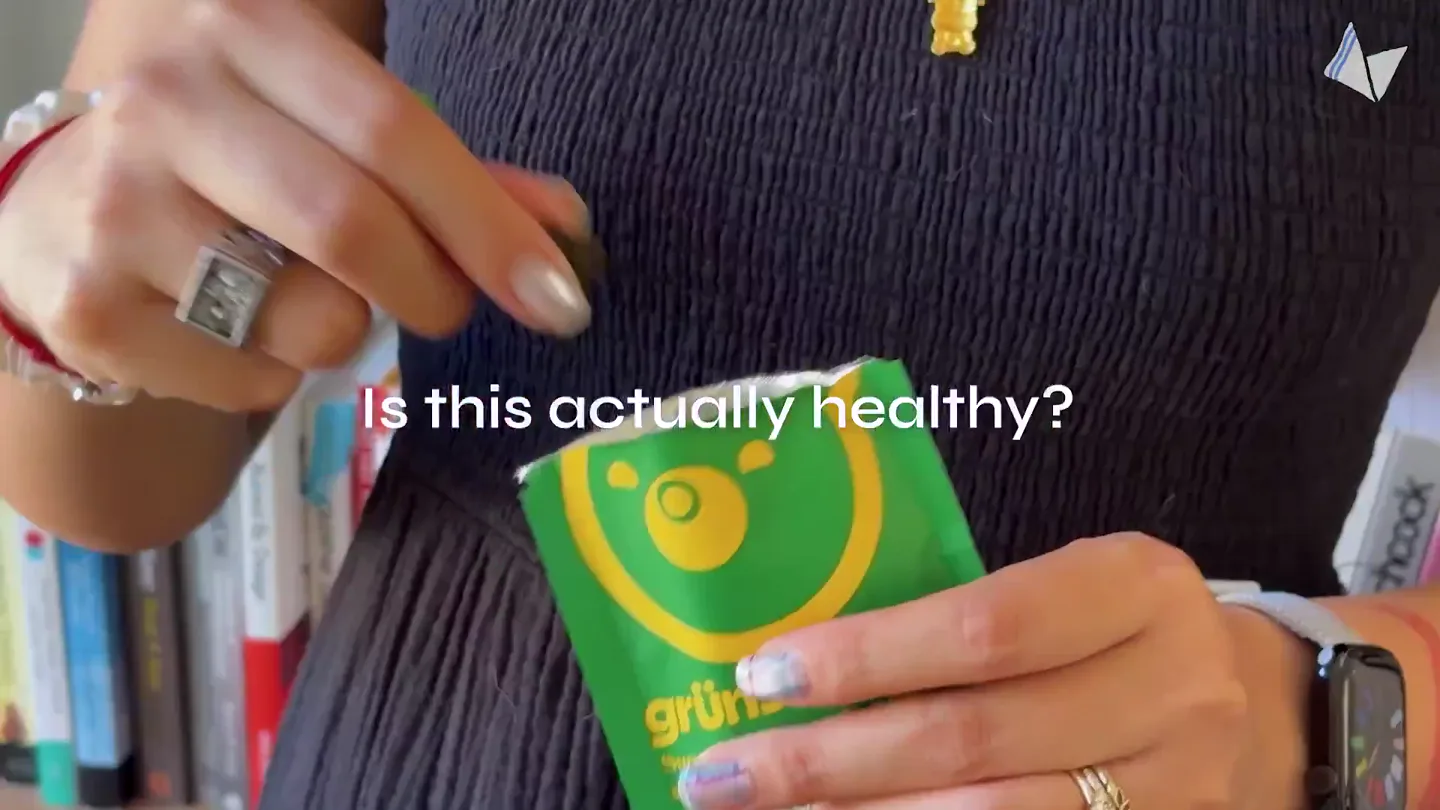
“Is this actually messing up my tummy? I've been having stomach pain for the past few years. Gastritis? Gallstones? I've tried everything.”
- On screen
- Is this ac Jynnie | Founder of Napkin Math Most Likely to Forget Lunch Gastritis? Gallstones?
- Camera
- Rapid cuts between close-ups of food items and the founder, then a medium shot of the founder speaking directly to the camera, followed by a slight zoom out.
- Motion
- Fast-paced cuts, on-screen text overlays with a subtle fade-in, and a slight camera push-in for emphasis. The founder holds a pink flower as a prop, adding a personal touch.
Problem Agitation
The Challenge of Food Tracking
“I've tried everything. I've tried food journaling, but it's so hard to keep up with. I've tried elimination diets, but it's so hard to figure out what's actually causing my pain. I've tried all these different things, and nothing has worked. I'm so frustrated.”
- On screen
- (No on-screen text)
- Camera
- Medium shot of the founder, with subtle head movements and gestures to emphasize her points. The camera remains static, focusing on her expressive delivery.
- Motion
- Consistent framing, allowing the founder's narrative to drive the segment. The visual focus is on her emotional connection to the problem.
Product Reveal
Introducing Napkin Math
“That's why we built Napkin Math. Napkin Math is the hyper-personalized AI food journal that helps people achieve their health goals. It's so easy to use. You just take a picture of your food, and Napkin Math does the rest. It automatically identifies ingredients, tracks your macros, and even tells you if something might be messing up your tummy.”
- On screen
- +12g Protein do you see any pattern with my food and my pain in the last few days? Reviewing your meals from May 17 – May 23 Burger Sun - lunch Reviewing recent pain episodes Your flares are lining up with heavier, fattier meals — burger 1 Sunday and quesa birria 2 Monday both preceded pain, while a veggie bagel 3 day stayed clear. The pattern isn't perfect Quesa birria Mon - dinner Veggie bagel Tue - breakfast
- Camera
- Dynamic cuts between founder speaking and screen recordings of the Napkin Math app in action. The app footage uses a top-down perspective for food scanning and a close-up for data analysis.
- Motion
- Screen recordings with animated UI elements, text pop-ups, and data visualization. The app interface is clean and modern, with smooth transitions between screens. Text highlights and numerical overlays emphasize key features.
Feature Teaser
Real-World Application & Benefits
“It's like having a nutritionist in your pocket. You can track your progress, see what's working, and make informed decisions about your diet. It's helped me so much, and I know it can help you too. No more guessing, no more frustration. Just clear, actionable insights.”
- On screen
- Strawberry (No on-screen text)
- Camera
- Cuts between the founder interacting with the app in a social setting (dinner party) and close-ups of the app's interface. The camera pans slightly to follow the founder's interaction.
- Motion
- Seamless integration of product usage into a lifestyle scene. The app's UI elements are animated to show real-time data input and analysis, demonstrating ease of use and immediate feedback.
Call to Action
Achieve Your Health Goals
“Happy Tummy, Happy Life. Download Napkin Math today and start your journey to a healthier you.”
- On screen
- Happy Tummy, Ha
- Camera
- A wide shot of the founder and friends enjoying a meal, gradually blurring as text overlays appear. The camera then transitions to a clear call-to-action screen.
- Motion
- Soft focus background with prominent text overlay. The final screen features a clear product logo and call to action, with a subtle animation to draw attention to the download prompt.
Motion design primitives
Synthesizable in Remotion · key components of the founder-led-product-reveal template.
TextFadeInPop
Text elements appear with a quick fade-in and a slight scale-up, giving a 'pop' effect before settling into place. This is often used for on-screen questions or feature highlights.
+ Code construction recipe
Use `interpolate` for `opacity` from 0 to 1 and `scale` from 0.9 to 1.05, then back to 1.0. Apply a `spring` animation for the scale property to achieve a bouncy feel.
UIDataReveal
App UI elements, such as chat bubbles, food cards, and data summaries, animate into view sequentially, often with a slight slide and fade, simulating real-time AI analysis.
+ Code construction recipe
Utilize `sequence` to stagger the appearance of multiple components. Each component can use `interpolate` for `translateY` (e.g., from 20px to 0px) and `opacity` (0 to 1), with an `easeOutCubic` curve for smooth entry.
ProductShotOverlay
A mobile device screen recording is overlaid onto a blurred real-world background, with UI elements within the screen animating to demonstrate functionality.
+ Code construction recipe
Render the background video with a `blur` filter. Overlay a `Video` component for the screen recording, ensuring it's cropped and positioned correctly within a `Frame` component representing the phone. Animate internal UI elements using `interpolate` for position and opacity.
Style DNA & aesthetic system
Visual aesthetic
Typography
Motion
Special effects
Pacing & rhythm
Conceptual story rhythm
- 1
Personal Pain Point
Purpose. Establish relatability and empathy by sharing the founder's personal struggle with health issues and the inadequacy of existing solutions.
Execution. Founder speaking directly to the camera, using a prop (flower) to maintain engagement, with quick cuts of daily life and on-screen text highlighting symptoms.
- 2
The 'Aha!' Moment
Purpose. Introduce Napkin Math as the innovative solution to the previously agitated problem, positioning it as a breakthrough.
Execution. Transition from founder's monologue to a clear product reveal, showcasing the app's core functionality through animated screen recordings and UI demonstrations.
- 3
Feature Deep Dive & Benefit Showcase
Purpose. Detail key features and translate them into tangible benefits, demonstrating how the product solves the user's problem effectively.
Execution. Animated UI sequences demonstrating food scanning, AI analysis, and personalized insights, interspersed with the founder explaining the benefits in a clear, concise manner.
- 4
Vision & Call to Action
Purpose. Inspire users to take action by painting a picture of a better future with the product and providing clear next steps.
Execution. Lifestyle shots of happy users (founder and friends) enjoying food, followed by a strong, branded call-to-action screen with download instructions.