
Open Analytics · Launch Video Breakdown: Hook, Pacing & Motion Design
An open-source, AI-native, privacy-first web analytics platform for traffic and revenue — on infrastructure you own, or hosted for you. Built to replace Google Analytics.
Scene-by-scene timeline & spoken transcript
The Hook
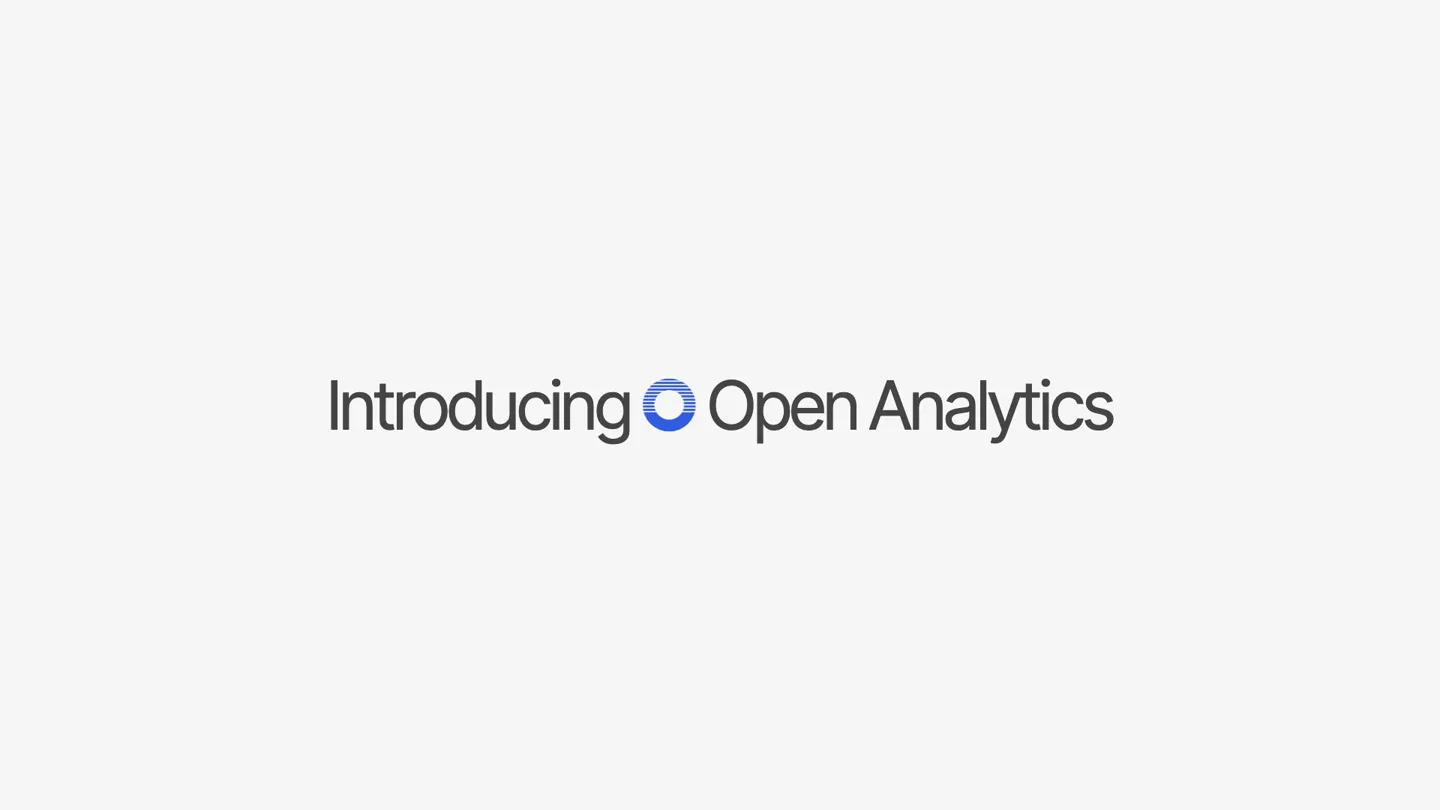
Introducing Open Analytics
“(No spoken dialogue — Gradual build-up with a synth riser and evolving pad.)”
- On screen
- Introducing Open Analytics
- Camera
- Static, centered text reveal.
- Motion
- Text fade-in and character reveal with a subtle glow effect on the logo.
Product Reveal
Modern Web Analytics
“(No spoken dialogue — Significant sub-bass drop/impact with a percussive hit, marking a transition. Driving synth arpeggio pattern with a pulsing rhythm.)”
- On screen
- Open source analytics for the modern web.
- Camera
- Static, centered text with a highlighted word.
- Motion
- Word highlight animation (blue background) with a quick text transition.
Feature Teaser
Key Features Showcase
“(No spoken dialogue — Another prominent sub-bass impact, followed by a slight pause and then a re-introduction of the arpeggio with increased intensity. Continued high-energy arpeggio with layered synth elements.)”
- On screen
- Cookieless Funnels Custom events MCP server
- Camera
- Static, centered text. Rapid succession of single words appearing.
- Motion
- Fast-cut text reveals, each word fading in and out quickly, creating a dynamic list effect.
Feature Teaser
Easy Integration
“(No spoken dialogue — A distinct high-frequency sweep/riser leading into another sub-bass impact. The arpeggio continues, becoming more complex with additional melodic layers.)”
- On screen
- Add it with a snippet <script async src="https://c.getopen.so/oa.js" data-key="oa_pk_12345VuyV3R3zeistjhbzSY-ZGLz" data-collector="https://c.getopen.so" Or start with our CLI $ npx getopen init
- Camera
- Zoom-in on code editor window, then zoom-out and pan to another code editor window.
- Motion
- Code snippet reveal with line-by-line typing animation, followed by a quick cut to CLI command with typing animation. Uses a 'terminal window' UI element.
Call to Action
Open Analytics CTA
“(No spoken dialogue — A final, powerful sub-bass impact with a sustained low-frequency rumble, leading to a fade-out with lingering synth textures.)”
- On screen
- Open Analytics getopen.so | github.com/OpenLabs-so/openanalytics
- Camera
- Static, centered logo and links.
- Motion
- Logo and text fade-in, with a subtle pulse on the logo.
Motion design primitives
Synthesizable in Remotion · key components of the developer-tool-fast-cut-launch template.
TextHighlightReveal
A line of text appears, and then a specific word or phrase within it is highlighted with a solid background color, drawing immediate attention.
+ Code construction recipe
Use a <Text> component for the main text. For the highlighted word, wrap it in a <View> with a background color and animate its opacity and scale using interpolate() or spring() for a quick, impactful reveal. Ensure z-index for proper layering.
RapidTextCarousel
Single words or short phrases rapidly fade in and out in the center of the screen, creating a quick, punchy list of features or benefits.
+ Code construction recipe
Implement a sequence of <Text> components, each with a short duration. Animate opacity from 0 to 1 and back to 0 using sequence() and interpolate() for a fast cross-fade effect. Use a common layout component to maintain central alignment.
CodeSnippetTypewriter
A code editor window appears, and lines of code or CLI commands are typed out character by character, simulating real-time coding.
+ Code construction recipe
Create a <CodeBlock> or similar component. For each line, use a loop to render characters one by one with a delay, or animate the width of a masking element over the text. Use a spring() for the initial window pop-in and out. Incorporate a blinking cursor effect.
Style DNA & aesthetic system
Visual aesthetic
Typography
Motion
Special effects
Pacing & rhythm
Conceptual story rhythm
- 1
Introduction & Value Proposition
Purpose. Immediately introduces the product and its core benefit (modern web analytics) to hook the viewer.
Execution. Product name reveal followed by a concise tagline with a highlighted keyword, set against a clean background.
- 2
Feature Blitz
Purpose. Rapidly showcases key features and capabilities, emphasizing breadth and innovation.
Execution. Fast-cut, single-word text reveals on a dark background, each word representing a core feature.
- 3
Developer Experience
Purpose. Demonstrates the ease and flexibility of integration for developers.
Execution. Animated code snippets and CLI commands within a stylized terminal window, showing practical implementation.
- 4
Call to Action
Purpose. Directs viewers to learn more and engage with the product.
Execution. Final logo reveal with website and GitHub links, providing clear next steps.




