Poke · Launch Video Breakdown: Hook, Pacing & Motion Design
Starting today, personal superintelligence is just one tap away. No download, no signup. Text Poke for free now: 🌴 — 0:00 – What's Poke? 0:50 – Introducing Poke Recipes 1:25 – Create a Recipe in 1…
Scene-by-scene timeline & spoken transcript
The Hook
Introducing Poke: Personal Superintelligence
“Starting today, personal superintelligence is just one tap away. No download, no signup. Text Poke for free now: 🌴”
- On screen
- Cole, Design Engineer
- Camera
- Rapid cuts between diverse speakers in various settings (indoor, outdoor, office). Close-up on faces, then wider shots showing context.
- Motion
- Fast-paced montage with quick cuts, subtle camera zooms, and speaker name overlays. Text elements animate in with a slight bounce.
Product Reveal
Poke Recipes: The Core Technology
“Introducing Poke Recipes. This is the core of Poke. It's how you tell Poke what to do, how to integrate with other services, and how to build custom functionality.”
- On screen
- $1 / User, Reward for every User that signs up until April 15: $1 / User in the US $0.10, $0.10 / User everywhere else, Poke Kitchen
- Camera
- Focus shifts to screen recordings of the Poke interface, with occasional cuts back to the presenter. Camera is static on the screen.
- Motion
- Screen recordings with animated UI elements, text highlighting, and cursor movements. Code editor animations show typing and scrolling. Dollar signs animate in a spiral pattern.
Feature Teaser
Building and Deploying Custom Poke Recipes
“Create a Recipe in 1…”
- On screen
- EXPLORER, 2026-03-18-CANVAS, OUTLINE, _fetch_announcements, _fetch_todos, _lifespan, _list_courses, _get_course, _get_assignment, _list_announcements, _list_submissions, _list_user_grades, _list_modules, _list_upcoming_events, _get_todo_items, _search_courses, _list_files, _list_discussions, _get_course_syllabus, POLL_INTERVAL, FLUSH_MSG, _load_state, _save_state, _listen_notifications, _listen_announcements, _listen_todos, _listen_courses, _app, server.py, U, X, TS index.ts U, Users > samyok > Developer > render-mcp > canvas-py > server.py > get_user_grades, list_announcements(course_ids: list[int]) -> str:, """List announcements for courses.""", codes = "[context_codes]" + ",".join([f"for cid in course_ids"], return_result(await canvas_list(f"announcements?context_codes[]={codes}")), mcp.tool(), async def list_submissions(course_id: int, assignment_id: int) -> str:, """List submissions for an assignment.""", return_result(await canvas_list(f"courses/{course_id}/assignments/{assignment_id}/submissions")), mcp.tool(), async def get_user_grades(course_id: int) -> str:, """Get grades for the current user in a course.""", return_result(await canvas_list(f"courses/{course_id}/students/submissions?student_ids[]={self.bindc}, mcp.tool(), async def list_modules(course_id: int) -> str:, """List modules for a course.""", return_result(await canvas_list(f"courses/{course_id}/modules?include[]={items}")), mcp.tool(), async def list_upcoming_events() -> str:, """List upcoming calendar events.""", return_result(await canvas_list_get_json(f"users/self/upcoming_events")), mcp.tool(), async def get_todo_items() -> str:, """Get TODO items for the authenticated user.""", return_result(await canvas_list_get_json(f"users/self/todo")), app, server.py, U, X, TS index.ts U, Users > samyok > Developer > render-mcp > canvas-py > server.py > listen_notifications, async def listen_notifications(poll_seconds: int = POLL_INTERVAL):, """Poll for new Canvas notifications. Yields updates via Poke callbacks.""", msg = f"Listening for notifications ({item_load_state(STATE_NOTIFICATIONS)} existing)", print(f"[listen_notifications] {msg}"), while True:, seen = set(_load_state(STATE_NOTIFICATIONS)), notifications = await _fetch_announcements(), current_ids = [a["id"] for a in notifications], new = [a for a in announcements if a["id"] not in seen], if new:, _save_state(STATE_ANNOUNCEMENTS, current_ids), for a in new:, msg = f"New notification: {a["subject"]} - {a["message"]}", print(f"[listen_notifications] {msg}"), yield msg, await asyncio.sleep(poll_seconds), mcp.tool(), @with_callbacks, async def listen_todos(poll_seconds: int = POLL_INTERVAL):, """Poll for new Canvas TODO items. Yields updates via Poke callbacks.""", Recipes, Manage and publish your Poke Recipes, New Recipe, A Recipe is a blueprint for how Poke can be useful to you, Integrations if you need them., Check out what others have built >, Name (optional), strava-to-notion, Context, Every night, update Notion with the user's lates, New integration template, Create an MCP integration template that can be attached to, Recipes., Name, Stanford Canvas, Server URL, https://canvas-mcp.interaction.cx/sse, API Key required Change, API Key, ************, Used for connection testing only. Not stored on the template., Short Description, Used by students to hel, Description, Detailed description of what this integration does, Cancel, Test connection, Create template, Poke Kitchen, Discord >, Q Search, Docs, Developer, Recipes, Integrations, API Keys, Test Mode, Labs, Account, Activity, Payouts, Create Recipe, Poke, canvas-daily-digest, by Samyok Nepal, DESCRIPTION, Provides a nightly summary of upcoming homework assignments, course announcements, and important updates directly, from Canvas., INTEGRATIONS, S, Stanford Canvas, Used by students to keep important info..., Add Key
- Camera
- Primarily screen recordings of code editors and web interfaces, with occasional close-ups on the presenter's hands or face. The camera often pans and zooms within the digital interface.
- Motion
- Code editor animations with typing, scrolling, and syntax highlighting. UI element interactions (clicks, hovers) are clearly animated. Smooth transitions between different parts of the Poke platform.
Call to Action
Poke in Action: A Student's Life
“(No spoken dialogue — The audio track features a blend of electronic and orchestral synth music. It incorporates pizzicato synths, sub-bass, and 808s, creating a modern and dynamic soundscape. High-energy audio transitions, risers, sweeps, and sub-bass drops/impacts are strategically placed throughout the video to emphasize key moments and transitions. The music shifts from ambient and subtle during explanations to more dramatic and energetic during product demonstrations and the short film.)”
- On screen
- Poke 🌴, now, stanford just sent an email asking where you wanna study abroad, Parisian Love (2025) >, 0:04, -0:05, Tuesday, December 22, 3:56
- Camera
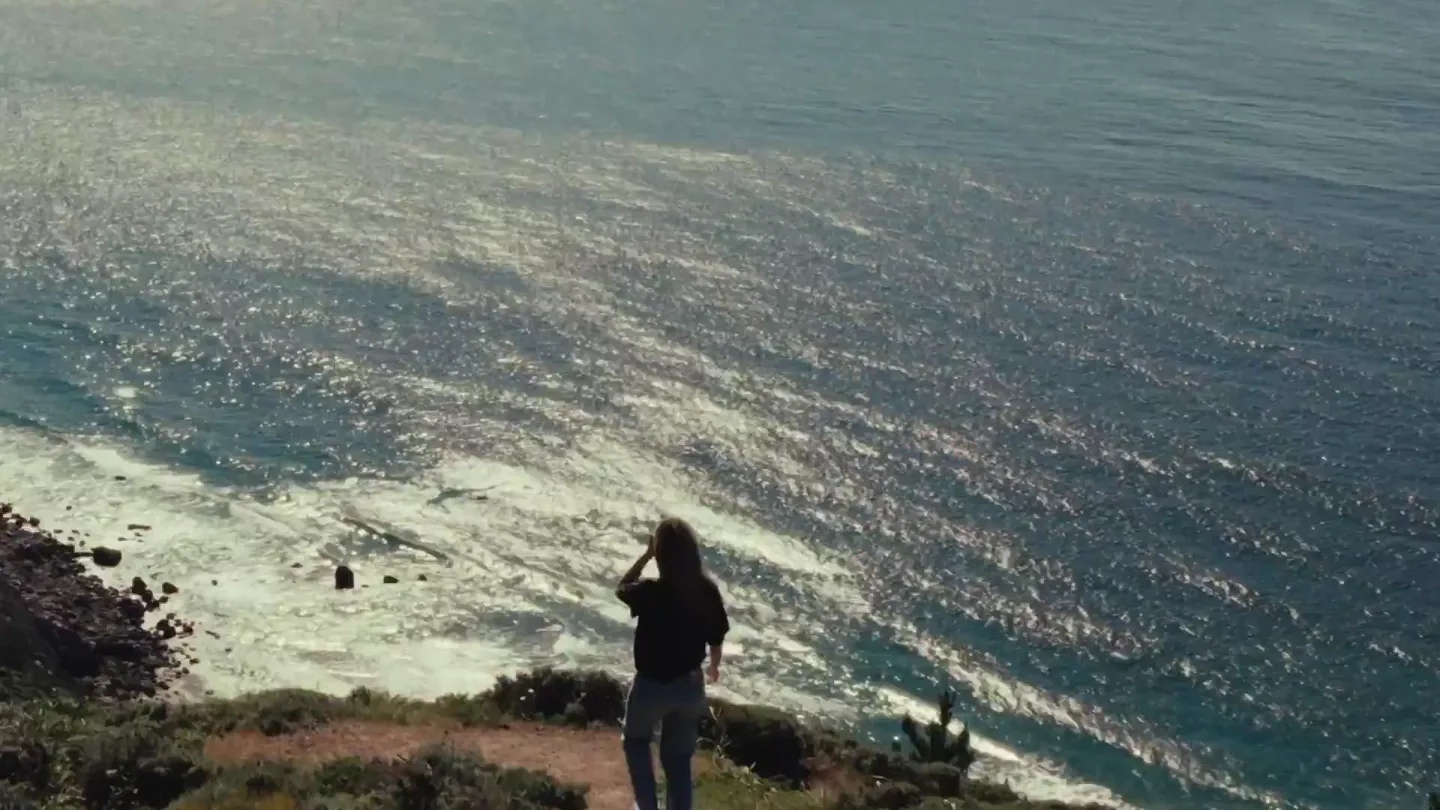
- Cinematic shots of a student's daily life, featuring close-ups on a smartphone screen displaying Poke notifications. Dynamic camera movements follow the student's actions.
- Motion
- Real-world footage integrated with animated UI overlays. Notifications slide in with a subtle bounce. The overall pacing becomes more cinematic and narrative-driven.
Motion design primitives
Synthesizable in Remotion · key components of the founder-tech-motion-launch template.
CodeEditorTypewriter
Displays code in a terminal or IDE, simulating real-time typing and scrolling, with syntax highlighting and cursor animation. Lines of code appear character by character or line by line.
+ Code construction recipe
Utilize Remotion's `Sequence` and `AbsoluteFill` components. Implement `spring` or `interpolate` for cursor blinking and text appearance. Use `map` to render characters with delays, and `measureText` for accurate cursor positioning. Syntax highlighting can be achieved with `styled-components` or inline styles based on tokenized code.
UISlideAndBounce
UI elements (notifications, text overlays, dollar signs) slide into view from off-screen with a subtle, elastic bounce effect, then settle into their final position.
+ Code construction recipe
Employ Remotion's `spring` function for both position (x, y) and scale. Animate `translateX` or `translateY` from an off-screen value to 0, with a `damping` value that creates the bounce. Combine with `scale` animation for a more dynamic entrance.
DynamicScreenZoom
Smoothly zooms into specific areas of a screen recording or UI, highlighting details, then zooms out or pans to another area. The screen itself is often presented within a device frame.
+ Code construction recipe
Use `interpolate` to animate `scale` and `translate` properties of the screen content. The screen content should be a child of a `View` component that clips its bounds. Apply a `blur` filter during transitions for a more polished effect.
Style DNA & aesthetic system
Visual aesthetic
Typography
Motion
Special effects
Pacing & rhythm
Conceptual story rhythm
- 1
The Visionary Hook
Purpose. Immediately grab attention and establish the product's core promise and ease of access.
Execution. Rapid-fire montage of diverse individuals speaking, intercut with quick text overlays and a compelling tagline, all set to high-energy music.
- 2
Technical Deep Dive
Purpose. Educate the audience on the underlying technology and how the product works, building credibility.
Execution. Detailed screen recordings of code editors and UI, demonstrating recipe creation and integration, with clear cursor movements and text animations.
- 3
Real-World Application
Purpose. Showcase the product's practical benefits and impact on a user's daily life through a relatable scenario.
Execution. A short film segment featuring a student, integrating cinematic shots with animated in-app notifications and interactions.
- 4
Empowerment & Call to Action
Purpose. Inspire users to adopt the product by highlighting its transformative potential and providing clear next steps.
Execution. A concluding sequence that ties the narrative back to the product's core value, often with a final deployment walkthrough and a clear call to action.